Here I’m using the 2 point perspective assistant tool, and it seems to create “extra” ruler guidelines like so:
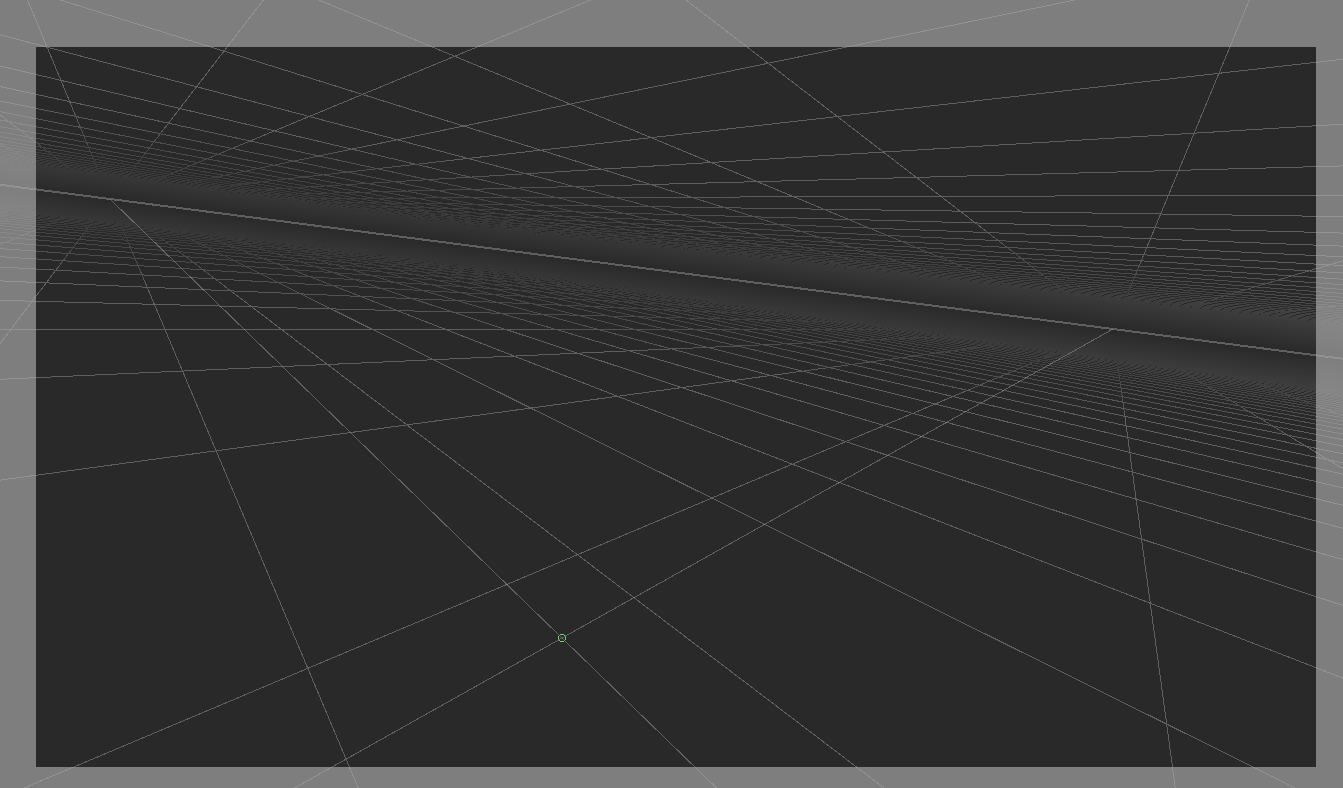
I’ve spent the better part of a few hours trying to meddle with the tool settings and options to find a solution (on top of forums and discords) but haven’t found anything yet. Basically, when I use the 2 point perspective tool assistant (this doesn’t seem to happen with any other assistant) Krita creates these “interpolating rulers” for lack of a better term, where it draws perspective lines from the cursor to either vanishing point. They are quite a hindrance, as I can’t draw or paint over the underlying perspective grid without having these lines constantly moving around and confusing me. The only portion I was able to turn off was “enable vertical ruler” which only disables…well, the vertical ruler. Are the other two rulers disable-able? If they are, why would the option to disable them be separate from the vertical ruler? Thanks for any help