Windows 10
Did everything as you’ve told. Still don’t see anything…maybe updating Krita to beta 5.01 might help…
The "shortcuts folder exists in the exact path you’ve metioned
What version of Krita are you using, and is the Resource Folder the default %APPDATA%\krita\ (C:\Users\me\AppData\Roaming\krita\) or changed to something else? 5.1.0 has some fixes in case the Resource Folder is a non-default directory.
Otherwise, does Krita fail to load any other custom resources (for example, try saving a new brush and loading it)?
Additionally, I seem to have misunderstood how importing shortcuts works from the Settings; “Load Custom Shortcuts” or “Import Scheme…”, doesn’t actually import the file, but loads the scheme into the current one. Meaning you’d have to create a new scheme, load the shortcuts, then resave the scheme.
When I manually import the shortcut scheme, it appears after closing and reopening the settings.
1 Like
Do that before you start krita.
Then it should be shown in the drop down list in Keyboard Shortcut - Shortcut Schemes.
The formal 5.1.0 release is available:
Krita Desktop | Krita
1 Like
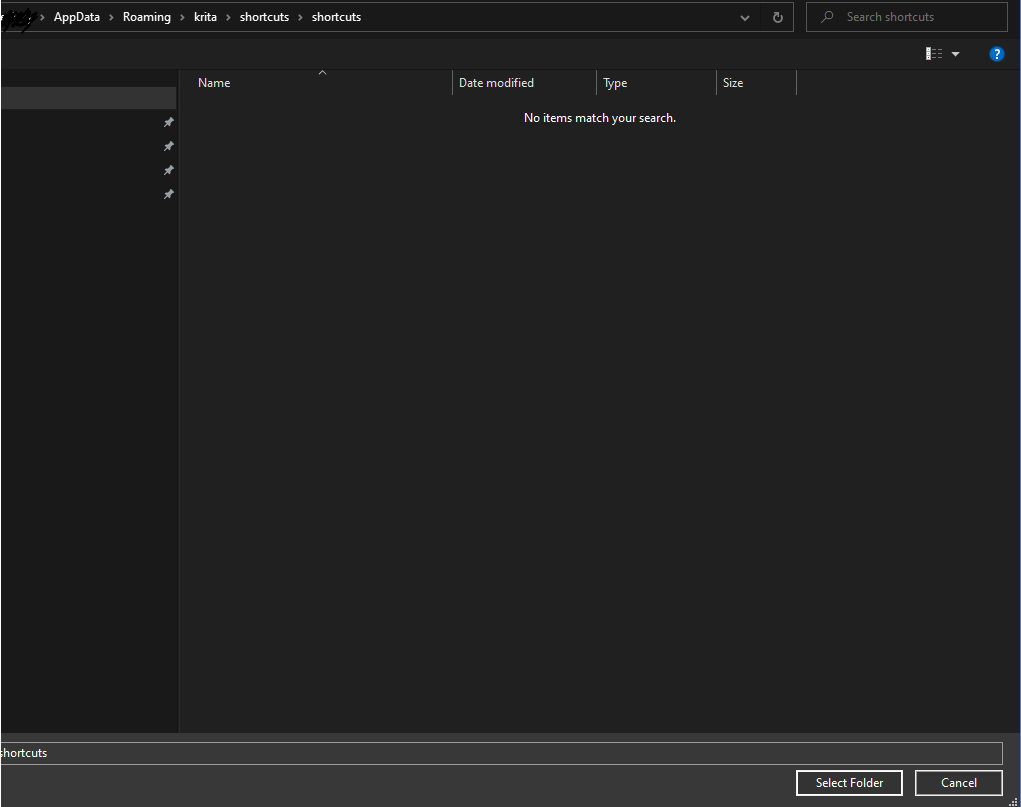
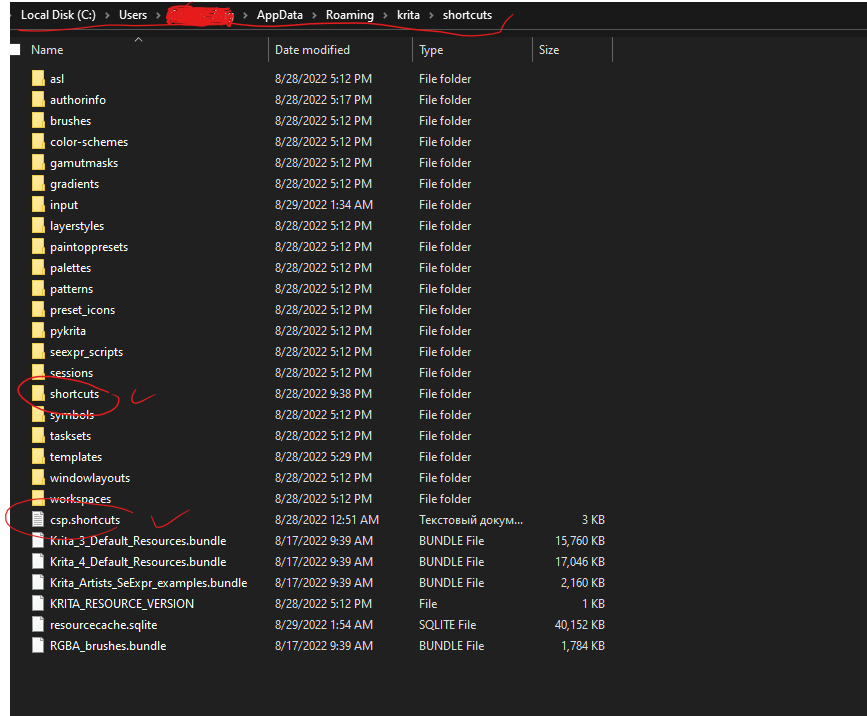
My Krita version is 5.1.0, Windows 10.
I think it would be nice to read about shortcut schemes import and export, or I will try to find the info myself
Okay, I’m pretty sure I found the problem!
I tried following my own instructions from the beginning this time, and noticed that when saving “csp.shortcuts” in Notepad, by default it automatically adds a “.txt” extension to the file. I can see from your second screenshot that the file is a text document.
You’ll have to either turn on “File name extensions” in File Explorer->View to rename it, or save a new version in Notepad as type “All Files” instead of “Text Documents”.
If you want to read more about the Shortcut Settings, here’s the page in the manual: Shortcut Settings — Krita Manual 5.0.0 documentation
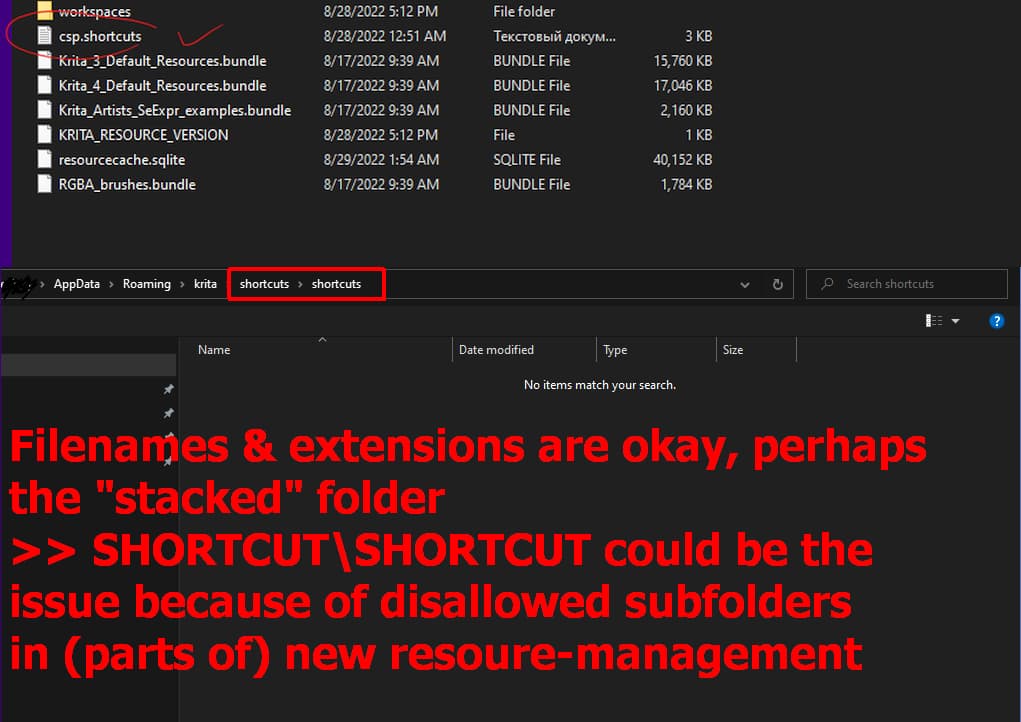
Filenames & extensions are okay, for me, it looks like perhaps the “stacked” folder >> SHORTCUT\SHORTCUT could be the issue because of disallowed subfolders in (parts of the) new resource-management?
Wrong folder-structure?
Michelist
Actually, the folder structure, while not ideal, is perfectly fine, I tested it myself; in that case, Krita just can’t find the resources (except for the .shortcuts file, if the extension was correct) and reloads the default ones into the Resource Folder.
The reason the filename looks okay is because File Explorer is weird about showing extensions; if “Show File Extensions” is off it doesn’t show extensions it understands, like “.txt”, but will still show ones it doesn’t understand, like “.shortcuts” and “.bundle.” You can tell “csp.shortcuts” is a text file because of the file icon and the file type. I can’t read the file type in this case, but I assume it translates to “Text Document”.
Since presumably the goal of this feature request is to have the scheme included in Krita by default, I’ve created an MR here: Add CSP-compatible shortcut scheme (!1565) · Merge requests · Graphics / Krita · GitLab
To download the files from the MR for testing, click on the “Changes” header, find the options menus for the files (krita/data/input/clipstudiopaintcompatible.profile and krita/data/shortcuts/clip_studio_paint_compatible.shortcuts), goto “View file @ [git hash]”, then click the download icon.
It includes some fixes compared to the draft:
- Removed
Ctrl+BSwitch using layer colormistakenly set to “Add Colorize Mask” - Removed default
D,L,J,Ctrl+I,Ctrl+Shift+2shortcuts which have no comparable function. - Added
CSwitch drawing color and transparent colorto the “Erase” shortcut - Changed
Merge selected layers {Shift+Alt+E}to use “Merge with Layer Below”
And also adds a Canvas Input Profile which does the following:
- Keeps
{Space}asHand“Pan” - Keeps
{Shift+Space}asRotate - Sets
{Ctrl+Space}asZoom in - Sets
{Alt+Space}asZoom out - Sets
{Ctrl+Shift}asSelect layer - Swaps “Alternate Invocation-Primary Mode” from
{Ctrl+Shift}to{Ctrl}to avoid a conflict.
When brush tool is active: - Sets
{Alt}asEyedropper“Alternate Invocation - Sample Merged” - Sets
Change brush size {Ctrl+Alt drag}: “Change Primary Setting” - Swaps “Sample Foreground from Current Layer” from
{Alt+Ctrl}to{Ctrl}to avoid a conflict.
5 Likes
Pinning this topic since this needs testing for the MR to be merged.
@freyalupen I think nobody has given any feedback for this. I think we can merge and check if anything is wrong based on reports later.
I’d be okay with merging- since it’s just a shortcut scheme any issues would be minor and easily fixable even by users.
I’ve now asked about it in the MR, so we’ll see.
2 Likes
This is now merged and the nightlies we have the option to select CSP compatible shortcuts. It will be in the next stable release.
So closing this to release the votes of people 
1 Like