Add 15° Angle Snapping to Other Applicable Tools
- Angle Snapping is a feature available in Line tool that allows the line to be snap/lock in an angle of 15° increment. This allow the line to be controlled and drawn precisely on that angle. It is a handy feature that allows for great control over line and quick way to draw something geometric.
This feature exist but only on Line Tool and partially on Assistants on current version
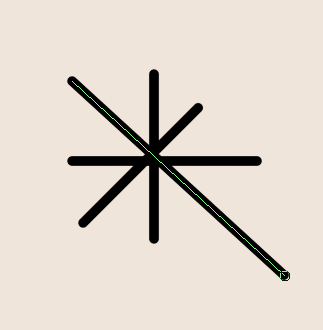
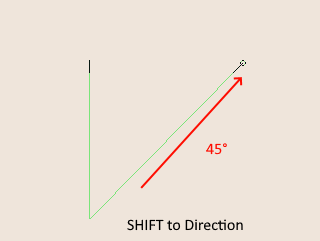
15° Angle Snapping Is currently available in the line tool by pressing the modifier key SHIFT after the tool has been activated and then line to a direction. This allows for a line to be drawn at specific angle - 15, 30, 45, 60. …
Angle snapping activated on a line tool
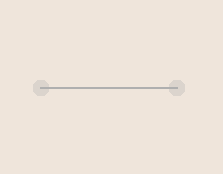
This also partially exist on Assistant, only on two angle 0 or 90. Which I think adequate for some assistant but having more angle to snap on I think would benefit other assistant such as the parallel ruler assistant, ruler assistant and spline.
Ruler Assistant Anlge Snap at 0
Expanding this feature to other tools
I think that other tools would benefit to having Angle snapping, As such here is a list of Tools that I think the snapping will be useful.
-
Polygonal Selection
– An image of my attempt to do selection on the shape of an octagon base;
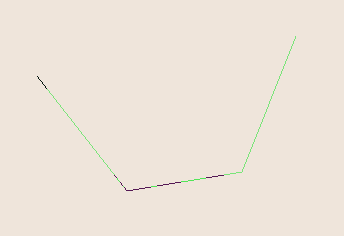
– Selection is one of those that not only get use to select but also to select and block. Sometimes you want to draw a selection block with parts of it that are at a certain angle. Having angle snapping will give artist quick way to generate geometric shapes that they can then fill or move. There are plenty of interesting effect this can make. -
Assistants [Parallel Ruler, Ruler, Spline] Already merge 2 months Ago
–An image of me trying to create parallel ruler in criss cross. Parallel ruler and ruler could use an angle, infact it can already snap at 0 and 90 if SHIFT is pressed.
–I visited the Tiar’s thread on planned assistant changes and this one is already done ^-^. Thank you @tiar
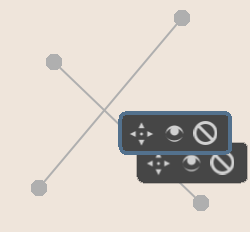
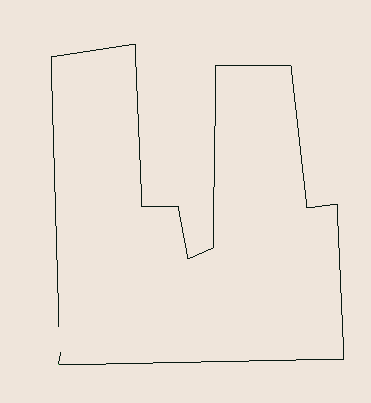
–Anyway leaving this here as point of reference.
-
Shape Engine Brush
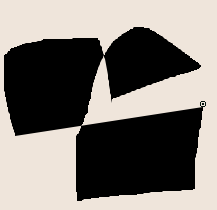
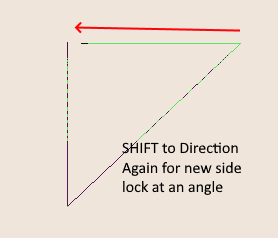
–Shape engine brush is mostly use to create quick shapes and blocking. Adding Shift to angle lock the next point / side of the shape being created opens up the possibility of quick build up of interesting geometric shapes.
-
Polyline and Polygon tool
– A tool for quick polygonal shapes, this one that I think. It should already have it. Polytools are meant to draw polygons, and it would be nice to be able to snap it at angle to create a sharper more geometric shapes i actual angle like nonagons, octagons, partial heptagons where only one side is following the shape of a heptagon. or making comic panels.
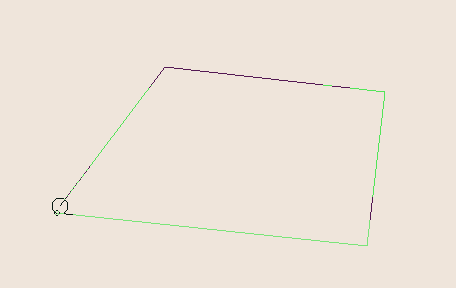
Proposed implementation
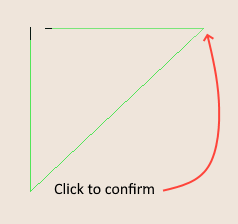
- Activate tools + SHIFT to activate angle lock + move mouse to direction + LMB to confirm length and angle of side.
Summary
This seemingly little combo of Shift + move mouse to direction to angle lock a side is a feature that will benefit not only the tools that already has it [line and in the near future assistant] but other tools.
From creating quick blocks of building, scifi patterns, map blocks, blocking etc.
I think that tools that deal with shapes could increase its usability by having it ^-^.