Hi
Assuming you’re using Krita 4.4.3 (but should be the same for older version)
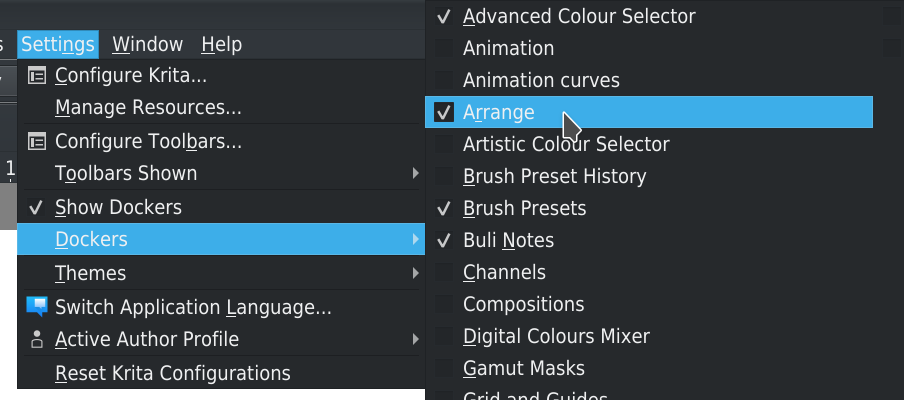
You have to activate “Arrange” docker in menu Settings > Dockers
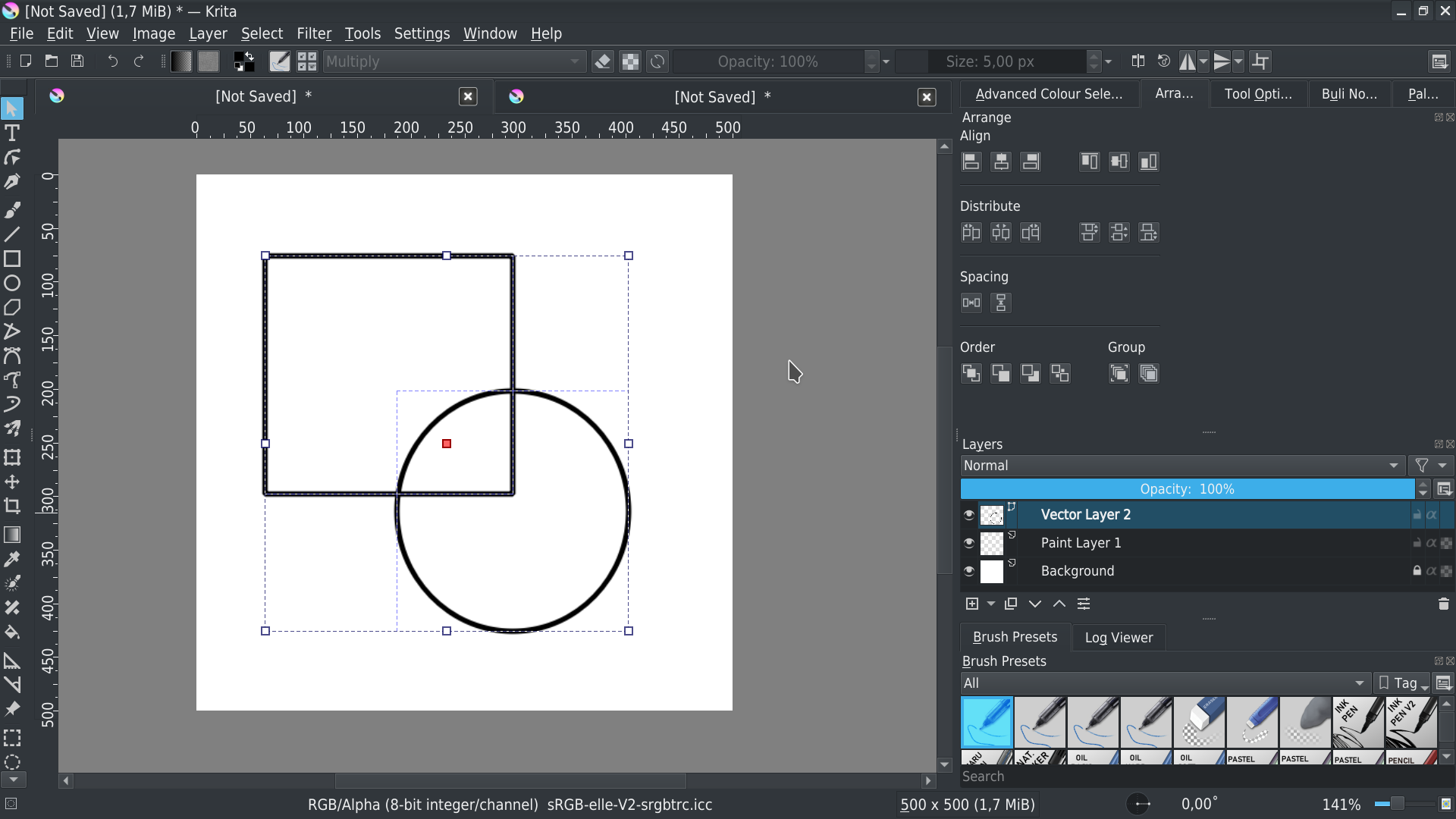
In your vector layer, select shapes you want to align:
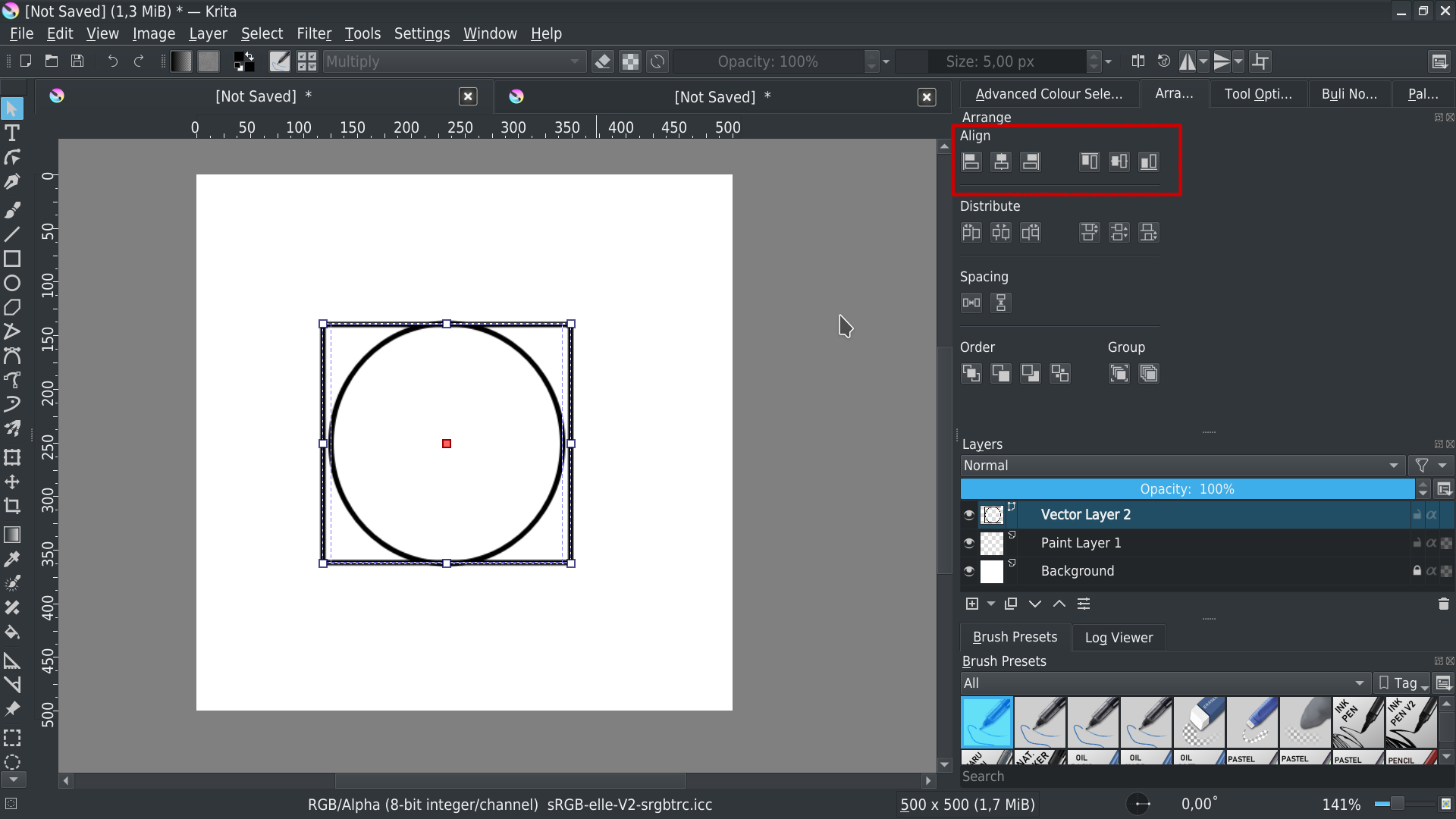
An in Docker layer, click on align button that match your need:
Grum999