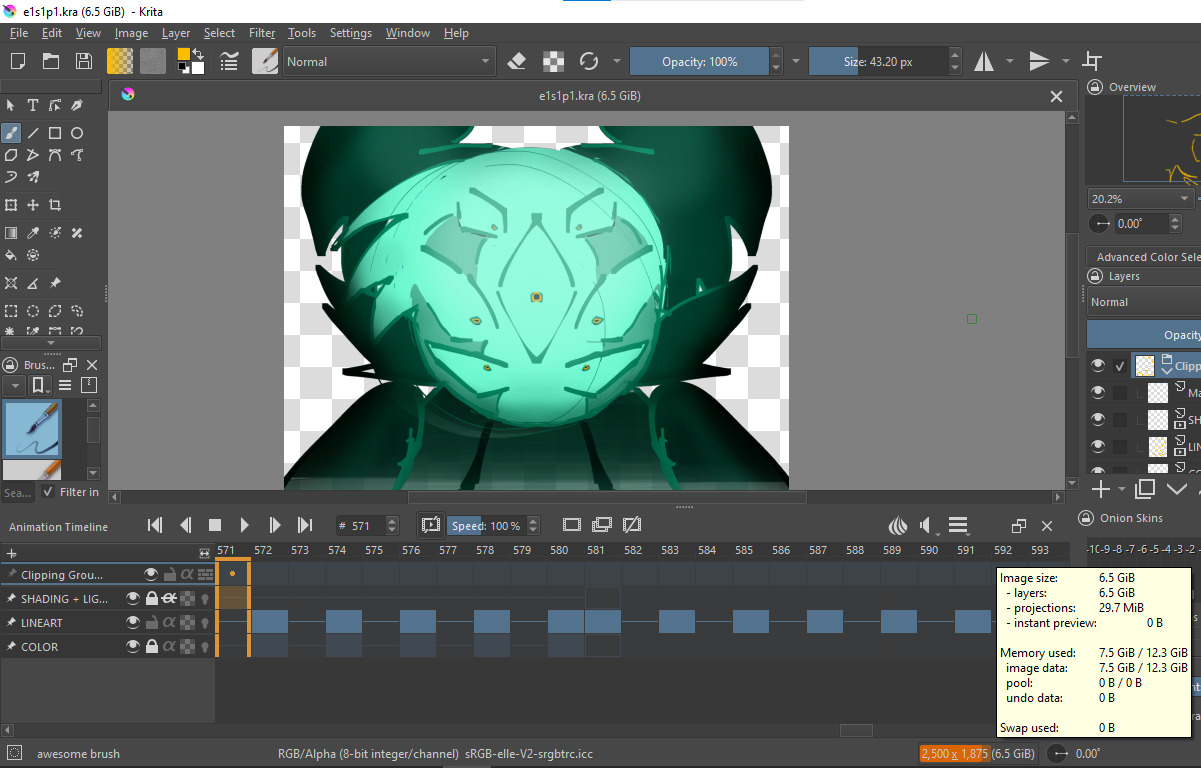
I have this one-minute, 12 fps, animated entirely on twos, animation I’m working on and it is TWO. layers. and less than 700 frames. and it is taking up SIX gb of RAM. Before I rendered out the background and deleted the layer SO i can stitch the lineart and background together in post, it was TEN. it was ONE layer of a constantly changing color (on twos) and that alone was FOUR GIGABYTES of ram.
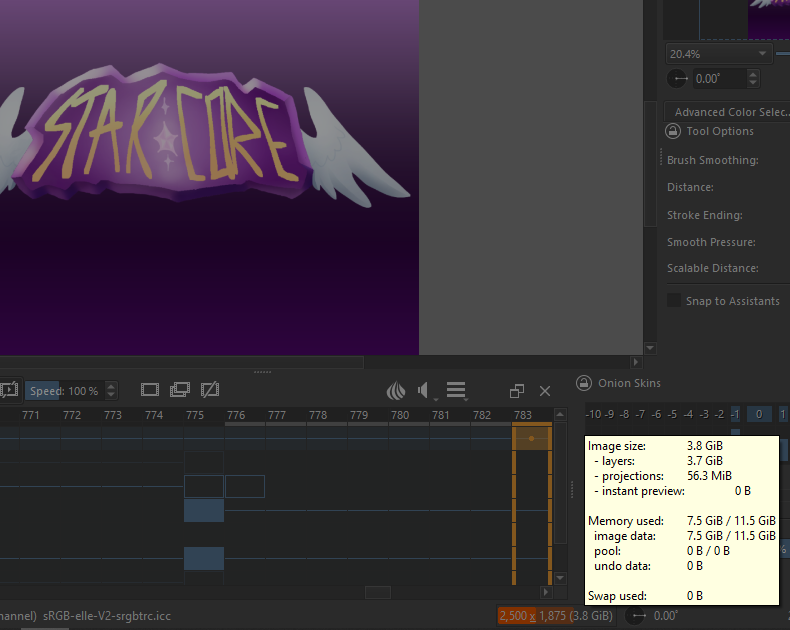
For some perspective this animation https://www.youtube.com/watch?v=c6QgeHZmWZg completely made in Krita 100% no effects elsewhere, was only 3.7 gb, it has 10 layers with frames in all of them.
These two have the exact same canvas size, same brushes, same FPS, same everything.
I don’t know why this one in specific is taking up so much RAM. Is it because it’s in my A: drive and not my C: drive? is there a setting i can turn on or off? Is it the audio? The audio is almost the exact same except the finished animation’s is 2822kbps and this one is 1411 kbps. PLEASE help me this is part 1 of 16 of an animation that is due by this spring and I CANNOT keep working like this.
I hope you can feel my rage from your side of the screen. God help me I hate my life.
One fully painted ~2500x1700 frame is around 17MB of RAM. 17 * 700 = 11.900. 10 GB of RAM taken is not surprising at all. Have you tried splitting your animation by scenes maybe?
As for why the other animation took less RAM: maybe there were less filled frames, maybe the frames (for example lineart) would be overall smaller instead of filling the whole canvas.
+1 with tiar. I also notice here that a scene made of 700 frames is a too long shot. I would recommend (and same for any other 2D raster animation software) to split your production by shots. One Krita file for each shot. Then using a video editor like Kdenlive or Blender to glue the shots together and manage your post production editing (eg. color grading, add camera shaking, sound, etc…). You’ll save a lot of RAM, loading time, playback smoothness, export time, and it will be a safer practice in case of kra file read/write errors.
I have split up my (~14 min long containing 7 scenes) audio into 1 minute long sections and then imported them to Krita, this opening shot is both kind of long and very zoomed in so maybe that explains it…. the other animation was mostly zoomed out shots, maybe ill just have to bear with it for now until i finish this scene
Also, your canvas is 2500 x 1875 pixels. Even with a 2K monitor (2560 x 1440) you wouldn’t be able to display the animation at full resolution.
A common monitor size for domestic use if 1920 x 1080. If you scale the animation down to
1250 x 936 (to maintain aspect ratio) then the resulting RAM usage (and also the .mp4 file size) will be about 25% of what it is for the larger original size.
omfg i resized the canvas to 70% size (1750 x 1313) and its down to 3 gb from 6 gb. ill try making the other scenes even smaller sizes this is life saving information thank you