I was testing some filters on my old notebook and also thought “it could be snappier”.
As there was a request for details:
Example with details and test files:
Spoiler: Switching to Open GL makes it a bit better.
- Krita 5.2.6
- Notebook on battery:
- Intel(R) Core™ i7-6700HQ CPU
- 16 GB ram
- NVIDIA GeForce GTX 960M
- NVMe SSD
- Windows 10 Home 22H2
The Nvidia control panel has a profile which is set to use the GeForce for Krita.
Testing with three files:
- Filter-Sample_01_1024x1024_150ppi_8bit.kra
- Filter-Sample_02_3076x3076_300ppi_8bit.kra
- Filter-Sample_03_3076x3076_300ppi_16bit-int.kra
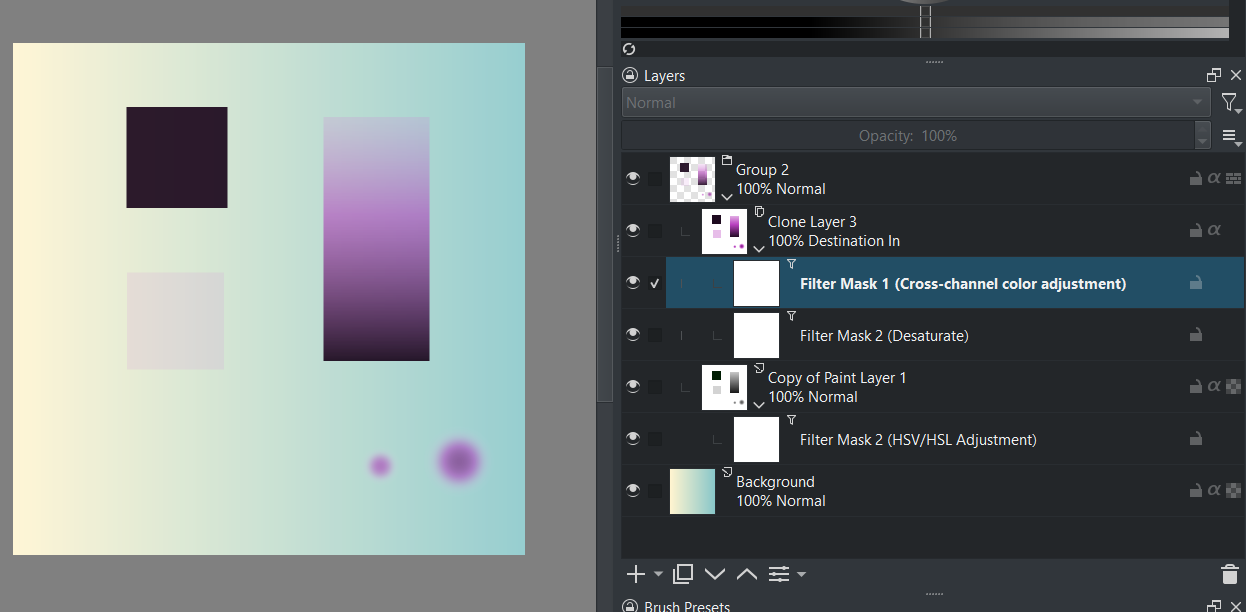
A few layers (one clone though) and a simple filter setup.
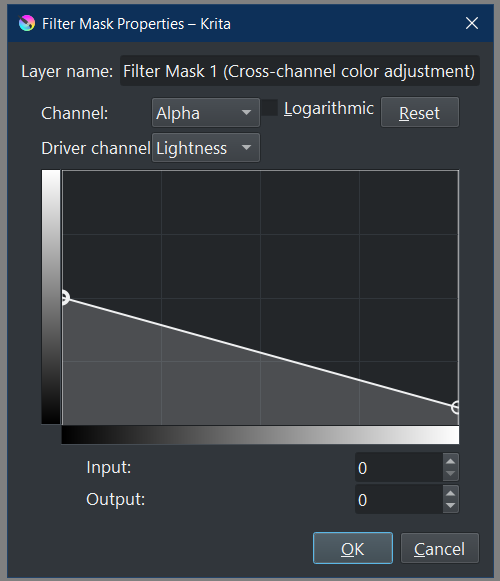
I only adjusted the Cross-Channel-Adjustment for testing.
The 1024x1024 file is ok, but the other two already show lags.
Just opening the filter takes some time.
It gets a bit better when setting Krita to use Open GL rendering instead of Angle.
I think there is room for optimization, but I also understand that the devs have a busy to do list and most users are happy, because the pure painting is quite fast.
The files are using elle srgb icc profiles. I am not sure if those are all included in a default Krita install - so I added them to the upload.
Source for them is here:
Regarding Affinity and GPU accelleration:
If it works, it is nice, but so often it causes errors, that the most often suggestion in the Affinity forum is: “disable GPU” before trying to do anything else 
EDIT:
I now tested with the notebook being plugged in instead of only using the battery.
It gets faster of course, but interestingly the Open GL rendering gets a bigger boost than the Angle one.