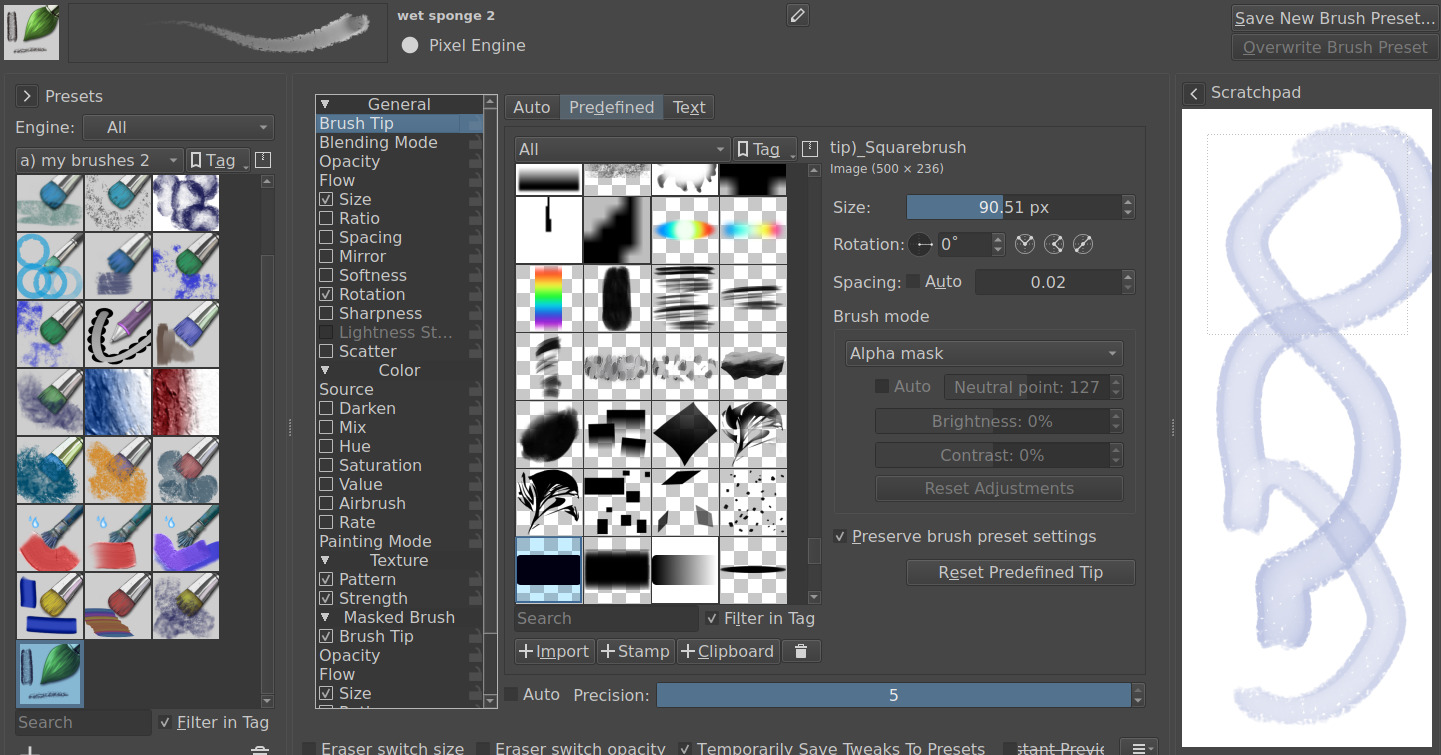
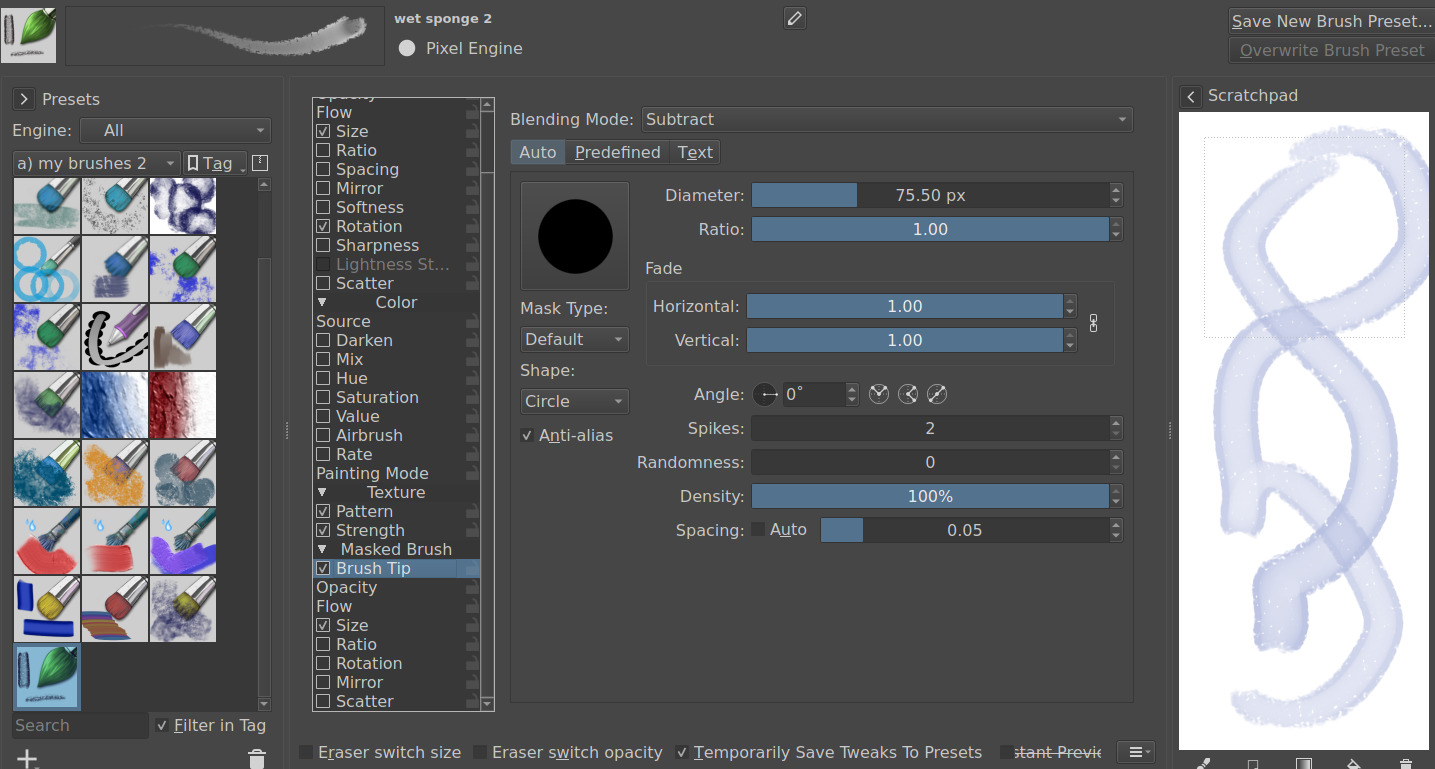
I have a few that can maybe help. the key is having the second brushtip in Subtract Blending mode. You can adjust the width of the outside line by adjusting the size of that second brushtip. Then if desired you can even add a pattern (below). Notice the the first brushtip is slightly larger, as I said above, adjust the second size to effect the outline.
1 Like