Hello @MaskPuck and welcome to the forum 
Did you notice that krita was becoming more and more sluggish as you added paint layers and added content to them?
Did you also notice a warning on the RAM meter on the status bar at the bottom of the application:?
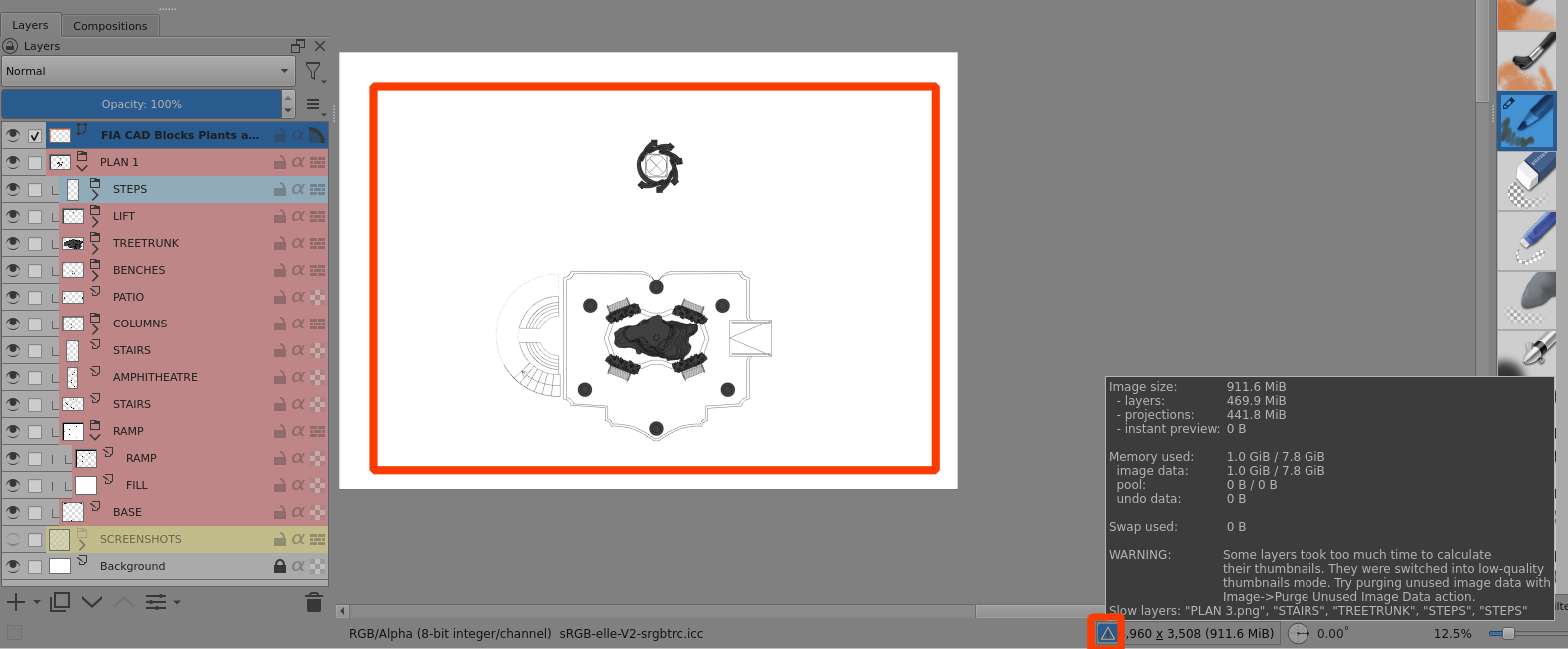
Even if I do a Purge, that doesn’t help.
Your original .kra file contains a vector layer with many complicated objects. It’s a 5.5 MB .svg image that my Inkscape struggled to open and manipulate:
By replacing that vector layer in your .kra file with a simple single red rectangle I was able to open it with no problem as you can see from the RAM meter screenshot above.
I could then import the original vector layer and that seemed fine.
However, after a Save, it was not possible to open the .kra file.
Most of your PLANS.kra file is paint layer artwork and I assume that you extracted vector objects and then converted them to raster images for use.
Here is your .kra file with the original vector content replaced by the simple red rectangle.
You can delete that of course and you still have your raster artwork:
It may be that krita was overloaded in some way by such a large and complex vector layer followed by the build-up of many paint layers.
Something similar to this with a vector layer has been reported recently. The developers are aware of it.
@Drawpile You may remember this in a topic six days ago:
and this:
The provided file in this topic has a resolution of 300 ppi.
I tried reducing that to 50 ppi but it still wouldn’t open and had continuous CPU usage jumping up and down.