Really good questions. I hope they try them all before asking you to convert more.
@sooz: In principle, there is not that much to test, because the brushes are all very similar at the moment, but I wanted to show it with the whole set plus a few extras.
So at the moment I have only created the 44 brush tips from the ABR file in stamps of the same size, always with the same settings as stamps in “Alpha Mask” mode and as stamps in “Color Image” mode, whereas “Color Image” in this case means monochrome.
In addition, there are 18 more brushes, created according to the same scheme, that I had already used myself to create pseudo-historical maps, made from ABR’s I already owned before @MadmaxNeo opened this topic. And lastly, eight “GIMP image hose brushes” with ships or mountains to quickly bring the Rockies, the Himalayas or the Spanish Armada onto the canvas, and also created in “Alpha Mask” or “Color Image” mode. I have created individual icons for all 132 brushes that also allow you to distinguish whether it is an “Alpha Mask” or “Color Image” brush, although I don’t yet know how I would display this for “Lightness Map” or “Gradient Map” (but I’m tossing around ideas). But with this type of stamp, I see “Lighness Maps” as being useful at best.
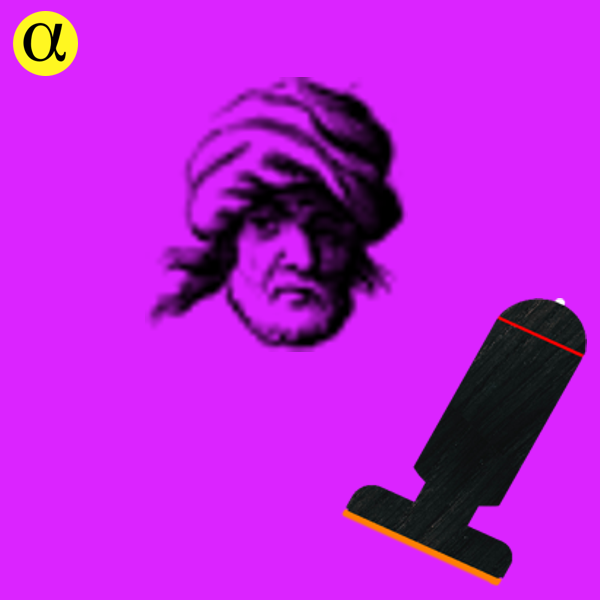
Here, you can see a few of the thumbnails I made, the alpha-symbol in the yellow point indicates the Alpha Mask Brushes, and the one with the 3 stamps stands for a GIH brush:

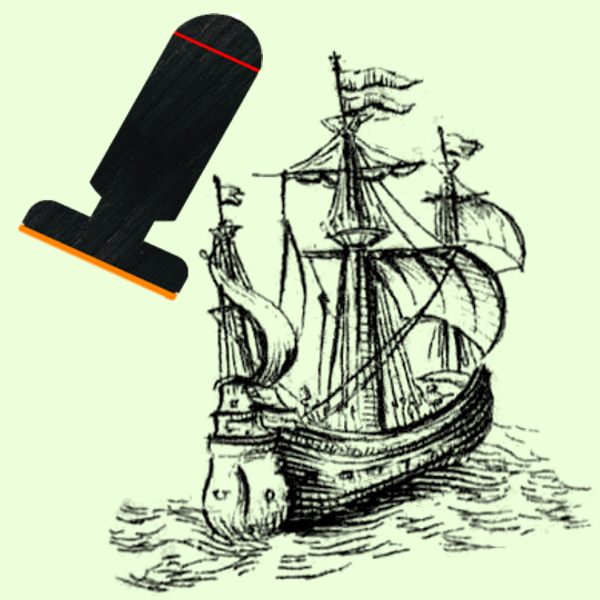
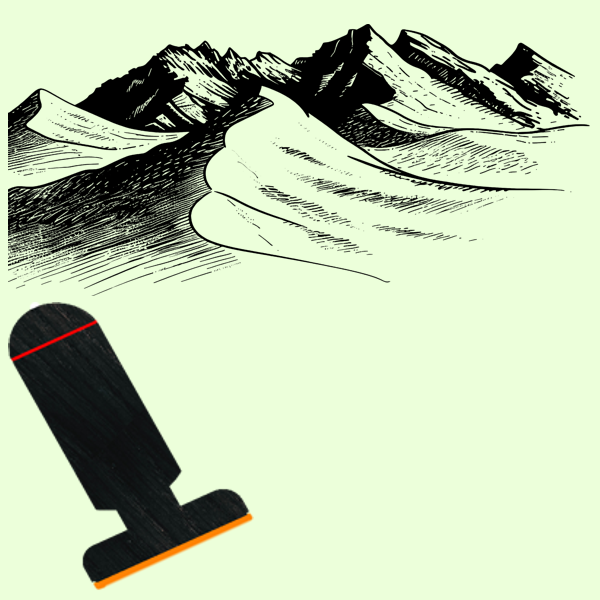
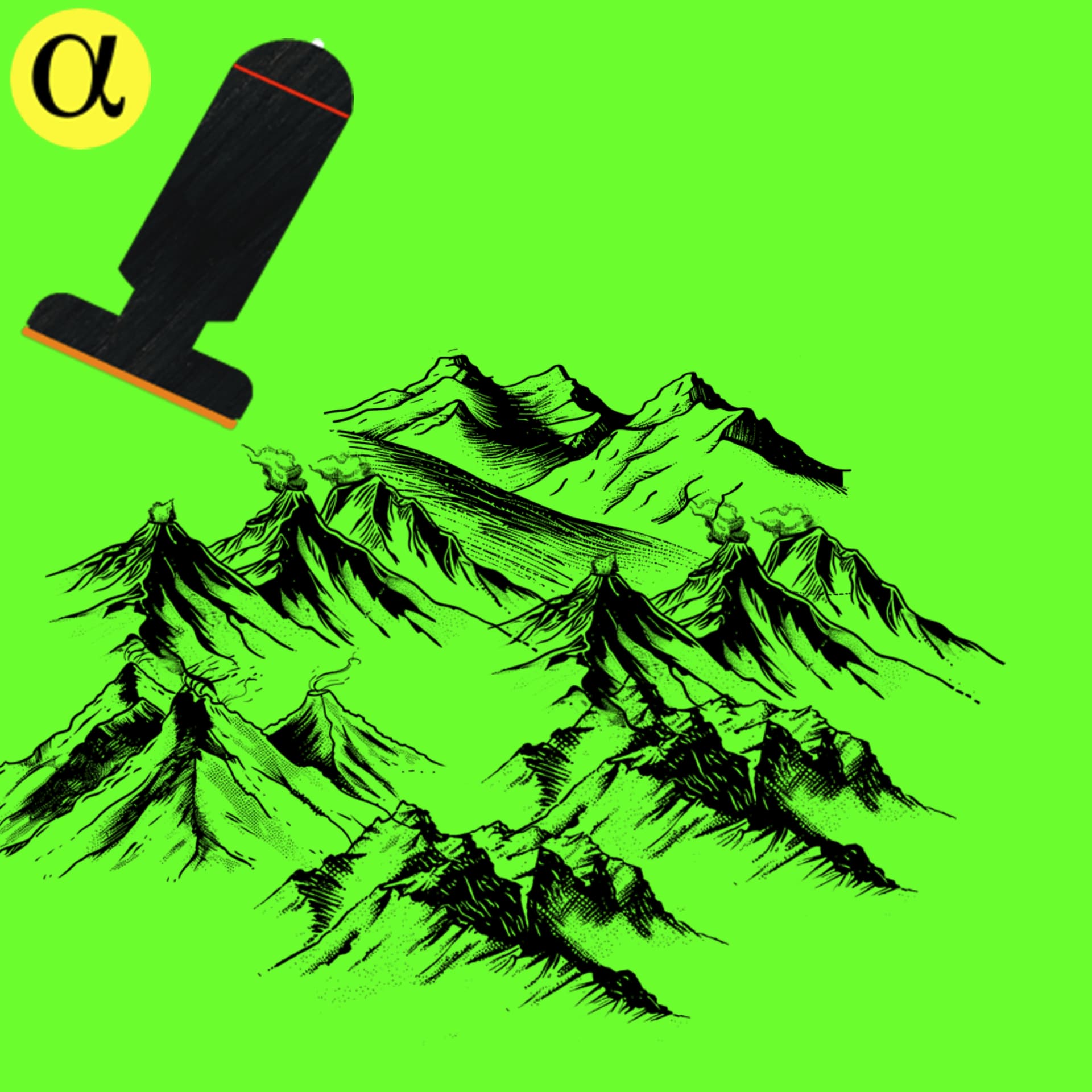
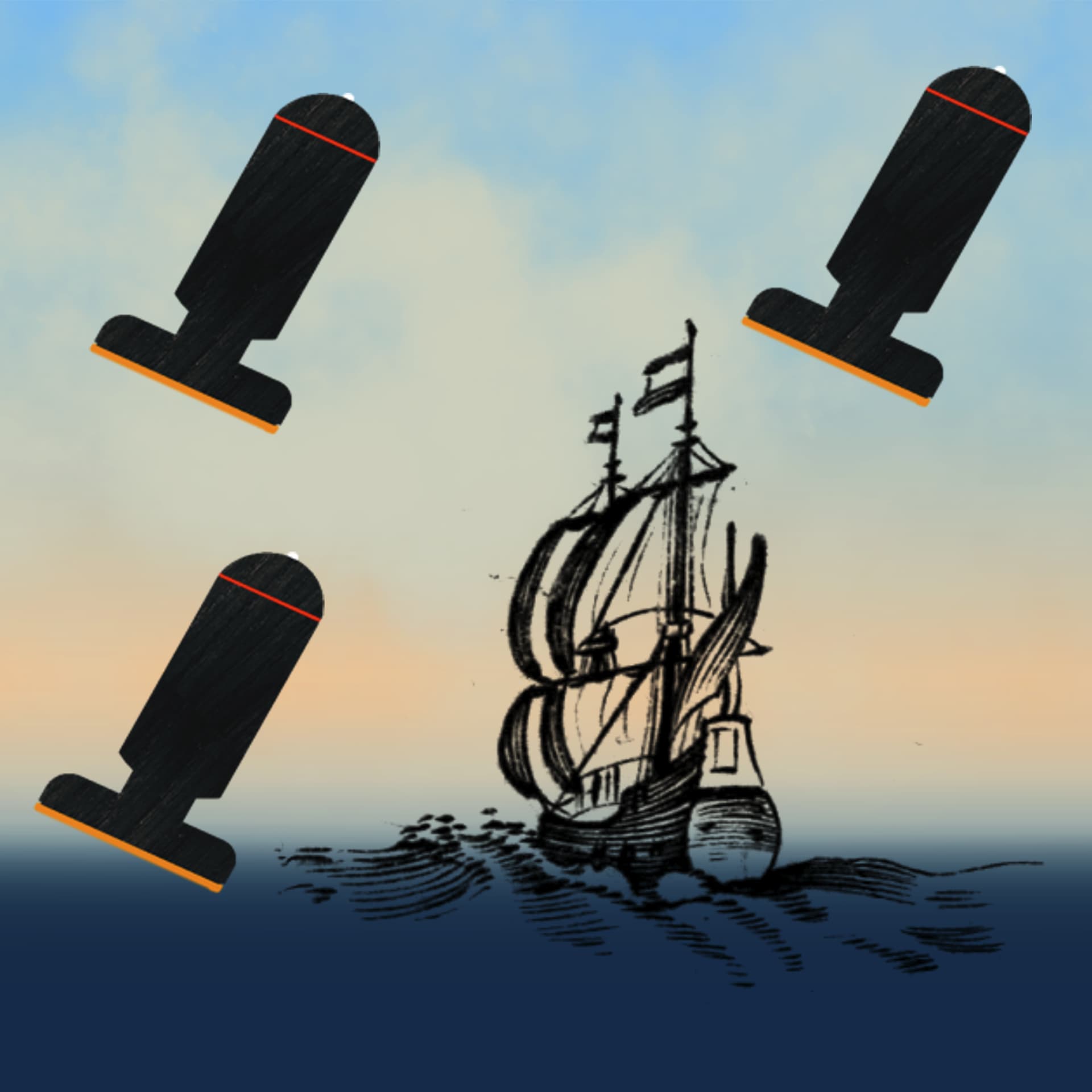
Michelist, who has to sleep soon.
2 Likes
Those are good thumbnails.
1 Like
I have installed the brushes into the Krita app on my tablet and they all show up just fine and I am able to use them to create things on the canvas. But all the brushes are very faded (opacity set to 100%) and are barely visible even on a solid white background. I tried changing the color to dark color but it doesn’t help any. I also didn’t notice any difference between using either of the two versions of all the brushes.
What settings do I need to change to make the brushes/stamps more visible (and not so faded) when applying them to the canvas?
Did you check both, layer opacity and brush opacity for being on “Normal”?
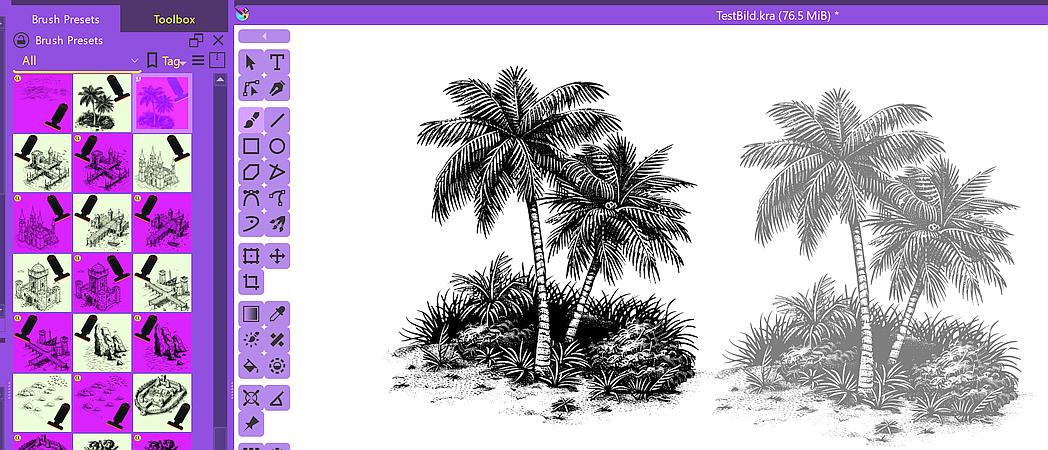
The left was made with the bright-colored icon and the right with the pink/purple icon brush:
Please tell me which operating system you use. Which version of Krita you use and from where you got it. And if you draw with a graphics tablet, I need to know the make and model of it.
I’m away for at least an hour and depending on circumstances I have no influence on, it can get tomorrow. But I’ll give my best to look at it today.
Michelist
I’m on the fire Max 11 (Amazon OS based on Android) and I installed Krita via the Google Play store. It should be the latest version on the Play store.
FYI, I didn’t know there was a separate brush opacity, I thought that the opacity level was for whatever it was you were painting at the time.
Where is the setting for brush opacity?
Brush opacity is the drop-down menu in Krita’s standard toolbar, layer opacity is on top of the Layers docker.
One can also adjust this in the brush settings, available via the brush editor. Do you have a pressure sensitive Tablet and pen, or is your pen like a mouse and has always 100% pressure?
Michelist
It is a pressure sensitive pen.
Hm, please upload a complete screenshot of your Krita, including status bar and title bar, the Tool Options docker has to be open and one of the brushes selected.
Michelist
I just wonder if you’re using a different color space than the standard? Maybe CMYK for whatever reason…?
Michelist
I am using whatever the default color space is.
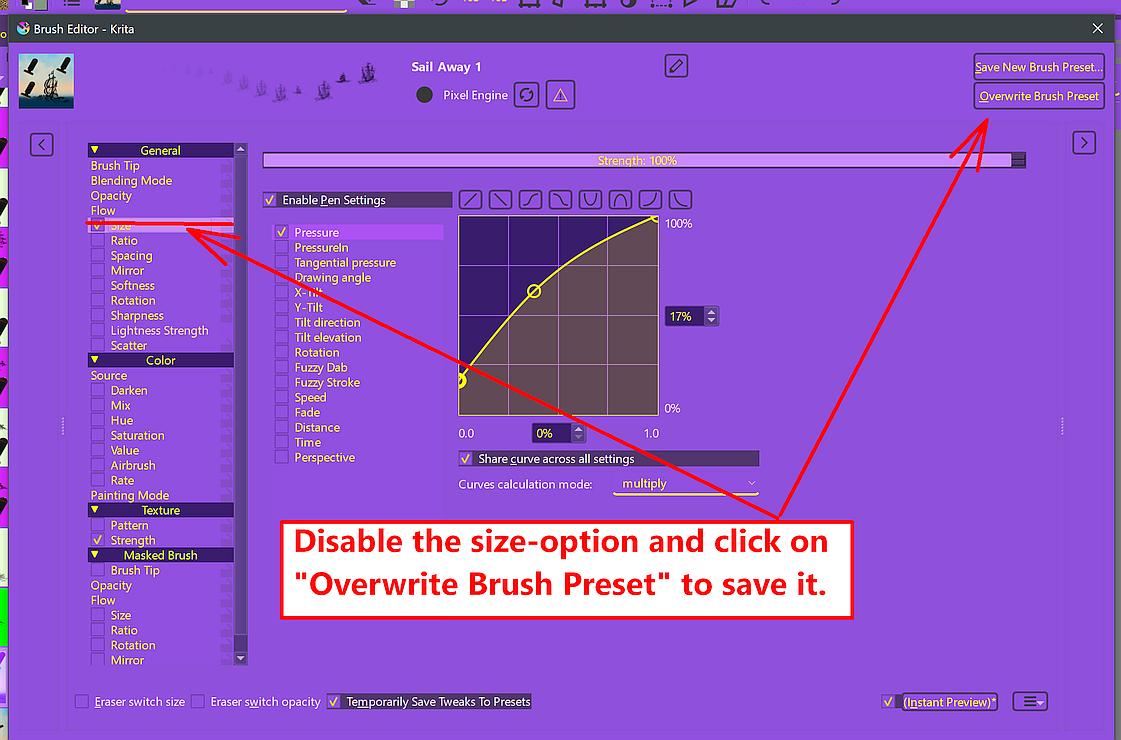
I found something on the brush opacity but it’s asking me to either create a new brush preset or replace one.
I haven’t been able to get a screen shot yet, hopefully soon. I’ve just been busy lately.
Attached is a google link to the screenshot.
In the image you can see I have one of the brushes selected and near the top is a small faded image of the brush then just below it is a larger more solid color of the same brush. To get that more solid color I had to press down on the pen pretty hard which also gave me a larger brush image than what I wanted.
I’d prefer it to be a solid color without having to apply pressure to the pen.
The link says I have to log in to Google and request access.
Instead, can you take a screenshot and paste it into a reply here?
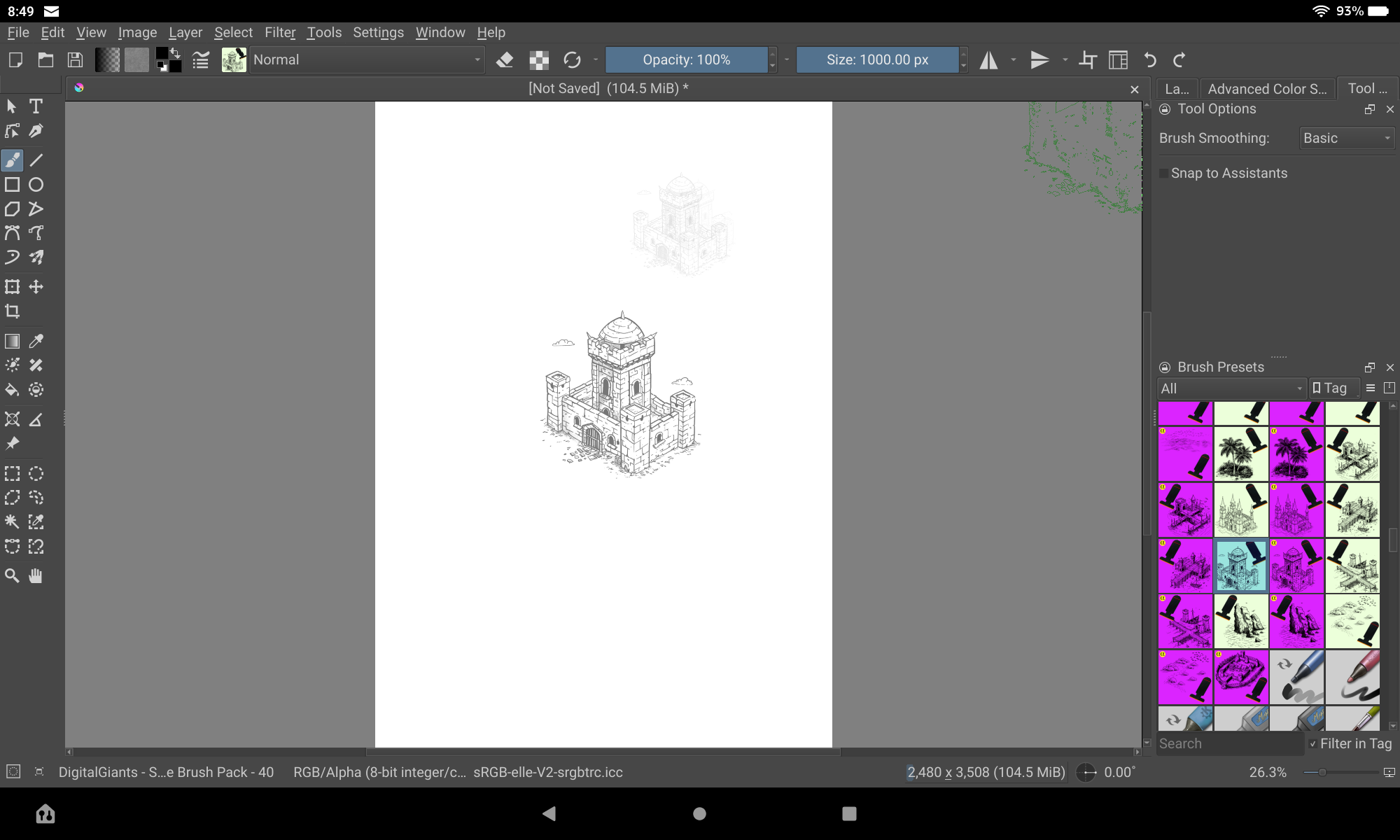
In the image you can see I have one of the brushes selected and near the top is a small faded image of the brush then just below it is a larger more solid color of the same brush. To get that more solid color I had to press down on the pen pretty hard which also gave me a larger brush image than what I wanted.
I’d prefer it to be a solid color without having to apply pressure to the pen.
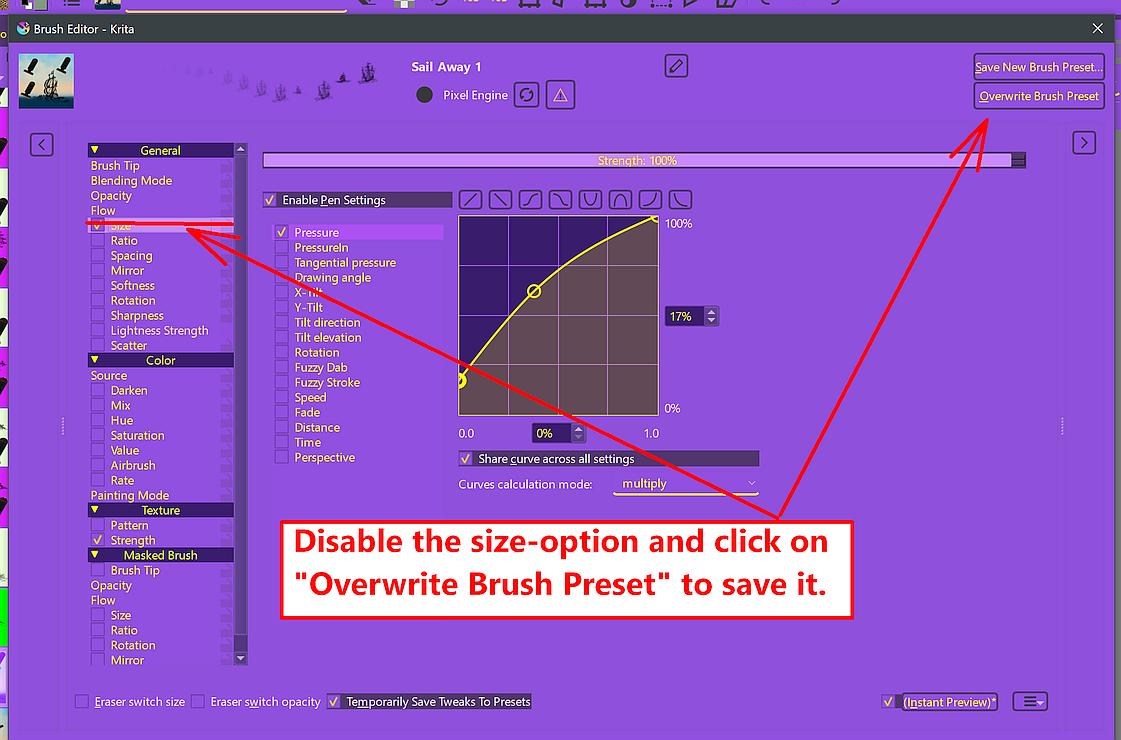
Okay, that can be achieved, I’ll do it later today or perhaps tomorrow, depending on how long my treatment will take today. For the time being, you can adjust the brushes yourself according to the screenshot. Or, if you leave it enabled, choose the first curve from bottom left to top right, that should do it too.
Michelist
1 Like
Take your time.
I still have to figure out how I am going to bring all the historical brushes I downloaded from that site you posted over to my tablet. I might put them in Google Drive then just pull them from that as I use them.
Thanks for your help on this!
On a side note; is there any chance the makers of Krita will add the ability to import more recent photoshop brushes?
Hello @MadmaxNeo!
I have two things. First, I forgot to ask you if my advice to modify the brush settings had the desired effect you asked for. I thought I had asked you, and when I started to wonder why I didn’t get an answer, one look at this topic showed that I had forgotten to ask you.
If that did not fix your problem with these brushes, then I need more information what you want to be different.
The other thing is off-topic and has nothing to do with Krita, but with your map making hobby. In that regard, it may be interesting for you. Currently, there is sold a bundle of cartography software at a bargain price, which is closer to being a gift than a discount (less than 10% of the MSRP). Maybe it’s useful for you and you can do something with it?
Michelist
Yes, it did work but not at 100%. If I get the chance I will try to mess with it in the next few days. I haven’t had the chance to work with it much as I’ve been really busy lately. I also haven’t had the chance to figure out how to get those historical brushes you mentioned to show up in the brushes section. I was able to import them but can’t get them to show up in the brushes section.
Yes, I have just about all the Campaign Cartographer stuff (along with a few other fantasy mapping programs) but I rarely get to use them on my computer and none of them will work on my tablet.
This topic was automatically closed 30 days after the last reply. New replies are no longer allowed.