I’ll give you a little tutorial with pictures. First, you create the shape you want for the tip of the brush. For example, this beautiful bird.

Then create a gradient from white to black.

Apply the gradient to the shape you created, using alpha lock.
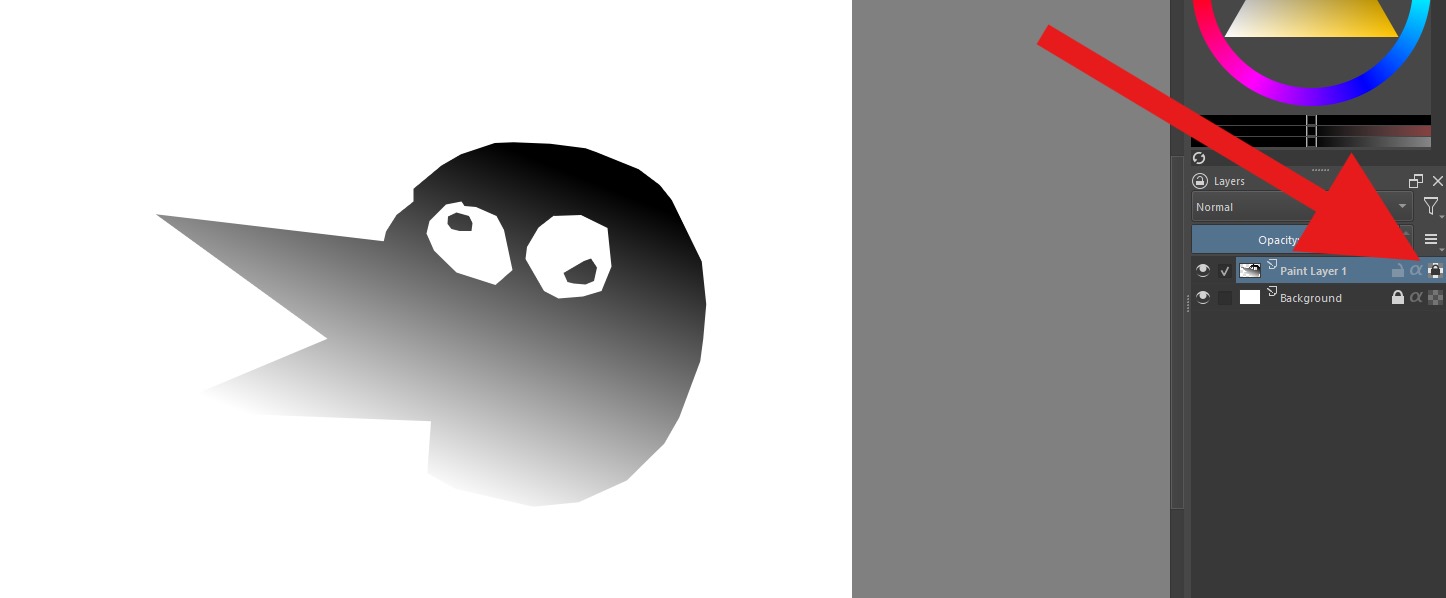
Remove the background and save the image of the shape you created as a PNG, try to make the image the exact size of the shape. Select one of the several stamp brushes that Krita has by default. For this example, I’ll use the star brush  .
.

Now open the brush editor (F5) and click on 1) Brush tip, then 2) Import, 3) select the shape you created, 4) increase the spacing to maximum and 5) change the brush mode to Gradient map

Exit the brush editor, select or create the gradient you want.

Enjoy!

I make this really fast. I will try to make it into a video to make it easier to understand and I will remove all these images leaving only the link to the video.