After reading this article, I was thinking of converting the animation frame to a layer and then applying a colorization mask, but I did a search on Krita-Artist and found a great post ! 

Reference:
I changed it a bit and put it together !
- Using Colorize Mask in Animation Frame
(Possible methods at the moment)
- Create some animation frames.(Line drawing)
- With the first frame selected, create a Colorize Mask.
- Convert a Colorize Mask to a Paint Layer.
- Create a Colorize Mask with the next frame selected.
- Repeat the above for all frames in order.
- Group the Paint Layers of the Colorize Mask you created.
- Convert a Group Layer to an Animated Layer.
 Create some animation frames. (Line drawing)
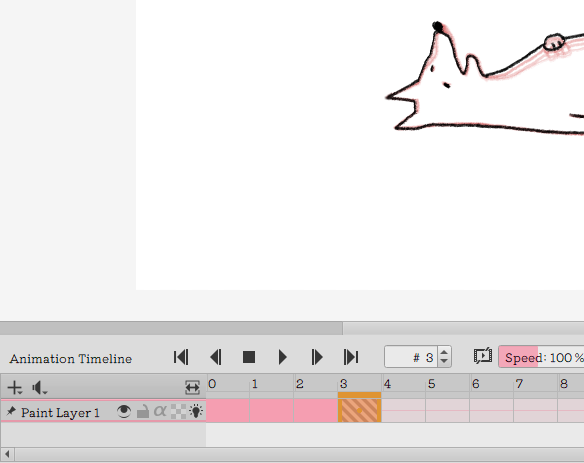
 With the first frame selected, create a Colorize Mask.
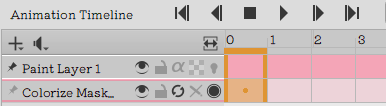

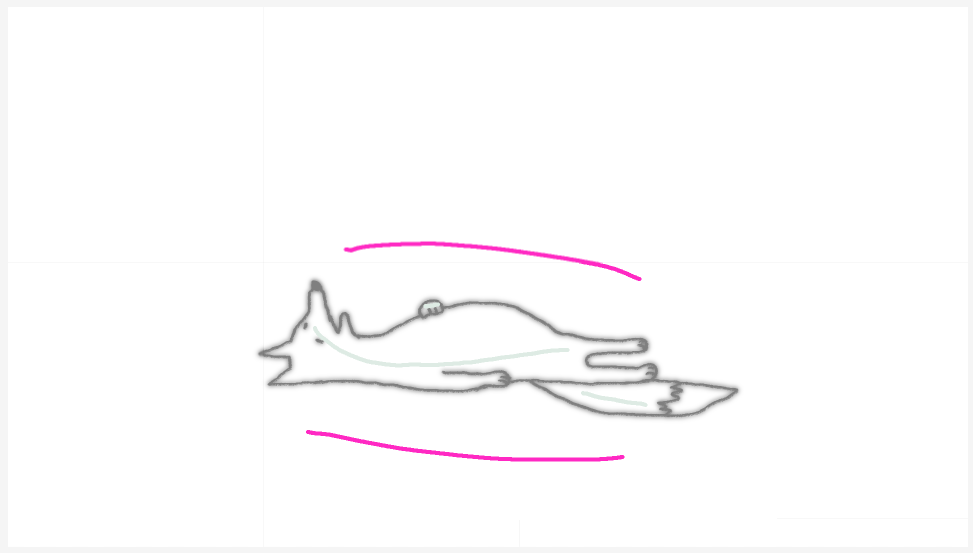
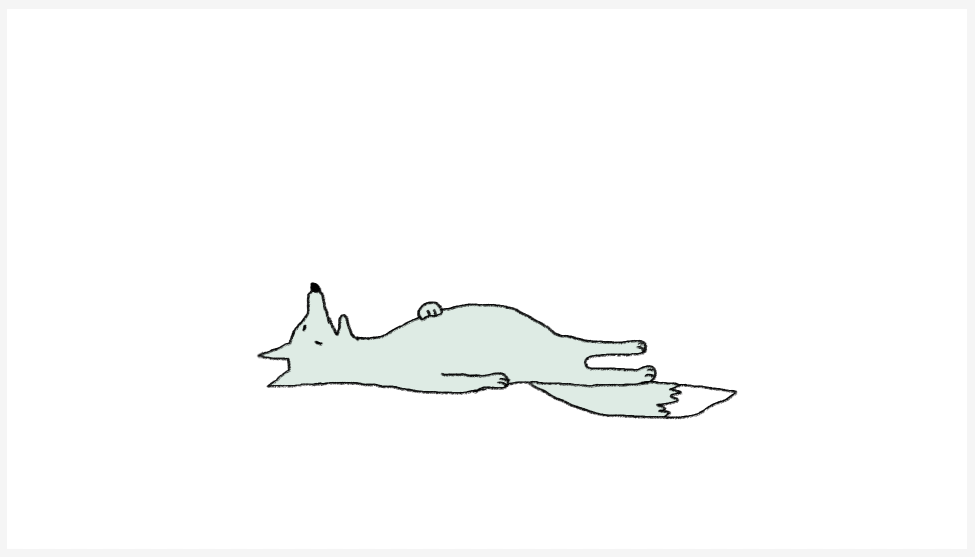
 Convert a Colorize Mask to a Paint Layer.
----- [ Layer ] -> [ Convert ] -> [ to Paint Layer ]

 Create a Colorize Mask with the next frame selected.
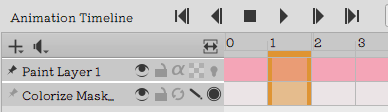
 Repeat the above for all frames in order.
 When you want to copy and reuse a Colorize Mask that has been created once.
-
With the next frame selected, paste the copied Colorize Mask.
-
After copying, it remains in the same state as it was at the first frame, and the refresh button cannot be pressed.
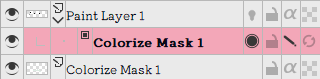
-
But if you use the eraser tool to click on the canvas a little bit or add a little bit to the empty space, you will be able to click the refresh button.

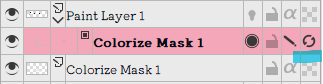
ーーー
 Group the Paint Layers of the Colorize Mask you created.
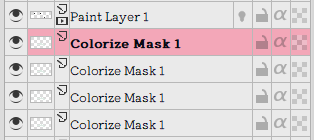
↓
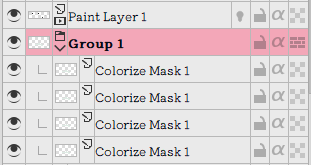
 Convert a Group Layer to an Animated Layer.
----- [ Layer ] -> [ Conbert ] -> [ Conbert group to Animated Layer ]
(The bottom layer is frame 0, and the layer above it is frame 1, and so on.)
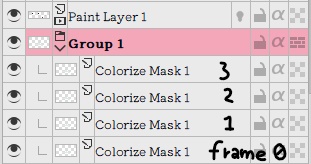
Converted Animation Layer


 Can be combined into a single Animation Layer.

Let me know if there’s anything I can improve further ! 
( I am using “DeepL translation” to write this.I’m sorry if I sounded strange.  )
)