I can’t make a final release until I’ve to add interesting things… 
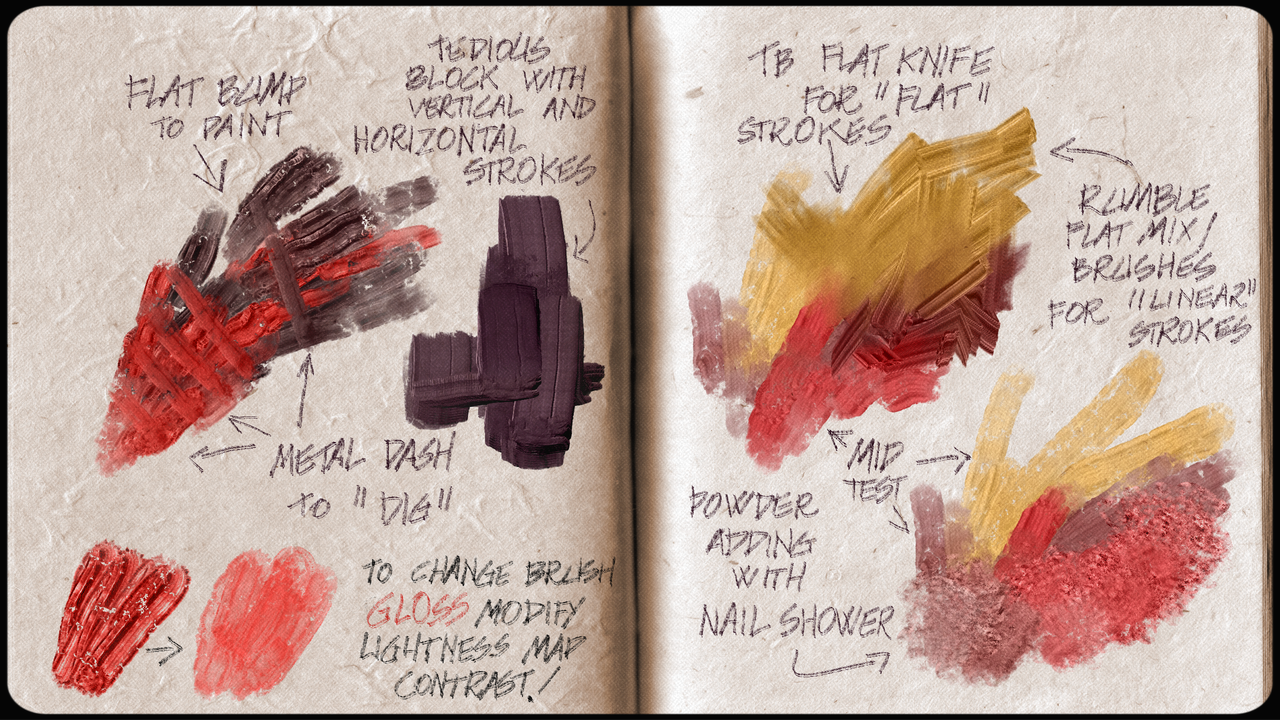
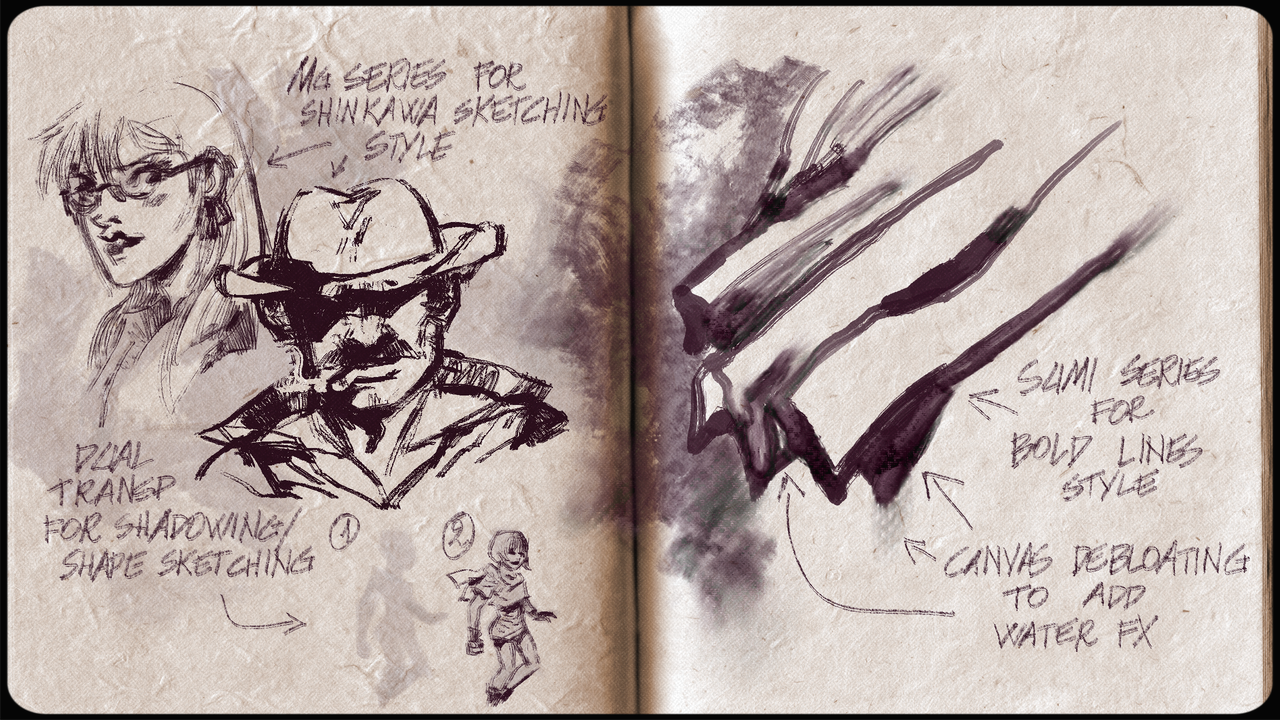
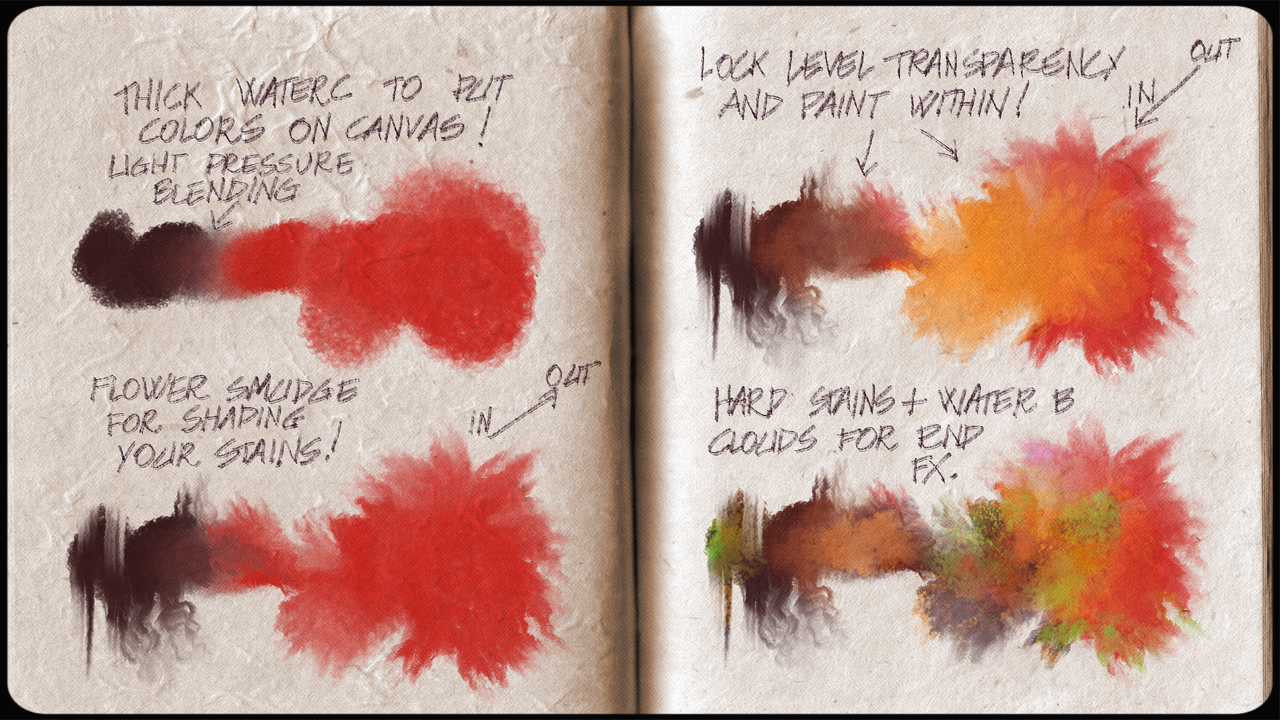
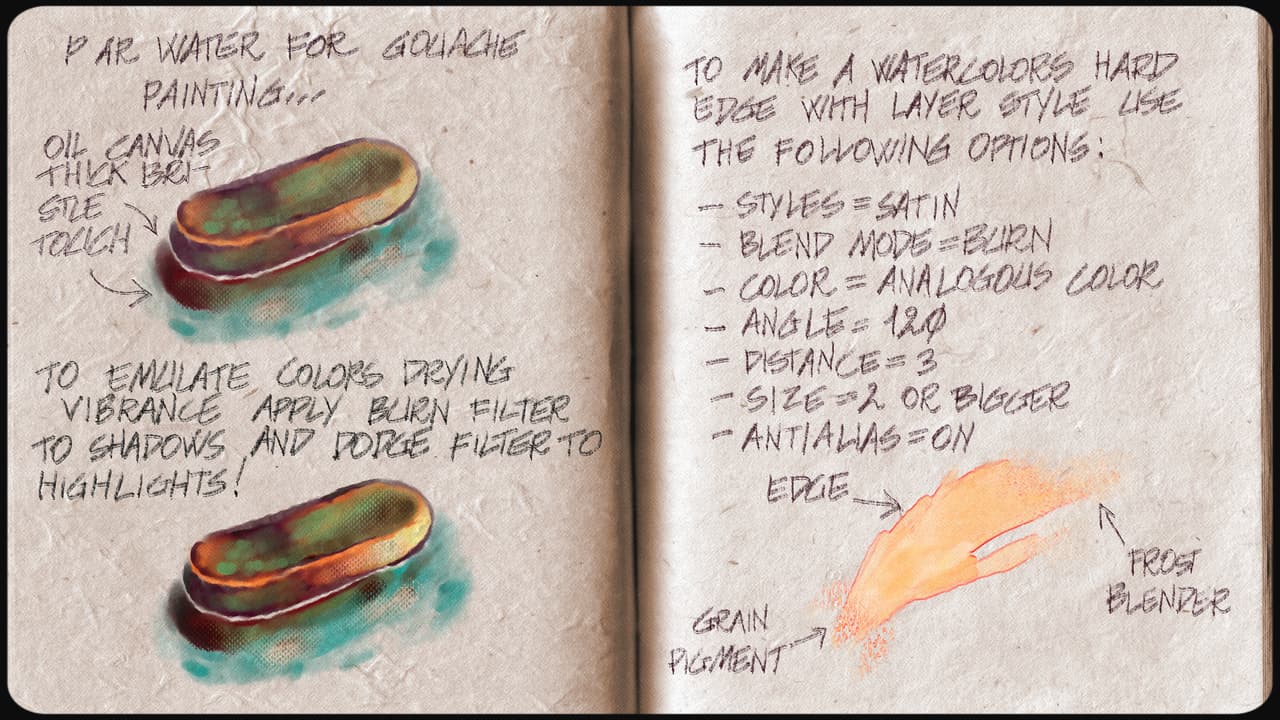
I’ve just uploaded “Graffiti_RC2” to the “Krita_5.x_Templates” directory! 
Graffiti Template - HowTo
- Build the foundation of your artwork in “Paint Here 01”.
- Use “Erase Bump Here” transparency mask to show (with white color) or hide (with black color) the surface bump.
- Paint thick covering strokes in “Paint Here 02”.
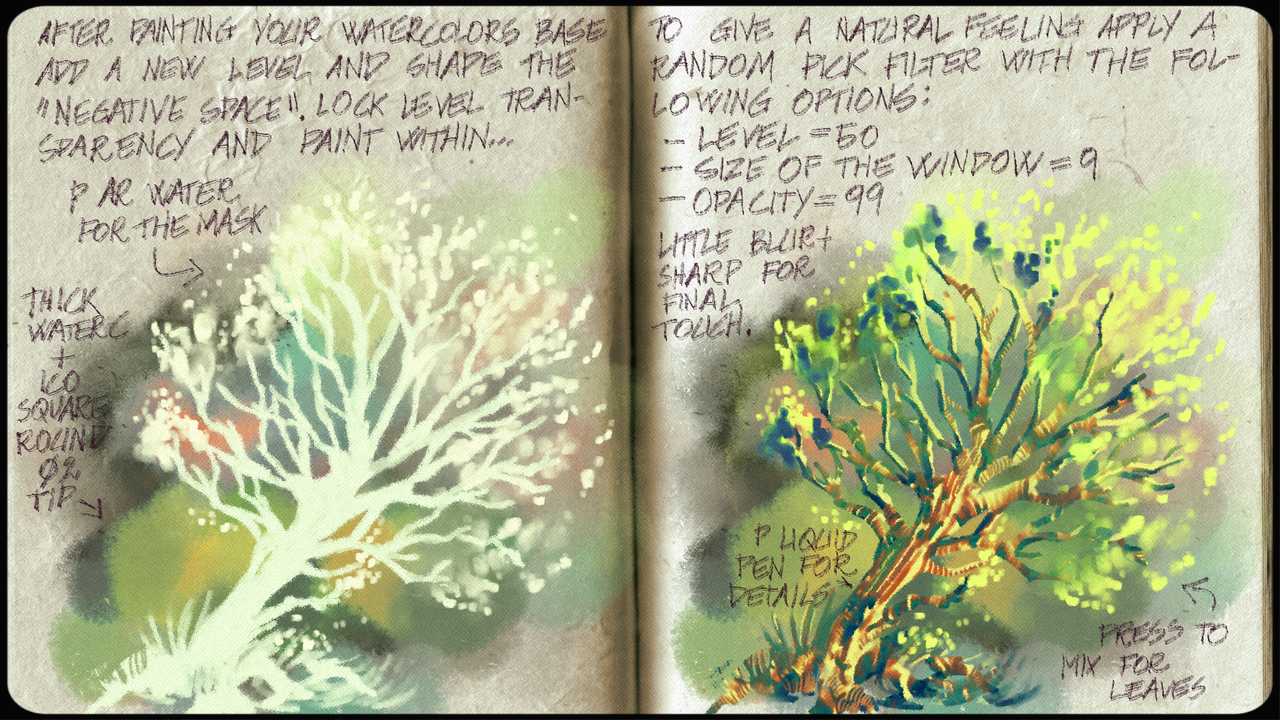
- When your artwork is finished turn on “Random Pick” filter layer to boost the natural feeling.
- Unlock “Fill Layer Light” and modify properties of “HSV/HSL Adjustment” layer.
- Flatten the picture for final touches.
Enjoy!
7 Likes

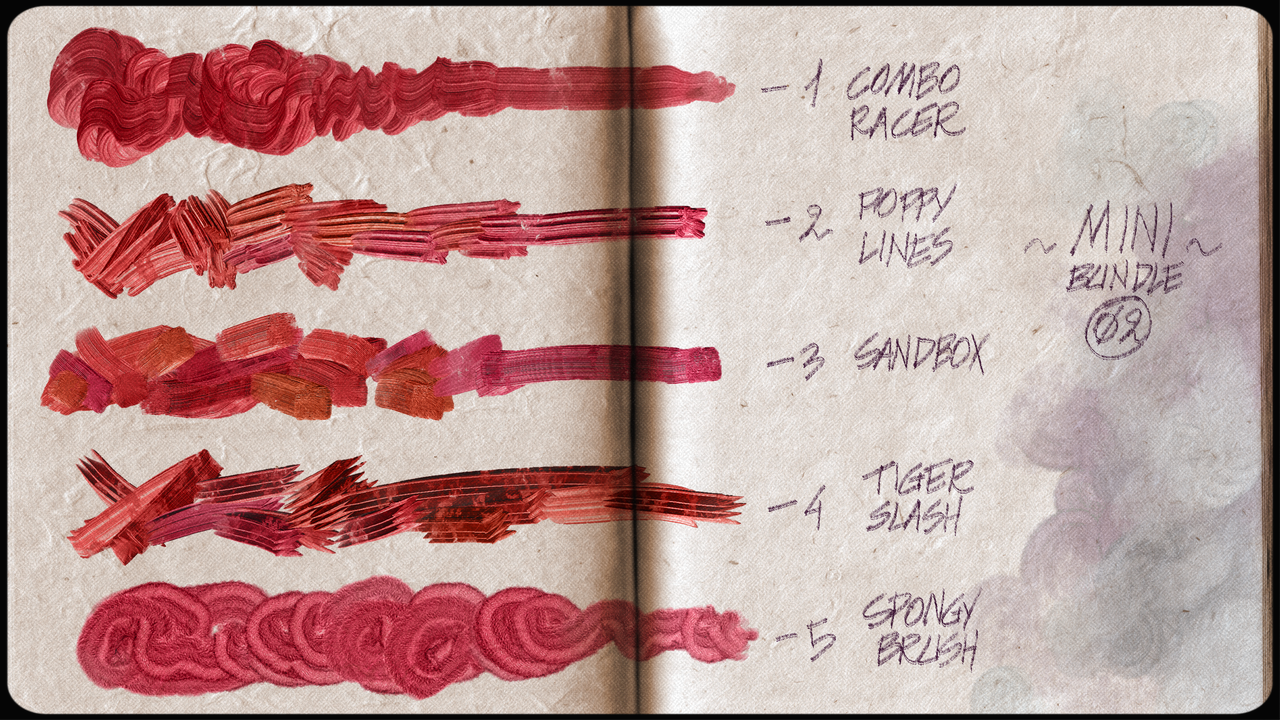
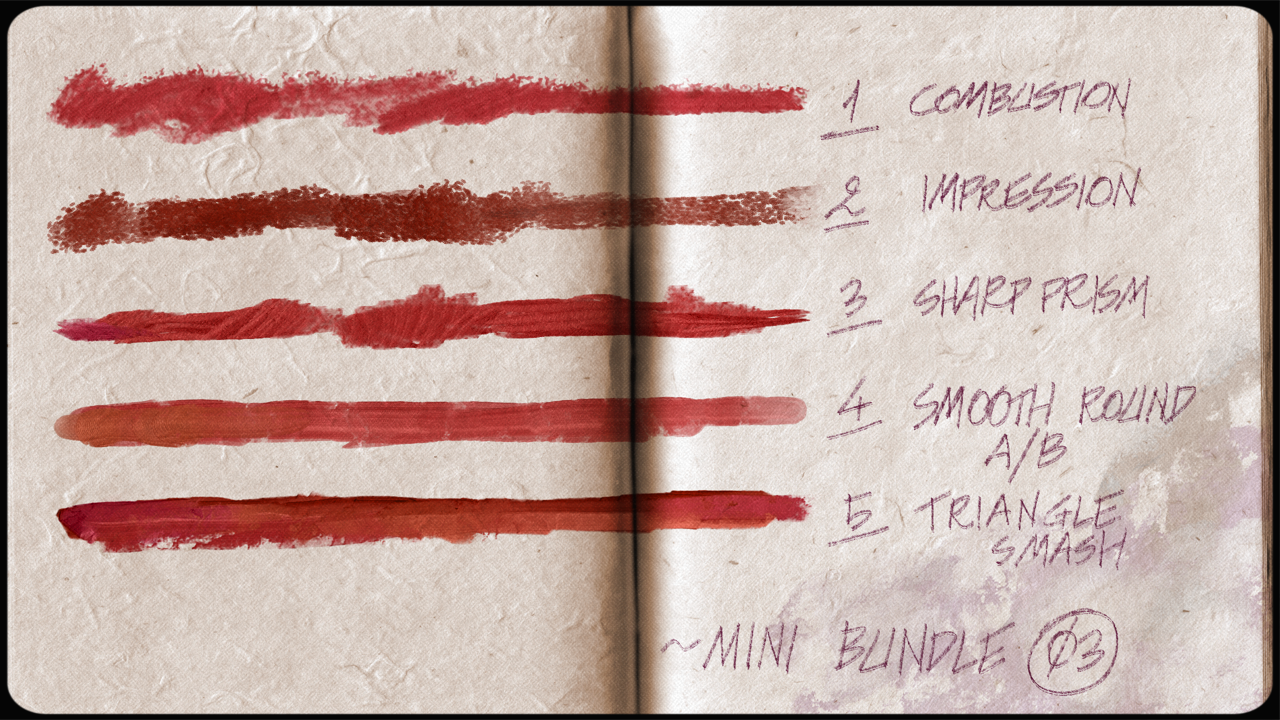
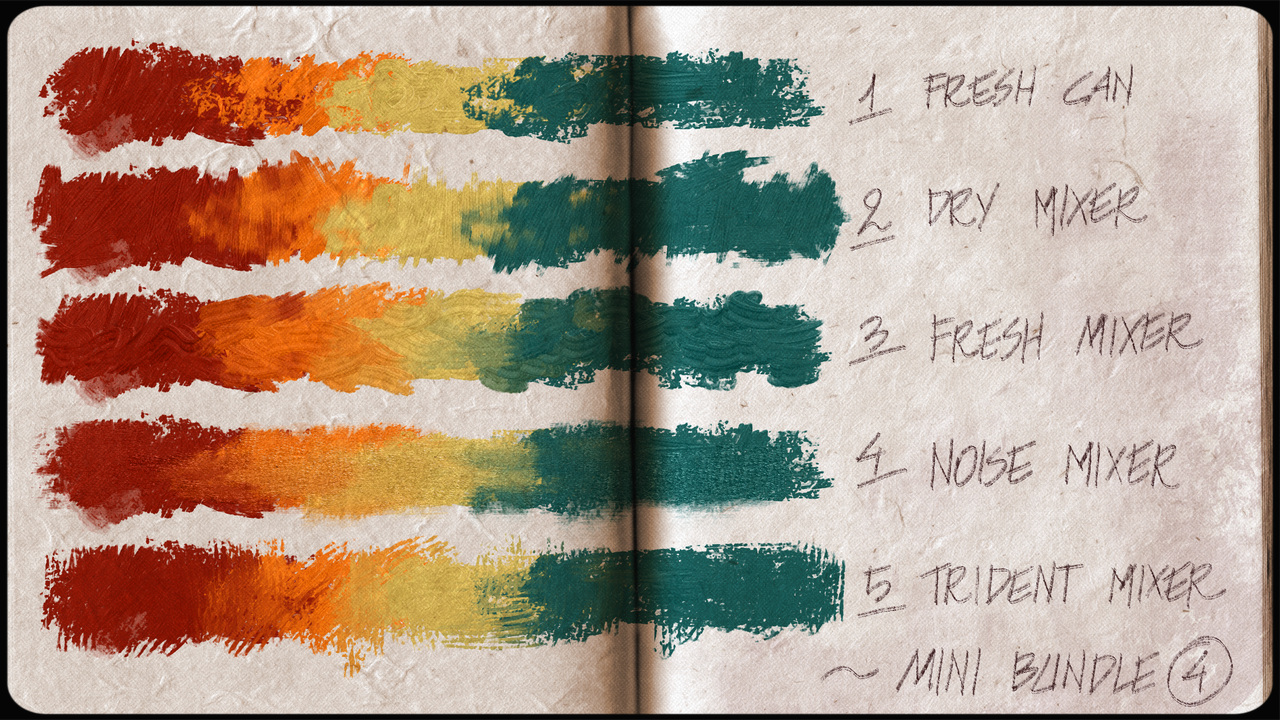
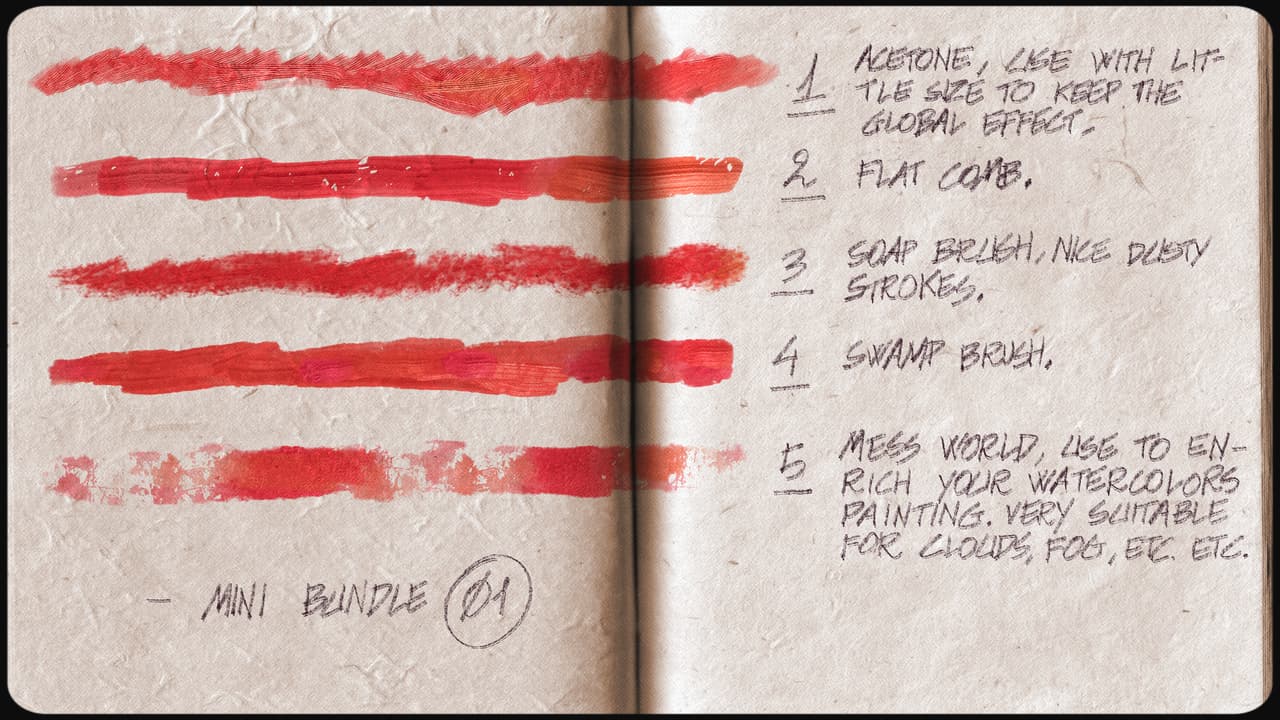
RC6 released with all new brushes bundled together! Enjoy!
5 Likes
Just spent some time playing around with the new additions in RC6 and I really love what you’re doing with these! The effects are very unique and fun to experiment with, I’m stoked to see what all you’ll add in the future
3 Likes
I’m so happy to receive feedback from other artists!
It’s really helpful and encouraging! Thank you, Awez! 
1 Like
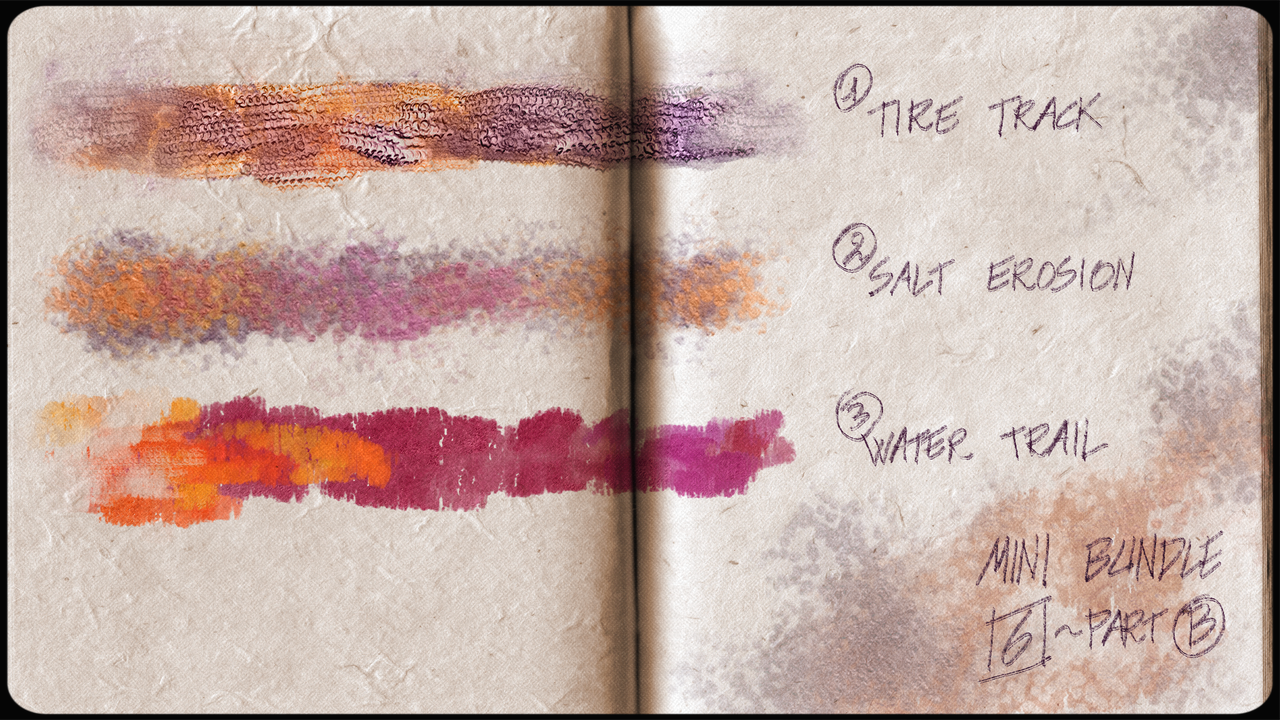
5 Likes
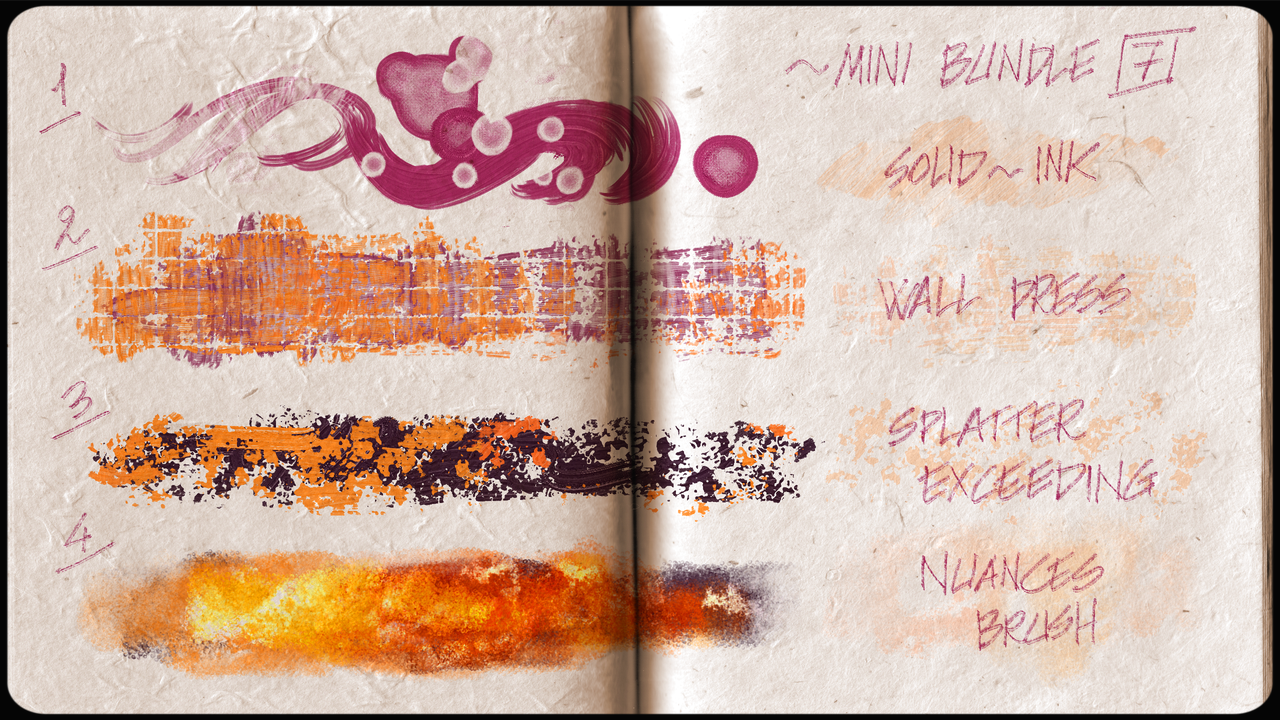
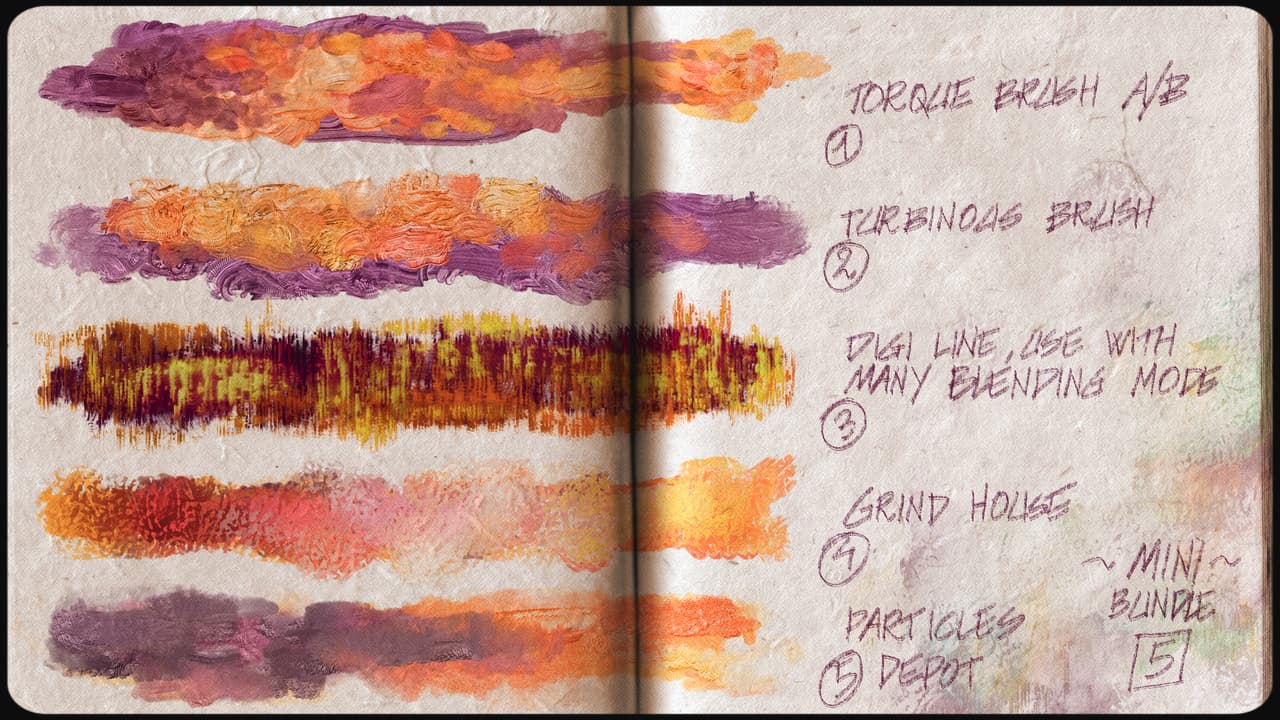
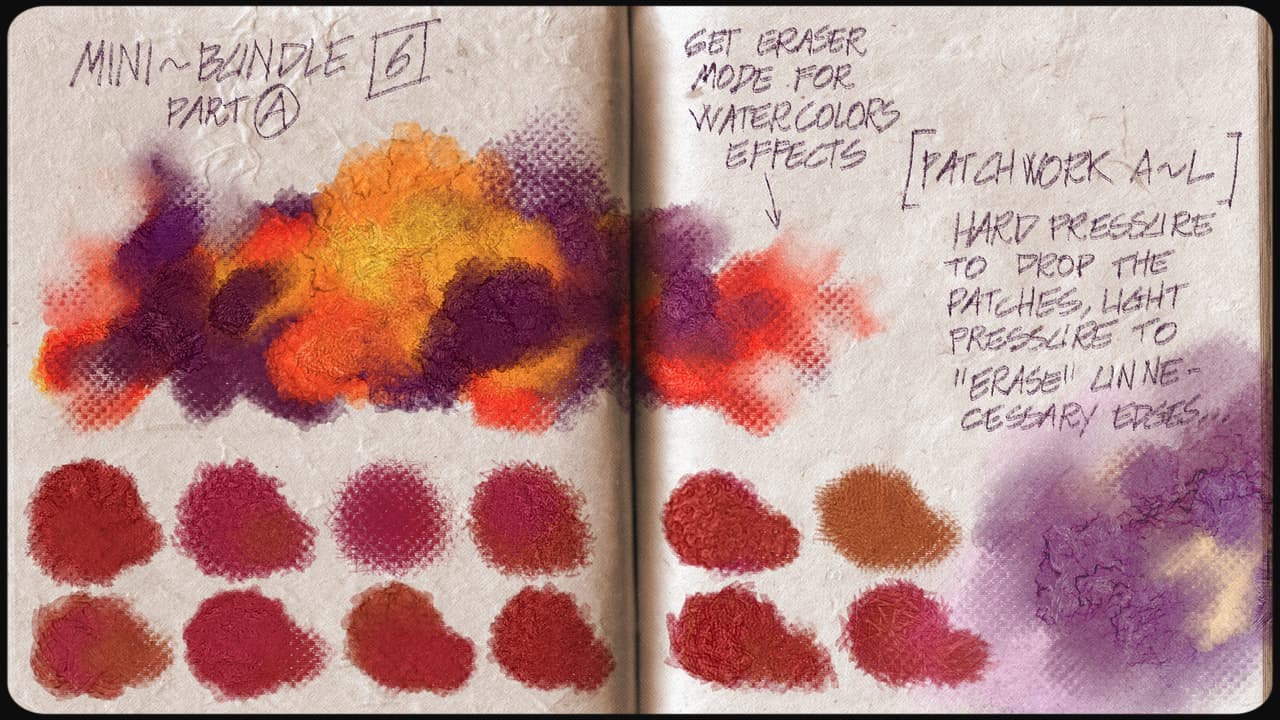
RC7 just released! As always any feedback is welcome!
About the new brushes I’ll update the docs section as soon as possible…
5 Likes
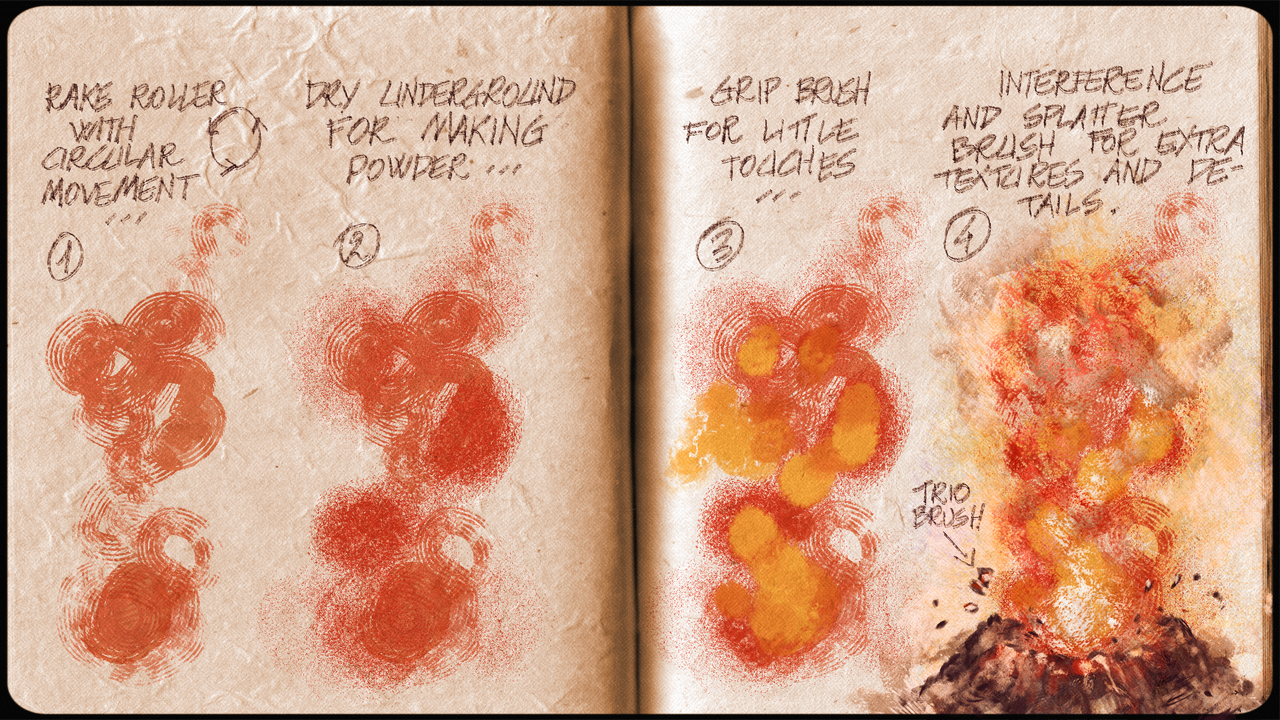
I think these images shows much better the brushes. Thanks
2 Likes