IT'S FREE, NOW! Krita 5.x "Expansion" + "Extra" Bundle

I’ve just uploaded “Big Leaf”, a new template designed for your watercolor works! :slightly_smiling_face:

Big Leaf Template - HowTo

  1. Draw in the “sketch here” layer.
  2. At the end unhide the “turn on” layer to beautify your lineart. Eventually adjust the transparency of the clone layer.
  3. Paint in the “paint here” layer; a watercolor edge will be automatically added to your brush strokes. In the layer style/satin options you can fine tune the analogous color and the fringe size.

That’s all! :melting_face:

6 Likes

Thanks, I will have a look at this.

1 Like

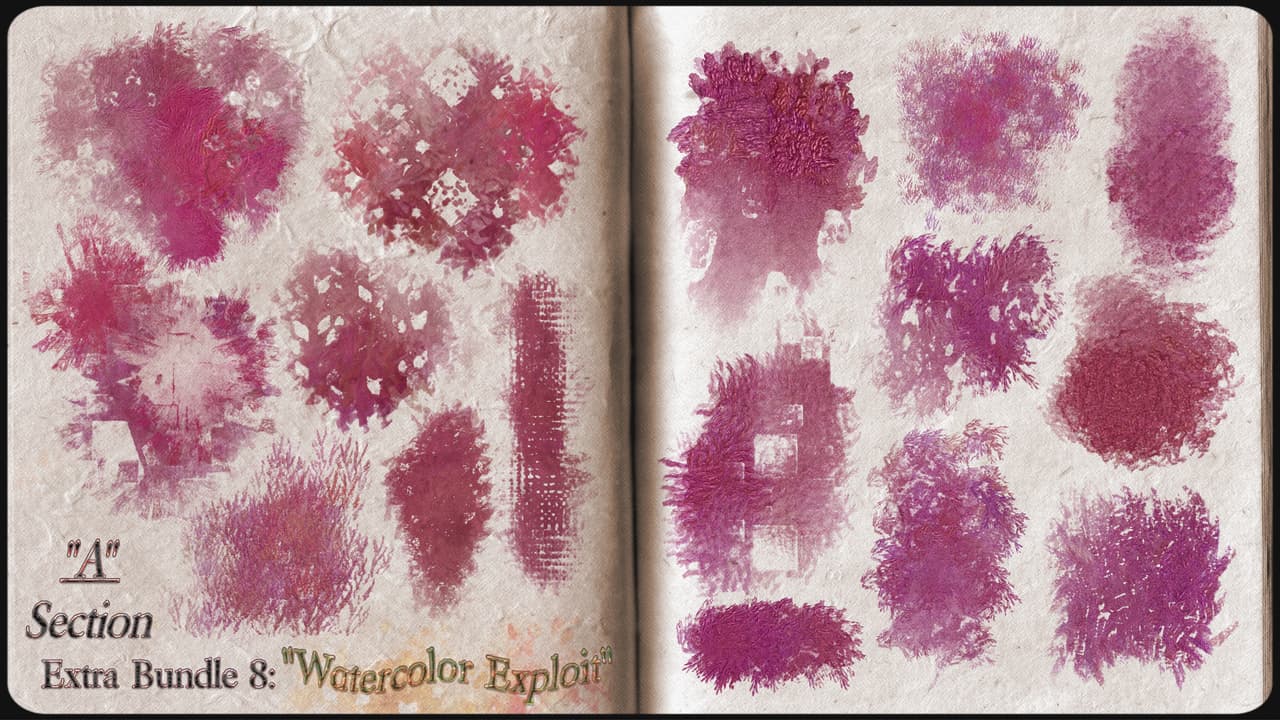
For watercolor lovers, here’s a new presets extra pack:
“Watercolor Exploit”! Have a good day under the beach umbrella! :smile:

6 Likes

Thanks. But for some reason, the URL in Gumroad messages are broken. A little boring.

I made a bookmark for my library, and so I never had this issue.

Michelist

1 Like

follow Michelist’s advice from desktop or download the gumroad app you will have your own library with all your purchases and you can download them whenever you want.
:muscle:

1 Like

Well, I did not know there was an application. I will look a it.

@Ico-dY : for some reason, I don’t know where to look to find the brushes.

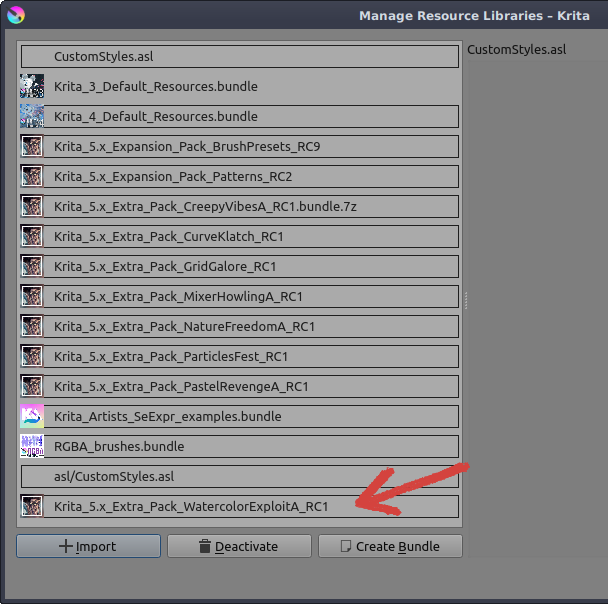
Here, in the first screenshot, in the second row Krita 5.x Extra BrushPresets, click on the arrow-symbol at the beginning of that row, then you’ll find it near the end.

Michelist

Please, look in “Krita_5.x_Extra_(BrushPresets)” directory → → → “Krita_5.x_Extra_Pack_WatercolorExploitA_RC1” bundle and png file. :slightly_smiling_face:

Sorry, my question was not precise enough. I’ve downloaded and imported the pack but did not find the brushes in Krita.

@lian00 :

*** After importing it, please, CLOSE and REOPEN Krita! ***

If the pack has been imported it should appear in the “Resource Libraries” management:

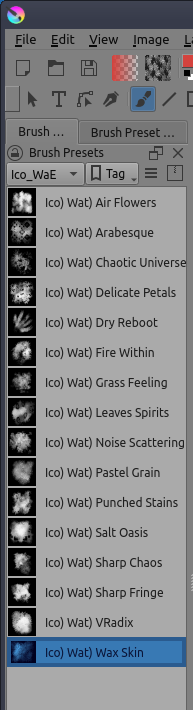
Then from the “Brush Presets” docker select the tag “Ico_WaE” to view the pack content.

4 Likes

OK, thanks. I understand now the logic - and I have too much brushes.

New Extra Pack Available! Tomorrow the official announcement… :melting_face:

6 Likes

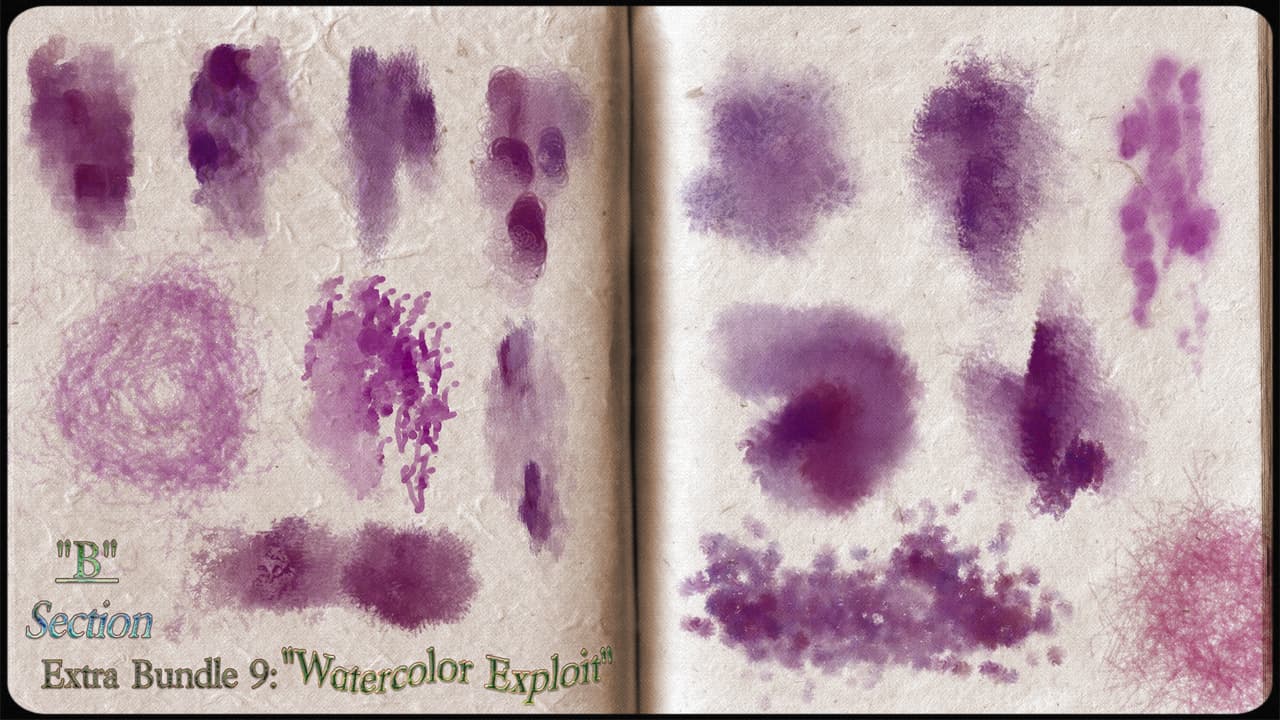
The ninth extra bundle is the second part of “Watercolor Exploit”, ( Krita_5.x_Extra_Pack_WatercolorExploitB_RC1), collection dedicated to irrepressible watercolor lovers. This time some brushes need a peculiar approach; by example “Light Storm” works better with circular movements, whereas “Little Wave Touch” shows inclination for short strokes. Anyway, please, don’t worry too much… Sooner or later I’ll publish a tutorial about it. In the meanwhile I wish you a very good time with this new bundle! Happy experimentation! :melting_face:

6 Likes

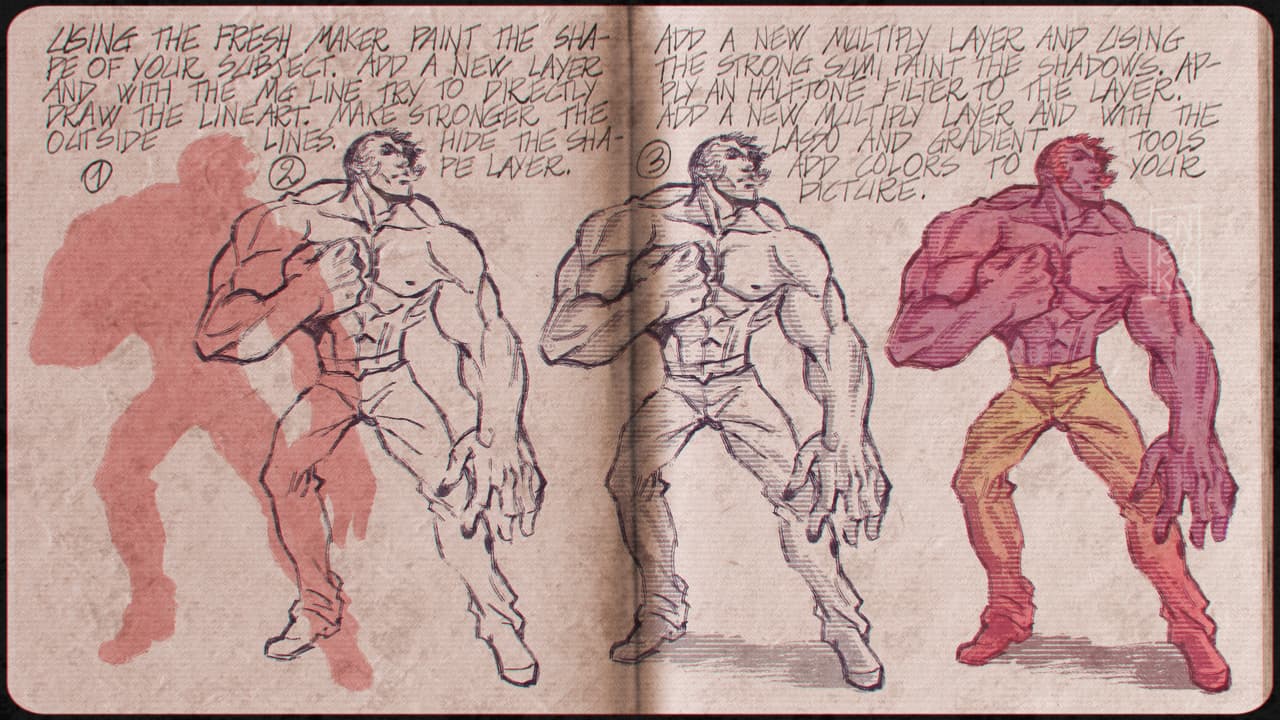
Here’s a new tutorial in your “docs” directory! :melting_face:

5 Likes

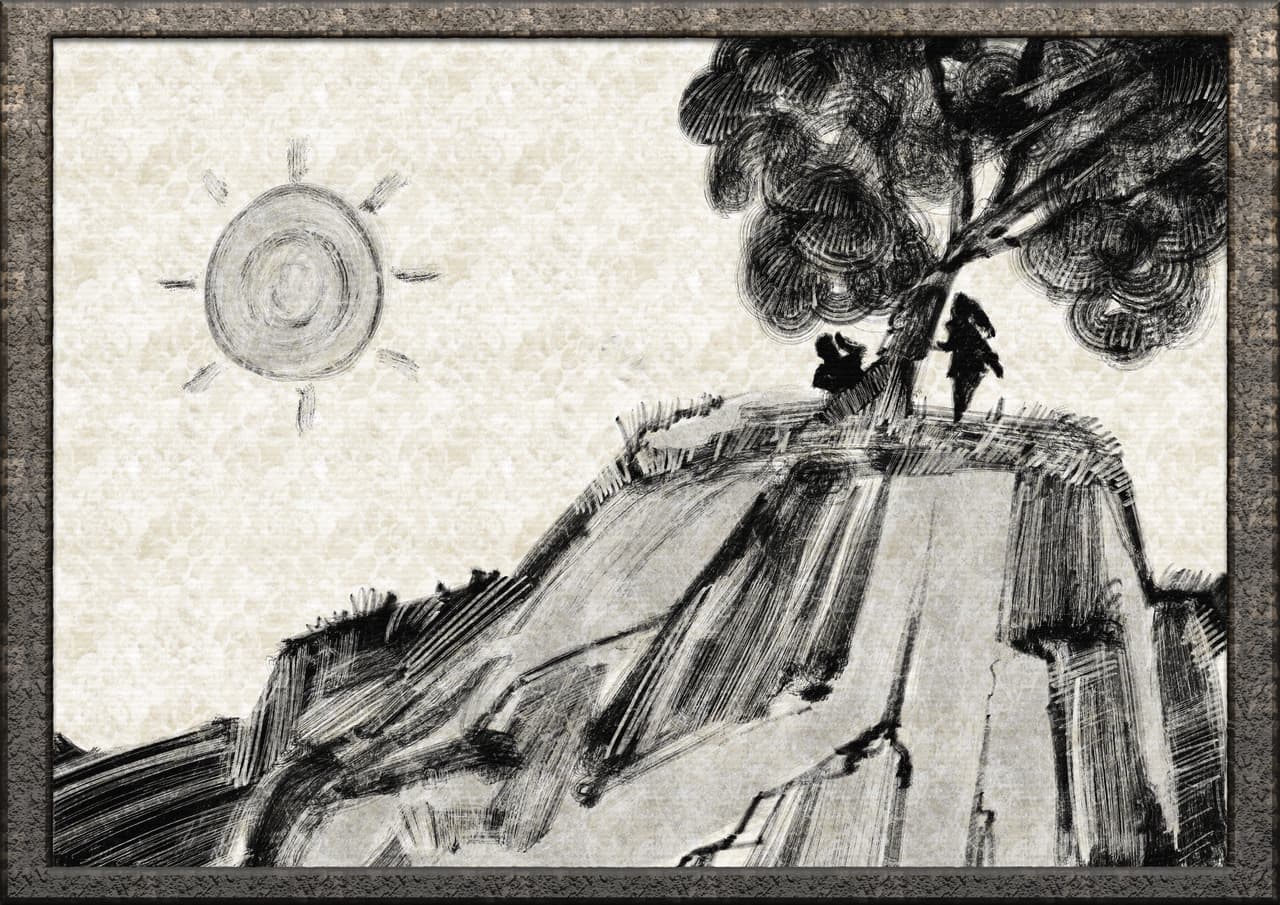
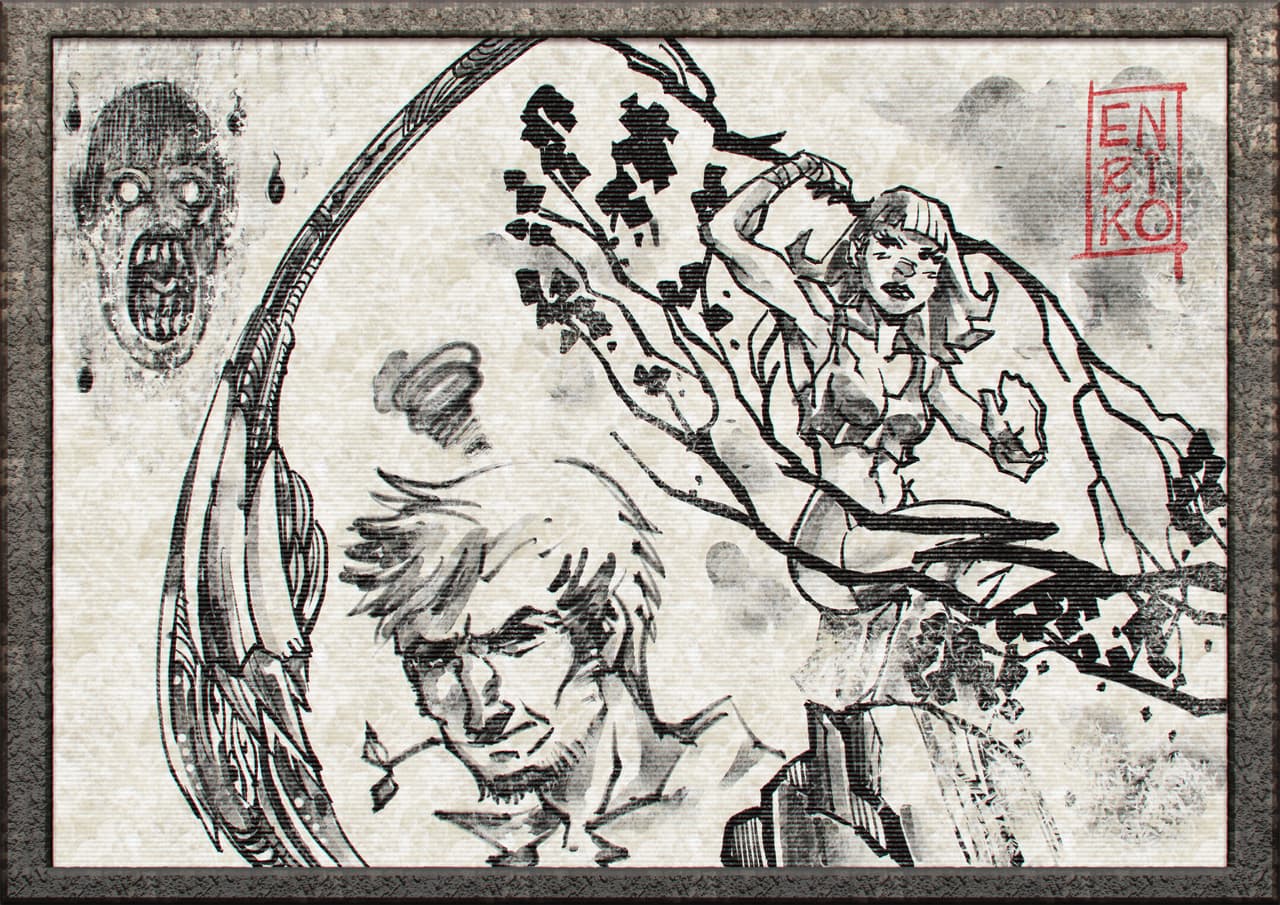
For bold inkers “Rough Black Ink RC1” is now available in your template directory with a mini brushes bundle! :melting_face:

7 Likes

Thanks so much for continuously working on this brush pack!

You’re welcome! :love_you_gesture: :krita_smile_2:

1 Like

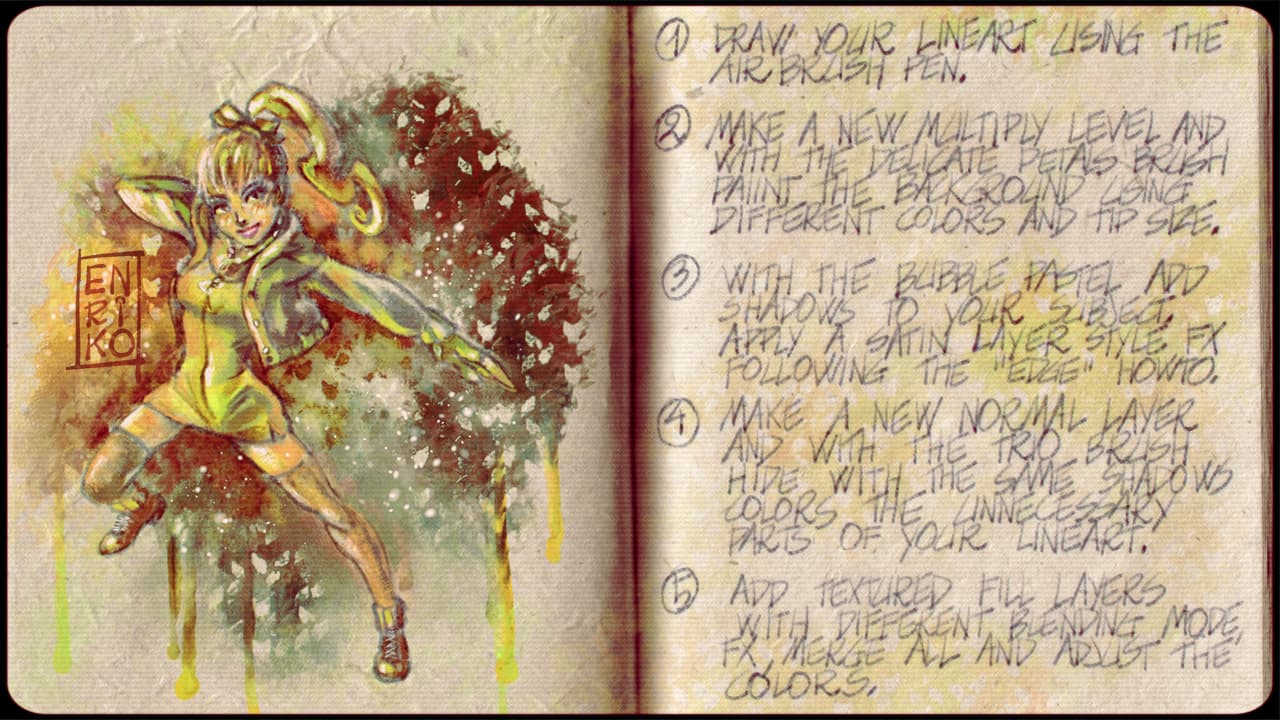
New tutorial in your “Docs” directory! :melting_face:

8 Likes

Rough Black Ink RC2 bundle + template is now available in your “Templates” directory with a bunch of new presets! Have fun! :melting_face:

6 Likes