Sous-titre en FRANCAIS!
CC in English or in French.
Hello,
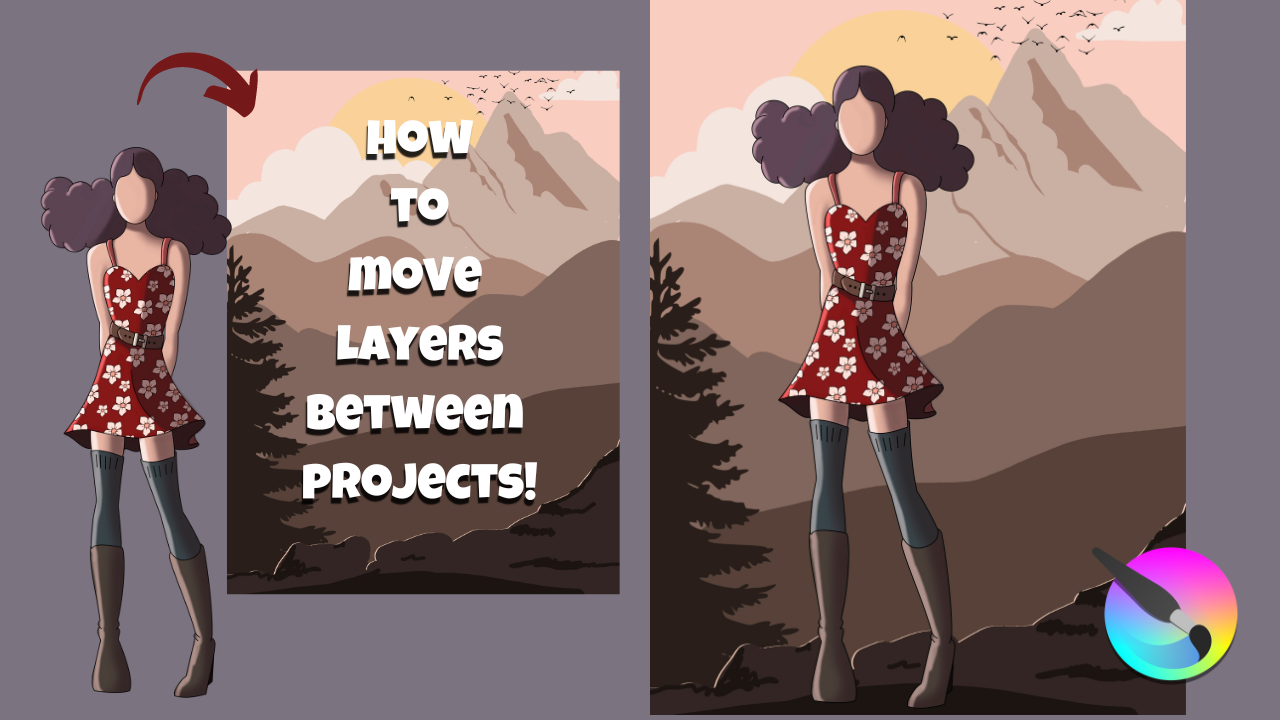
I have a quick tip to enhance your workflow. Today, I’ll show you how to move a layer between projects: this method copies the layer as you move it!
Chapters:
00:00 Introduction
00:13 Opening projects
01:20 How to set the Multiple Document Mode to TABS.
01:49 Encountering a problem and how to fix it.
02:57 How to move a layer from one project to another.
04:19 Explaining why it was so important to fix the problem, earlier.
04:47 Conclusion.
https://youtu.be/-5K9IPA6KVQ
5 Likes
Thank you for showing one of the many ‘tricks’ that can be done.
The problem with the black cross on the tabs seems to be a faulty internal decision about a suitable colour to contrast with the Theme.
I think that if you changed to another Theme and then back to your usual theme then that problem would be fixed.
It would probably come back again as you switched to Subwindow mode then did something similar.
For people who really want to see both images side by side, you can stay in Subwindow mode, do Window → Tile, to get them side by side, then with one subwindow selected you can select a layer, do Ctrl+C, then select the other subwindow, select a layer there then do Ctrl+V to paste the entire layer above the selected layer in the destination subwindow.
It’s not as ‘simple’ as dragging between tabs but you do see both images at the same time.
1 Like
I’m just good at making myself seem good