Hello Krita community! 
I’m sharing a Collection of Qt Style Sheet (QSS) themes that allow you to completely customize Krita’s interface appearance using the Freya Lupen / Style Sheet Loader Extension · GitLab plugin.
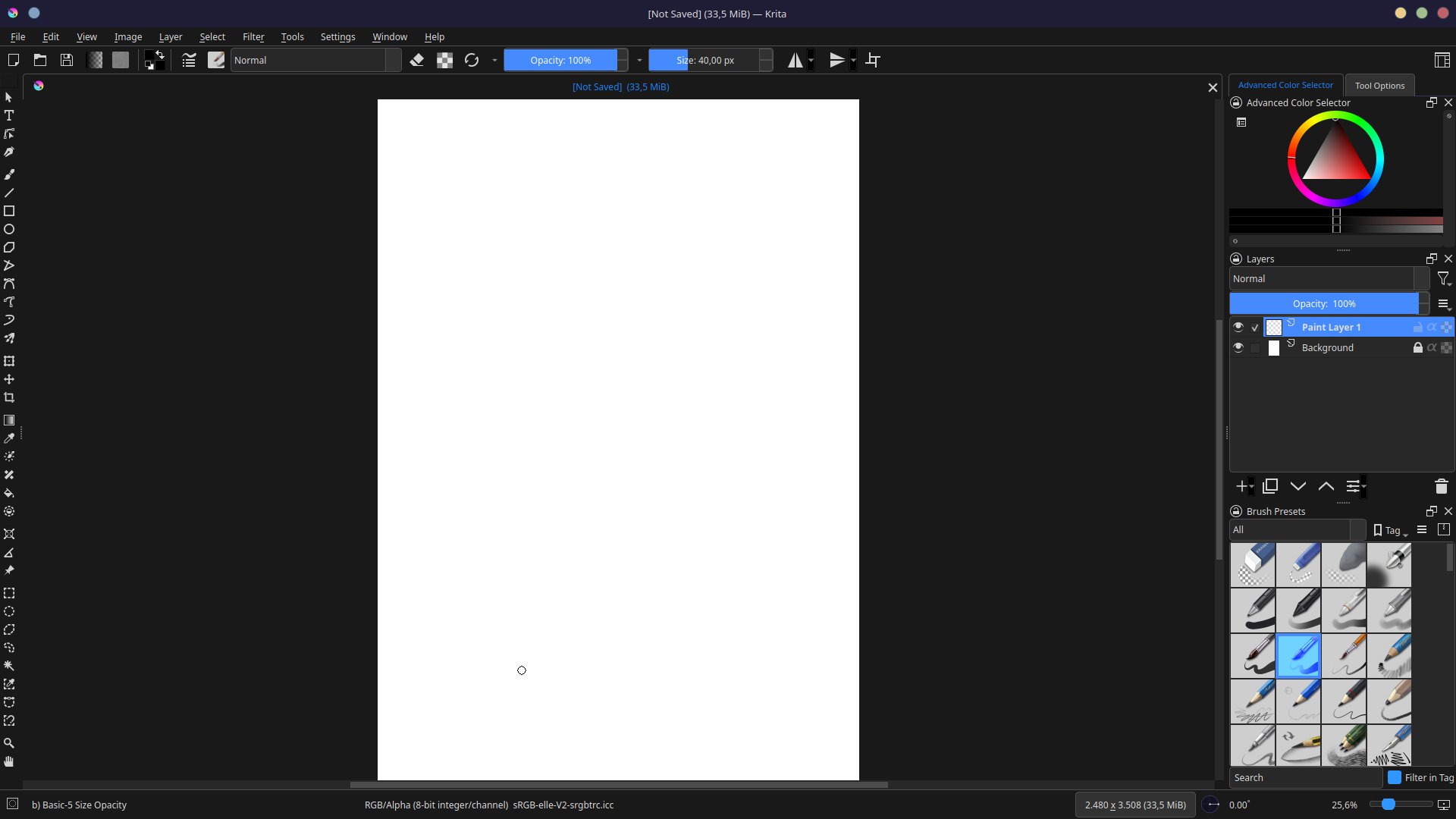
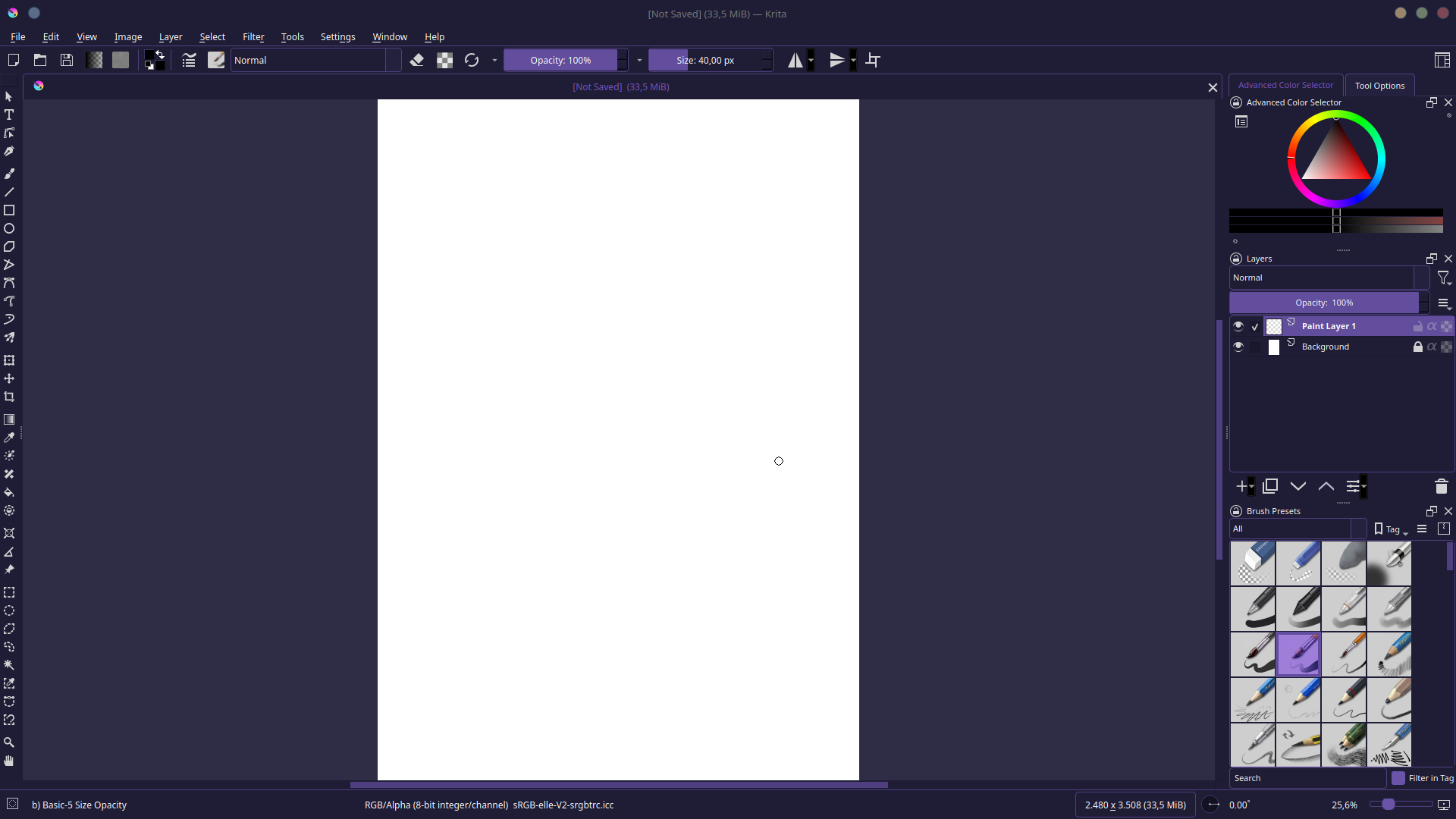
 The Problem: Customizing Krita’s Theme and Style
Have you ever wanted to change Krita’s appearance but found it limited? With the Style Sheet Loader Extension plugin and this repository, you can now:
-
Customize the theme (colors, appearance) using `.qss` files
-
Change the Qt style (Fusion, Breeze, etc.) independently
-
Mix and match different themes and styles to create your perfect setup
This repository provides both Style Sheet Loader Extension files .qss (for visual styling) and .colors files (for KDE color schemes), giving you complete control over Krita’s interface.
 How to Use
Prerequisites
Install the Style Sheet Loader Extension plugin:
- Download from: Style Sheet Loader Extension
- Follow the installation instructions for your Krita version
- Restart Krita after installation
Step 1: Apply a QSS Theme
- Download this repository GitHub - certainlyWrong/Krita-QSS
2. Choose a theme from the `themes/` folder (e.g., `Dracula.qss`)
3. In Krita: Settings → Style Sheet Loader → Select your `.qss` file
4. Restart Krita to apply the theme
Step 2: Apply Color Scheme (Optional)
For complete integration, install the matching `.colors` file:
On Linux (KDE Plasma):
- Copy the `.colors` file to `krita/color-schemes/`