oh sorry my bad, i always blur things with the blender blur so i had no idea of this brush hahaha. I tested it and it works flawless, very good implementation i must say, i’m definitely going to be using this brush now instead!
What about this?
By the way, wouldn’t it be a good idea to help the main team with the changes you’re making? I mean, I have nothing against what you’re doing, on the contrary, it’s good, but it would be better if the main branch incorporated all the changes you’re making.
hi, If you want to simulate the brush blur effect of CSP, you can refer to these two posts:
Yep, i saw this thread, but don’t understand why there the Smudge brush was modified to be a blur brush, instead of actual filter blur brush. Mmm, i mean, i don’t make a smudge-blur tool, that tries to copy a some kind of waterbrush. I just try to make Blur Brush.
So i added neccesary changes.
The CSP/IS brush differs to krita Filter Blur Brush just in few things:
- Krita has no autoscale blur kernel to size of brush. I added it.
- Krita has no stroke dabs accumulation for Filter Brul brush. Added it too.
So, now it already works same to IS/CSP blur brush in the my last build above. it contains diffs, so you can check what i made in kis_filterop.cpp.
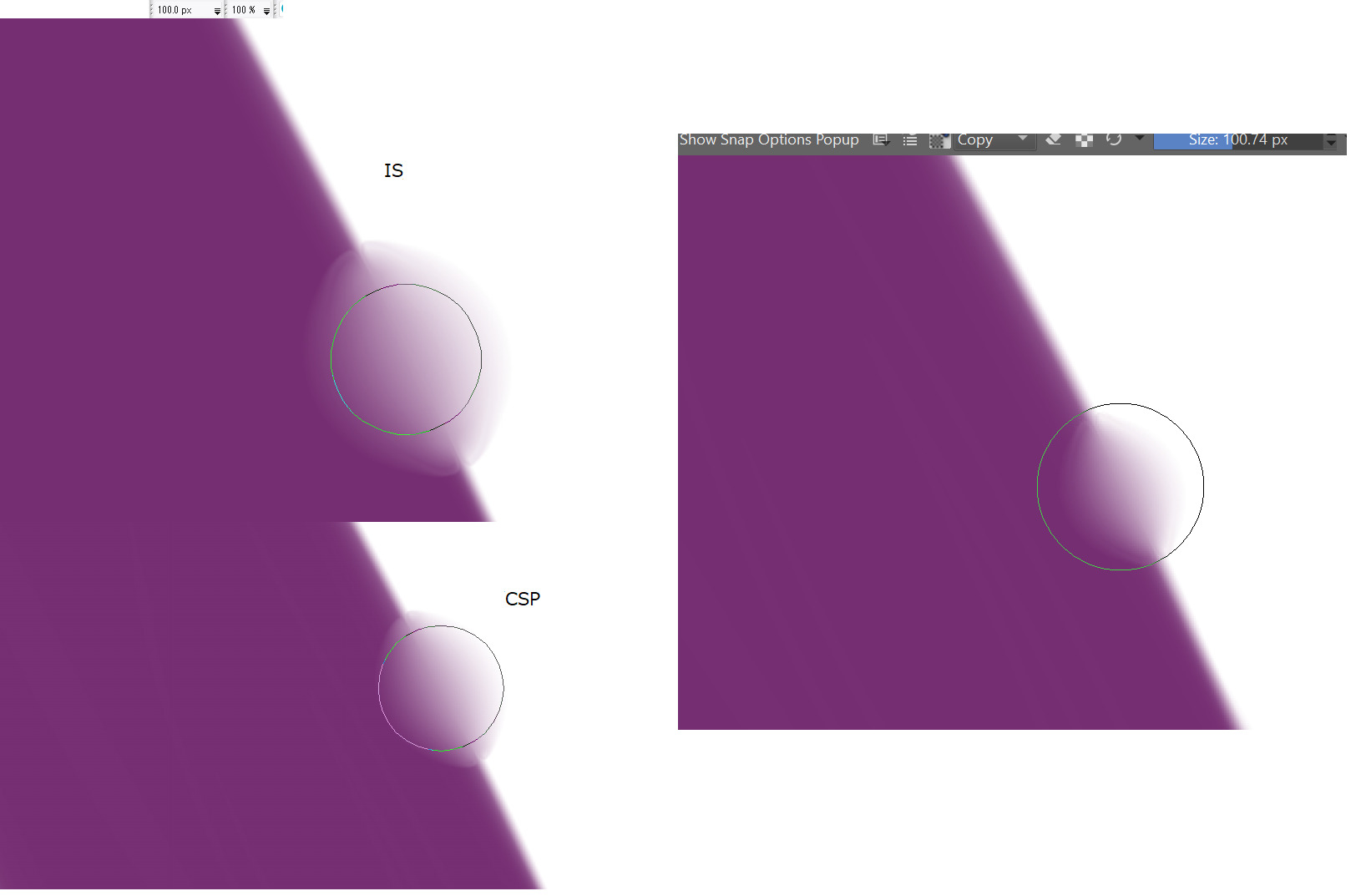
But with a slight difference:
-
The difference is that Krtia has brush softnes mask size == brush size. But CSP/IS soften blur brush outside of the brush size. Not very critical actually, i don’t think this need to be copied, i’m fine with soft mask = brush size. But need to keep in memory that with same brush size and kernel scale Krita will blur smaller area than IS/CSP by single dab, I also has a feel that IS/CSP also scale blur kernel to mask size too, not only to brush size, but need to test it more.
-
Krita both blurs are just slow. Thinking how to accelerate, maybe to spread threads by patches or make a FIR apporximation. It is shame actually that very old 32 bit single threaded IS runs blur faster ~tens times than Krita in 2025 and has absolutely no problems up to 500x500 blur brush size (~100-150px kernel) and even up to 1000px is tolerable.
So the last step now for me - is just acceleration of blur processing.
Don’t understand why posts chains are missed when i answer every time, so annoying…
@SchrodingerCat
I have looked on this commit, but they tried to change Smudge Tool logic, so this is a little off from what i made and want to do. I just add to Filter Blur a missed functions like kernel autoscale and dabs accumulation, and it begins to work exactly same as in CSP (but slow). So I need to just accelerate it and this will be ok.
Oh, I see. So will this also affect the blur filter, or is it just a change for the filter brushes?
It changes for Filter Brushes, but accumulation buffer and kernel scale applied to “blur” and “gaussinan blur” filter types now. I will look on other filters, maybe it is fine to add accumulation and autoscaling options them too, i see no problems here, just an additional options for fun. But need to speed up the blurs two first.
Hi there! i’m trying to install the clipping maks on my Krita, but i don’t know ho to. Can you help me?
Hi!
Main Krita official releases don’t have any kind of clipping masks. For clipping layers you can:
- create group layer folder
- create base layer inside folder
- create clipping layers by set “inherit alpha” to the layers you want to clip to base layer
- also you can make many base layers and many clip layers that will be clipped by combination of base layers
- inherit alpha works only for layers inside group layers folders
That’s the official way how to make clipping in Krita.
This thread - about experimental custom modification Krita with support for clipping layers (same to other apps like SAI or CSP).
^^ again missed answer chain, this forum is buggy as a Krita too. look on upper post please.
If you reply to the post directly above you there is no chain. It is by design after all the message is right above your reply so it is implied that you are replying to it. However if it is not directly above then it shows the quote. I do not know what type of chain you are expecting.
You can read more about the forum software on it’s own website. Perhaps you can ask its developers for improvement. The forum software is called - Discourse.
lol?, And instead of trying to help, you prefer not to contribute to development?
What? I just anrgy about forum missed answer chains.
I add link to previous manualy after answer.
argh, again…
just ignore it
I mean, you’re comparing the forum’s problems to Krita’s bugs, saying “it’s as buggy as Krita too,” a comment that I really don’t think is relevant.
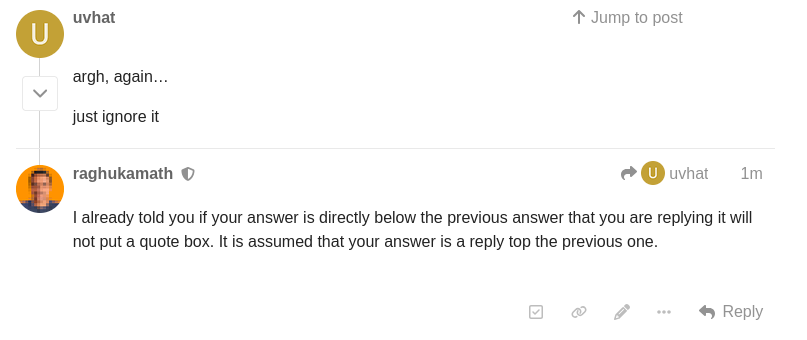
I already told you if your reply is directly below the previous message that you are replying to, it will not put a quote box. It is assumed that your answer is a reply to the previous one.
Even if you do not put quote box there is a button to see which message are replies for what just click the curved arrow button

And it will expand the post to show you the chain message
Additional to @raghukamath:
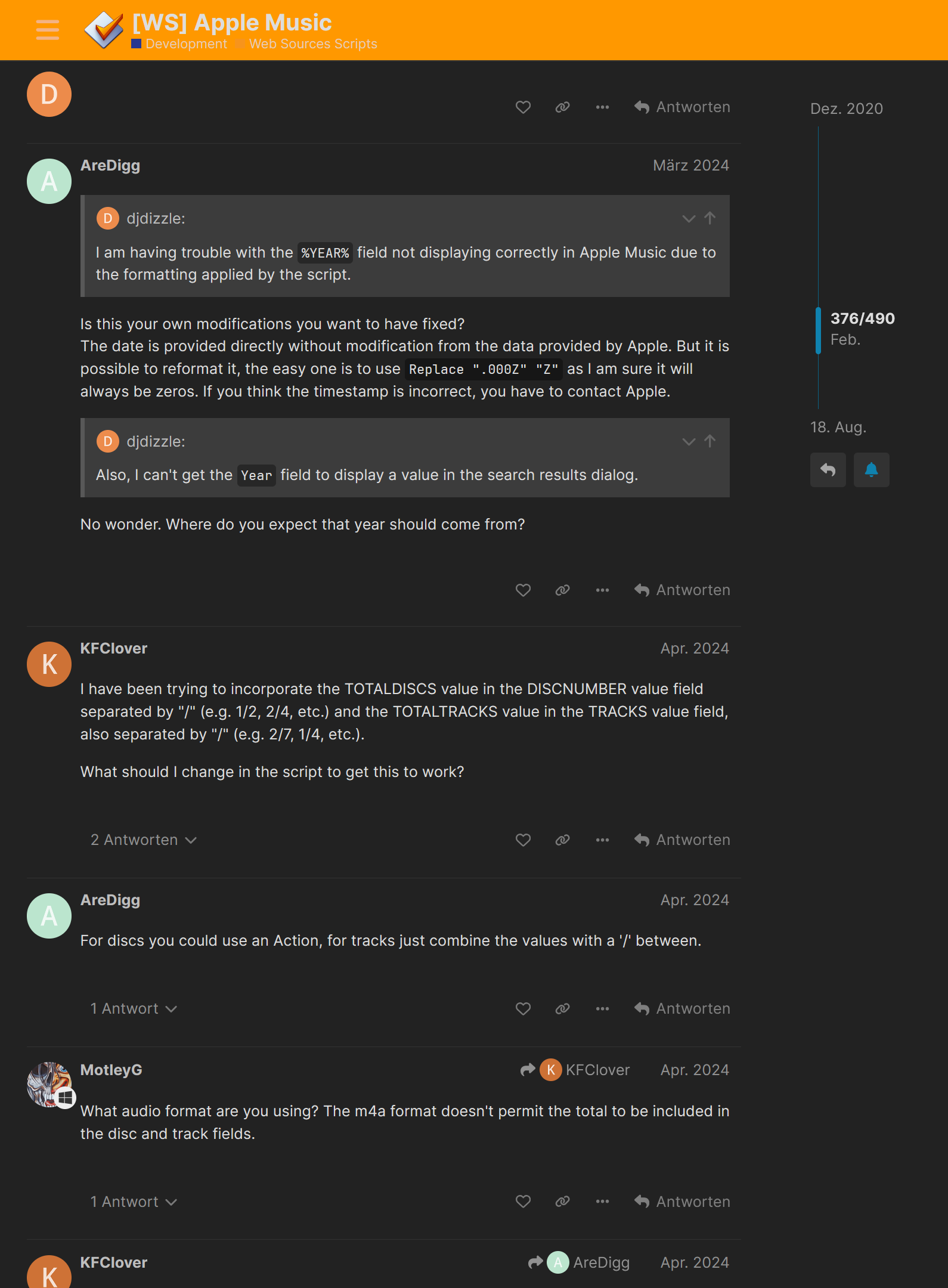
This is the way each and every Discourse forum on earth works, not just Krita Artists.
For example, the MP3Tag-Forum:
Michelist
What is the most recent test version?
 Hello @Raziel_Herbert, and welcome to the forum!
It is probably this direct download:
https://www.dropbox.com/scl/fi/owrkvdm4m9o8239q0ul60/krita-x64-5.3.0-prealpha_clip_test_0_21_disable_sync_events.zip?rlkey=ks31wskmhve6j3iwf1amqkfrr&st=qdolu31n&dl=1
from this post:
Michelist