Which OS do you use? Android, ChromeOS, Linux, macOS, Windows?
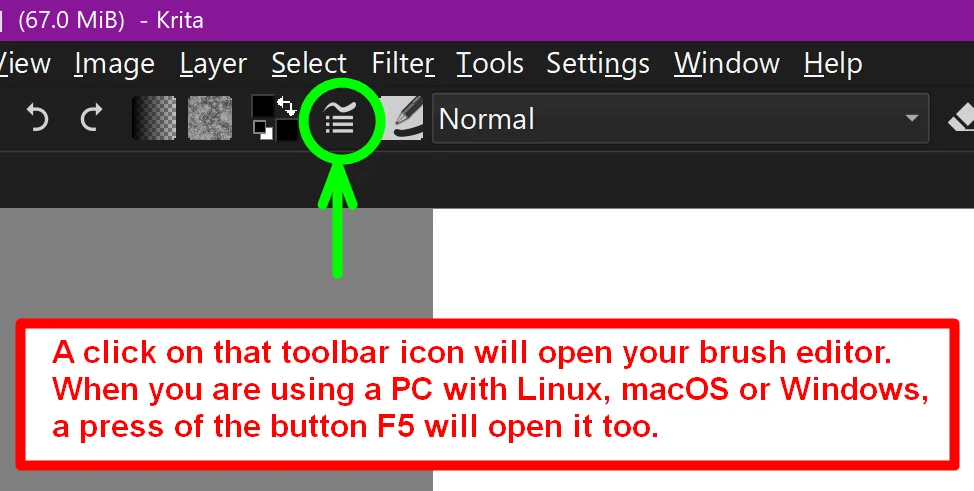
If you don’t use Android but Linux, macOS or Windows then a press of the function key F5 will open it too. The screenshot above shows a tiny part of the brush editor.
How to open the Brush Editor via its Toolbar Icon:
But to get the most out of Krita, you should go and get to know Krita better: Krita’s menus, the toolbars, anything I did not knew or understand was a reason to try out this button or menu-point, so I clicked on each button to find out what Krita and I can do with it. In short, you should make yourself familiar with Krita and its UI. Perhaps begin with a tutorial series like that from our forum member Corinne a.k.a. @CelticCoco or over at YouTube as Blade and Quill, her videos, even the oldest ones, are a good starting point when it comes to familiarize yourself with Krita.
Then there is a wonderful series initially created for kids as the target audience, but I love these short videos that help users on their way into the world of Krita:
Michelist