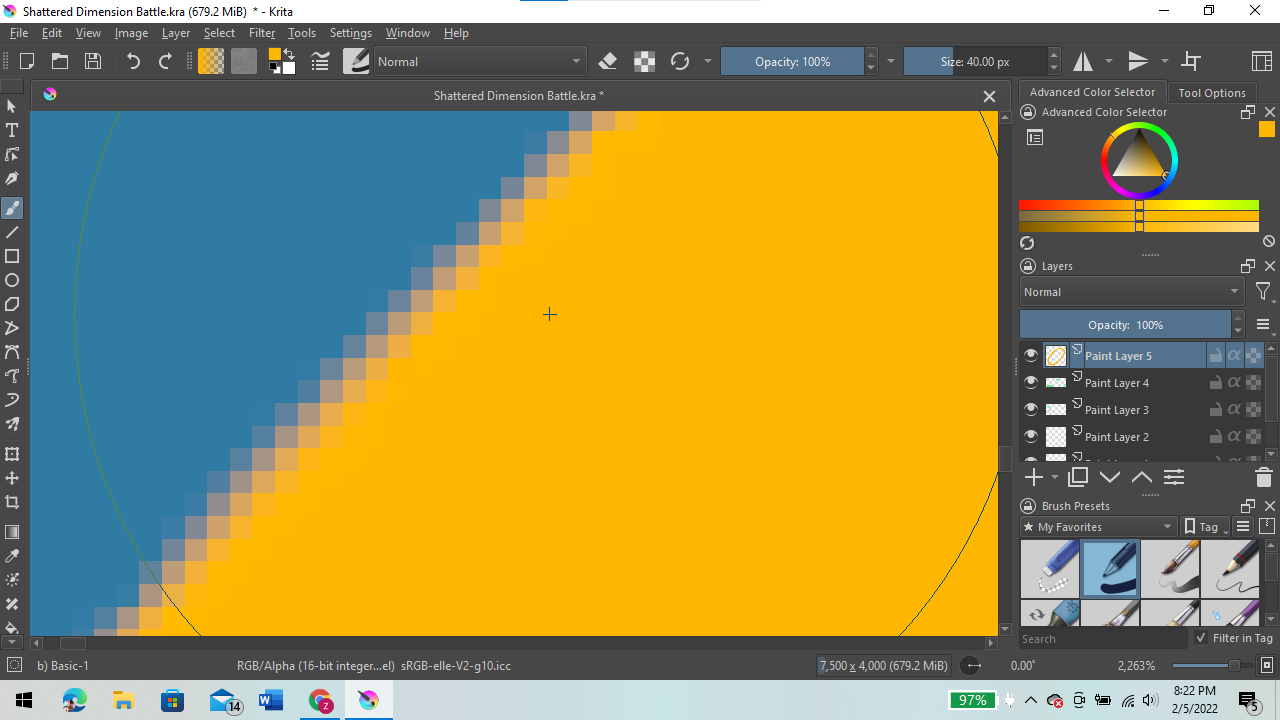
That seems to work better. Here’s the before picture:
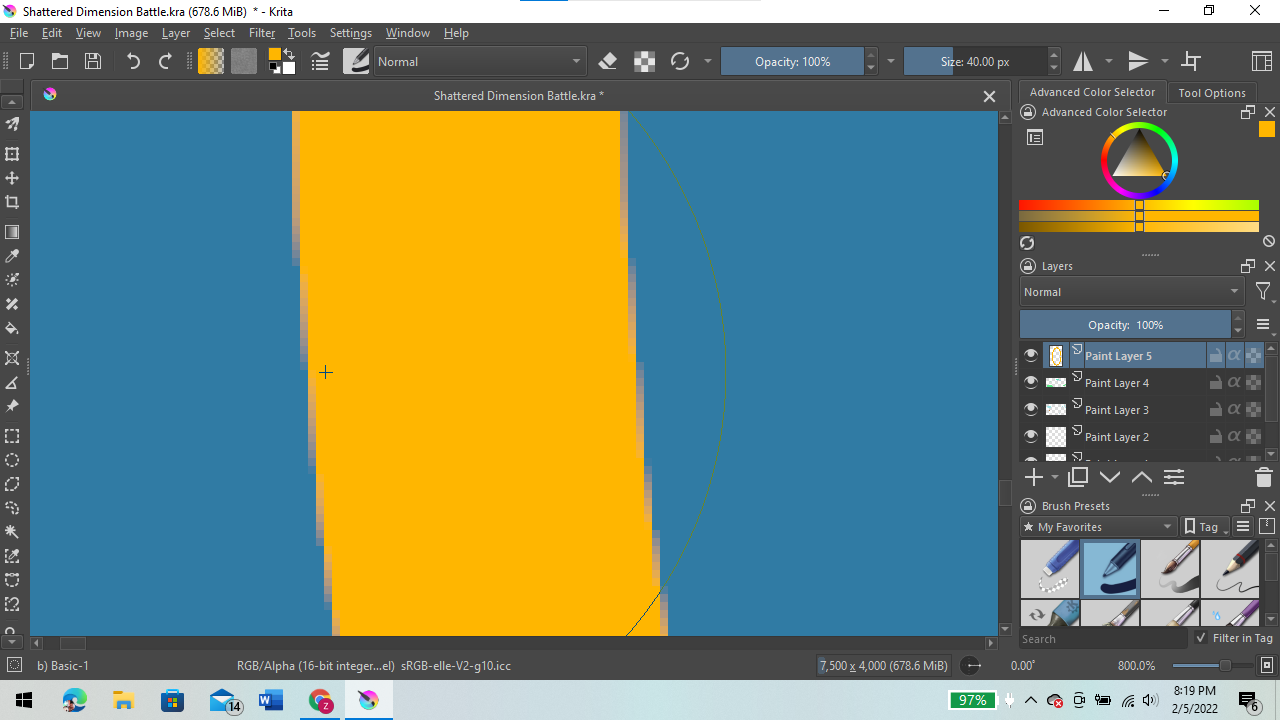
I hope you can see it. There should be a slight difference. This is the after picture.
That seems to work better. Here’s the before picture:
I think the developer’s comment can explain it.
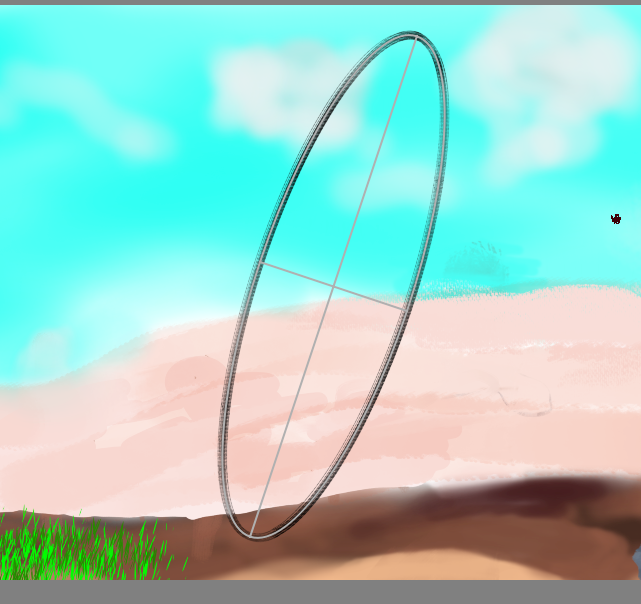
In krita 5, if you want to rotate an ellipse, like wojtryb said, make an ellipse and hold ctrl+alt before releasing your mouse or stylus.
That seems to work much better, thank you. I will need to test this first.
try
window key + shift + s
to print screen. this is the snipping tool shortcut - which i use to print screen.
Do you mean this? 
Michelist
Sorry did not see it 
TBH very handy shortcut for multi monitor setup.
Sorry for going off-topic.
By the way, and because of “handy” and clipboard-related things, maybe someone will find this tool interesting? >>>
May be, I can’t use Snip because I use ClipMate, a very cool advanced clipboard that not only lets you catch and save for later use everything you copy to the clipboard “in the normal way”, but also lets you organize all clips in a tree-based database. Unfortunately, ClipMate and Snip don’t work together, it can only be a tool that controls the clipboard in Windows, but screenshots made via the normal shortcuts are no problem. It was one of the best software purchases I have ever made.
Michelist
Edit: I have clips dating back in the 90s, so I think this investment has paid out.
This topic was automatically closed 7 days after the last reply. New replies are no longer allowed.