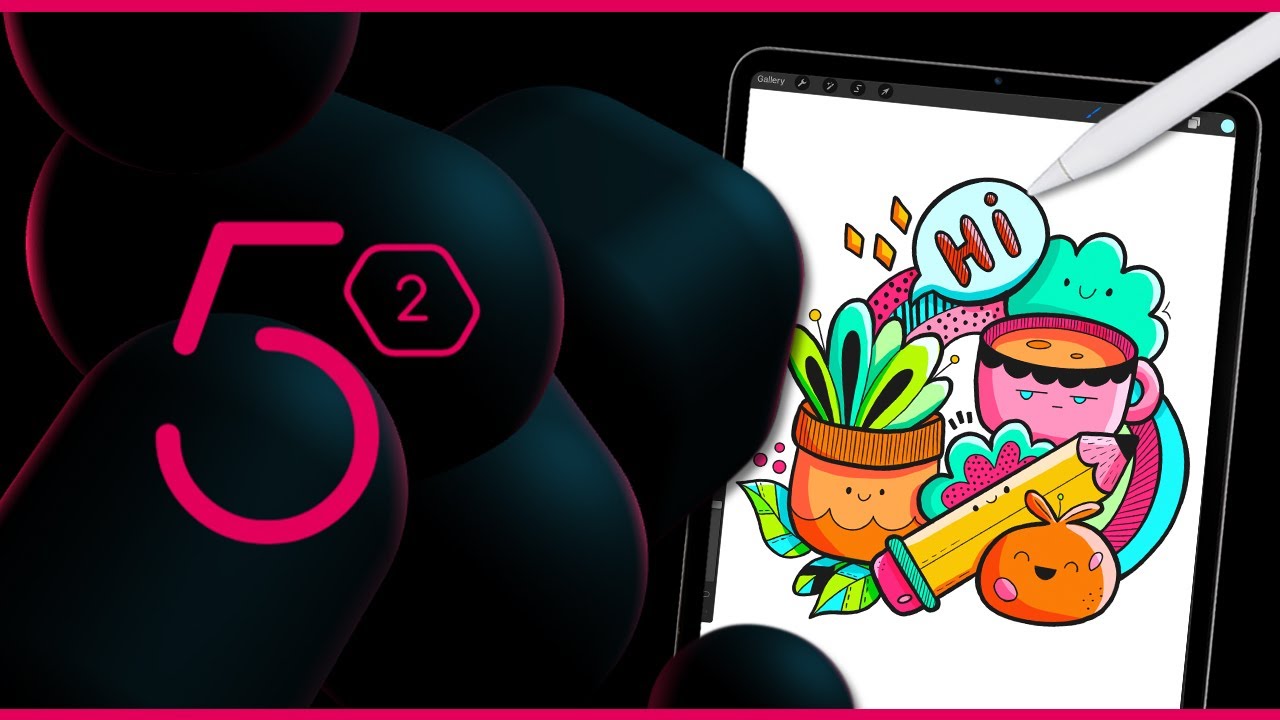
Mega Feature Request - Ideas from Procreate

That’s great news. is it in the last sunday nightly? I use 5.1 nightlies but update only on weekend and tbh i havenot done colored artwork in a while [so i might have missed it] . Really exciting. I feel im more excited for 5.1 than im when 5.0 was getting here. :joy:

Lots of features I was wishing are getting in 5.1 [mirror on cursor, fill tool/s? improvements, the patch on canvas only mode and some more little things] .

Thank you very much.

Yes it is there since a while.

Also recently from Procreate and admit do miss some of its features.
Besides the above you mentioned, I also would love to have smoothing/streamline customization and saved for each individual brush setting, like in Procreate.
Have to constantly change the smoothing/streamline every time one changes a brush is really frustrating and a hassle.

I agree with this: the stabilsation makes a lot more sense for certain brushes (inking and liner brushes) than others so it would make more sense to be able to change this on a per brush basis.

I really like the quickshape options in procreate too, even if in Krita the shape tools are very good too. The seamlessness of not having to change a tool to create a circle or a line is quite helpful in a workflow.

I will say that i think having a global option is still good to have, maybe add a way to have stabilization per brush but leave the option to use a global stabilization.

Yes I agree … no reason to take away global, more options the better … but I truly wish and hope the devs do manage to add the stabilization to brush settings

Totally agree and just not needing to constantly change the stabilzation settings … to be able to fine-tune each for yes especially inking liner brushes.

i think it would be much easier to “link a stabilizer preset” to each brush than adjusting the brush engines. by that i mean using tool presets (something that was in the works and is supposed to release in 5.1). WIP: Add presets for tool options (!559) · Merge requests · Graphics / Krita · GitLab

its basically a save state for tool options, i think having it as a resource to the brush preset like its already done for patterns and brush tips could give a nice modular system.

The way i am imagining it could work is by when a preset is chosen and has a brush tool preset linked to it, would change to this tool preset. since the brush tool only has smoothing and the snap as options i think it would make a lot of sense using a system like this. It would be way easier to set the same stabilizer settings to different brushes if needed.

though its only an idea i had based on the superficial understanding of this new feature but if it works like i think it does i think it would be a satisfactory solution. having the ability to change the tool presets on the brush would also make easier to test different stabilizer options and could make customization much faster.

I know nothing about coding … which ever way … if it works then its perfect!

speaking of procreate-like stabilization i would really love to have a stabilizer in Kirta that works the same way the procreate one does. Unfortunately it’s really hard to describe or even show in a video, it has to be experienced firsthand

i would really love to have a stabiliser mode in Krita that works the same way the procreate one does.

Unfortunately, it’s really difficult to describe or even show in a video, it has to be experienced first hand, but here’s the best one i could find that kinda/sorta shows what i mean:

Hi! Would love to have this on Krita. Also discussed in this thread: Does Krita have "Quick Shape" or "Predictive Strokes"?

(I’m new here and I’ve been using Krita in many stages of our workflow here at work and I am constantly won over since. I appreciate the work and the broader open-source software movement making huge leaps recently and really going head-to-head with the incumbents. I have Blender in mind, which we have also been using in production since we made the decision to build our new pipeline on it a year ago.)

There’s a note I see here that says that I am reviving this topic, but I’m doing it specifically for the QuickShape-like feature!

Long rationale cut short, that kind of feature just feels so intuitive and it makes so much sense to have it without having to go for drawing assistants or separate shape tools. I think it’s a very good middle ground between heavy-handed stabilization and outright drawing geometric shapes simply from an efficiency standpoint.

In terms of hardware/form factor context, I think it really benefits all forms of digital drawing, from pen tablets to display tablets. The proof of concept is already demonstrated and embraced very well on display tablets (obviously since Procreate is a tablet app), and I could only imagine the greater benefit this will bring to non-display tablet users as well who tend to encounter more friction when it comes to achieving drawing precision and stability.

Just to drive it down further, being able to draw a shape or a line/curve as you traditionally would on any canvas and have it turn itself in to the best ideal version of itself by holding the pen on the canvas for a little longer (or by hitting a special key) seems very streamlined. This means no longer having to set-up or configure assistants, or dealing with traditional shape tool anchor points, dragging and rotating them, or pre-approximating Bezier curvatures just to get them to line up exactly where they should be.

I have little to no knowledge as to how this may all happen technically under the hood, and I don’t want to sound demanding or entitled. I have a feeling this will be complex. But, back to the feature, the current implementation in Procreate just seems to nail it straight on the head in making the most out of that kind of feature – the QuickShapes can actually still be tweaked as if they’re vector graphics before finally committing to raster, which I think makes the idea that much more mature, thorough, and essentially worth having in any drawing software (but especially in Krita and how much of a glove-fit its UX is to me, especially the way the pop-up palette was designed).

I don’t know how much demand or tinkering this might take. I’ve done a surface-level lookup on how it could be possible. I am willing to draw up the UI for this, if ever that could help, and suggest specifics through it. In terms of code, I’m thinking of developing an add-on for this if an API of some sort would let me do this (I haven’t read the full docs yet).

I’m just basically a tinkerer but, yeah, it’s pretty obvious how excited I am over the idea of having this feature on this software that I’ve been really getting into over the past few months. It helped reignite my desire to keep making art on a regular basis.

Thanks for reading (and I’m sorry if this isn’t exactly the right place for this feedback).

You can always create a separate request thread for this feature and it can be voted by users indicating seriousness of implementation. There you can add mock ups and demonstrate how this will work.

However as of now with qt6 porting undergoing for krita next, i doubt this will be taken up by krita dev soon. Although never to give up, this feature indeed dramatically increases speed of certain workflow