Oh nice, thanks, this actually seems to work… Mostly
The issue I have is that I kinda want it, in this situation, to be applied as final effect. Like, after I randomly shift the color around in which ever way, I want the atmospheric color to be mixed in.
Right now, the hue shift happens on top of the mixed color. - Which, I’d imagine, often is wanted. As far as I can tell this is a limitation of the current system? Or is there a way to explicitly tweak the order?
Another nice feature would be to, instead of a mixing gradient, use other blend modes.
Really what I want to do is tint the result towards blue after all other color tweaks are done. (Imagine atmospheric haze and how it washes out colors and bends them further and further towards blue as the blue light is scattered)
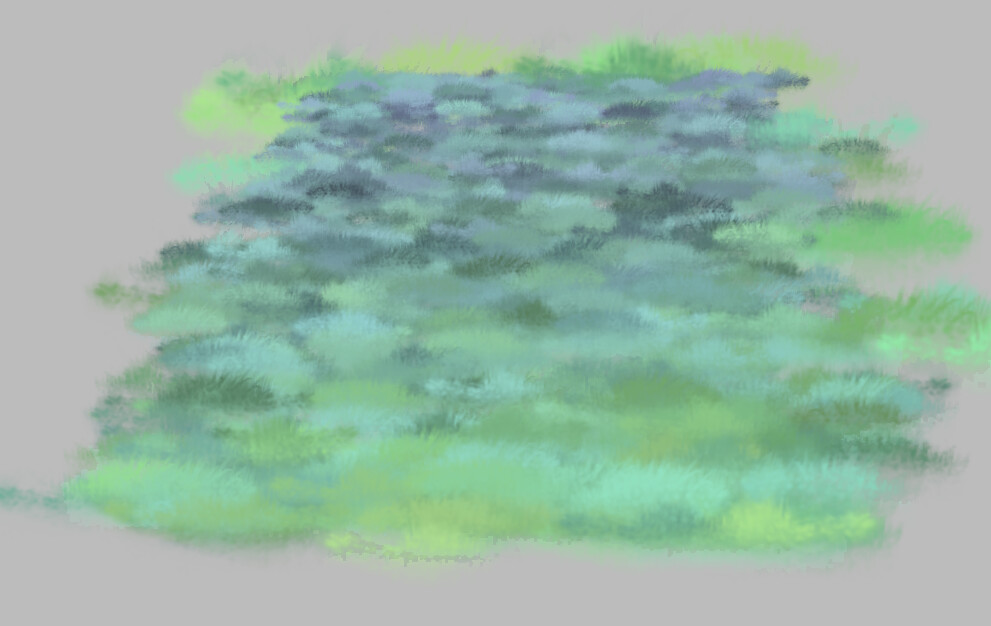
Here’s a quick and dirty result using this technique:
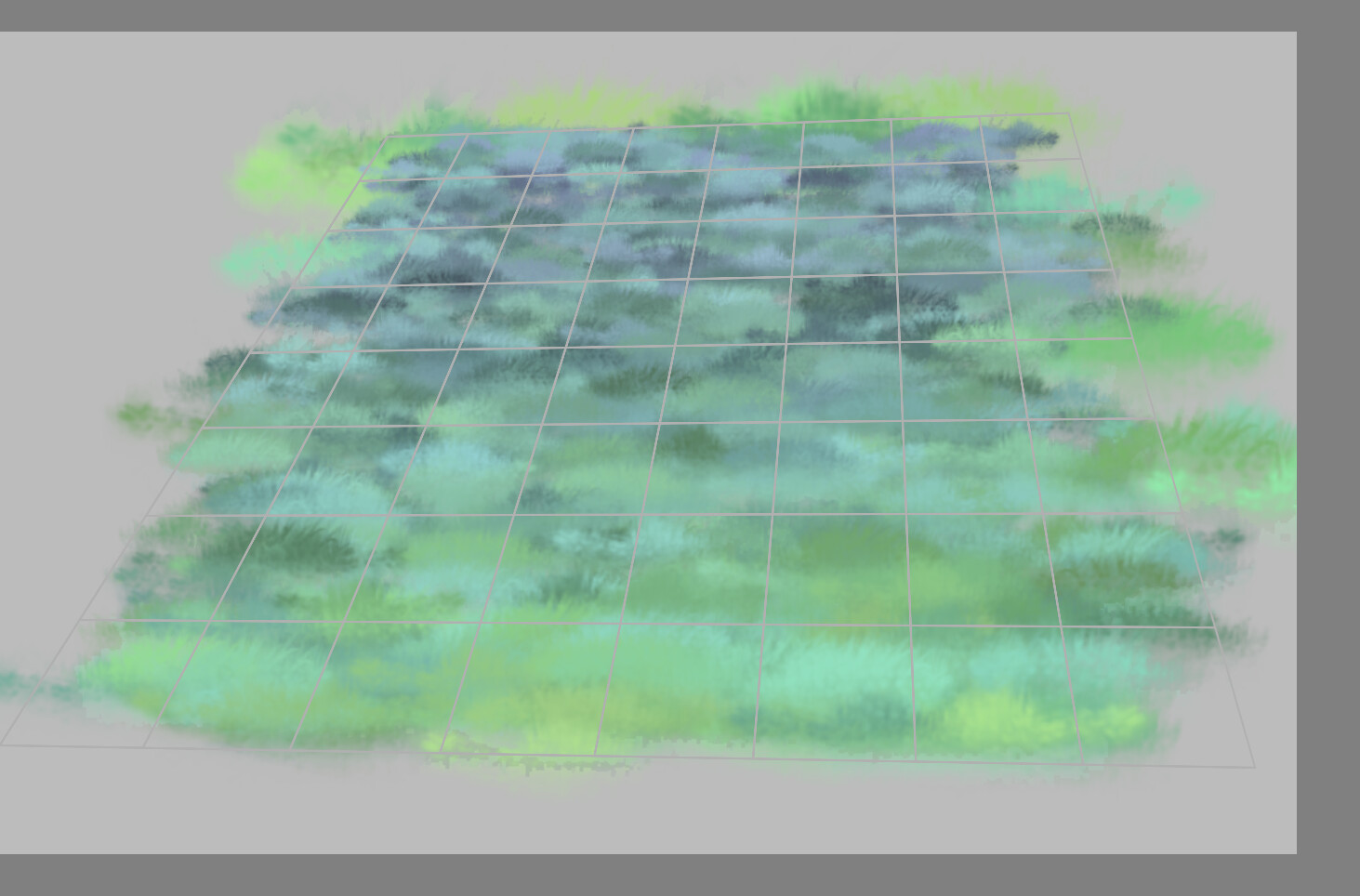
Here’s the perspective grid:
And the brush settings:
Size:

Mix:

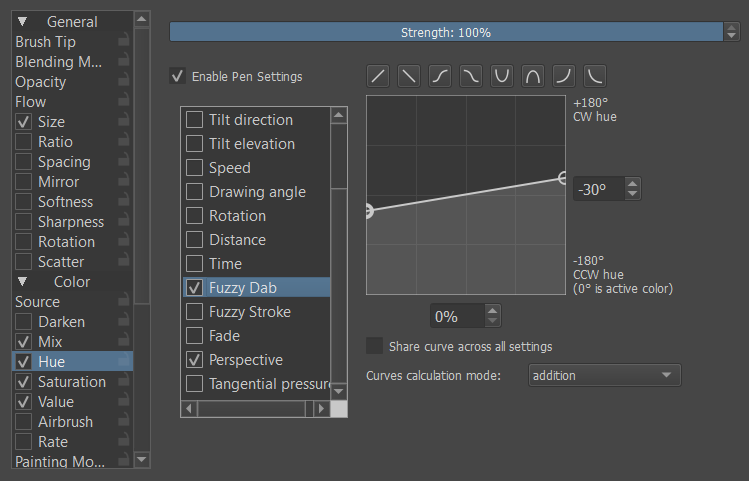
Hue:
- random per stamp:
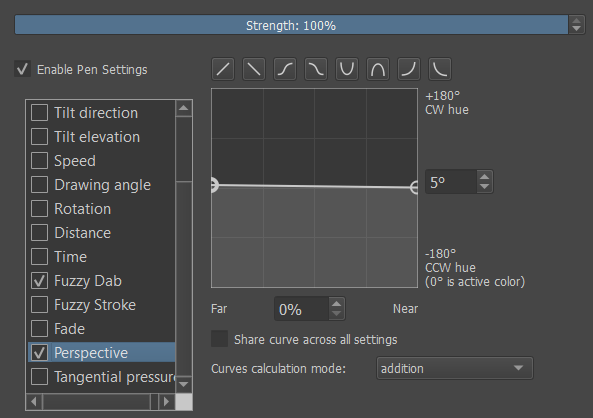
- dependent on perspective:
Saturation:
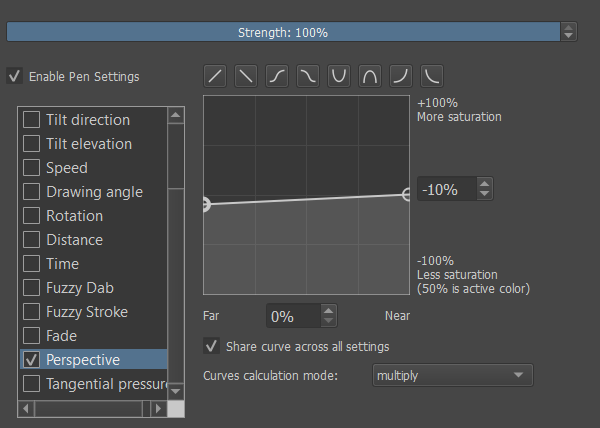
Value:
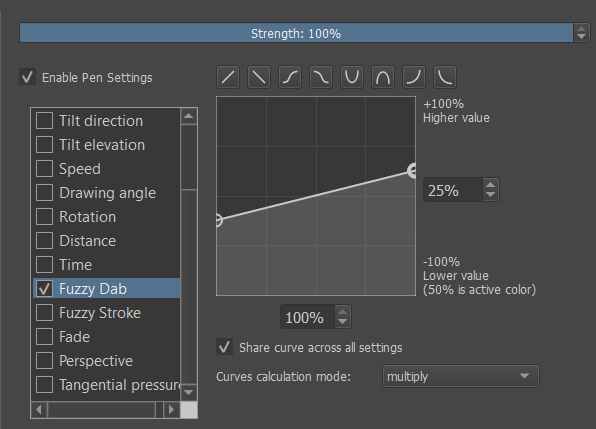
With Hue there is a small problem right now: The perspective dependence of that relies on me knowing, that the color is supposed to shift from green towards blue. If I wanted to shift it from green towards red instead, I’d have to tweak that hue dependence, just because I am using different colors. This is where it would be handy to, instead, have it wash out towards blue, not relying on Hue at all.
EDIT: Here is a slightly more artistic use for this kind of setup. I think probably some tweaking of saturation strength by distance could really bring this far but for a couple of minutes of messily using literally just three brushes this is actually surprisingly strong I think: A river of hearts through wet grassland
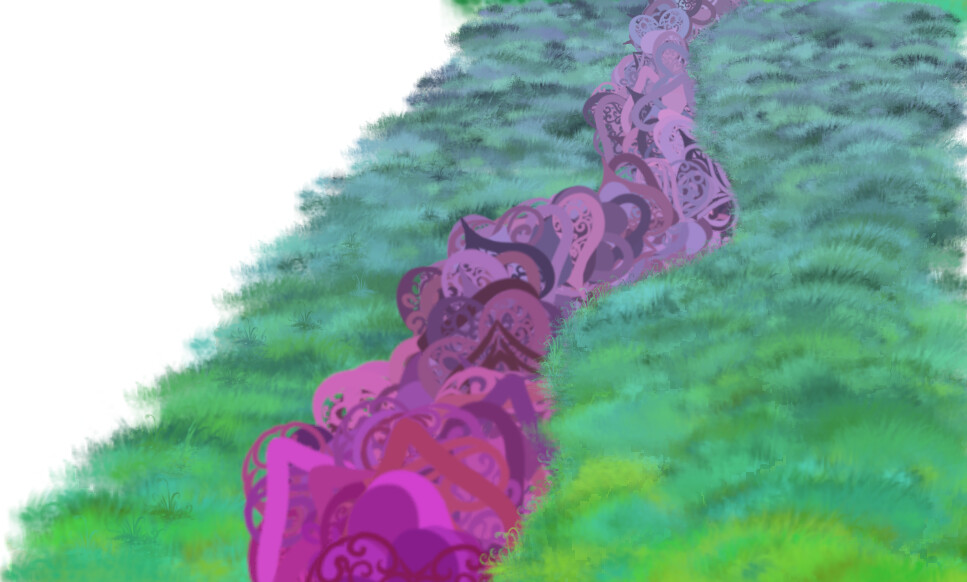
I especially like how some of the grass in the bluer regions came out. It almost looks plausible.