@Franciscoilustrador
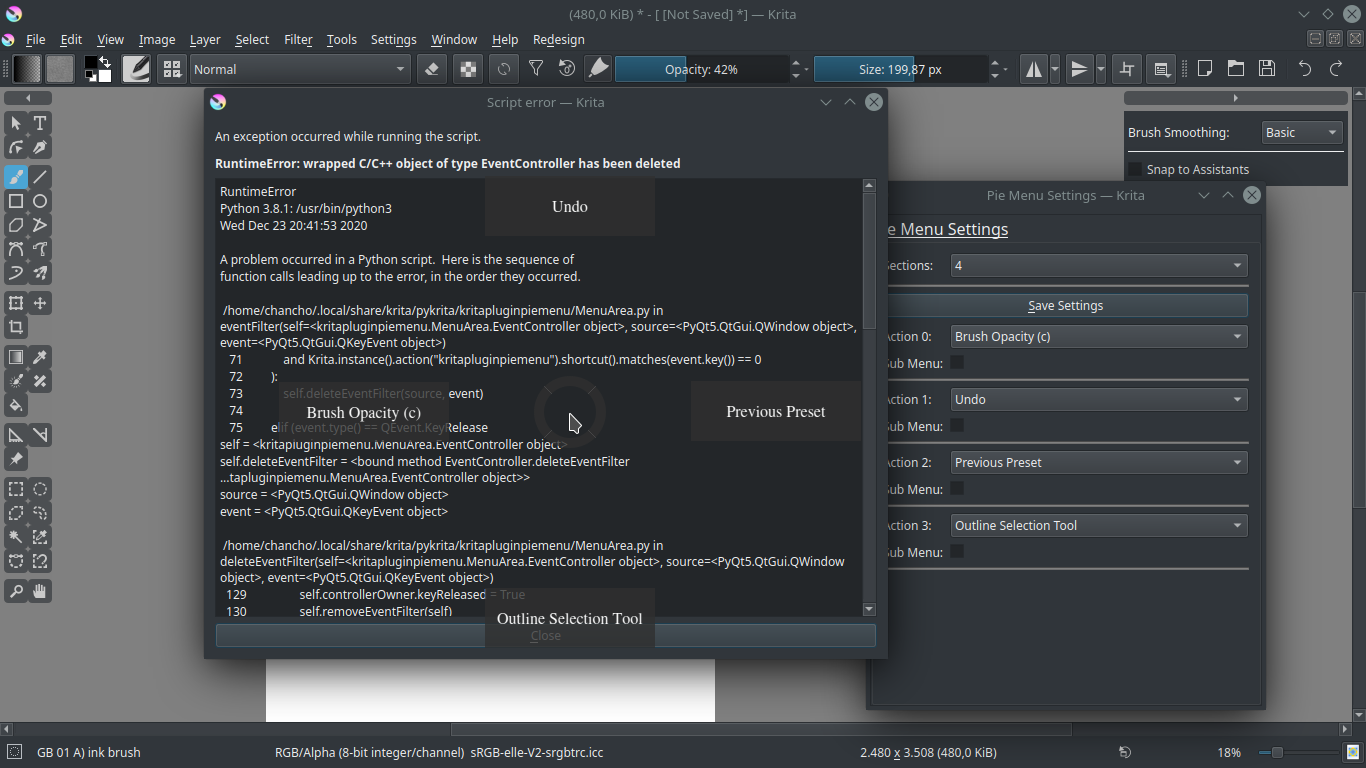
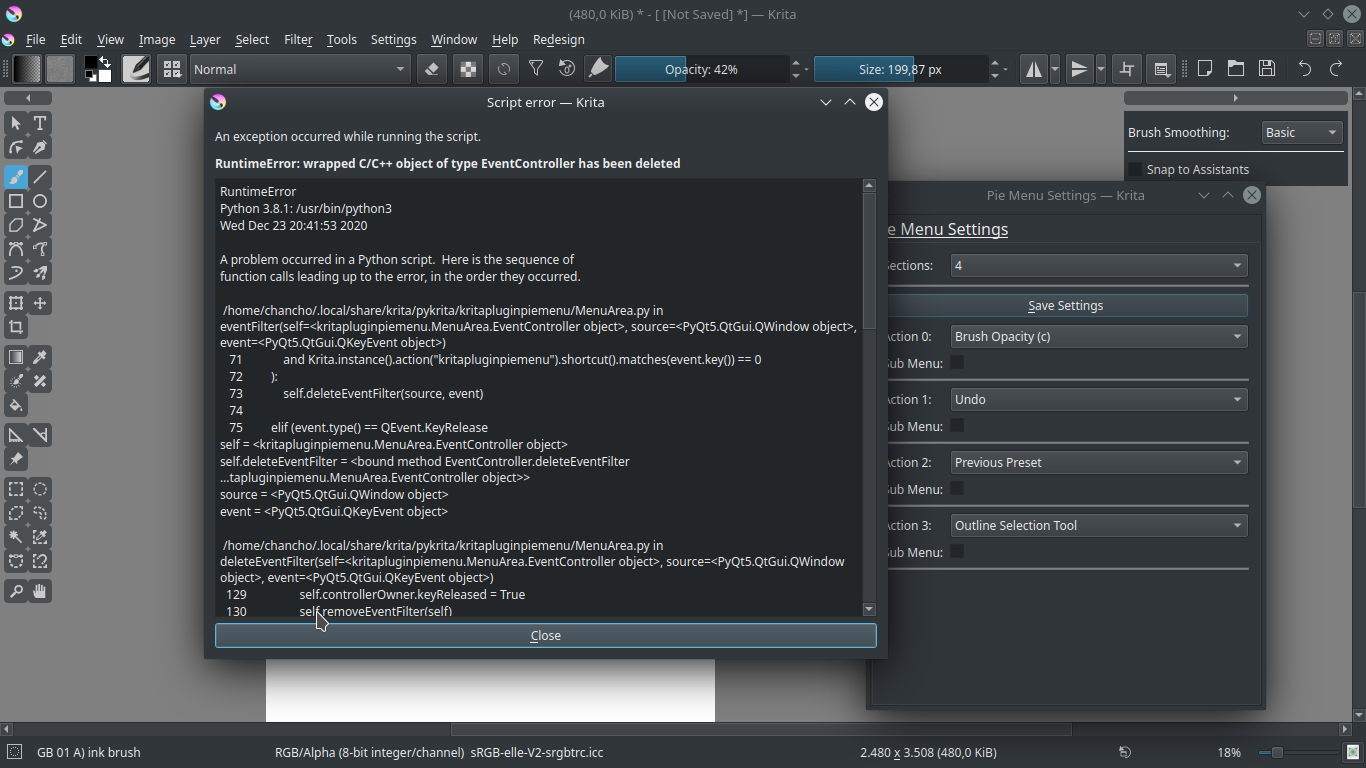
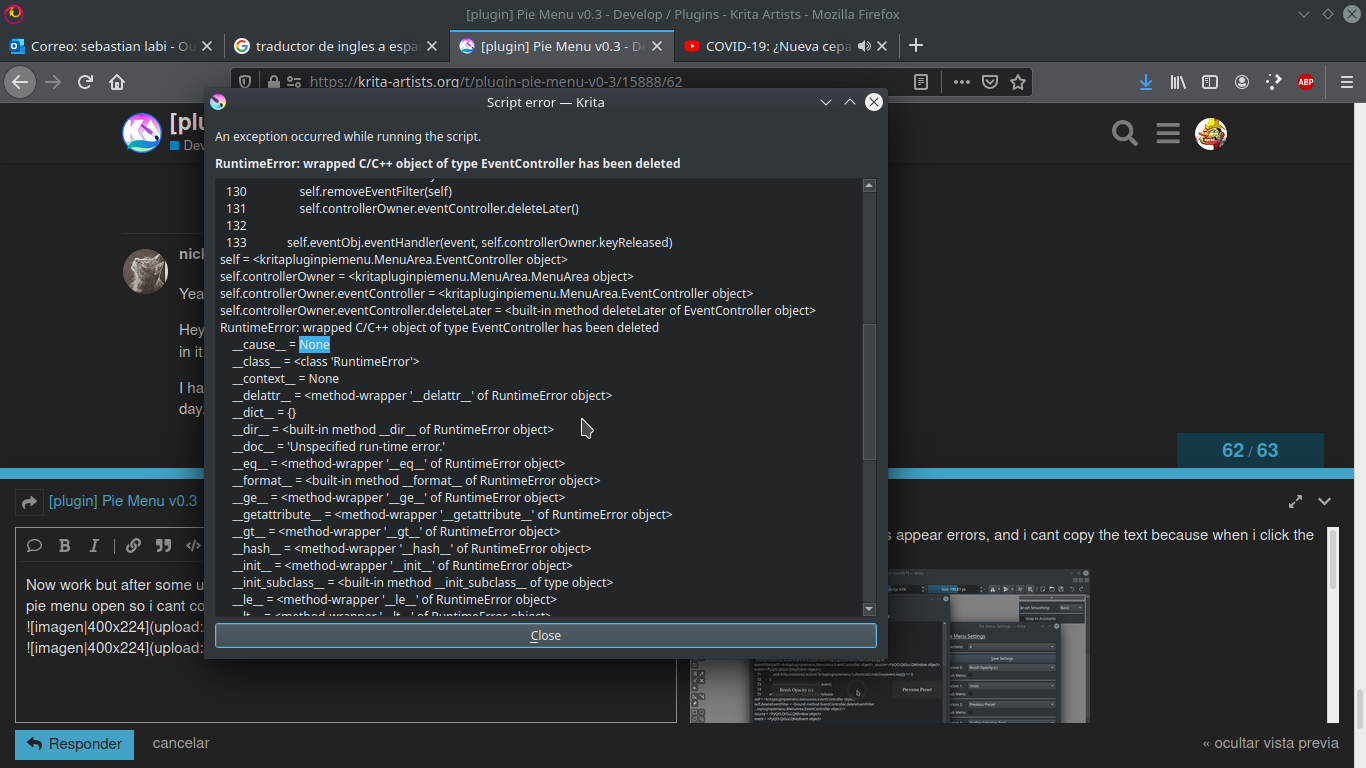
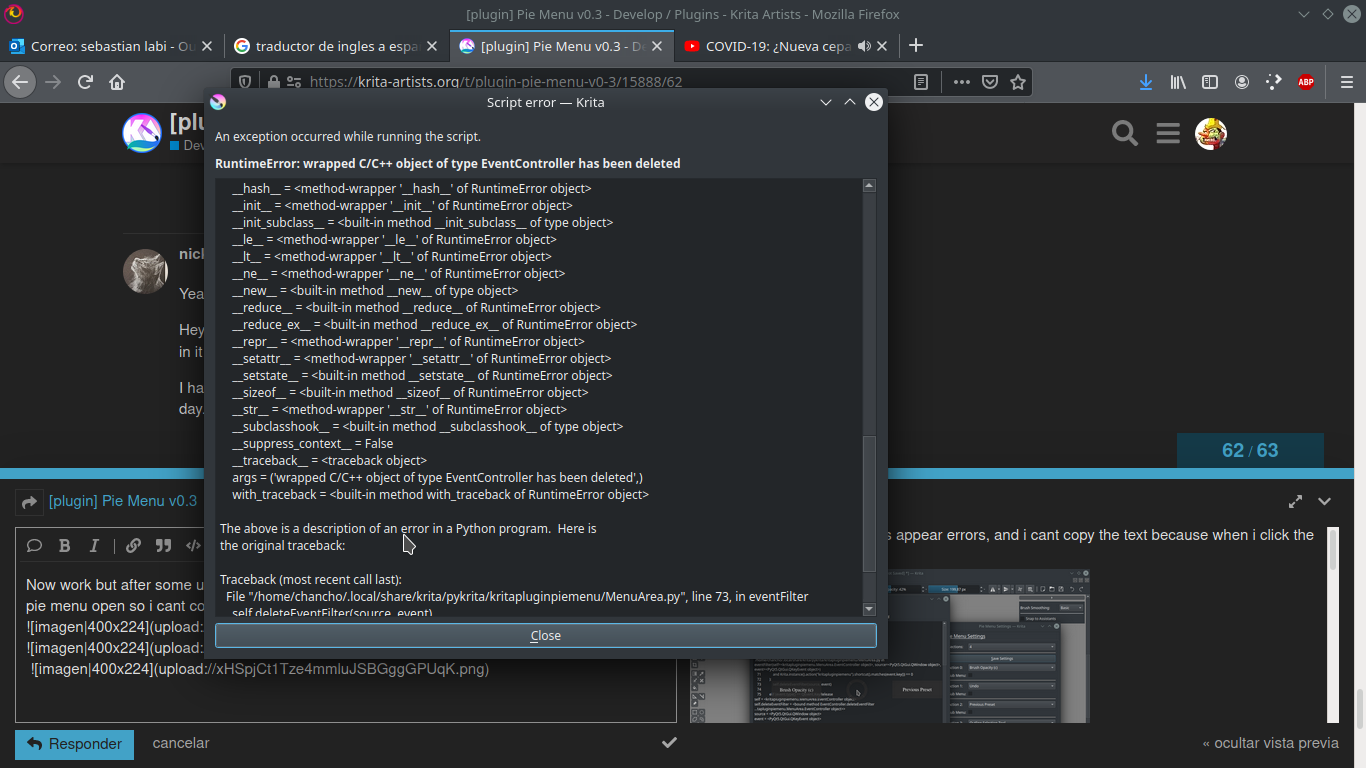
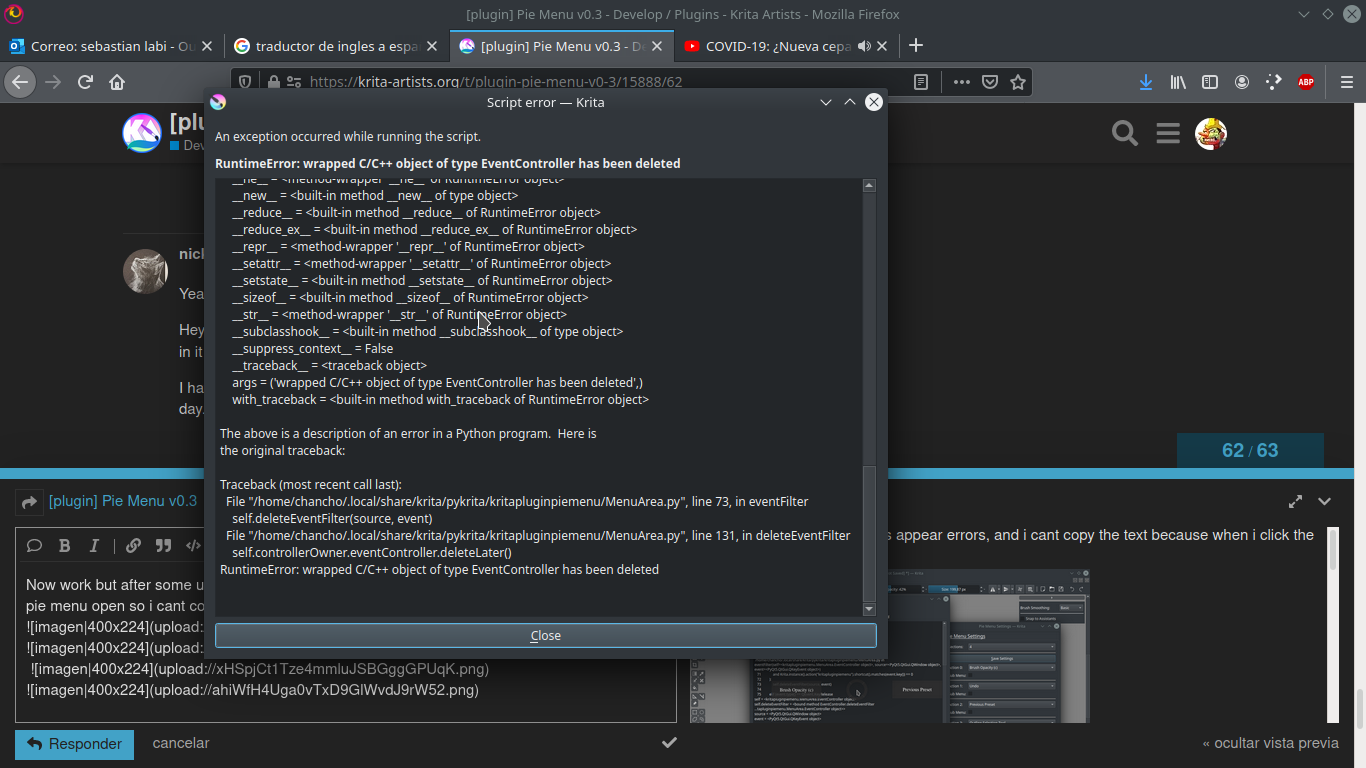
I’m actually currently working on fixes which should hopefully deal with the issues you are having.
I had some issues when switching dev environment and managed to unfortunately get rid of some files so I had to quickly go back a bit.
I’ll be soon ready to post a test branch which should hopefully fix the issues for you. Sorry for the inconvenience.
I’m currently testing on windows 10 (this was my major platform and initial the plugin worked well there but after the accident something might have got a bit broken somewhere if you have the same issues as in Linux).
I hope you’ll give it a try again in the I believe a few days when I post the test branch to see if the issues disappear or not.
(currently it works just fine for me on Win 10 as well as Kubuntu).
You feel like it you can give this branch a try,
Can you go to resource folder (in Krita: Settings - Manage Resources - Open Resource Folder), here go to 2 directories:
- actions - delete file called “kritapluginpiemenu.action” (if there is one)
- pykrita - delete directory called “kritapluginpiemenu” and the file “kritapluginpiemenu.desktop”
It’s still in dev phase and some functionality might be missing or not working as in the video since i’m changing how the menu works a bit but would mind letting me know if this one works better for you?
(this branch triggers menu with the shortcut press right away, quitting menu is done through pressing the shortcut key again.
When it comes to Linux I’ll be honest with you, you need to use the appimage (currently stable for krita 4.4.1), but the performance is vastly different based on distro some distros don’t really have much problems or barely any and some - for I don’t know why yet - have the issues straight away.
(technically if you use the PPA with your own PyQt5 install in your distro you might be able to get over most of these issues right away too but no promises it really depends which linux you use, I can safely say that I tested on kubuntu and broke it right away while on fedora I spent hours with it without problems, …), working on this right now - hopefully I’ll get a decently stable version soon but there’s just too many linux versions that I can’t test everywhere ;0.
(would you mind letting me know which device you use and what drivers you use on each of the systems you mentioned, please?)
@EyeOdin
To the keyboard layout. Technically yeah it can be done even now (though I’d recommend using the fix branch eventually to get over several issues). But I don’t know if you really want to do it.
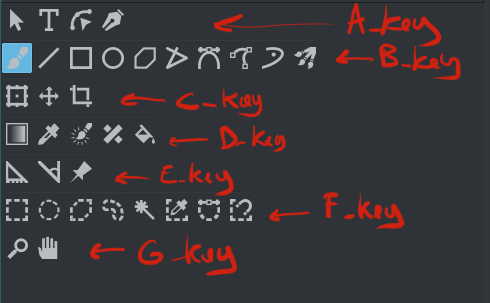
Overall there can be 81 entries in the pie menu right now that means 81 actions, I don’t know how many keys you use but I believe it’s probably less than 81 for your work in Krita.
But not all actions are currently available so you would have to add them on your own as seen in the video. I’ll be adding more soon but fixing the issues currently takes priority to get something of a stable menu first.
Adding more actions is a very simple job so that can be done very quickly in an update after.
Well, I mean it’s possible if the code got changed.
Do you mean you want more piemenus with different shortcuts while also keeping the shortcut itself as a trigger for an action or do you mean something else?
The current workflow for you example which was how I intended the menu to work would be like this:
- Only one shortcut for pie menu (avoids having too many shortcuts very useful if you don’t use keyboard)
- Opening a menu and quickly moving to one of the sections -> triggers base action
- For farther tools you move through the submenu too.
Workign example from above workflow:
- Open pie menu with `
- Move to side to get selection tool
(Select and do your stuff in krita)
- If needed more you can repeat the above but this time choose a different selection tool from the submenu




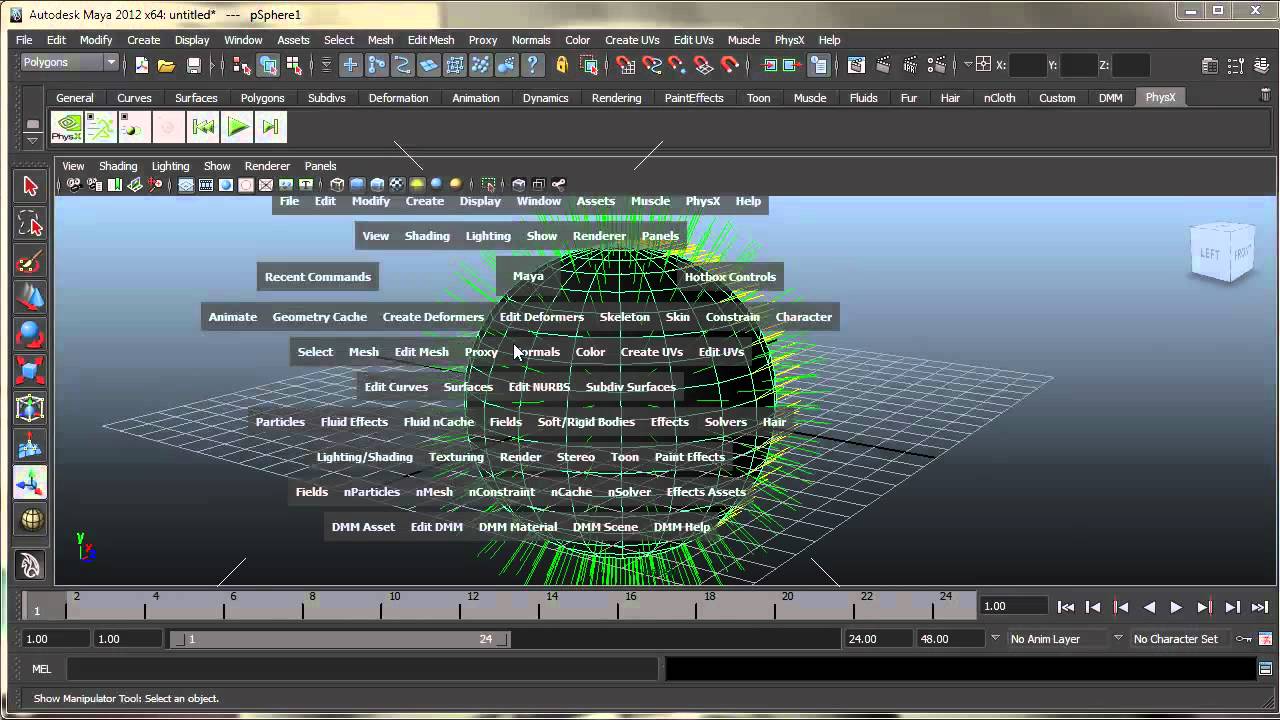
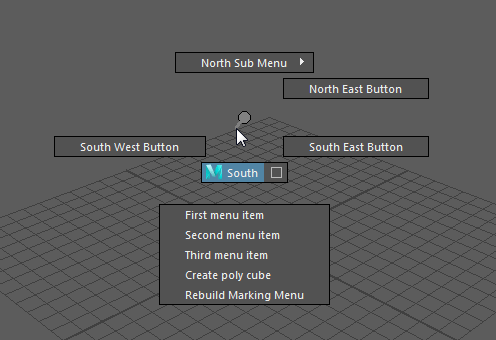
 check it out it will give you ide what you can archive in krita as well