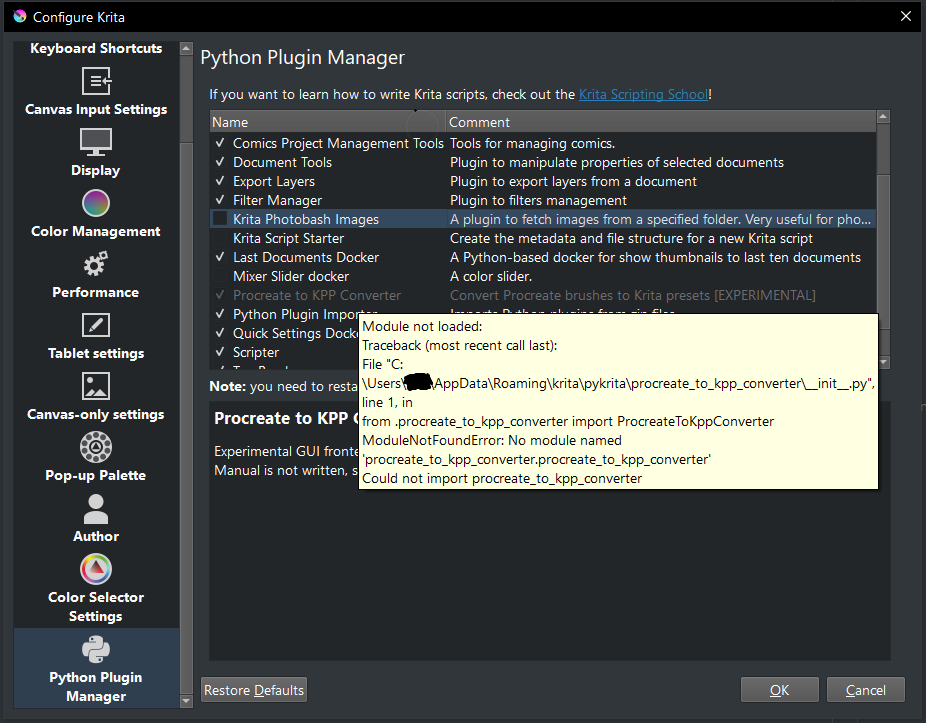
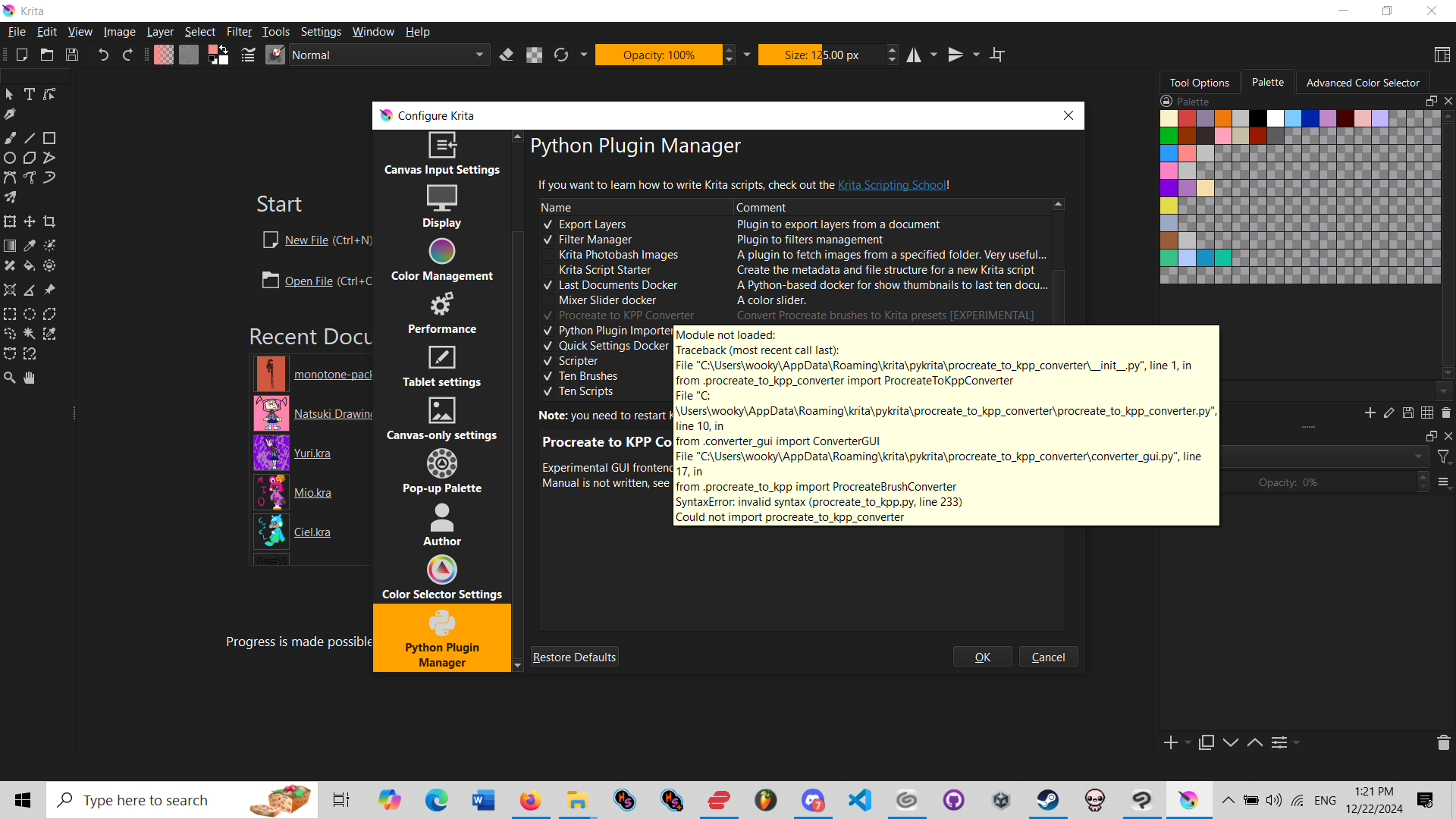
I’ve tried importing from Tools>Scripts>Import from file and extracting the zip contents inside the pykrita folder but both times the plugin is greyed out and gives me this error.
Any help would be greatly appreciated as i would love to try out this awesome plugin
Sorry about that, I missed uploading a file (procreate_to_kpp_converter.py) that was supposed to be there. Try again, it should work now. Don’t expect too much from the results though, the resulting brushes may not be very usable.
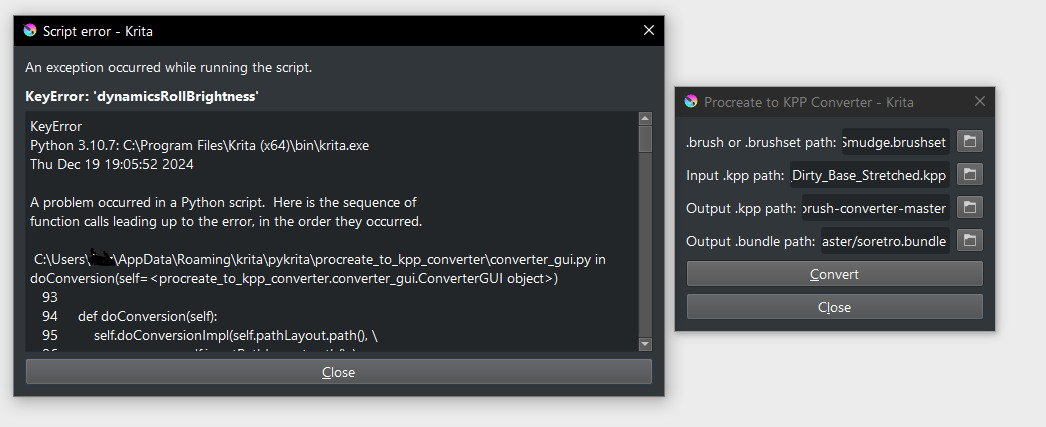
Seems you tried to convert a brush that contains a dynamicsRollBrightnessParameters setting without a dynamicsRollBrightness setting, which is not what my script expects. That probably results from limited understanding of the settings.
Works without any errors now, thanks a lot for this amazing resource!
Though not every brush works out of the box they can easily be fixed by messing with the settings and cross referencing with the extracted brushset file which makes this really an extremely useful tool.
I would say, work with what you currently have, and if there are updates to the current state of the plugin, enjoy them. But whether and, if so, when there will be an update is written in the stars.
The current Freya’s version should be [mostly] working as far as my tests go! I’m working on my spin-off in the meantime, but developement has been ultra slow cause I can’t catch a break with my health this year. I’m chipping away at it bit by bit, while doing my best to make it readable so others can add stuff to the script set easily if they want to help out/ in case future Procreate updates make the current knowledge I have obsolete.
I’m nearly done with transcribing & explaining procreate brush data in a [kinda] digestible format too, mainly for my own research purposes but it might help in some other ways that I can’t think of right now.
I don’t want to turn this into a TMI soup post, but whenever I go quiet on things like this, my health most likely has gone downhill once again and I gotta take it slow. It does NOT mean I abandoned a project; quite the opposite, I’ve been doing my best to learn more about python in my free time so I can be 100% sure I’m not writing spaghetti code. Cheers, much love, and merry xmas!
Apologies, but if you read the thread, you know that it’s a skeleton for a Krita plugin, and not a fully fledged one. You have to run it from terminal atm.
hi, iv download this plug in and add it to krita, but i dont understand how to add procreate brush and convert it to something else
also i dont know how to get the brush image
is there an tutorial/explanation somewhere that i missed?
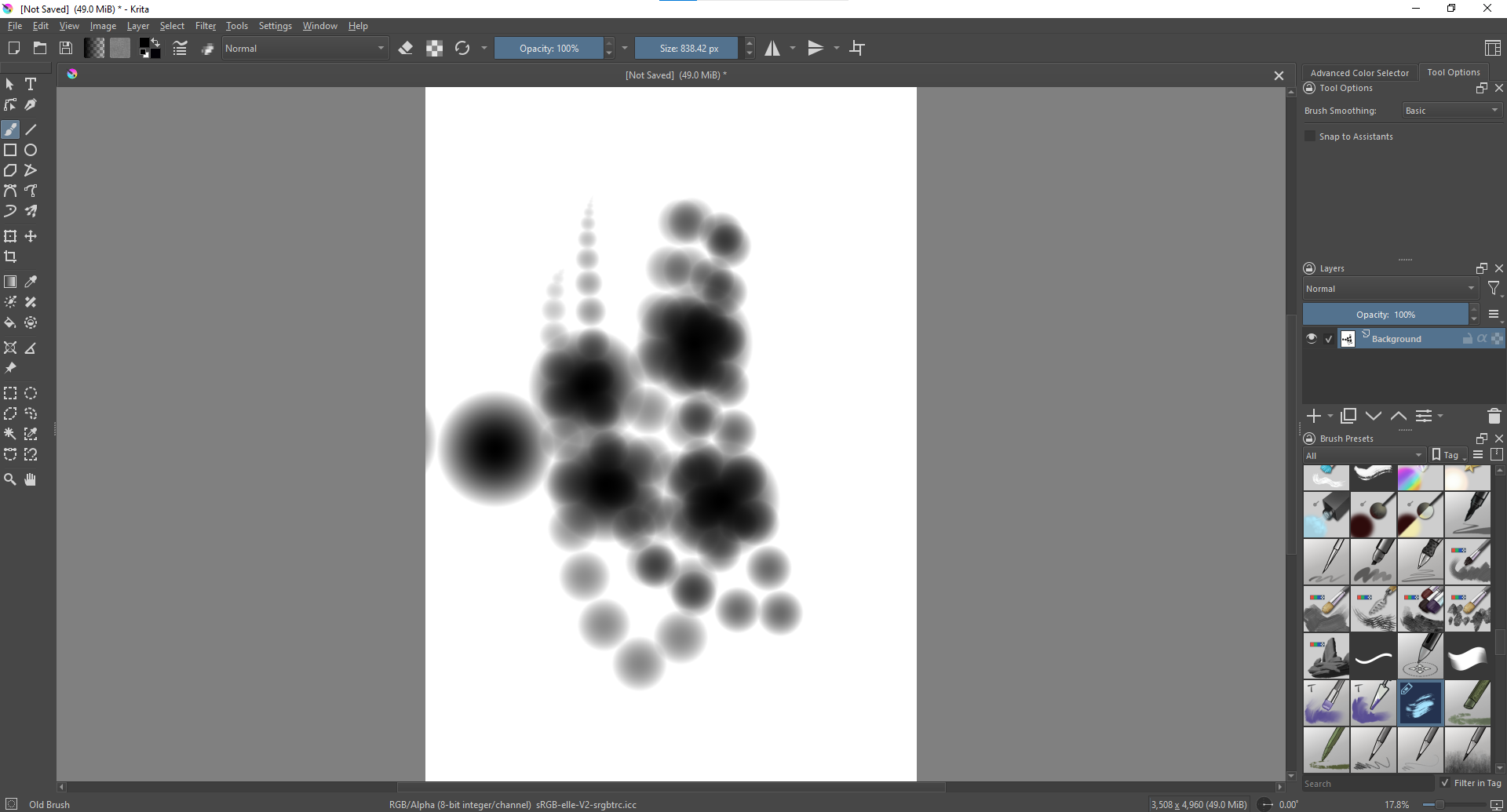
Hi, it awesome when you can made all of this. Can you help me with this, i download the zip file and plugin the file but when i use the brush i convert it just appear some dot
These dots are usually the sign for a missing brush tip. So, you may have successfully converted the settings of your “source-brush” into a KPP file, but you haven’t assigned the brush tip that belongs to the “source-brush” to the converted brush preset (the KPP file).
@Bea2: That is not my problem, but @NamT’s, but I hope it will help them on the way to a solution.
But to be honest, when I would hit such roadblocks, then I would most probably try to extract any pictures from said resource, so a possible brush tip, mask, pattern, and then try to recreate the brush preset with the most suitable brush engine to fine-tune it into a brush preset that will hopefully come close enough to the original.




 Hello
Hello