I can try that with a rectangle to make it easier:
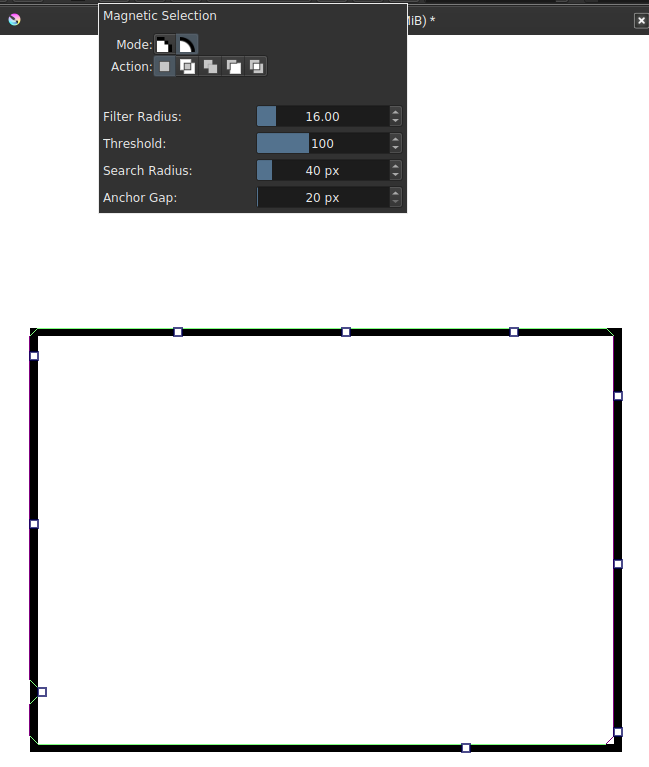
You might notice the magnetic rectangle is a bit misaligned from the drawn rectangle. This behavior happens regardless if you do it along the inner edge or outer edge. Let’s try a simpler example.
I’ve manually set these anchors by clicking along the inner edge:

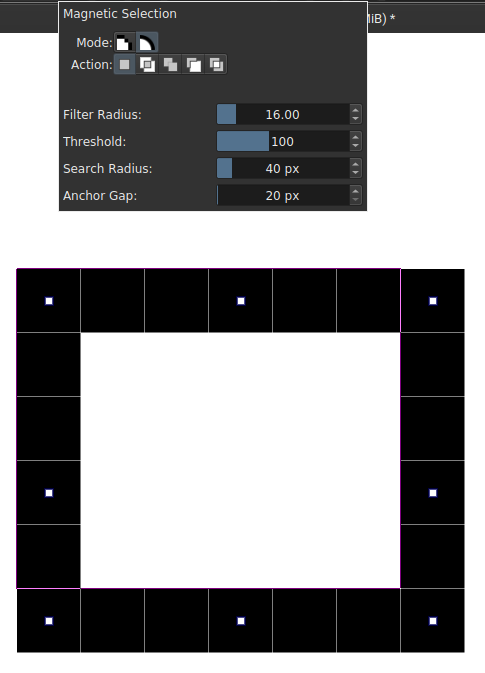
Let’s try putting the anchors in the pixels themselves.
Through my experimenting, I’ve also found an easily reproducible crash. Here are the steps:
- Select the Magnetic Selection Tool.
- Create just one anchor.
- Drag that anchor anywhere.
- At this point, the application has froze and it eventually silently crashes to desktop. “Segmentation fault” is outputted to console.