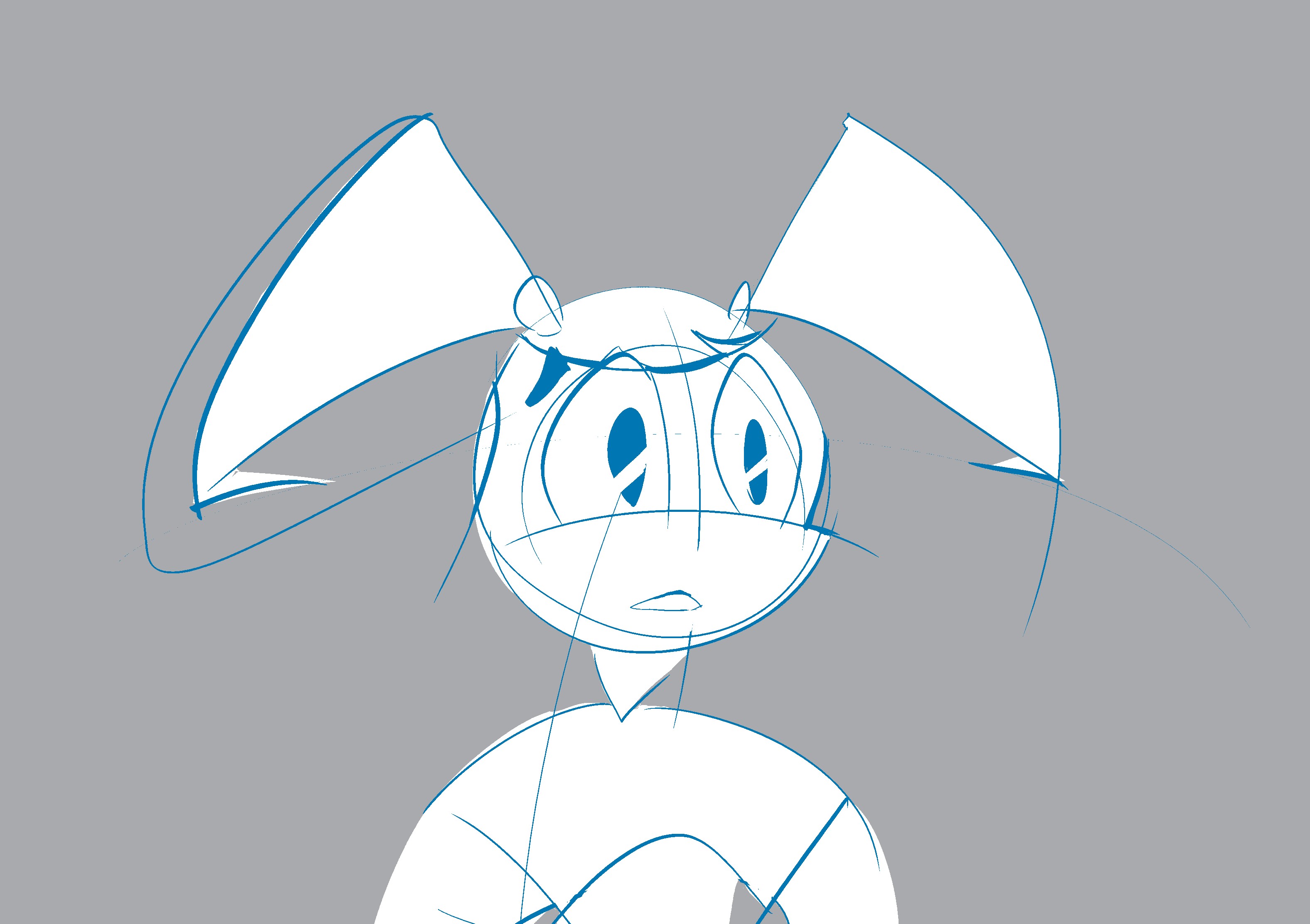
2023-11-23 Jenny mid-shot
(Sorry, coming up with good artwork titles doesn’t come naturally to me. )
)
From Nov. 26, 2023 1:16 - 2:20 pm
Bangs’s outline thicken: Nov 27. 2023 10:59 - 11:02 am
Right side of mouth finish: … 2:28 - 2:32 pm
Art Timelapse:
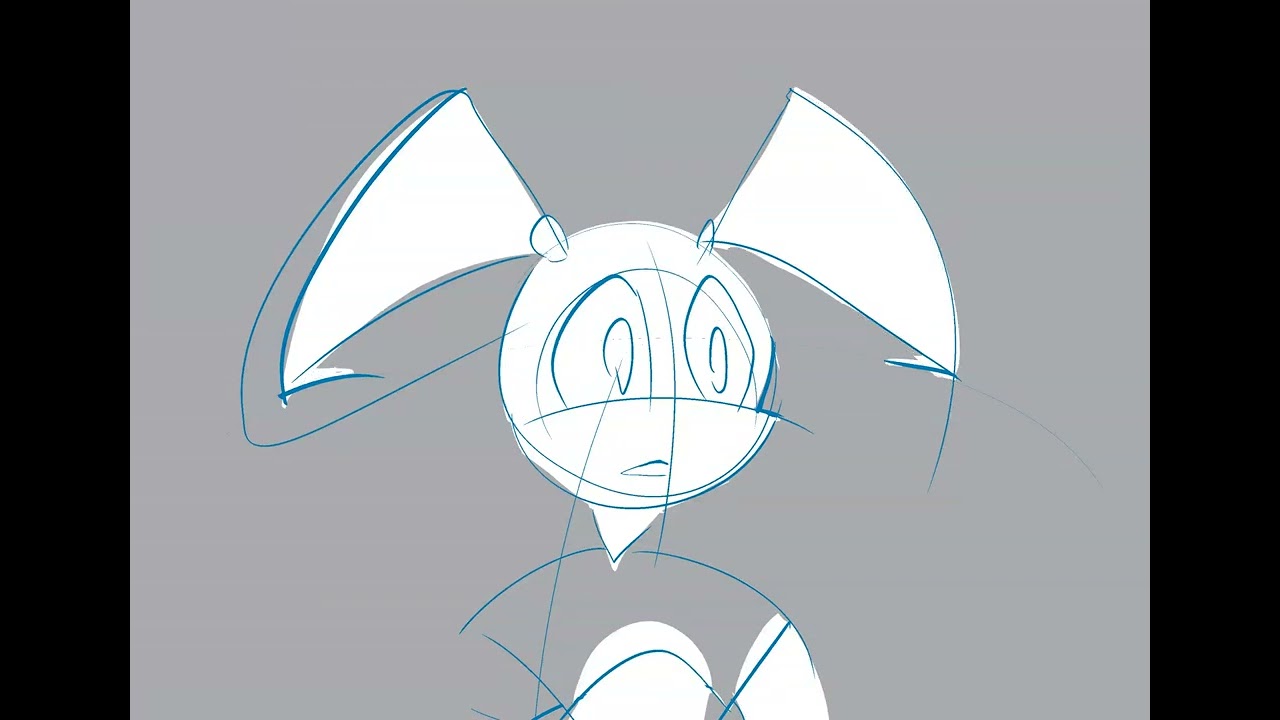
Quick sketch of Jenny. Started off as me seeing if I could use brushes with pressure- & tilt-controlled size in the Freehand Vector Tool. It wasn’t possible, but my scratches warmed me up to a new idea for a sketch.
As for the newer sketch, I went with trying to make her look like someone off-screen is about to tell her something that will be difficult for her to emotionally take.
MINI JOURNAL
As stiff as the pose was to me, I didn’t want to fiddle too much. Wanted to keep it quick, so stuck with only thickening the outline of her bangs & lining the other side of the mouth.
BEHIND THE SCENES
Drawing quality/draftsmanship: While still stiff-looking, I wanted the draftsmanship/drawing quality to be close to what would be a quick storyboard panel from me (at least, in Krita).
Matte method: Also, I did a test of doing a matte manually vs. doing it with Krita’s Colorize Mask.
Between the broad blocks of color & the cleaning up of each matte, the manual fill was the quickest.
Time length:
- Manual fill: 8 minutes — 2023-11-26 1:35pm - 1:42pm
- Colorize Mask: 27 minutes — 2023-11-26 1:43pm - 1:53pm & 2:00pm - 2:17pm
However, it wasn’t due to processing power (the most it would load was about 1 second, and that only happened about 3-5 times).
One reason was related to the aforementioned drawing-quality/draftsmanship-related advantage for the manual fill: some of my drawing’s lines were not being closed. Another was a composition/posing advantage: a character in a simple pose like this, with not too many small gaps of negative space, was likely simple enough to manually matte in.
I’d still love to use the Colorize Mask as a close alternative to using (on all layers) the Contiguous Selection Tool, so I’ll likely restrict it to closed, large areas.
Iirc, around summer 2022, I was able to control [the gap-related parameters] of the Colorize Mask. However, I forgot how I did it; that was the last time I used it, since that was back when I didn’t make art weekly/bi-weekly.
EDIT: It was the Colorize Mask Tool in the toolbar (the paintbrush surrounded by arrows).
 Found it in this Colorize Mask tutorial.
SELF CRITIQUES
- (+) Love how you were able to capture the intended subtle expression with the mouth
- (-) Torso possibly too upright & stiff
- (+) Linework starting to get closer to loose but readable
ART SUPPLIES
Hardware: Alienware x14 & Huion Inspiroy H610PRO V2 pen tablet
Software: Krita (art & timelapse)
- -Brushes: (Dig.) Clean-Up Lines (Aliased) - linework & manual fills. my custom brush.
- -Tools: Colorize Mask - white matte (Colorize Mask method)