1: If you had to choose your three to five brushes in this pack, which ones would it be?
2: would you like something to be changed on them or do they feel “perfectly balanced”?
3: Are there brushes in here you would never use?
I know Ramon has some really valuable remarks and that will help improve the package. But if we want to make it generally better, more input is better. No need for a wall of text, you can just throw in the first things that come to mind. Any information helps really. Thank you.
As an inexperienced novice in the field of digital painting, what can I say?
In any case, I will keep the brushes from your pack released under version 1.1 for my use. I love to have choices, to be able to try and adjust, to “play” with them.
The brushes from your final, and then possibly reduced pack, I would fill up again with the ones you sorted out - so to speak to upgrade version 1.1
Your selection so far pleases me well as a beginner, but you should not rate my opinion too highly and rather attach importance to the views of experienced users. You are doing a good job, thank you for that!
Thank you very much. I just probably worry too much about getting more people to finally try out Krita, combined with the thinking that the brush kit could somehow help that idea.
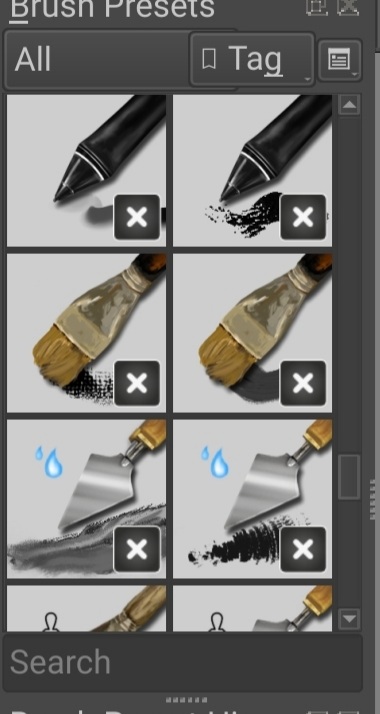
I finally did download the brushes and installed them into 4.4.5 on Android 11 but there’s quite a few that seem to be missing their tips (there’s an X on the preview in the brush presets section). I could edit those brushes but I don’t know which tip to choose for them all.
This is only a screenshot of a few of them.
How can I tell which tips go with which brushes?
(4.4.5 on Android lets me import the brushes, presets, and patterns separately since Android users cannot access the app data folders as can be done on computers.)
I think there might be no way beyond comparing them to the version 5 alpha. Most functions that I make use of in this pack are either ColorSmudge and/or use the new pattern blending modes such as ‘height’ or ‘linear height’.
This seems to be broken since we use new technologies in Krita 5.
The Knife brushes generally use more of a flat brush tip, the paint brushes more the paintery blob or bristles. I think you need to find that out on your own. But, look at the image in the first post. And when you look for tips, type “FT_” in the search bar and it has to be one of the brush tips that I gave you guys along with the package. Sorry that it doesn’t work too well in 4.x.
I’ll update the pack once Krita 5 is more stable and I had more time to paint and make my brushes better.
I got them to work but I’m not sure if I choose the right tips within the FT section but, the brushes work great anyway. Some of the knives seem to erase, so I’ll monkey around with that.
I got the gradient brush to work just fine on Android Krita 4.4.5… I just had to pick which [engine?] the brush needed.
(On Android, I have to keep force quitting Krita then restart it after each brush edit.)
Now, I’ll download and install this pack on my Windows 10 machine and see if it does better with the brush tips and then get a list of the correct matches of tips with the presets.
I just made it, it can be downloaded from my cloud. But I have not tested it yet, tell us if it is okay, I have to sleep now, sorry.
Have fun!
TheFlow_ConceptBrushes_for_Krita5_v1.1.bundle -
Michelist
Add: I should not create bundles before going to sleep when my eyes are already closing! Have just discovered a typo in the description!
But the URL is okay!
@Malik_Helps-Noel@Dden Hey guys, I’ll look into it soon. But I can’t really tell when exactly because I’m working on an update and don’t even use the pack as it is right now myself.
Thank you @Michelist for taking action to help out!
hey maybe we could collaborate if you are making an update
i’d love to help make a solid oil set.
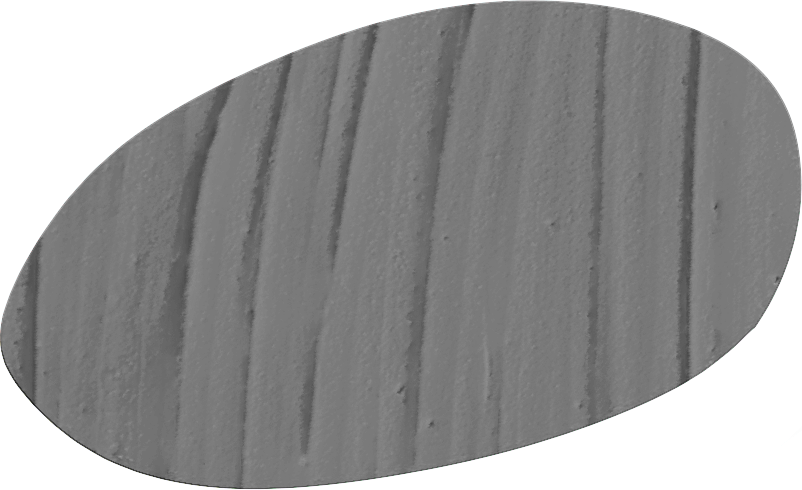
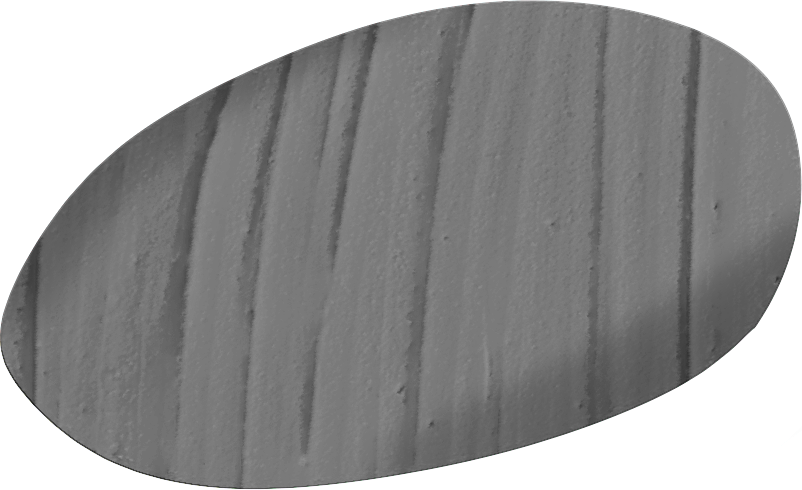
i like to experiment with brush tips. modified one of your brush to make this: