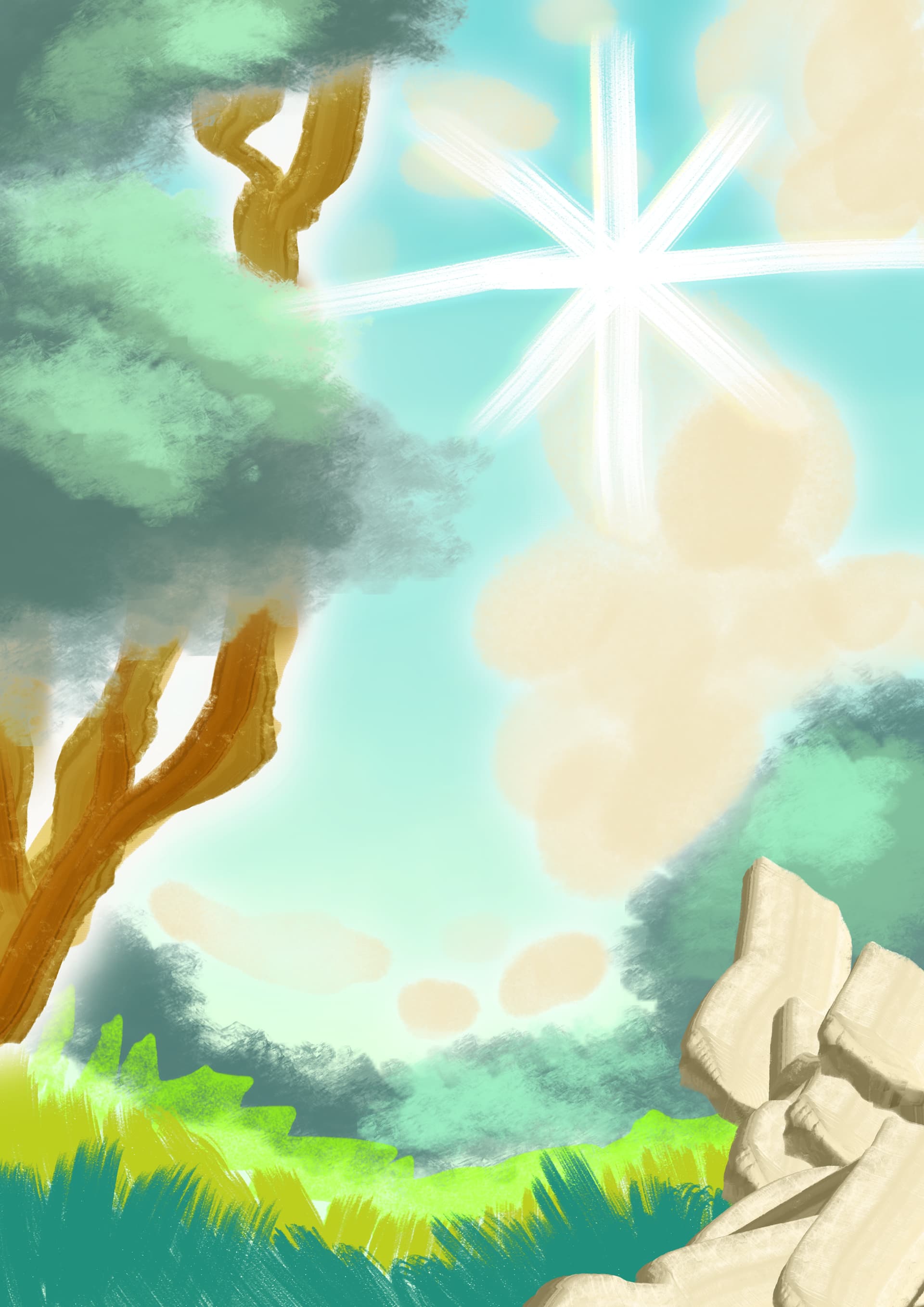
Cartoon Wiggle Lineart Brush
and Buck A. Roo’s Color Palette.
*You can adjust the “wiggle” by clicking on the drop down next to Brush Size and adjusting “Pattern Scale” (preferrably reduced to x2.50 for smaller brush size).
You can get them from my cloud for the time being, since the OP seems to have no further interest in sharing them, do not forget to also download the update,it is massive and about 20 times bigger than the initial bundle, it offers so much more that you would miss much without knowing…:
And do not miss the update to it:
BuckARooMINI - Hashes for both bundles.zip if you want to check their integrity of the following two files →
BuckARooMINI - BUCK A. BRUSHES.bundle PART 1 →
BuckARooMINI - BUCK A. BRUSHES - Update.bundle PART 2 which offers tons of extra brushes →
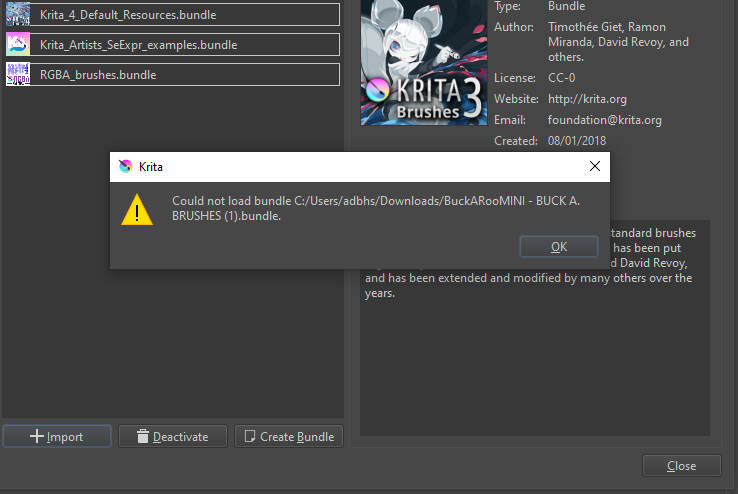
Good evening, could you please help me, when i try to import these brushes into Krita, it says “could not load bundle c:/users/****/desktop/nameofthebrushes.bundle”.
By any chance, maybe You know what to do? I googled this problem and updated krita but it didn’t help
Oops, I’ve completely forgotten to send this message after dealing with a different issue, sorry!
Currently, I have no idea what your issue may be. You are using the right dialog to import the bundle(s).
Interesting is the fact that the bundle is shown as BuckARooMINI - BUCK A. BRUSHES (1).bundle in your screenshot, whereas the addition (1) is uncommon because it usually stands for something existing twice, what is the reason for this? The download I offer doesn’t have this addition. It does not help to download a file multiple times, it will always be the same.¹
Only if you get 0 Byte downloads, you can assume that there is something wrong. The two bundles here have the following sizes: → The first is about 2.68MB (2818664 Bytes) and the update bundle has 52MB (54546341 Bytes), depending on the notation of your file manager the sizes can be a little different.
By the way, is the username for the desktop a different one to that, that is shown on your screenshot for the download folder? Or why do you state it could not be imported from the desktop, where the screenshot says it is the download folder?
But, because I can’t be sure if you got a corrupted download or not (recently another user had this issue with a different file), I uploaded the two bundles from the OP to a different cloud provider because of that corrupted file via ufile.io and will add the links to the posting where I offer the ufile.io-links, just in case these files may be corrupted at ufile.io.
Michelist
¹ If you want to check their integrity, I’ve uploaded additional hash-files to check if the bundles are possibly corrupted while downloading them. Since I don’t know against which hashes you can check (in the case you know how to do this), I’ve uploaded hash-files in the most common hash-formats.
Hello, when i tried to download and import them krita wouldnt accept it because the bundles are not “BUNDLE” files, is there something im missing? Thanks in advance.