You partially gave me the answer i was looking for but @Grum999 completed it so marking his reply as the Solution. But thank you very much for replying. It helped a lot.
So, if i have an over sized (or undersized) image imported as a layer and i want to fit it to canvas,
-
Precisely Resize it by using:
“Layer → Transform → Scale Layer to New size…”

-
Precisely position it by using:
“Ctrl+T or Transform tool”
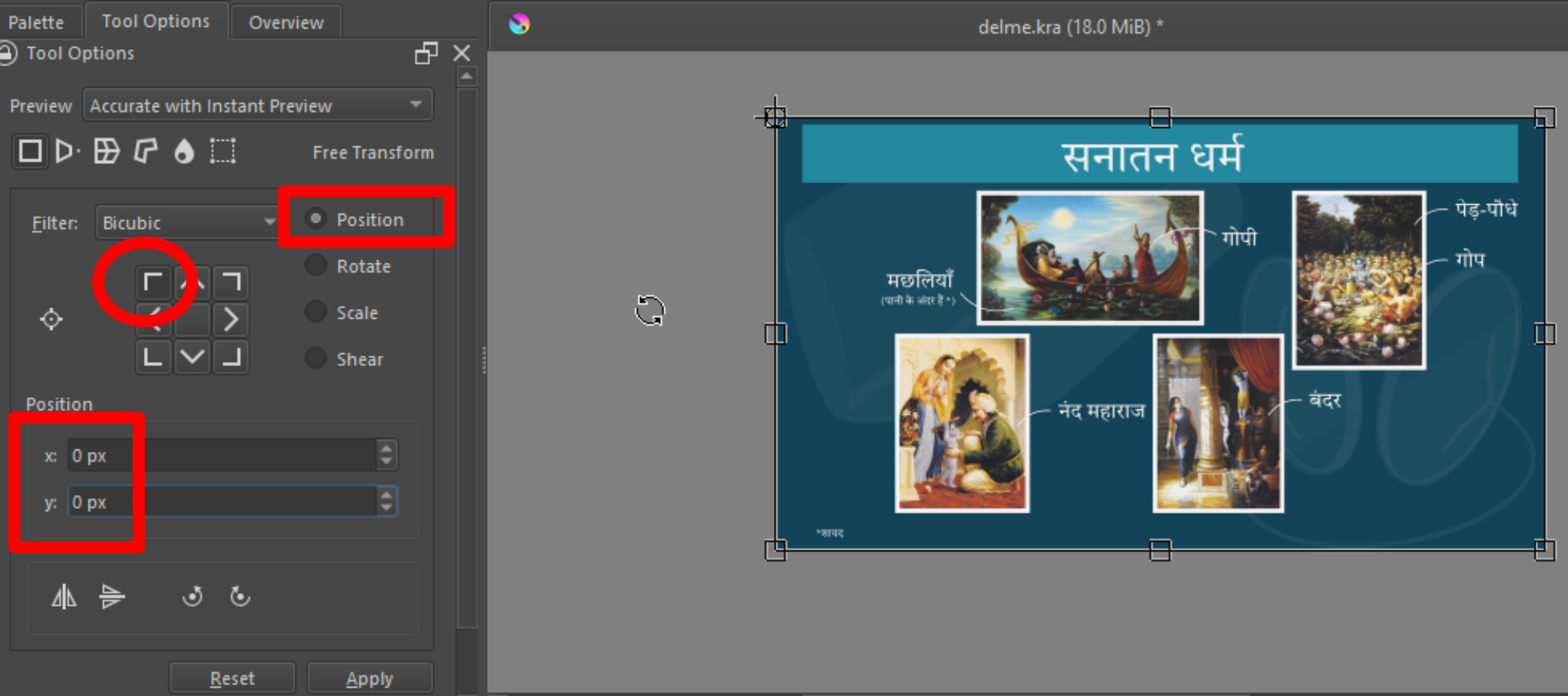
Go to tool options docker, and select Position radio button
Change the origin to top left
Change the position x,y to 0,0 respectively.
(see image)
OR
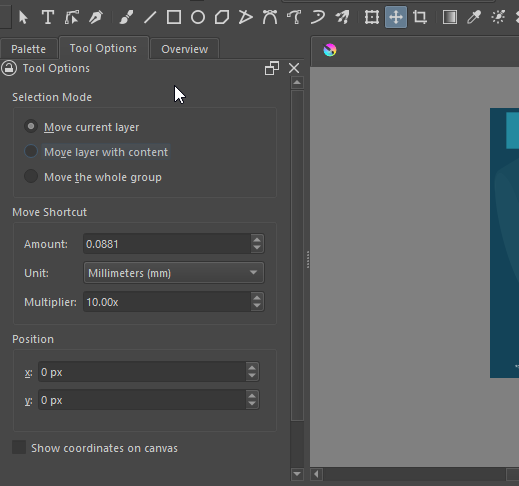
2. Move tool (T) → Change Position x,y to 0,0 respectively. This is faster.
(see image)
Thank you for answering.