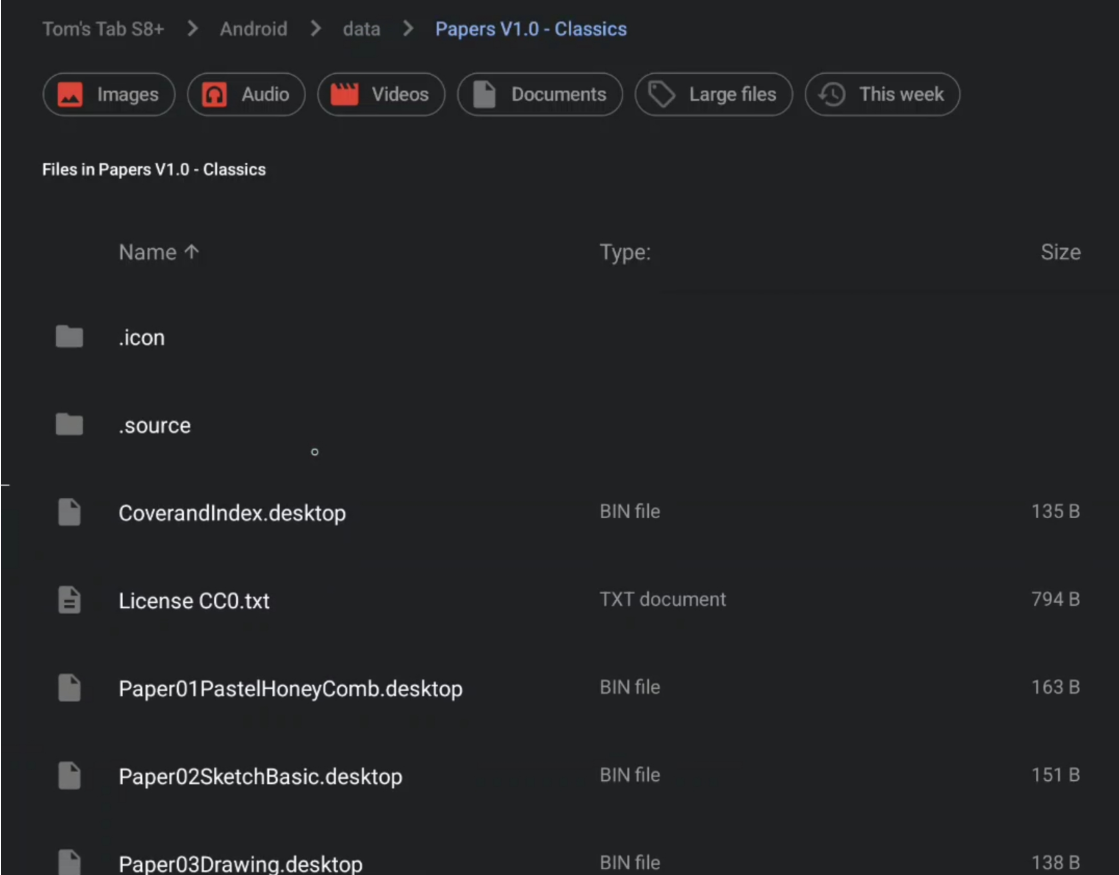
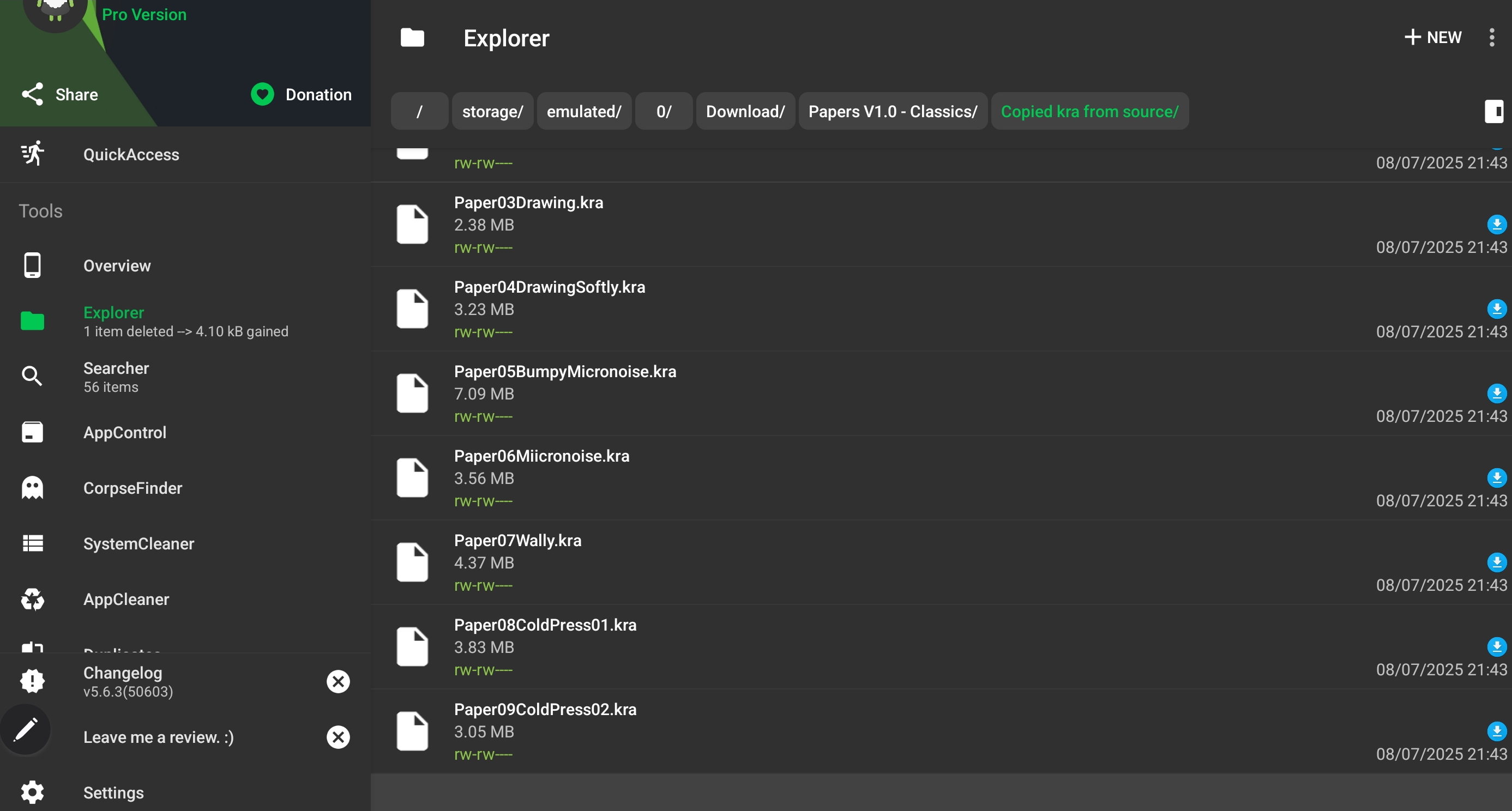
I’m using Krita 5.2.9 & am still on One UI 6.1.1 (haven’t updated to 7) & I don’t know if there’s something funny going on with file access (?!I’m not techy) but now have copied the kra & png files via SD Maid (these files weren’t viewable in normal browsing, only those with the ‘desktop’ suffix were) :
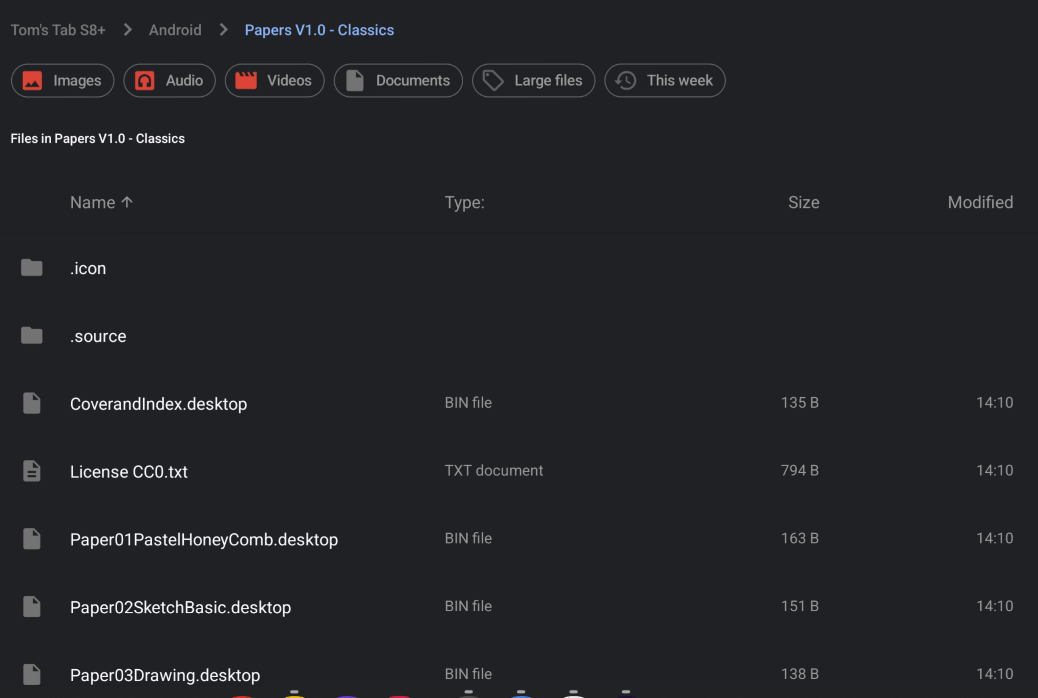
& just made additional folders for them within the extracted Papers V1.0 - Classics folder, so now I can open the kra’s directly & save the png’s into patterns (can’t use the wet ones as they’ve the droplet icon?
In principle, the installation of this set of templates works identical on every OS, with Android you may only have the issue that you can not simply enter Krita’s resource folder, but so far everyone could enter it with one of the above described methods. But at the moment you are in Krita’s resource folder, you can do whatever you want.
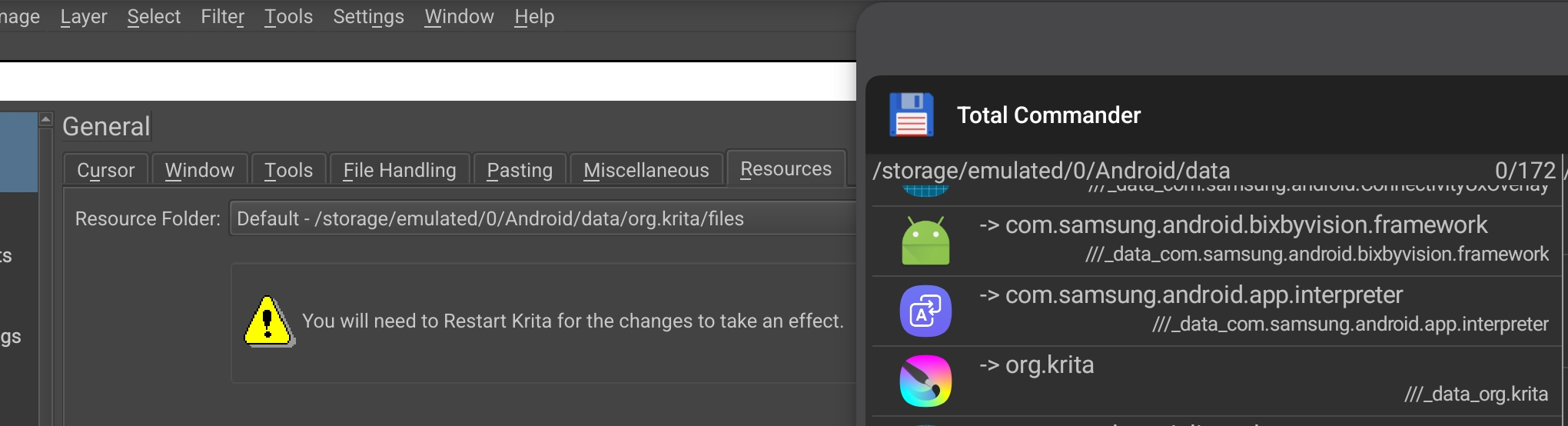
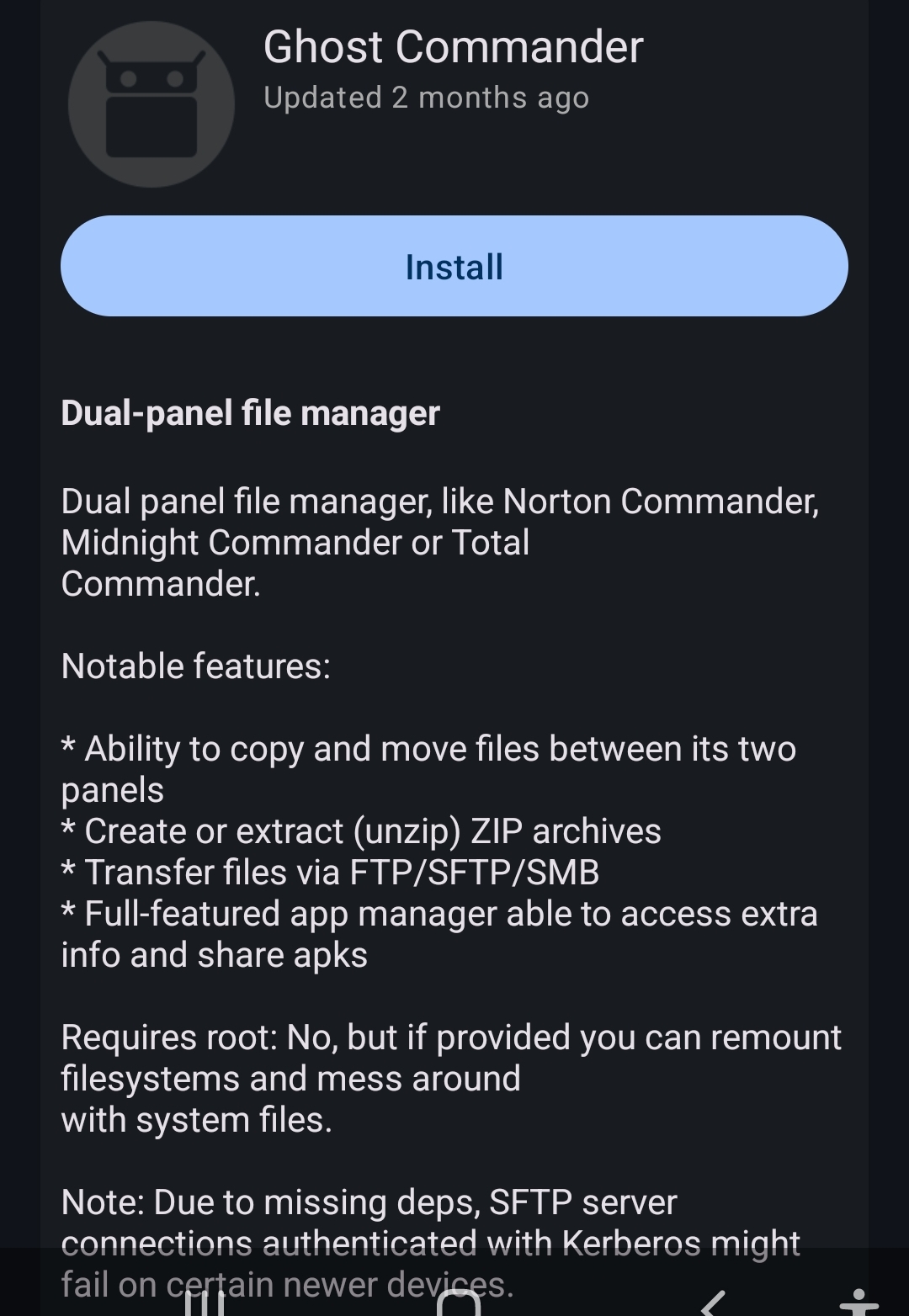
Thanks, sounds like you’re right re the lack of access (Krita’s set to save default /storage/emulated/0/Android/data/org.krita/files & I can’t get in there or where else you list above) from device’s browsing, I’ll have a go with that Commander app later*,
@Teapics: It would be nice to know for me, because I have no Android device to check it myself, is it correct that your device doesn’t let you enter Krita’s resource folder when you try to open it via Settings → Manage Resources... where you have to click on the button Open Resource Folder? Does Krita’s resource folder open then, I guess no?
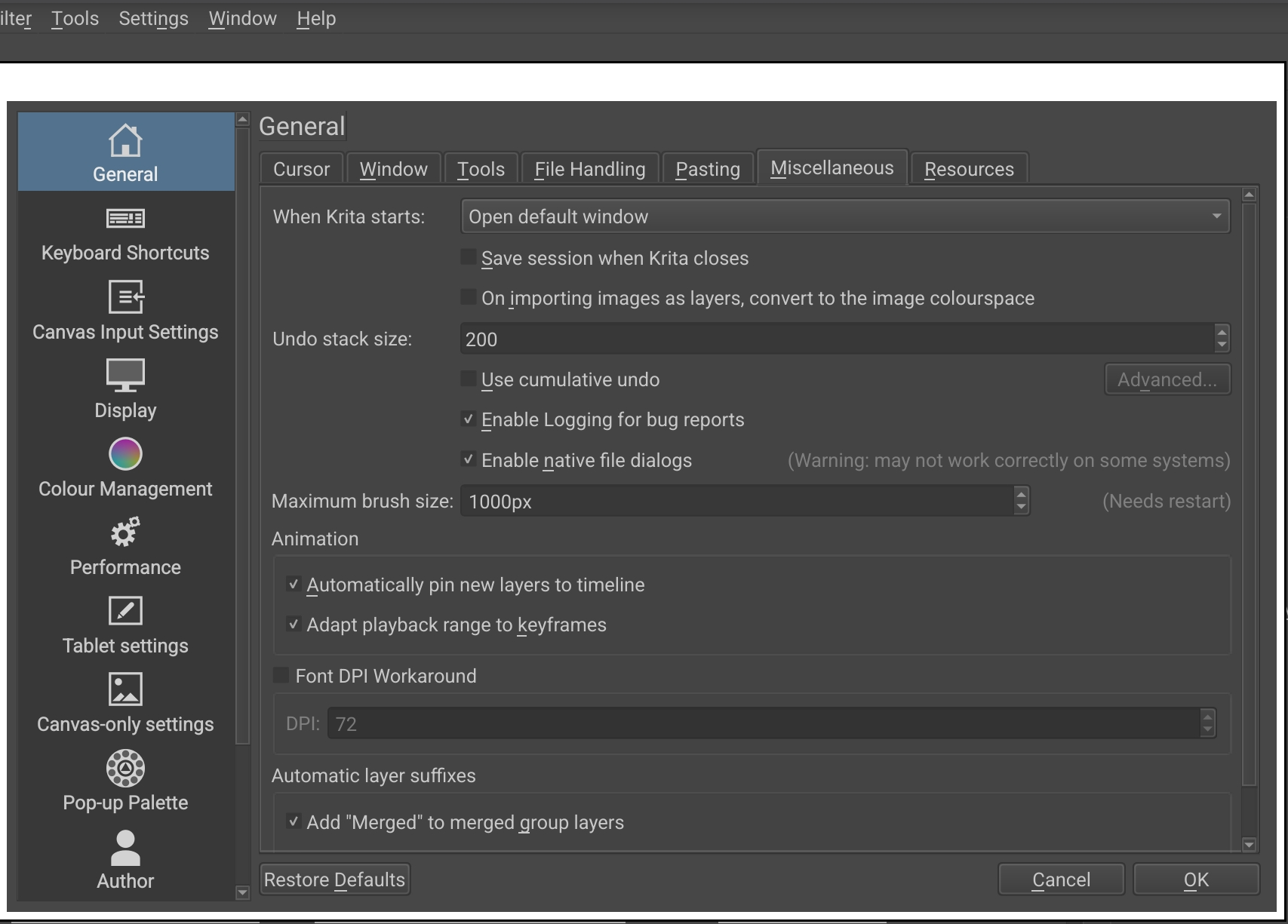
Can you please check for me if you can choose the kind of file manager dialog in your Android device found Settings → Configure Krita → General in the tab Miscellaneous via the set/unset hook in front of Enable native file dialogs and a restart of Krita (it is possible that you can not choose here, not every OS allows it)? Because it would be interesting to know if you could change the used dialog there, and that would let you access Krita’s resource folder, that would be sensational news!
I’m likely misunderstanding (a scribbler, not very IT capable) justin case, I have no ‘manage resources’ area within my Samsung S8+ internal settings that I can see.
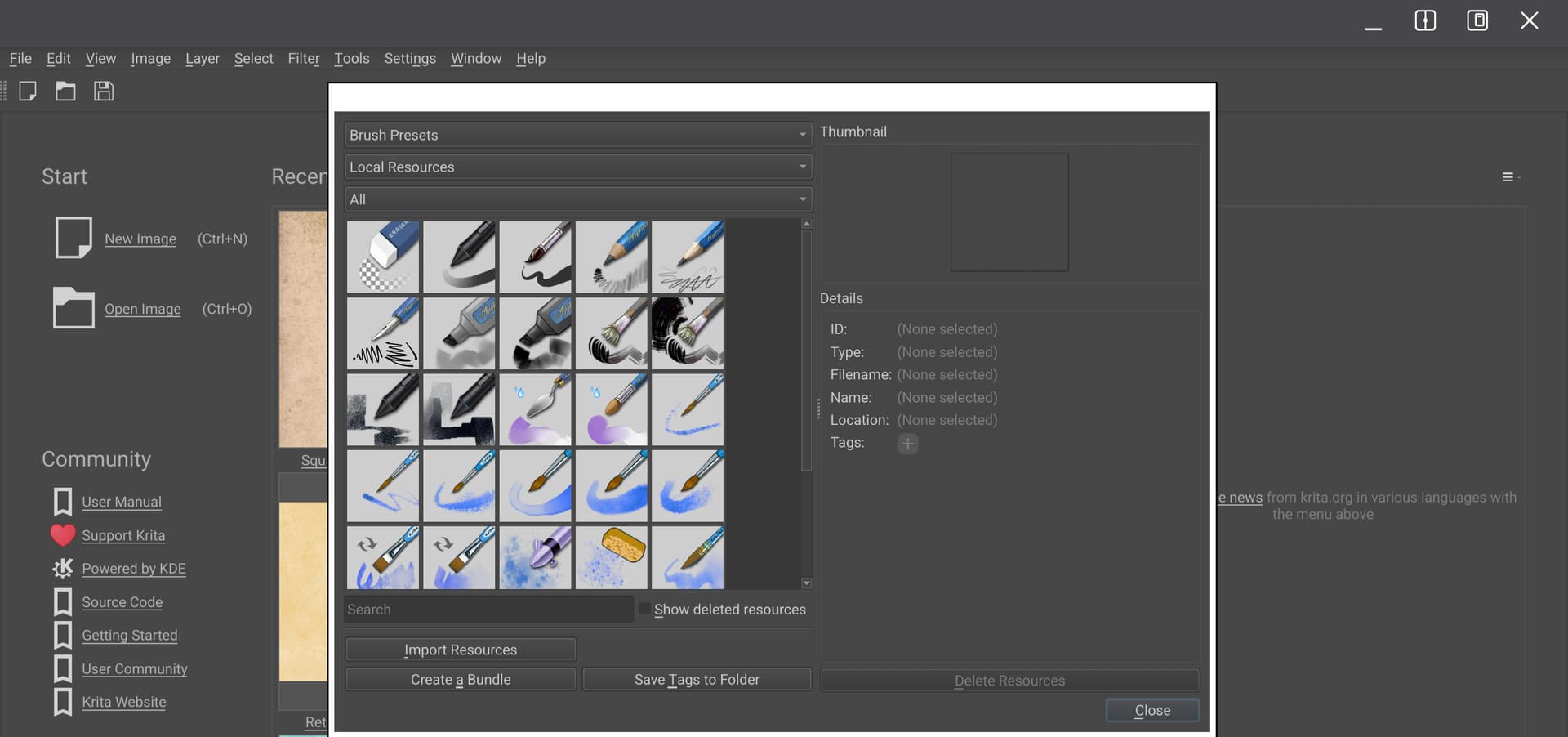
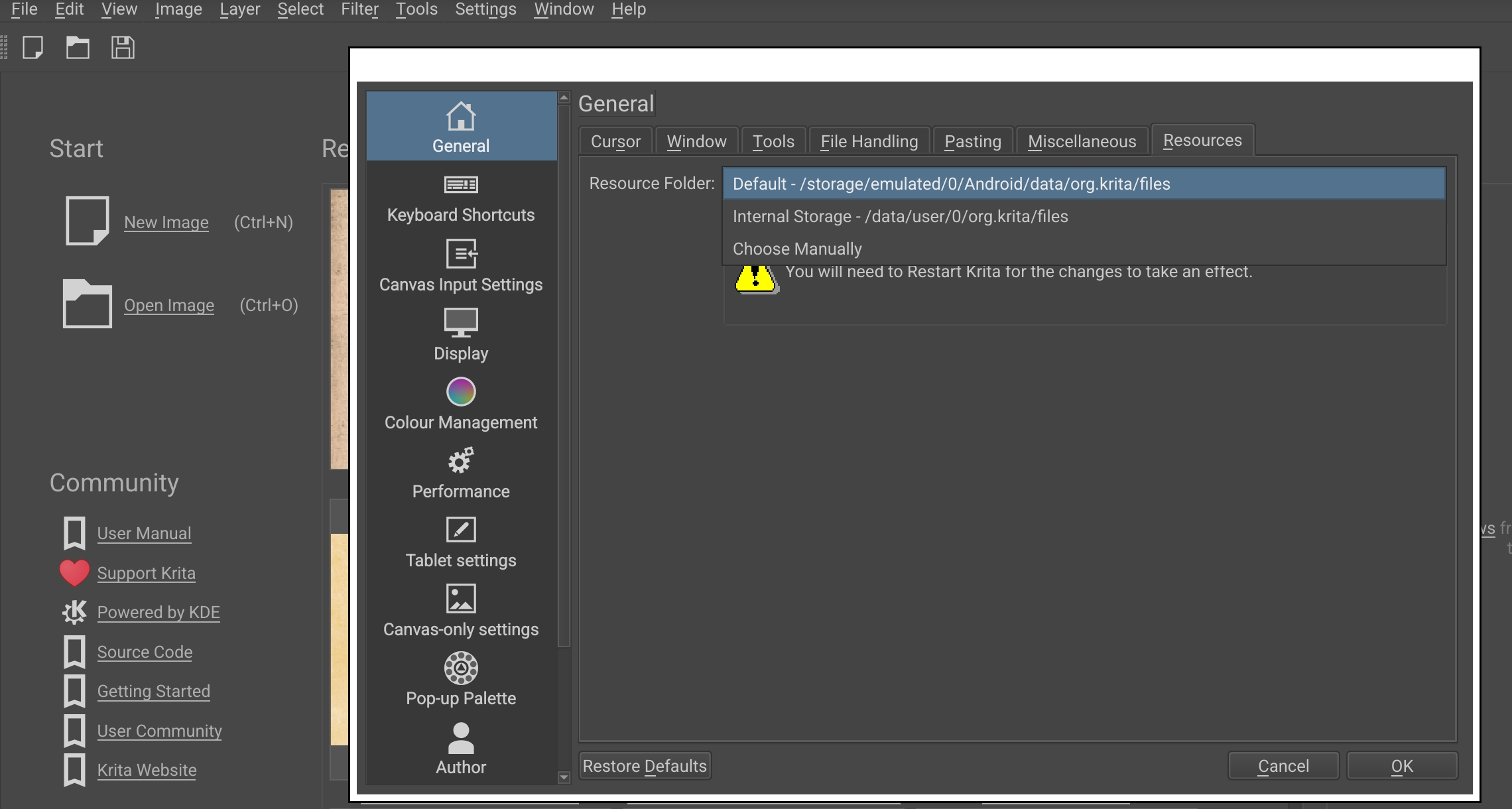
Now, with Krita opened the & settings > manage resources is as below, I cannot see a button saying ‘Open Resource Folder’, it looks like below here;
@Michelist
PS : whether it’s totally irrelevant or not, the drop down resource list is as below & doesn’t include templates (though of course I have default ones available upon clicking New Image)
Total Commander has been losing permissions from Google Play. It’s no longer able to unzip. Google Files can unzip. Unfortunately it put all the unzipped images in the images gallery with no folders. I think we need to provide the 2 folders and their contents to Android users. I’m going to test that over the next hour or so and will come back here to post results.
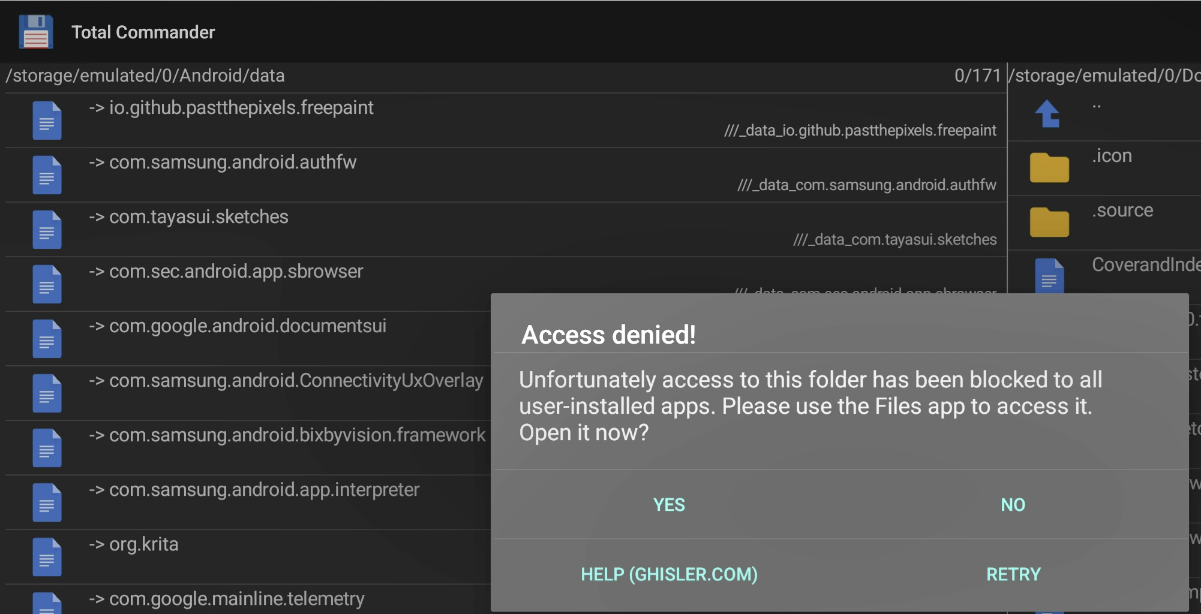
Re gaining access to the template folder location: Total Commander can access that space, Google Files cannot.
@sooz
I had copied the PNG & KRA files from extracted Papers V1.0 Classic folder via SD Maid, so all are accessible / able to be copied or moved elsewhere.
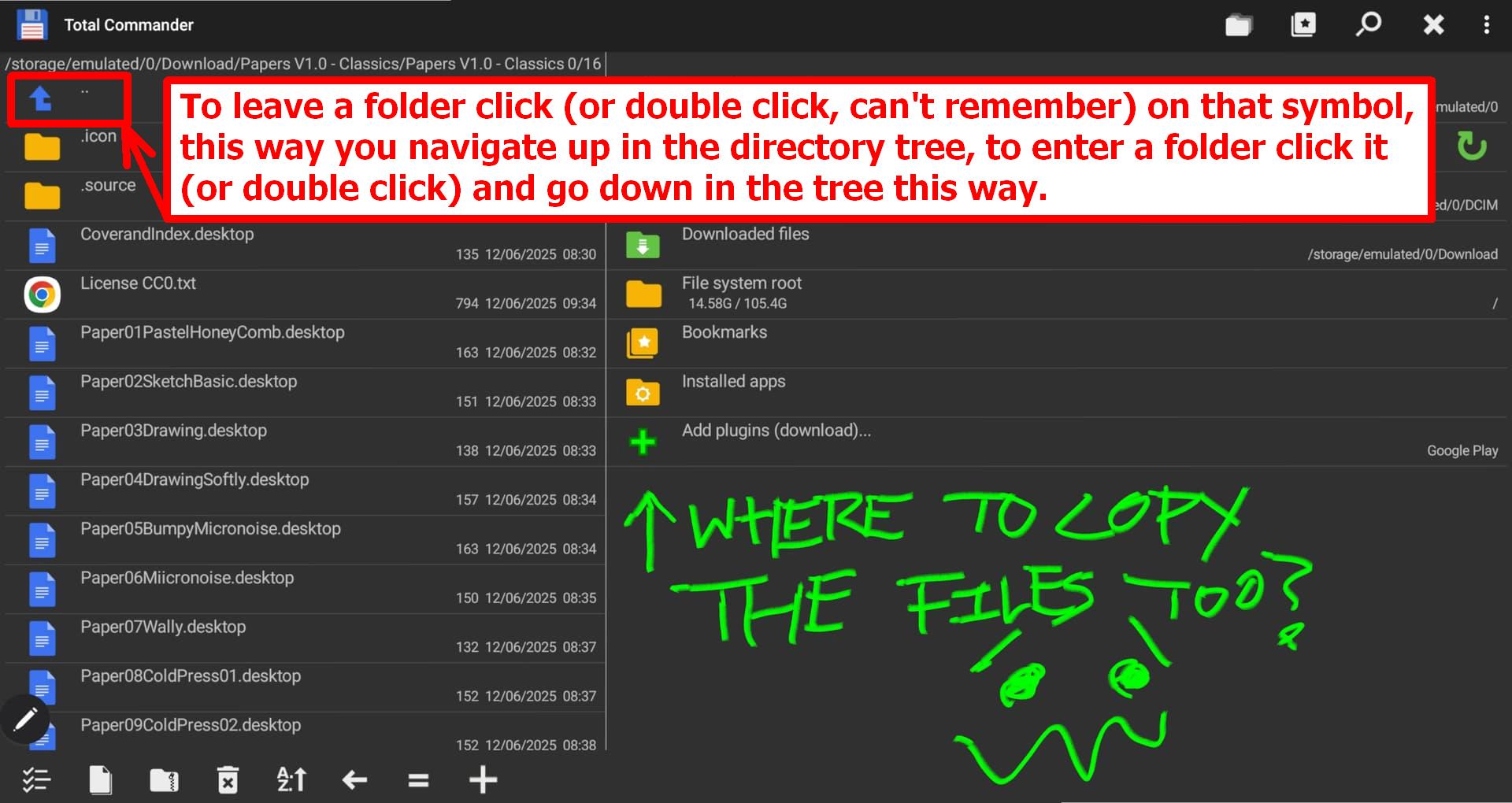
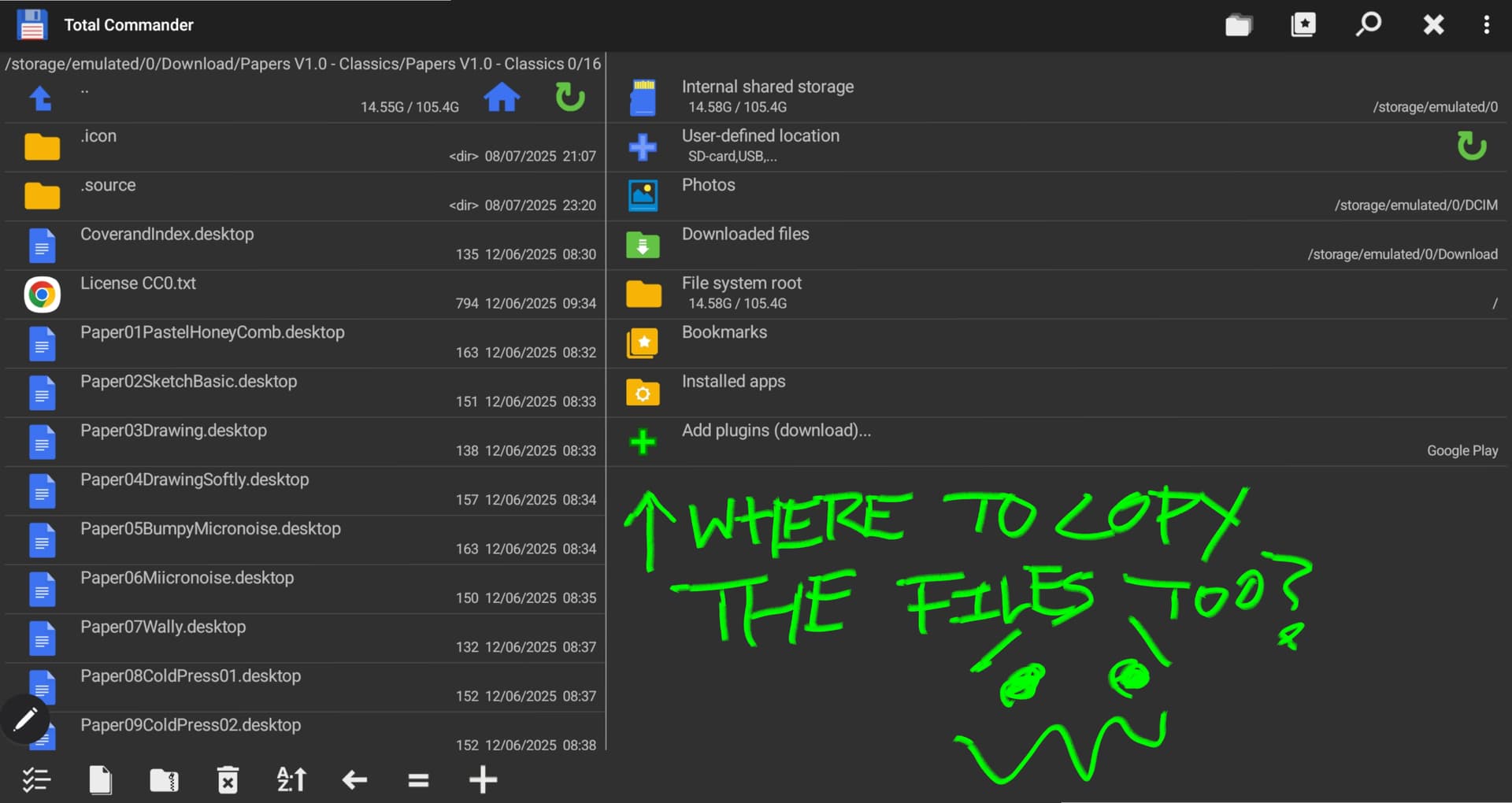
I have now got Total Commander app open & cannot even begin to locate Krita’s resources, let alone the templates folder within there.
Would you be able to show/ spoonfeed me the likely location?
Oh, how I hate this paternalism towards users by these technology companies.
Does it boldly grab them out of the unzipped folders and moves them, or does it copy them into the image gallery? Both wouldn’t be okay, but the latter would be tolerable.
By the way, the Total Commander forums state in 2021 that the Beta version should be able to use ZIP + RAR again, since then there were several updates, and the release notes nowhere state that Total Commander has lost this permission, but instead they wrote that in an update past the blocking external file managers got more rights from Google. Maybe it is worth to check your version number of Total Commander, the current Android release version is 3.50, so you perhaps get your rights to unzip back?!
Just digged a little more, there is said to be also an unrestricted version of TC in their official forum for Android, you can find this comment at the bottom of this page of TC’s homepage:
@Michelist I’ve got Total Commander 4.2. I think I’ll keep it as I still need the Google Files app for other things and I don’t mind switching around.
@Teapics
I don’t know those other apps - I only know Files and Total Commander.
In the file manager of your choice, navigate to Internal Shared Storage (this is actually /storage/emulated/0)
Double click on Android
Double click on Data
Double click on org.Krita
Double click on Files
Can you see the folder called templates within Files? That is where the folder called Papers V1.0 - Classic needs to live. So move or copy that folder (not just the contents, send the entire folder) into the templates folder.
EDIT:
If you have a different folder setup than mine, you may find things are in a different order. Let me know if that’s the case and I’ll try to help.
Currently with the above, I can reach the Templates folder BUT if I have either copied the Papers folder previously in Total Commander or if I move across from Templates to my Downloads to copy the Papers & return to paste (all via Files), pasting doesn’t seem to be an option.
It’s maddening I have folder open & can copy or move the Papers file (supposedly) but that system on my tablet won’t play with the Total Commander + Files route to Templates
I have both ‘windows’ sitting open in Dex & cannot copy from one to the other.
Feels like I might as well be on my stupid, restrictive, walled off iPad
There’s a million dodgy gambling/ malevolent apps on Playstore to lessen people’s existence - who is this helping here by hiding files etc?
(Apologies for the boring rant)
Do you perhaps mean 3.42? If so, you should have the ability to ZIP/UNZIP?
@Teapics: As I described it in my posting above, you find the path to where you have to copy the unzipped folder when you look in Krita’s settings via Settings → Configure Krita → General in the tab Resources, where the path is written, then you must browse into that folder, and once you are in Krita’s resource folder, you muster enter the folder templates and copy your templates into it.
Here you don’t see the directory tree, but with the help of the path shown below the title bar, you can see where you are, as I wrote above, you need to get to know TC first, but if I’m not mistaken, you will find the manual and more via the three dot-menu in the upper right corner.
I don’t know Ghost Commander, but I can vaguely remember SD Maid which was very handy, but for years now I’m out of Android-Country, and if I have the luck that my care worker again gifts me her old iPhone, I will stay away from Android as long as possible.
I’ve tried this a few times, I tried with some other templates, they just seem to disappear & no new templates shows up when clicking New Image in Krita.
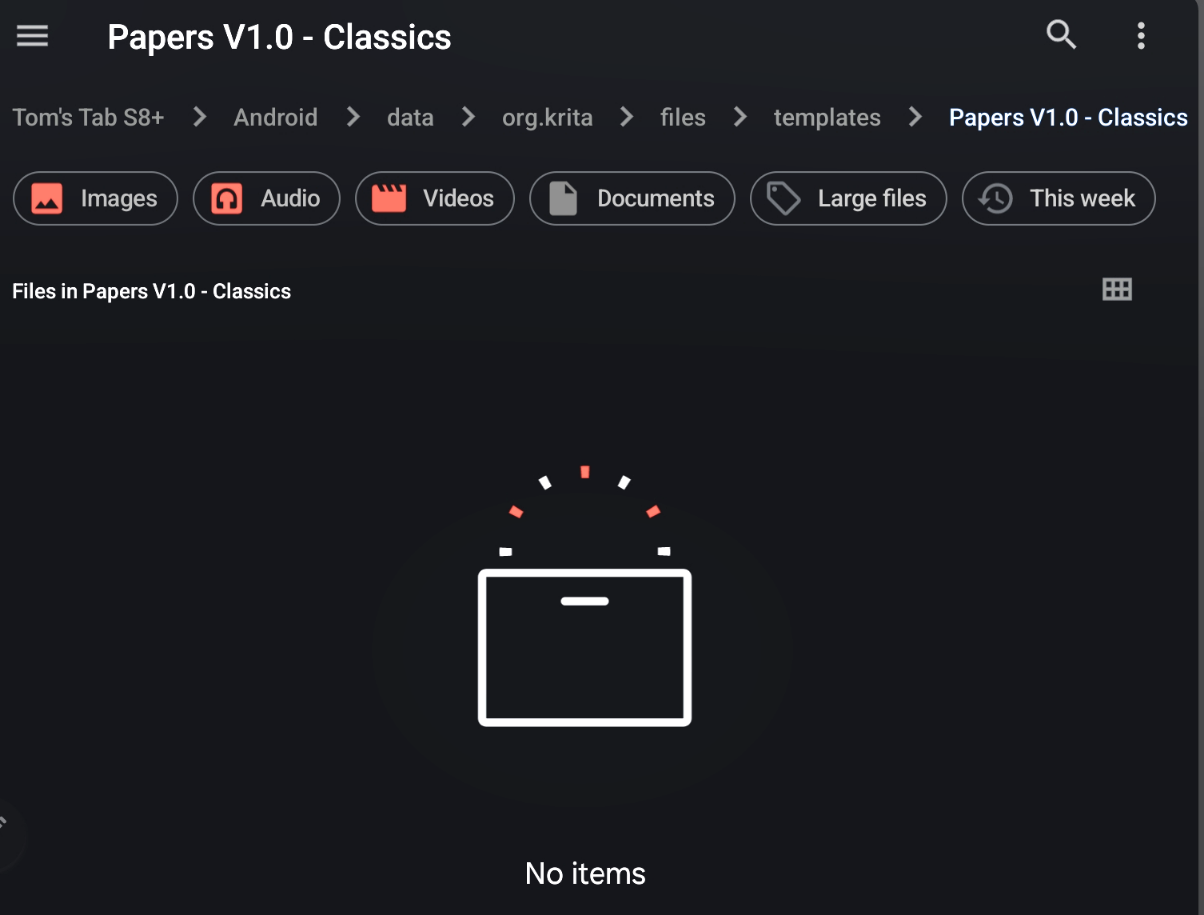
The folder marked ‘Templates’ shows as entirely empty, so I guess the files for the default template options in New Image are stored elsewhere?
Other folders within org.krita do contain visible files I can see, such as ‘workspaces’ ‘gradients’ ‘palettes’.
Again I assume I’m making mistakes, & possibly my S8+ tablet is being unhelpful.
This is painfully clumsy, I might see later if I can do some kind of drag & drop from Windows laptop.
Do I need a clean install & to specify manually somewhere accessible on my tablet for Krita to accept files from in resources?
It’s way over my head, I can bring in some brushes, why the hell is bringing in a template seemingly impossible
Please open the folder Krita shows in Settings → Configure Krita → General in the tab Resources with your files app, once in that folder open its sub-folder templates and in that folder you have to copy the whole folder Papers V1.0 - Classics, not only its content, the folder itself too.
@sooz
Yes you’reright I already have 1 item installed via resources.
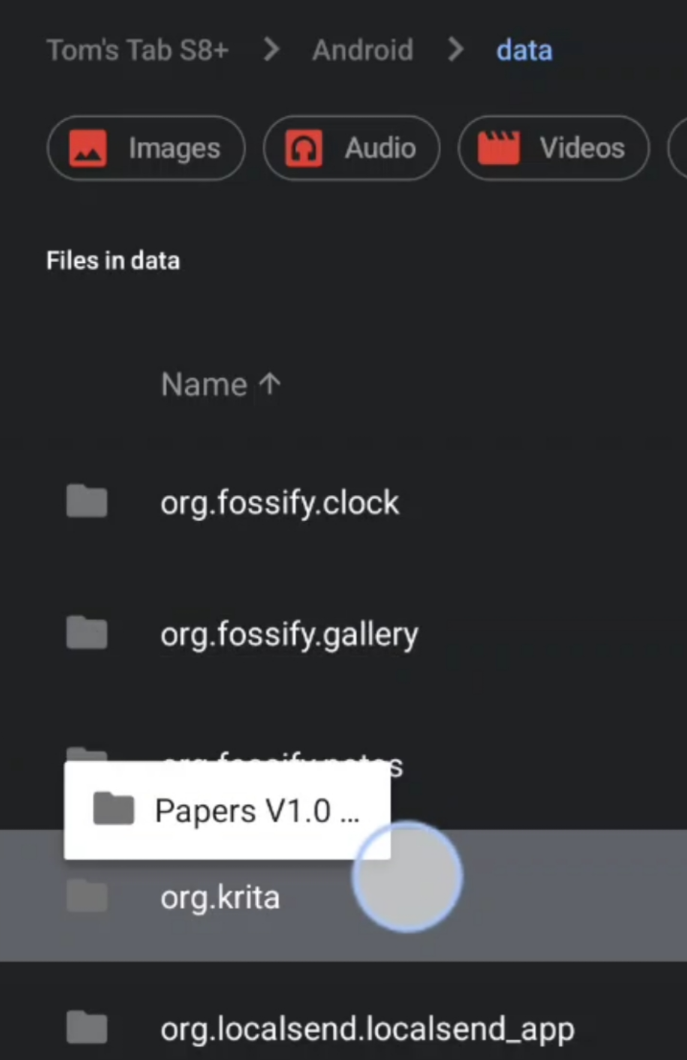
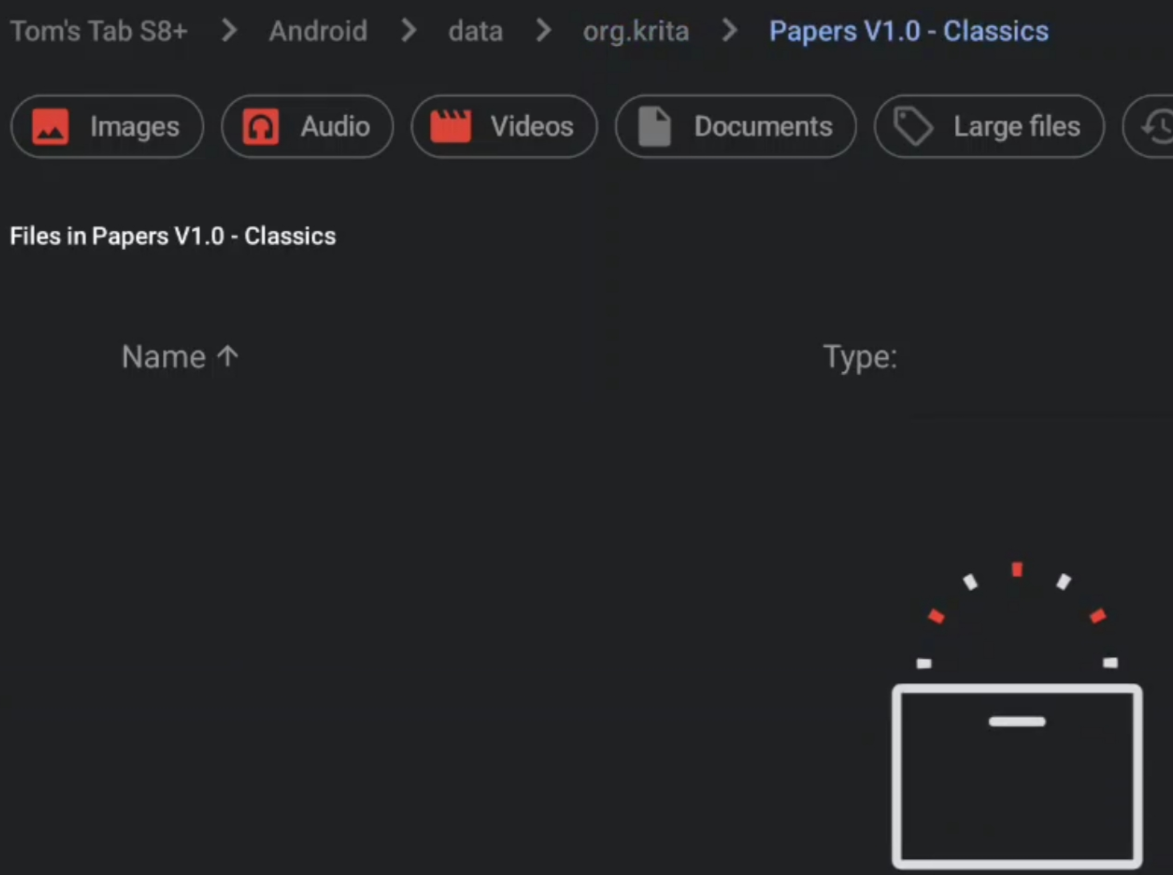
With the 2nd item - Papers V1.0 folder - I tried to follow your steps listed in above quote (I think/ thought?!) & when I put that folder in templates the contents have disappeared already (from the point they entered org.krita)
The path is shown here, it’s via data, as per you’re quote from yesterday.
^ the location shows in Total Commander, so if I tap that then it switches to explore with Files as per my above post.
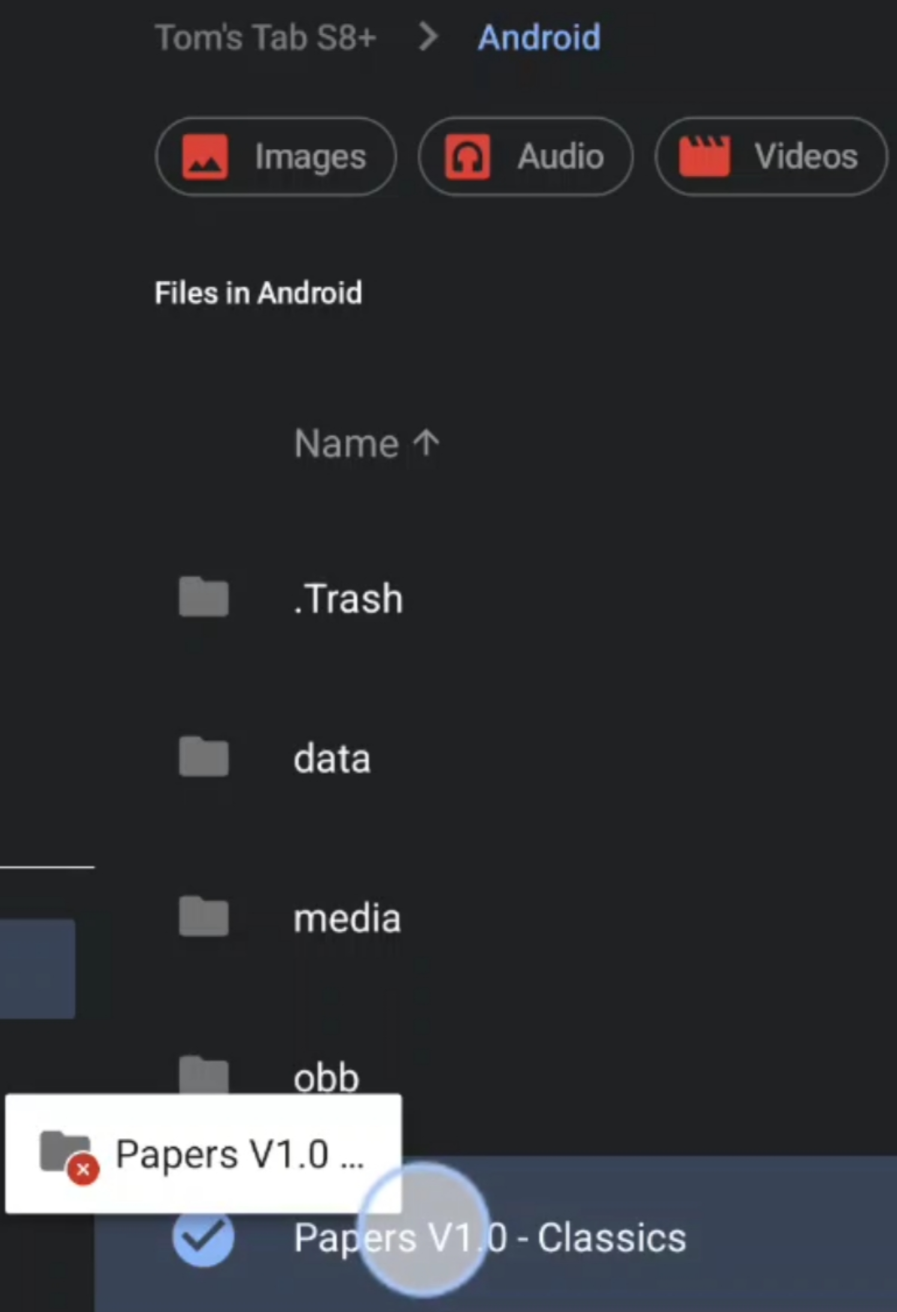
I’ve done this several times, the files that were within the Papers folder are lost when I drop it into org.krita
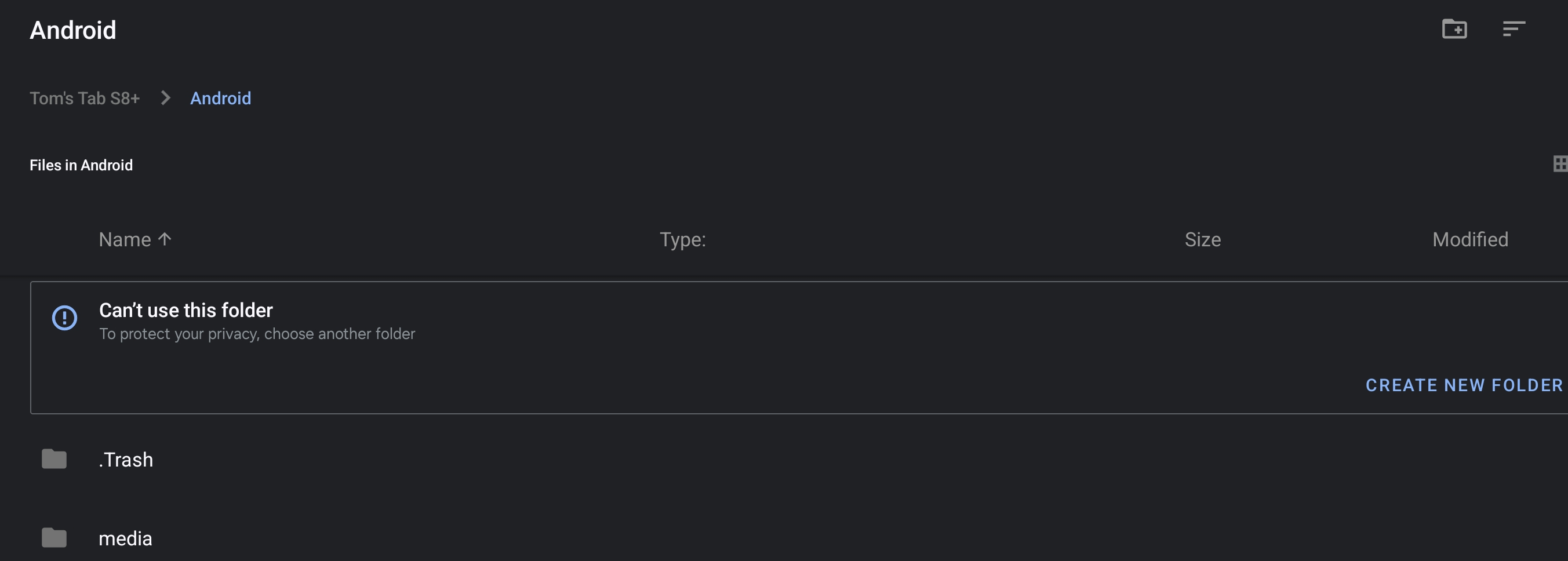
If tap on ‘enter manually’ within Krita the explorer will go to >Android but does not let me into Krita’s folders thereafter.
I cannot access.
I’m given option of ‘create a new folder’ & can see ‘.Trash’ & ‘media’ folders, nothing else.

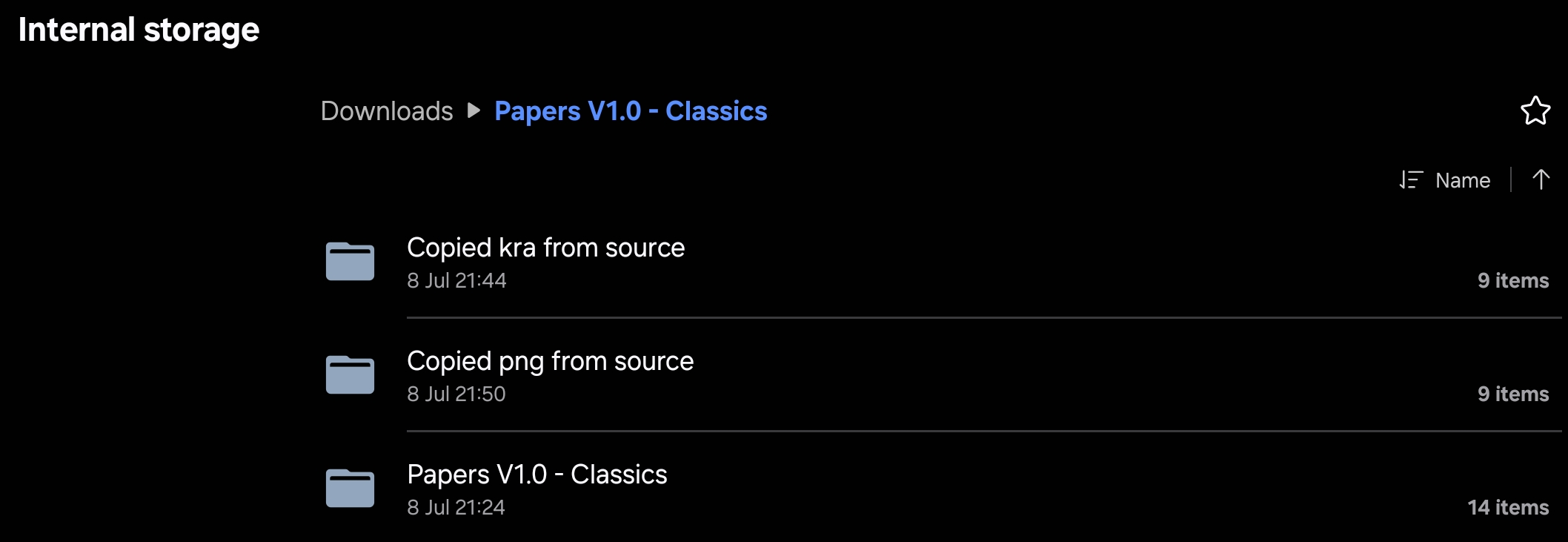



 I have folder open & can copy or move the Papers file (supposedly) but that system on my tablet won’t play with the Total Commander + Files route to Templates