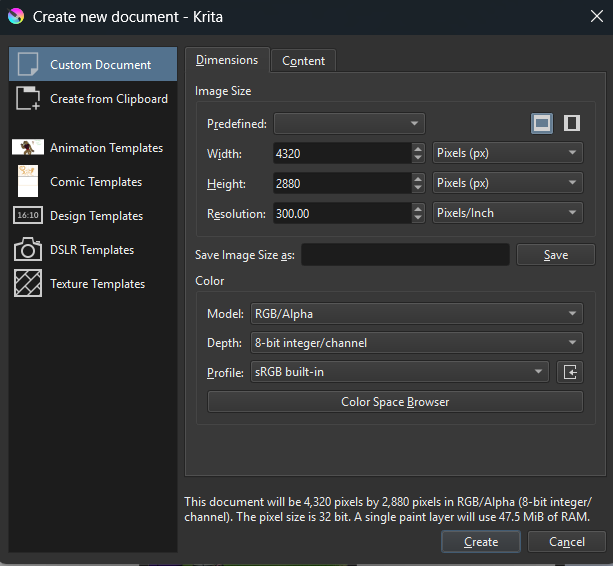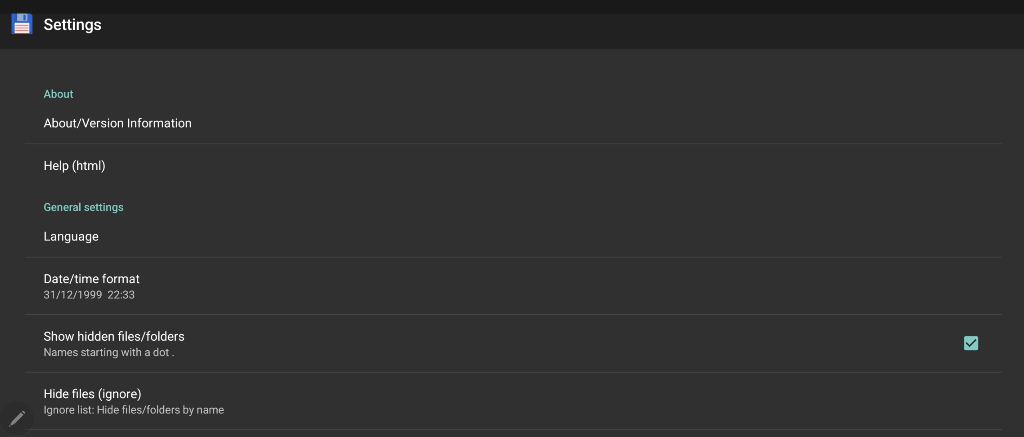
It’s already ticked yes, ta for checking
My Android files browser was showing the non.desktop files as hidden yesterday
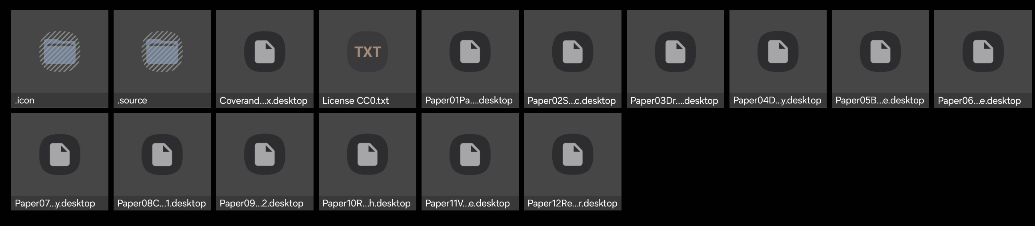
I was only able to paste them (the.icon &. source folders) elsewhere via SD Maid yesterday
My Android files browser was showing the non.desktop files as hidden yesterday
I was only able to paste them (the.icon &. source folders) elsewhere via SD Maid yesterday
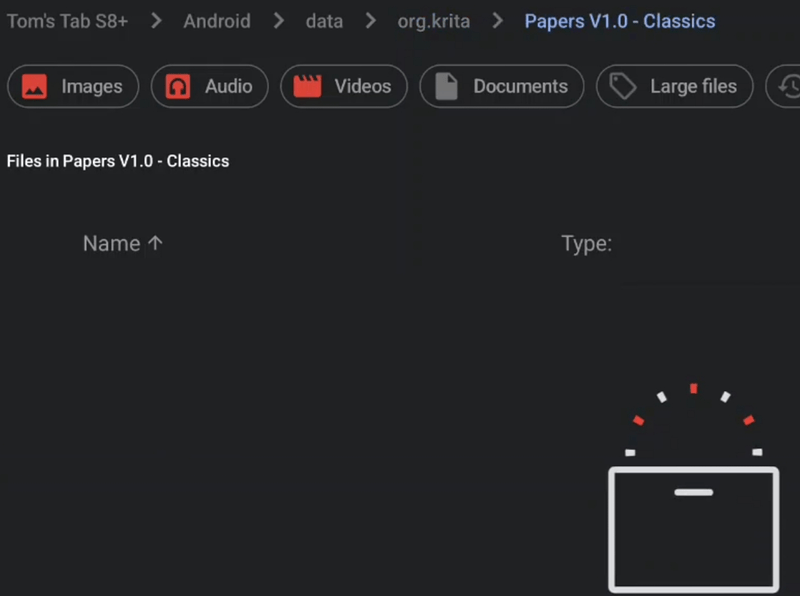
Ramon goes over the installation so quickly, but I don’t remember seeing him enter the Templates folder but he seemed to just copy the .bundle file to the resources folder. In Android’s case, it would be: Android/data/org.krita/files
I looked in mine and my bundles are in there, and my Templates folder is empty but, I do have templates (the default ones).
Just wondering if you simply copied to the resources folder (Android/data/org.krita/files) without worrying about the Template folder, then started up Krita, would it work? 

When the Papers folder reaches org.krita it loses its contents (which are still viewable/ present at the previous location “Android/data/”)
I’m assuming I’ve got some incorrect settings in my tablet or I’ve done something wrong to Krita
Will see if can drop in via Windows (& give up on templates for Android if not : )
As I already said above, these templates are made out of two parts, a bundle you must install AND a ZIP archive which has to be unzipped, and the unzipped folder has to be copied into Krita’s resource folder’s sub-folder templates. The bundle does only contain a fraction of this set of templates, but it doesn’t work without the second part, the unzipped folder.
Michelist
Hi Community! I would like to know if you are using the Papers in your projects because i would like to make a showcase in a project i am preparing. Thanks This image is very special for me because i have enjoyed a lot painting he listening yanni (“in my time” Album) I needed
I’d like to see how the old one looked like.
I’d like to see how the old version looked like.
Who hinders you?
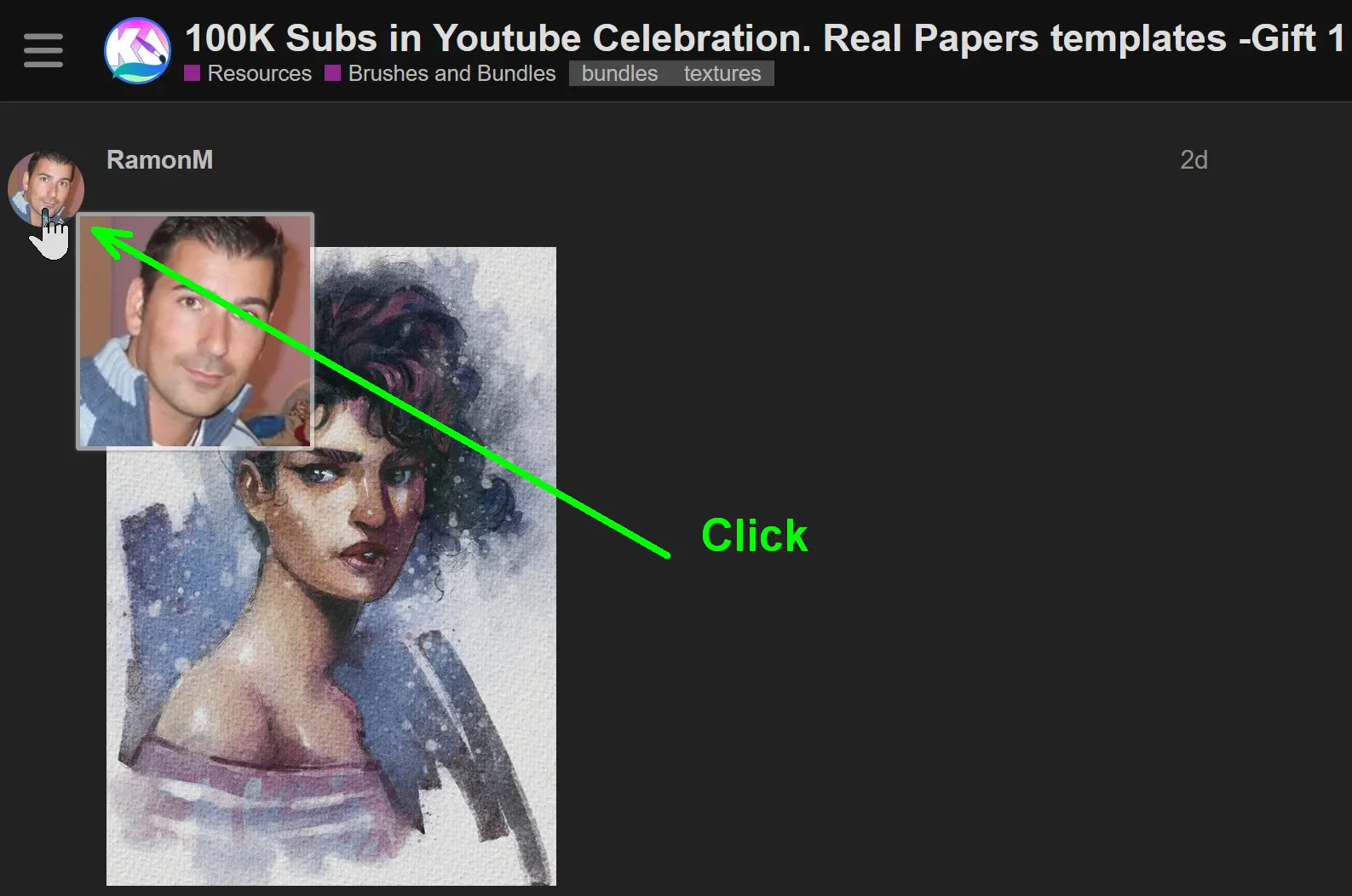
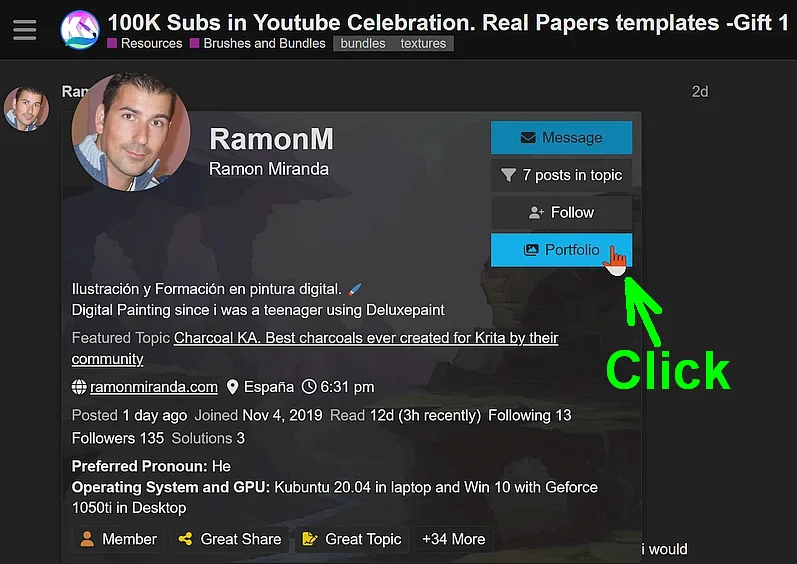
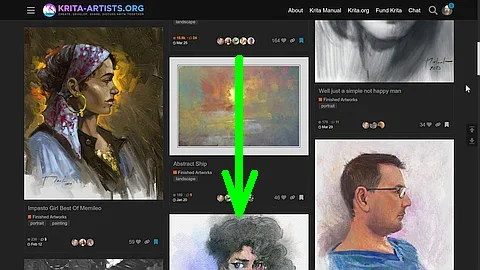
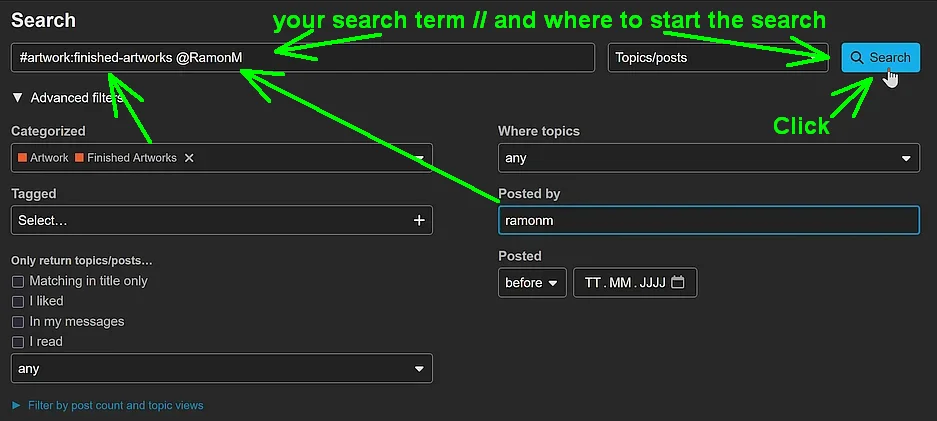
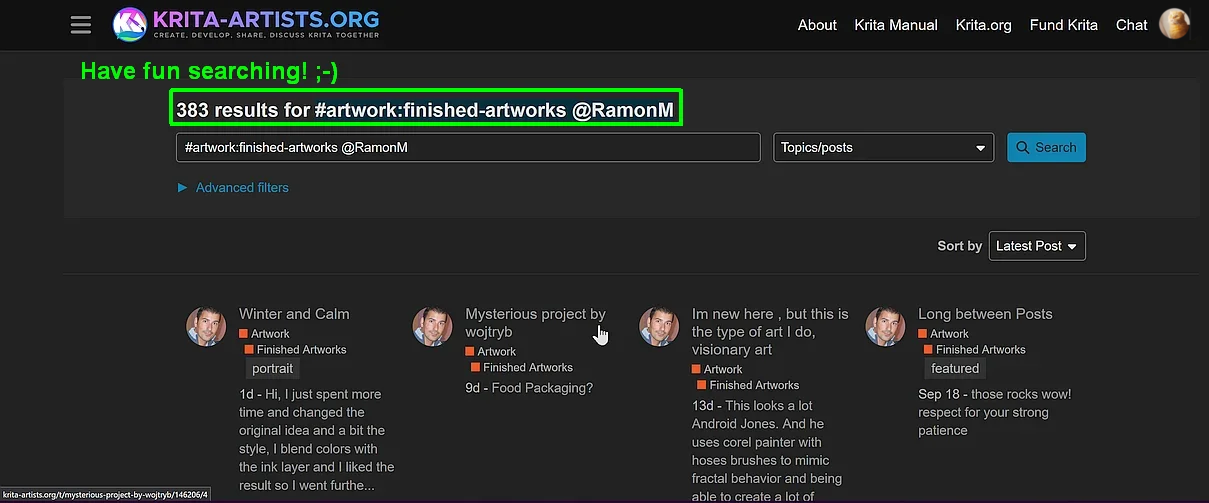
Too lazy to click on the avatar from a user, to then click the button Portfolio and then search through the works of the user shown in their portfolio site?

So ↓
Or to alternatively use the forum search instead of the above option? ↓
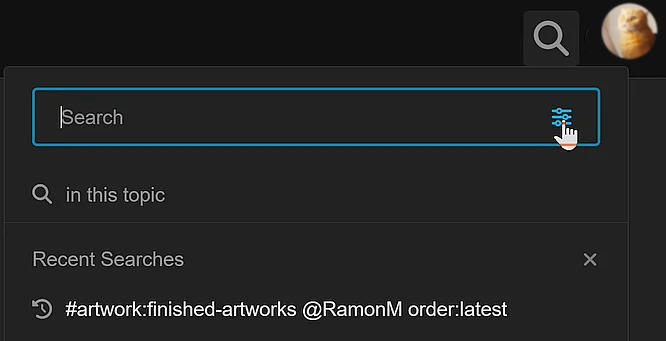
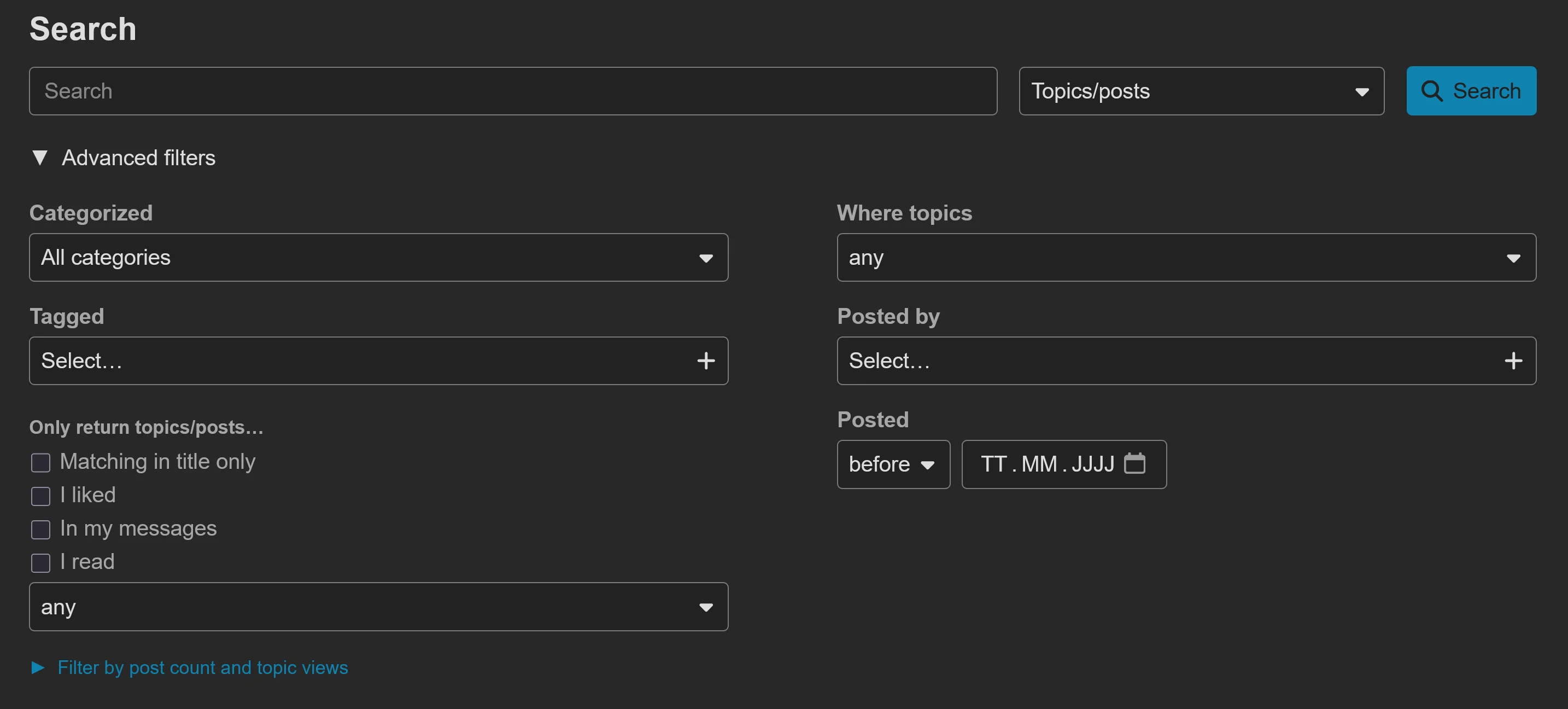
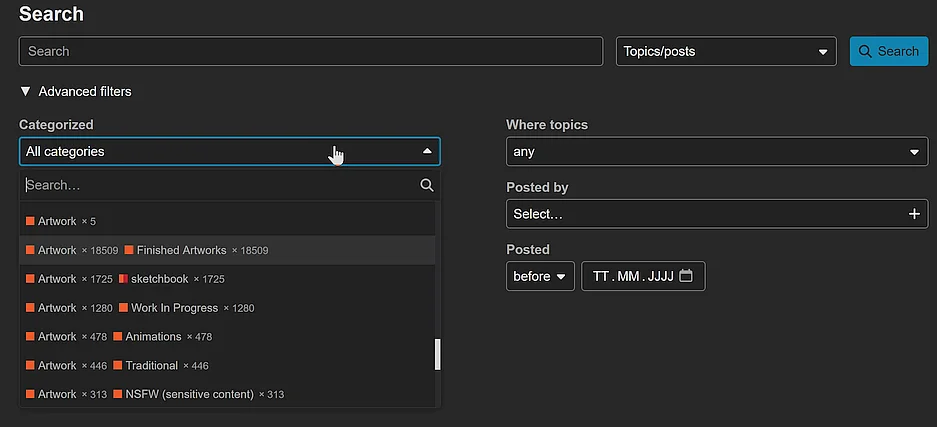
Search Box ↓Advanced Search where you then, with a click on their blue text, open the Advanced filtersCategorized, you select the category where to search in, by the way, 
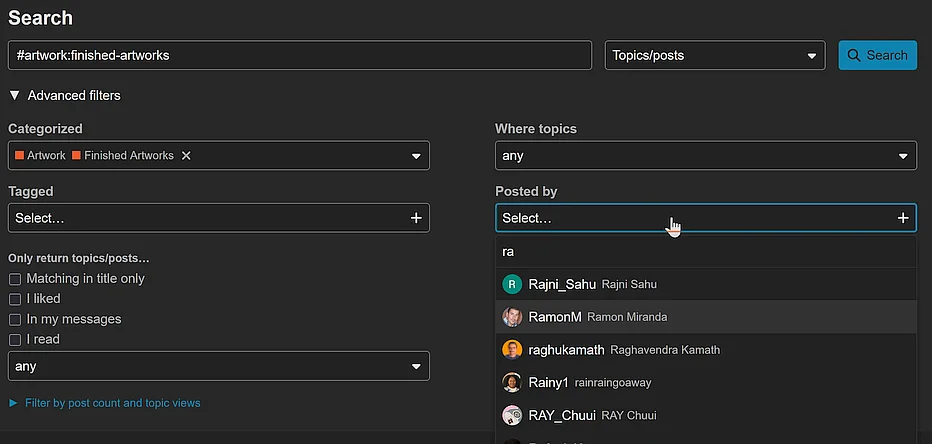
Artwork Finished Artworks would be a good bet,Posted by, where you have to search for the user in question, simply enter the first few letters of their username into the search box and click on the users name when found, ↓ Search button ↓
Michelist
I think if he put them side by side, it could be so easy. But what do I know?  I found two flower pictures in the portfolio but not those flowers. I mean come on, it was just a request with good intentions. If you find the same (old) picture, please give me the link.
Well… stay calm. This is the original picture. They are not the same but equally fun. I grind watercolor relaxing. I was thinking what if… Snd duddenly i was painting with another style.
That’s what I said, I said I’d like to see a before and after (with the paper). That’s all.
hey so ive tried adding these through the resources like the video said and the resource pack show up in manage resources but not on here, any tips?
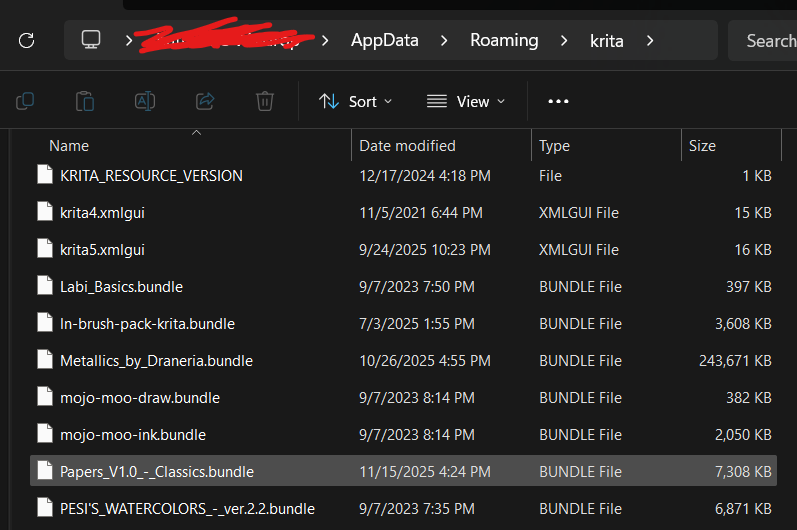
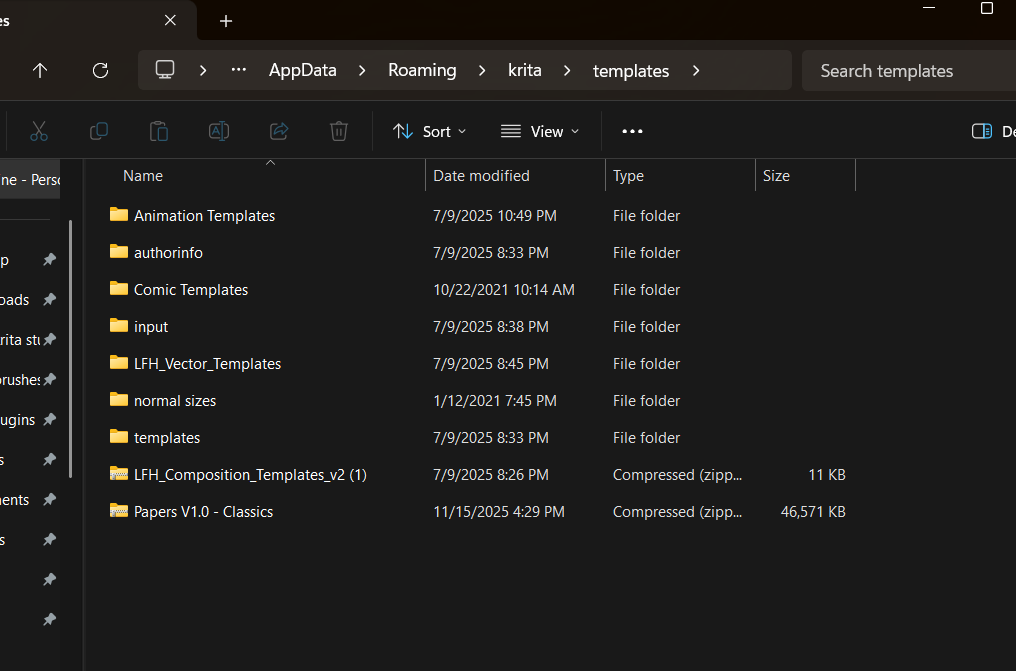
Hi @pokeblaze0238, these are the files for the installation:
Basically you have to:
Put the file Papers_V1.0_-_Classics.bundle (the second file in the screenshot) in Krita resources folder (this is the part I think you already have done).
Extract the folder named Papers V1.0 - Classics contained in Papers V1.0 - Classics.zip (the first file in the screenshot) and put it in Krita resources folder >> templates subfolder.
Pay attention that in templates folder you should have the Papers V1.0 - Classics folder containing directly 16 items, and not a Papers V1.0 - Classics folder with a nested Papers V1.0 - Classics folder with 16 items inside.
so the problem is I have the files in the proper place but the templates still wont appear for pages
You have to unzip the downloaded ZIP file first, simply copying an archive with the file extension ZIP is not what you were told here or in the video.
This means that you have to double-click on the file Papers V1.0 - Classics.zip in Explorer, then Explorer will show you the folder Papers V1.0 - Classics in the ZIP file, and you have to grab this folder with the mouse, i.e. click on it with the left mouse button and hold it down, and with the mouse button pressed, drag the folder to the folder templates.
To simplify this, I recommend opening a second Explorer, opening the templates folder there, and then dragging the Papers V1.0 - Classics folder from the Papers V1.0 - Classics.zip file in the first Explorer to the templates folder in the second Explorer without any major sources of error.
And that’s it. Now restart Krita twice, and you should find the desired templates where they belong.
Michelist
lately i am using total commander app to see if i can use and it seems it works but is not easy, some weird things with paths need to be solved.
Thanks for replying, I don’t know what device you have, I get the feeling my Samsung S8+ is very restrictive despite my using Total Commander, SD Maid etc
I’m not tech savvy, I took all those steps above multiple times & then with screenshots, it’s over my head as a ‘normal’ user or not possible on my device, or both 
Thankfully I have desktop Krita (&, slightly sad to say, Infinite Painter & Procreate on devices) Thanks for all your brushes, I must get back to using Krita more again 
The problem isn’t you, it is clearly a fault on Android’s/Google’s side of the playground.
Other OS manufacturers/suppliers fix a security issue, in any function/tool of their OS, that of course will be found in such a complex thing that a modern OS is, in a way that the security issue itself will be solved PLUS that the intended/original functionality of the affected function/tool will be restored in the most accessible way thinkable. This isn’t always cheap for these manufacturers, but so what? They reached their goal: security and functionality restored!
What Google instead seems to be doing, is going the cheapest possible route for Google, blocking all user actions that an affected function/tool offered until it seems safe again and additionally to do minimum fixes alongside that cutting-down-functionalities that they need so it is no longer a vulnerable function. The only positive thing herein is that they restored security in that part of Android. But this is only possible because Google is accepting the most massive collateral damages along the way, no matter what they cause.
This leads to an OS that allows the users of expensive and, in principle, highly capable hardware, to make use of lesser and lesser of the abilities their hardware theoretically has and offers.
In my eyes, this is very sad for those who bought an Android device.
Especially if they have to recognize, that their device “suddenly” after a number of OS or security updates “lost a function” they urgently need and used before without issue, simply because “it was closed down”, usually without naming that action openly, loud and clear, nor offering a workaround to restore functionality that there once was.
With Google/Android, it is simply removed and that’s it. If this makes software only hardly usable or even nearly to fully unusable does not seem to bother Google in any way.
And for me, who is doing support for years now, it is also sad, because you tell a user they have to do this or that to solve an issue they have, to then find out your solution no longer works, and Google is the culprit because of the above described acting against their customers.
Michelist
It’s egregious how restrictive they’re becoming, I use a fair few free apps via f-droid & am sure many will be rendered unusable soon enough
Starting to almost agree when people say you may as well have an iPhone.
When my old Samsung phone dies I’ll look at getting something towards ‘degoogled’ (although I find the Sailfish/ Graphene/ Fairphone subject baffling & quite boring) & imagine will end up with no tablet (‘just’ my iPad) or something hopefully that is not as locked down & can still use what app I choose to put on my device without being constantly spied on & service-throttled, which is far too much to expect of course
I don’t know if there are already Linux distributions for some of the more widely used Samsung hardware, but if available, this could be the better option, if you want to avoid spying OSes. In other words, being able to use Linux on more widely available Android hardware. Or, instead of tablets designed for Android, which are less standardized than x86 hardware, you could use modern 2-in-1 devices based on x86_64. At least one Linux distribution will work on most of these devices if you don’t want to use Windows.
Android hardware is not standardized enough, it’s a black box from its manufacturers. You would have difficulty installing an Android installation DVD for a Samsung S8+ on a Xiaomi (or whatever manufacturer) tablet with similar performance data, because the hardware built into it can be completely “different.” Samsung only has to adapt Android to its hardware so that it runs on it, regardless of whether others use completely different hardware, but that’s likely.
This is very different from Windows with x86_64 hardware in the background, where, for example, Dell and HP DVDs could/can often be installed on other standard hardware without any problems. And if a driver is missing, it can be found online, as the hardware manufacturers behind it want their hardware to be purchased and used. With Android, on the other hand, there is no way (for standard users) to get an overview of the built-in hardware to see what driver is missing.
This is because, on the “Android side of the world,” hardware manufacturers essentially only get an Android kit from Google, which they then adapt to their hardware. This enables ridiculously cheap offers, as manufacturers can always use the cheapest components on the market. If they manage to cobble together an Android device according to Google’s specifications using the construction kit, Google allows them to offer it as Android hardware.
I can only guess, but I think that Android-Tablets/Phones based on an x86 hardware foundation would be the ones most likely to be usable with other operating systems.
Michelist