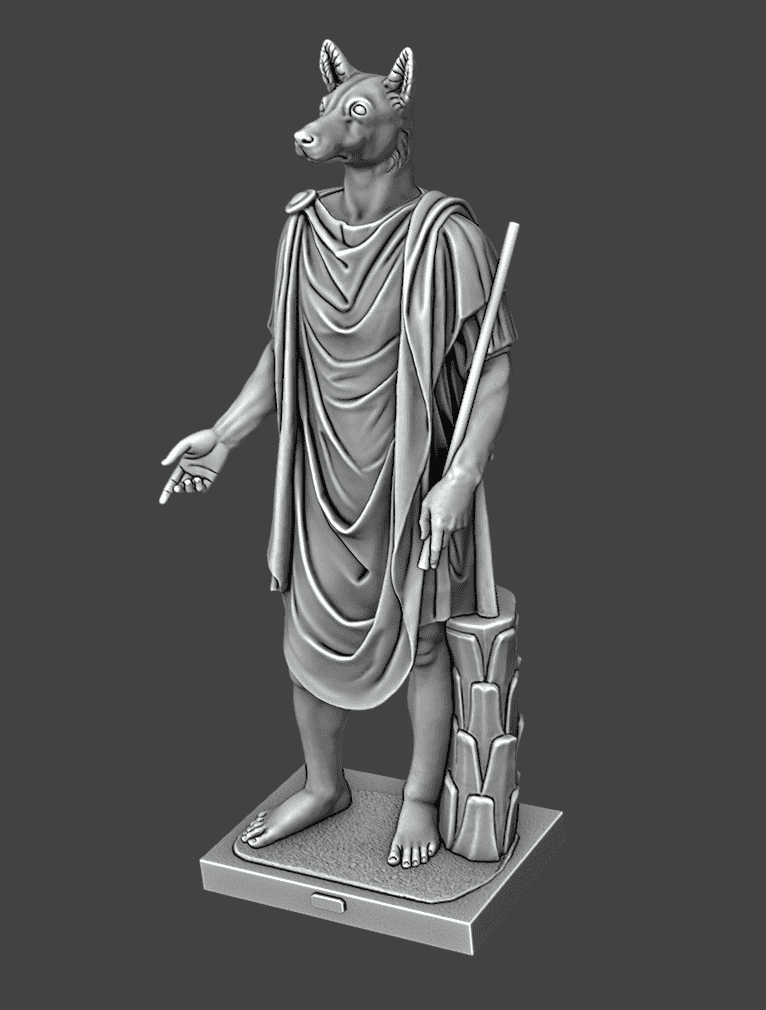
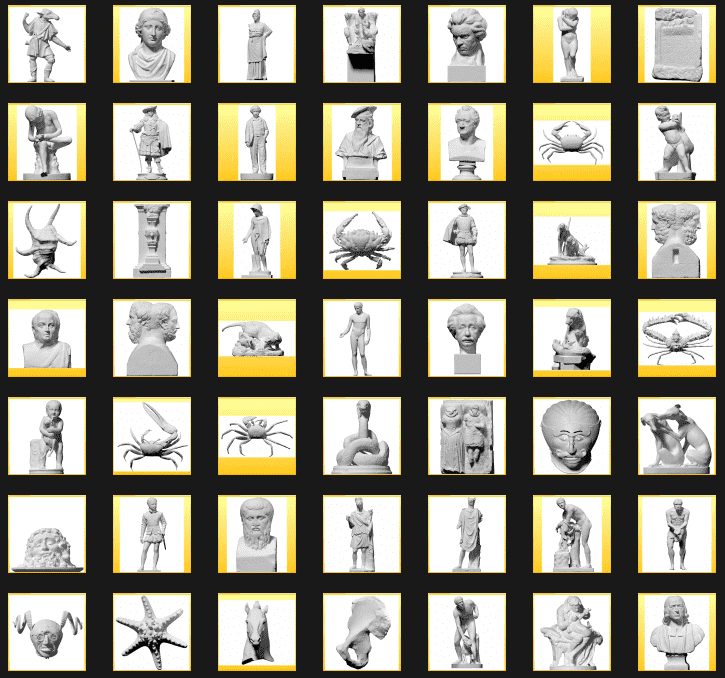
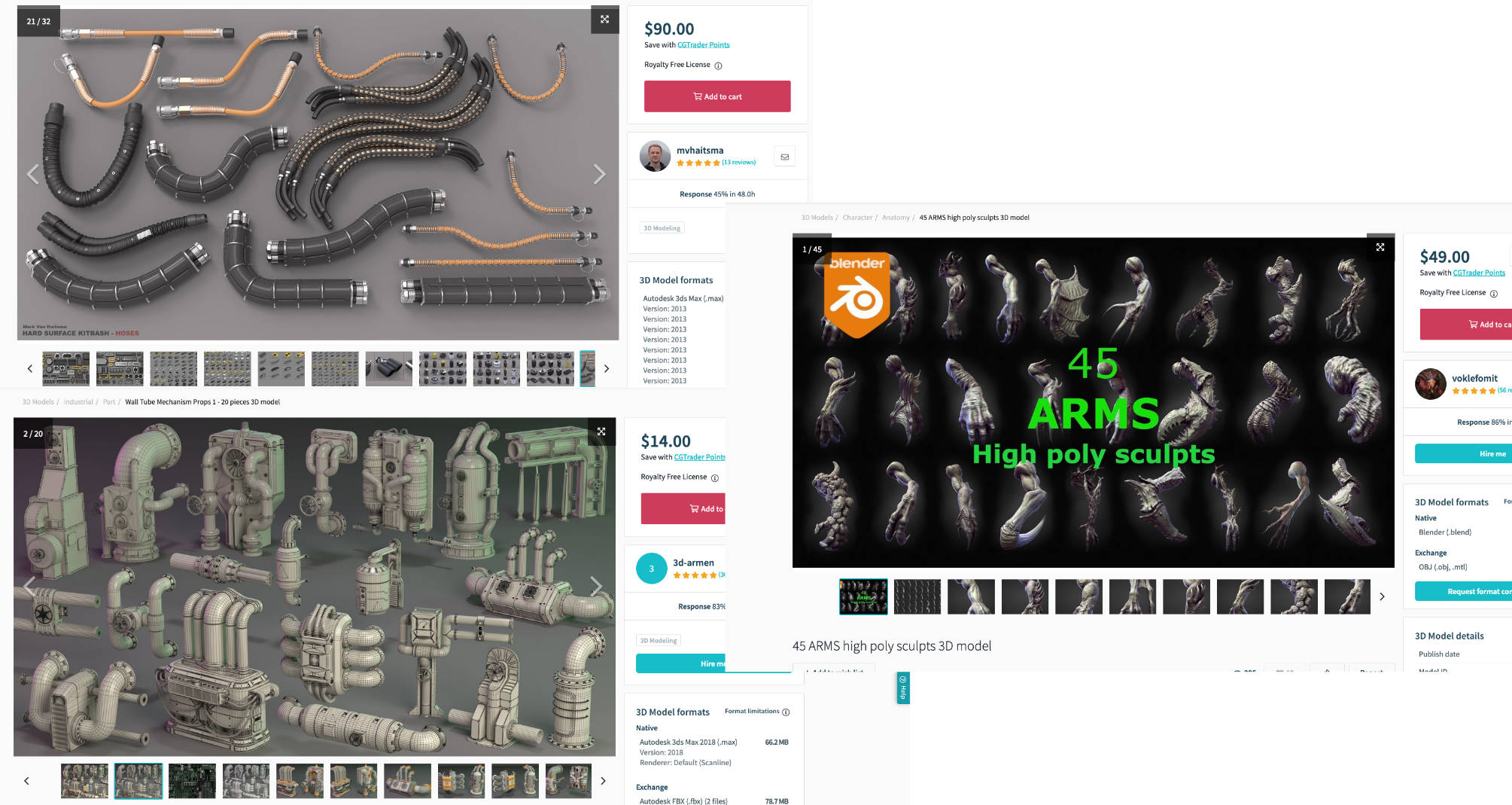
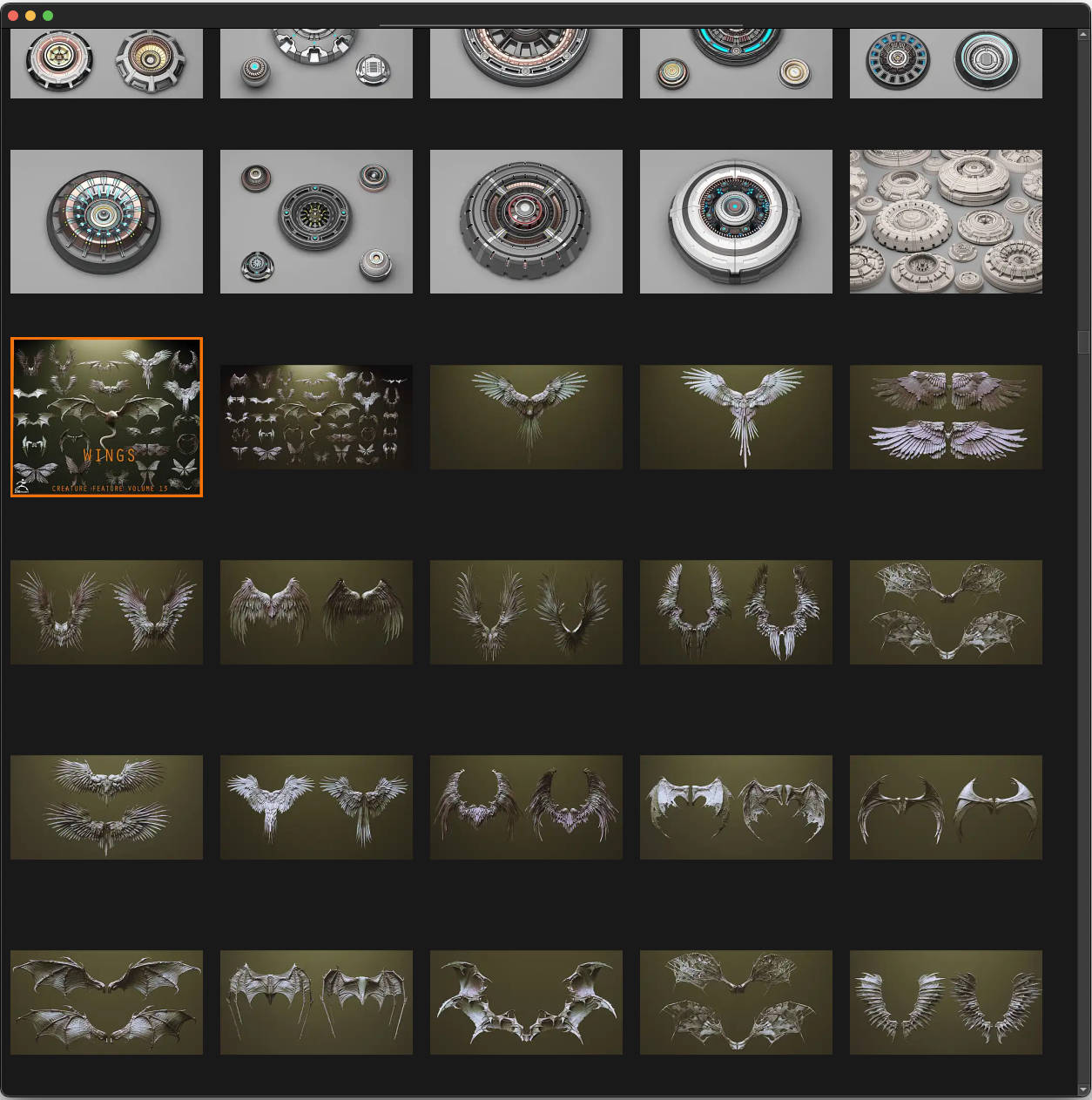
Artists today are very blessed with the abundance of resources that are out there. Back in the old days there was no way a student could bring home a sculpture or go to places to study them. Most students that are just starting out won’t be able to afford Asaro’s Planes of the Head (for example). Now, they can easily access any (if it’s made available) and incorporate it into their studies right at home. I collect high quality 3d scans and files, and I have a lot in my collection. Some are no longer available and you’ll have to pay $ to have it, so I can’t post the files (that are no longer free) here.
There is a market for this because there are a lot you can do with a 3d scan or file.
- You can print it out (3d printing). If a certain anatomical item is too expensive or hard to get, you can print it out and have it on your desk
- You can use it as a base mesh for digital sculpting or modeling
- You can trace on top of it as a 2d artist, or even as a 3d modeler (Retopologizing for example)
- You can quickly setup 3d lighting for your 2d studies without the need to learn 3d modeling.
There are many creative ways to use a 3d file, and I can’t go through them here in this post. But these are the many reasons why people are protective of their 3d files. And it’s why something as simple as this Planes of the Head is sold online:

I bought the actual head and it costed me almost $200 where I live. But with a 3d file, you can get it for less than $20. I had a plan to convert the head I bought into a 3d file for artists that are just starting out, but luckily someone already got to it long before I thought about it, and you can get it for free here—yes FREE made available by Adam Fisher—us struggling artists can thank him for it: https://www.artstation.com/marketplace/p/Wrb61/asaro-planes-of-the-head (you need an artstation account to download the file). This is a very important head and you will want to add this to your collection. Just think of it as a substitute for actual anatomical items you would have on your desk.
Like I said, people want to protect their files, and some won’t sell it even if they could. In a situation like this you will need an internet connection to be at their site to view the file. This is where sketchfab and many others come in handy. However, I like to have things offline and so the purpose of this post is to share links to files that you can actually download to be used in MeshLab (https://www.meshlab.net) or Krita via a plugin such as Blender Layer. I’ll post links to sites if it’s of high quality such as this one:

Ecorche Reference Tool | Anatomy For Sculptors (all the details won’t show up immediately. you will have to let it load). I would like to purchase that and have it offline, but it looks like it’s not for sale. Museums also want to protect their files. You can read about it here: https://news.artnet.com/art-world/nefertit-bust-3d-scan-434609 . That was back in 2016. It’s 2023 now and many things have changed.
If you’re not into 3d then I suggest you look into MeshLab. Very easy to learn and operate and there are a few cool things you can do with it (YouTube it). If you want a lot of control, then Blender is the way. For quick viewing I use MeshLab. For in depth studies and setups, I would use Blender. For quick studies, just have MeshLab to one side and Krita to another. Like how I would with sketchfab:

Here’s a quick look at what you can do within MeshLab:

That’s a good basemesh for the head. You can download it here: Free Base Mesh Download . It’s a great mesh for studies because, in their own words, “Our base meshes are created by blending 50 face scans together for both male and female to create truly average head shape and a perfect starting point for any sculpt.” And it’s a clean mesh, all polygons!
With 3d scan files that are of high quality, you can zoom in and study. As seen below:
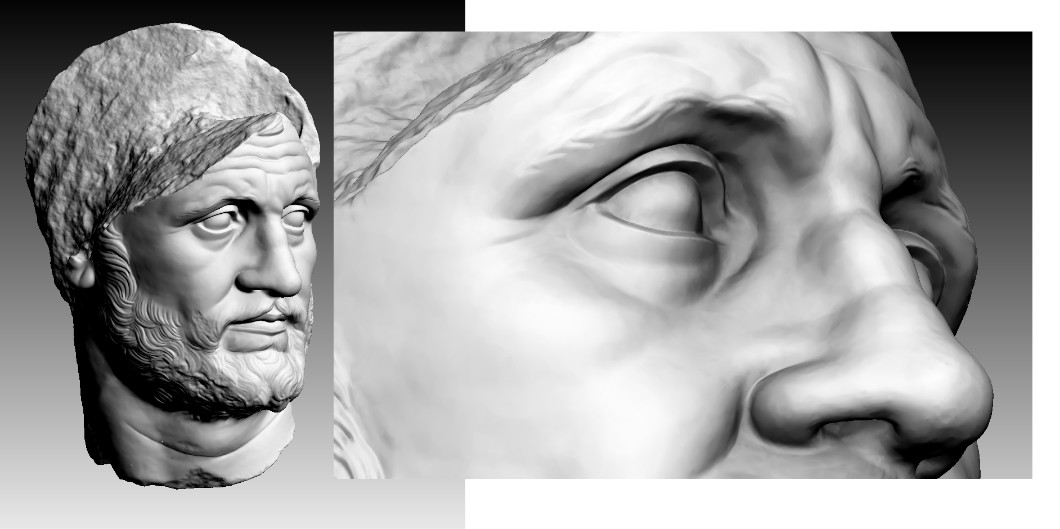
The more you observe sculptures and get used to seeing things in three dimensional, the more you will improve your 2d skill. This is why even if you’re not really into sculpting, doing sculpting just for fun either digitally or in real life, it will still help improve your 2d skill because of the muscle memory. If you slow down and observe the eye area carefully or even the mouth, these images will stick in your mind when you draw the head and you’ll be careful not to draw the eyes too far back or forward. Doing things from memory initially, for those just starting out, will often turn out very bad, anatomically speaking. With a 3d file, you can rotate to observe from any angle and start building good observational habits.
Anyway, that’s an introduction. I’ll sort through my collection later to pick some good ones, including the last one in this post, and post them here (links, not the actual files).