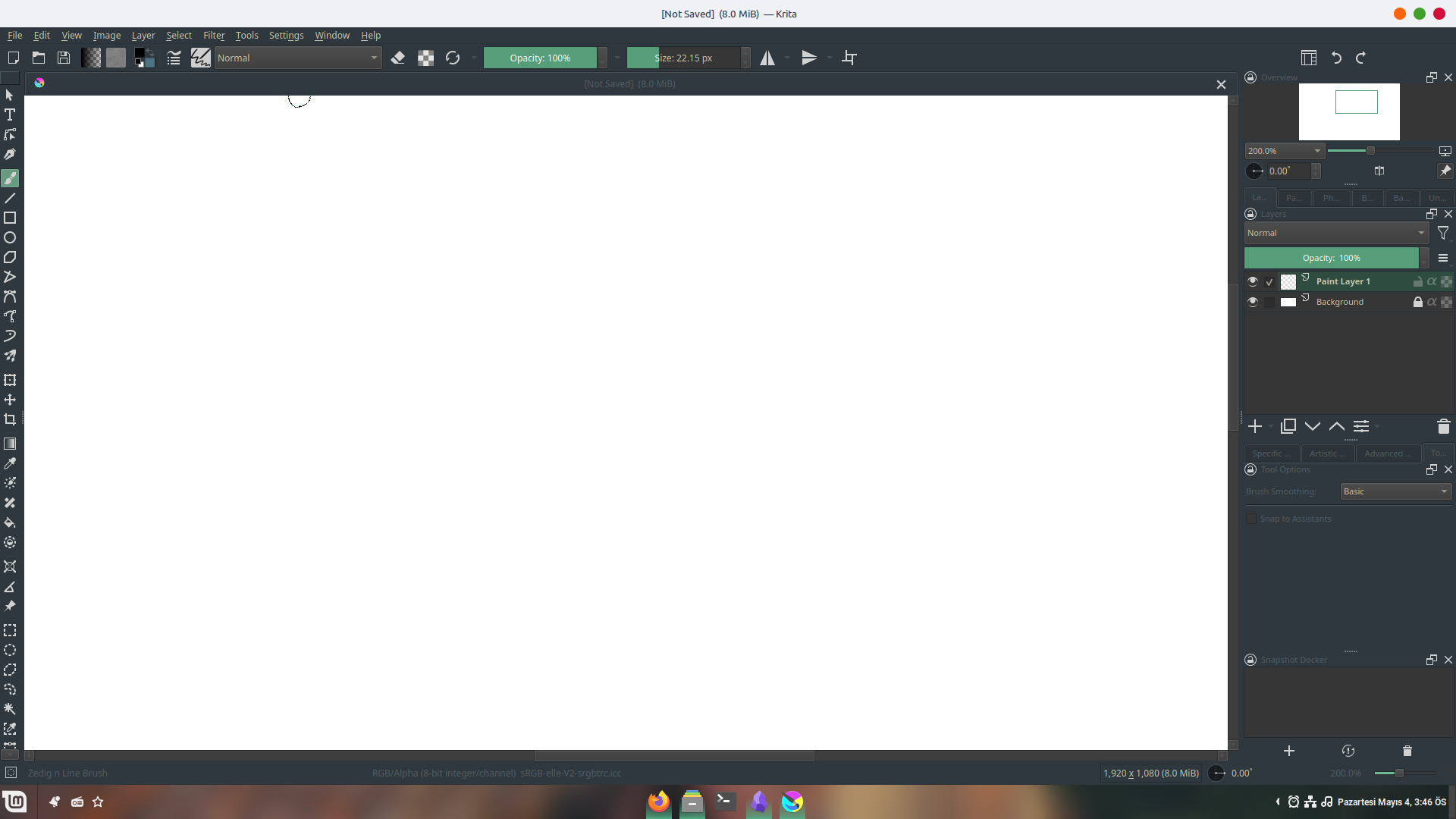
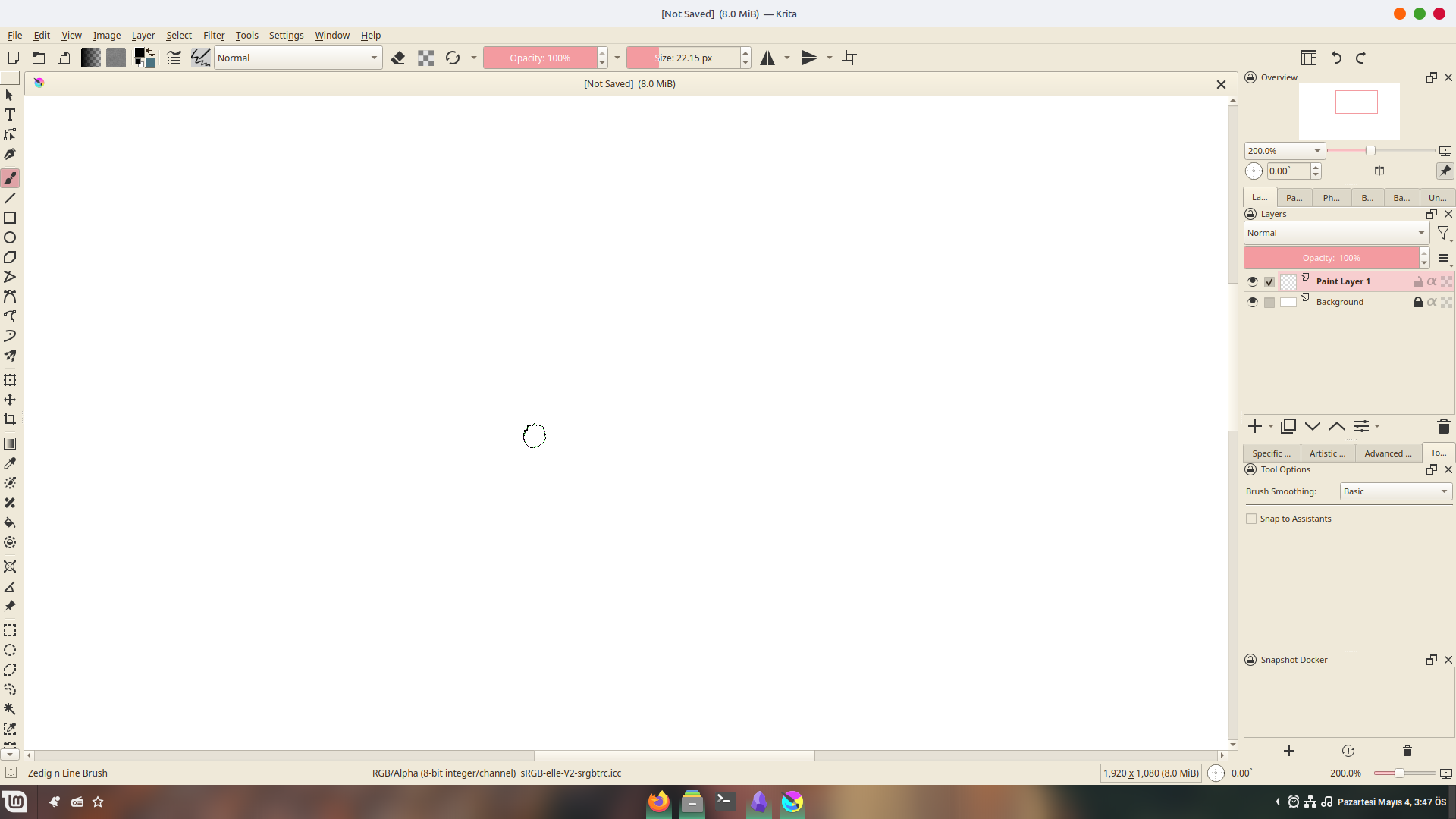
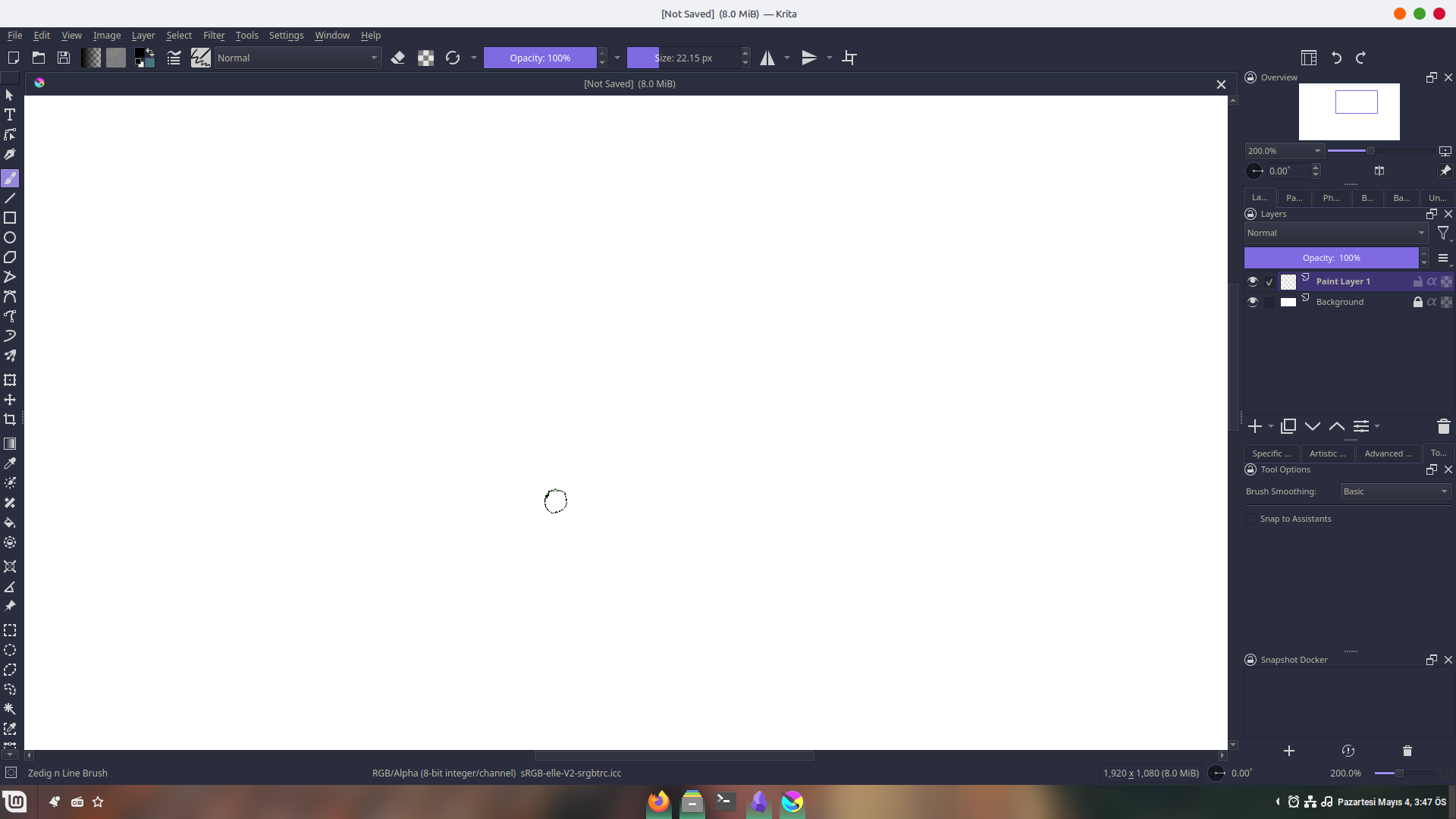
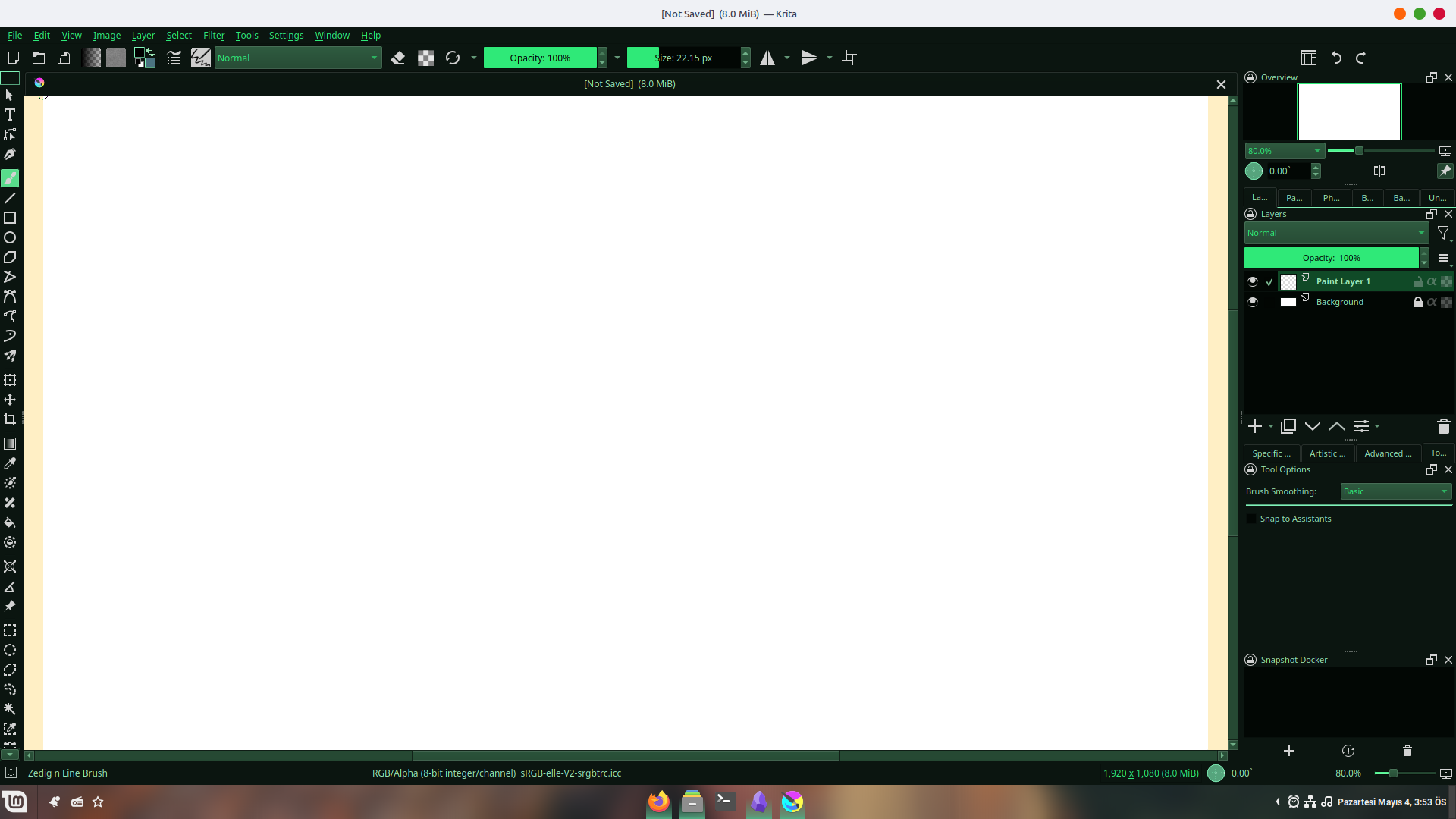
Hmm, how do you open it? Krita doesn’t support .color files
Open The resource folder in Krita via ''Settings'' >> ''Manage Resources...'' >> ''Open Resource Folder'', there copy the schemes in the sub-folder ''color-schemes''. Restart Krita and select them via ''Settings'' >> ''Schemes''. Done!
Michelist
4 Likes
It’s still not accepting it ;-D
Are you sure that your chosen .colors file is now in the color-schemes folder?
Thank you, sounds good!
1 Like
I use Krita on my tablet. I was able to download it, but I don’t know how to import it. Can someone tell me? I’m in a lot of trouble. (I’m using a translator.)
 Hello @Kimigatyuki21 and welcome to the forum!
Tablet? Why we always get only half of the important information?
So I guess you have an Android tablet:
Please open ‘‘Settings’’ >> ‘‘Configure Krita’’ >> ‘‘General’’ in the tab ‘‘Resources’’ you will find the path to your resource directory, you have to enter that directory with your file manager, there you will find a folder named “colors”, you have to copy the downloaded color profiles into that folder and must restart Krita after this. After Krita restarted, you can select the color profile to use in Krita via “Settings” >> “Themes”.
It may be that you can not reach Kritas resource folder using your file manager on Android, if so do try instead to open that folder via ‘‘Settings’’ >> ‘‘Manage Resources…’’ and click on the button Open Resource Folder, this should bring you (hopefully) into Krita’s resource folder. When you are there, do as described above.
Michelist
3 Likes
That is not correct, there were users that did it. The problem seem to be that not every Android device is accessible as other Android devices, because some users could reach that folder, others not.
Michelist
3 Likes
Thank you for letting me know. I’ve looked into a lot of things, but it seems that Android tablets can’t do it. Thank you, I will give up too.
Hi, I really love the everforest theme! Thank you for your work.
However, whenever I zoom or rotate the canvas, the information bubble is blurry. It happens with tactile, keyboard, and mouse input, and with none of the default themes.
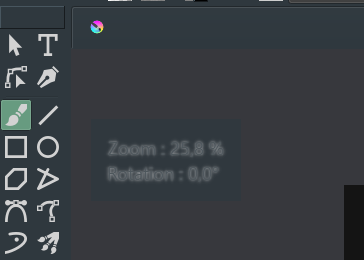
Other minor issue: some menus, like the Krita settings, are a bit hard to read.
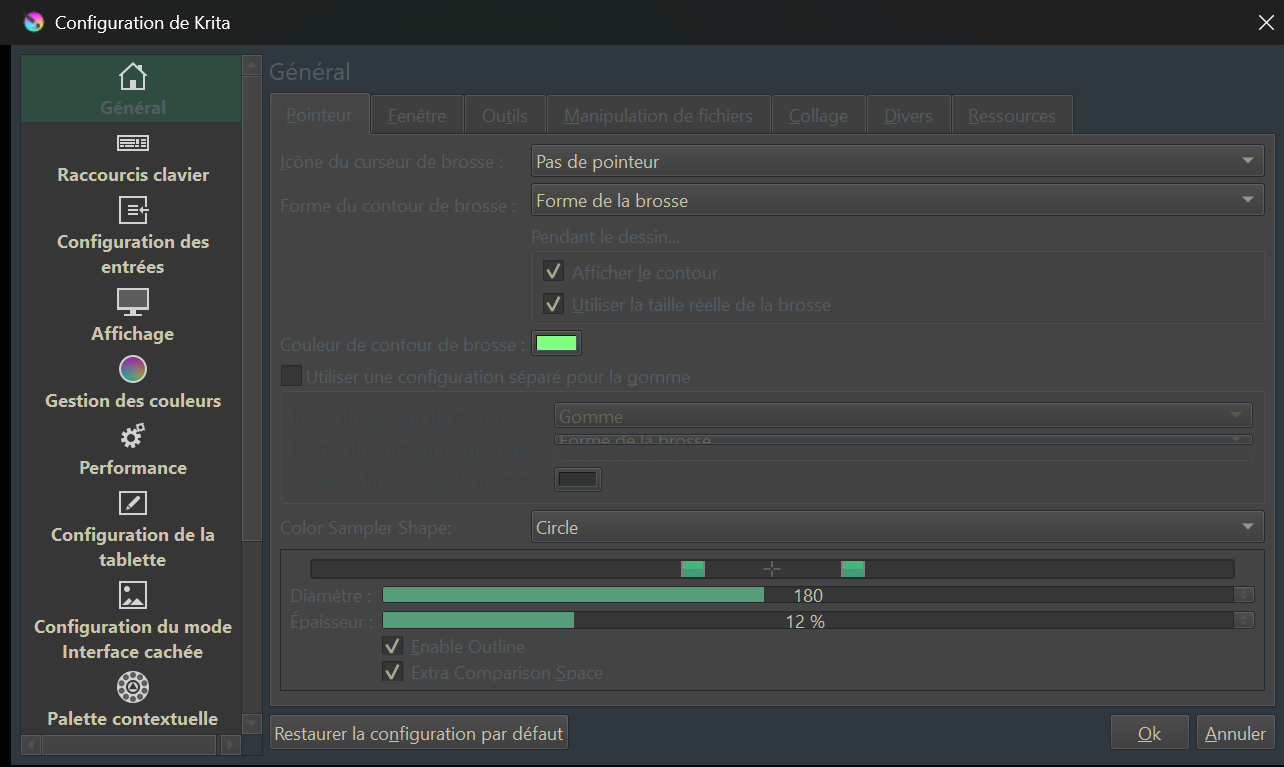
i don’t see the colors in my color scheme folder help
Hey! I was wondering - are the scrollbars more visibly noticeable with these themes? They’re always hard for me to see. Would love to know. Thank you. 
Hello @TehPurpleOne, and welcome to the forum!
Unfortunately, you have to test it with those schemes where no example screenshots exist. There are color schemes where they are good visible and others where they are not.
Michelist
oh snap, you are right. I have no clue how to fix that but Jaivu's Everforest Theme there is this theme made by Jaivu that is a darker take on everforest. That one doesn’t have the problem.