You could try using something like Total Commander to put the themes into the “color-schemes” folder.
A method that has worked for me is to copy the folder to Downloads, make changes to its contents then copy it back into the resources folder and select Replace when asked.
That worked for a file (kritarc) but I don’t know if it would work for an entire folder.
I’m liking some of these, especially the Forest & Hacker themes. Thanks for sharing! Can some of the brightness of the font and icon colors be adjusted? I’ve become a bit sensitive to light these days, and I was wondering if tweaking it won’t mess it up too much.
Oh, that’s super cool! I love using Obsidian, and the themes they have for their program is just chef’s kiss Thank you for the themes!!
Out of curiosity, will there be plans to add more themes later down the road? And if so, is there a way to include Blue Topaz? If you don’t plan to, is there a semi-easy way to make a custom theme to add to your collection by chance?
These are simple text files that can be edited with any text editor. All you have to do is change the colors represented in the RGB notation to colors you like, which is not very difficult.
If you don’t know the themes created by @Zoldyako, you may discover one that is similar to the one you are looking for or that suits your taste. They are worth a look.
@Michelist is absolutely right. I based mine on @Zoldyako’s themes. They thankfully simplified the .color files to the few variables that make a big noticeable difference.
I made a little document that might be some help to you from 2 weeks old memories of what the variables do. I’ll post the text below.
As far as making more, I am almost certain I will make more when I’m sick of these current ones (which shouldn’t take too long with my ADHD lol).
Blue Topaz is gorgeous and I’d be down to adapt it. Is there a specific version of it you’d like to see adapted? for example the dark/light or alternate color themes.
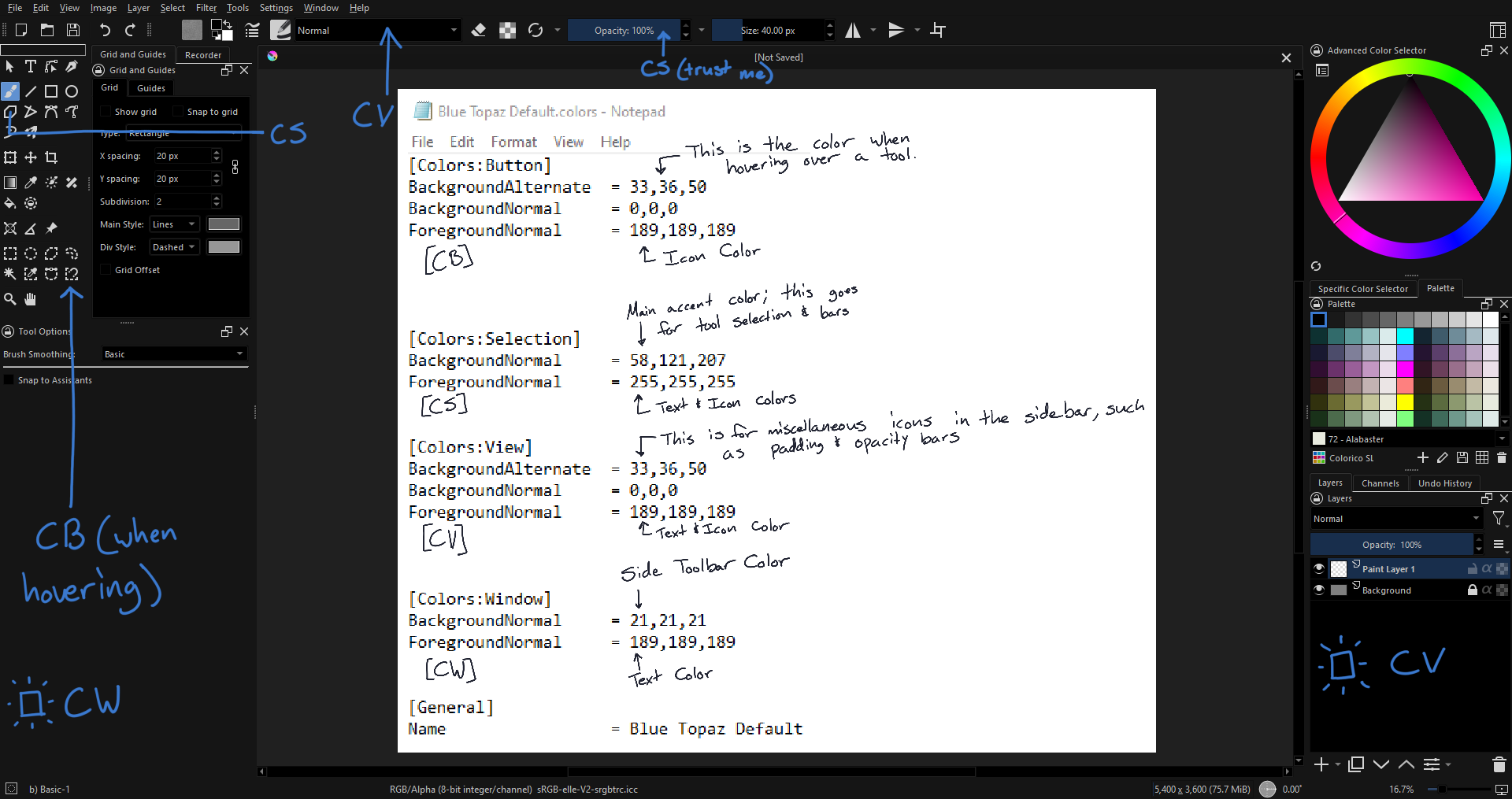
[Colors:Button]
BackgroundAlternate  = I dont think this does anything, but i keep it the same as BackgroundNormal.
BackgroundNormal     = pretty sure this is the button border.
ForegroundNormal     = Button text color
DecorationFocus 	   = I think this is stuff like the color of the opacity and size bars at the top.
DecorationHover      = same with above, but when hovering (i think)


[Colors:Selection]
BackgroundNormal     = Things like the color of the currently selected tool or brush preset (bright eye catching accent colors look best here imo)
ForegroundNormal     = I think this is the stuff like the color of the tool icons and stuff


[Colors:View]
BackgroundAlternate  = I think small details around? i keep this the same as the BackgroundNormal.
BackgroundNormal     = Main Background Color
ForegroundNormal     = Text and other small details all around


[Colors:Window]
BackgroundNormal     = I think this section is the surrounding border, the "window" that encloses the "view". This is the main bg color.
ForegroundNormal     = and this is the text color. im pretty sure the


[General]
Name                 = Your cool new theme
@Michelist Thanks for the info! I’ll be sure to search those up and see what I can do
@denizo.art Thank you for the code!! I personally am a fan of the dark theme for Blue Topaz, but I’ll see if I can recreate the theme and then provide the code to alleviate some of the work for you
@denizo.art Okay, so it took me a minute to put this together, since I’m not familiar with editing theme data like this, but I think I got the majority of it all. In case that there needs to be some fine-tuning, I’ve included the repository of the original theme in case I missed something.
Would you like me to include your theme with the others and credit you? (I would also change the name of the repo to something that doesn’t have my name in it)
Also since this is fresh in your mind, could you do a similar thing to what I did, explaining what the variables do? It could be nice to include if people wanted to do their own themes as well.
So sorry for the late reply, but yeah, I’m perfectly fine with that! I still have the file info on hand so I’ll provide a screenshot of what the variables mean and how it works for each section I appreciate the credit as well! Let me know if there are other themes that you need help with!
Hi, this is still on my mind. What has stopped me has been not knowing what I’d change it to. I’d be happy to change it if you could give me color codes. hsv, rgb or hex would all work.
Idk why i didnt reply to this when you sent it. My apologies.
Turns out you can’t change the repo name in github i think? Would you still feel comfortable if I credited you in the readme, even tho the repo is called deniz’s krita themes?
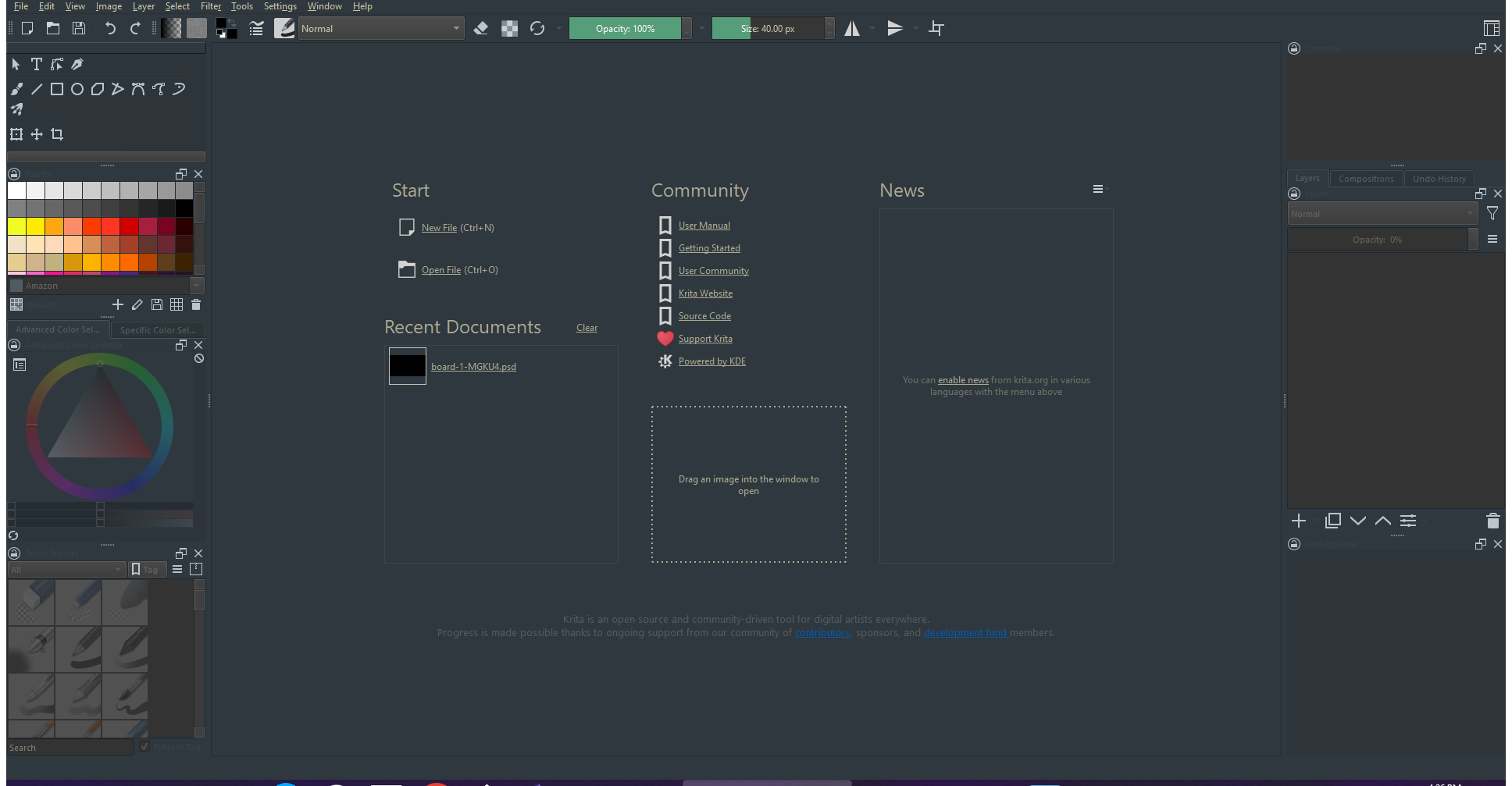
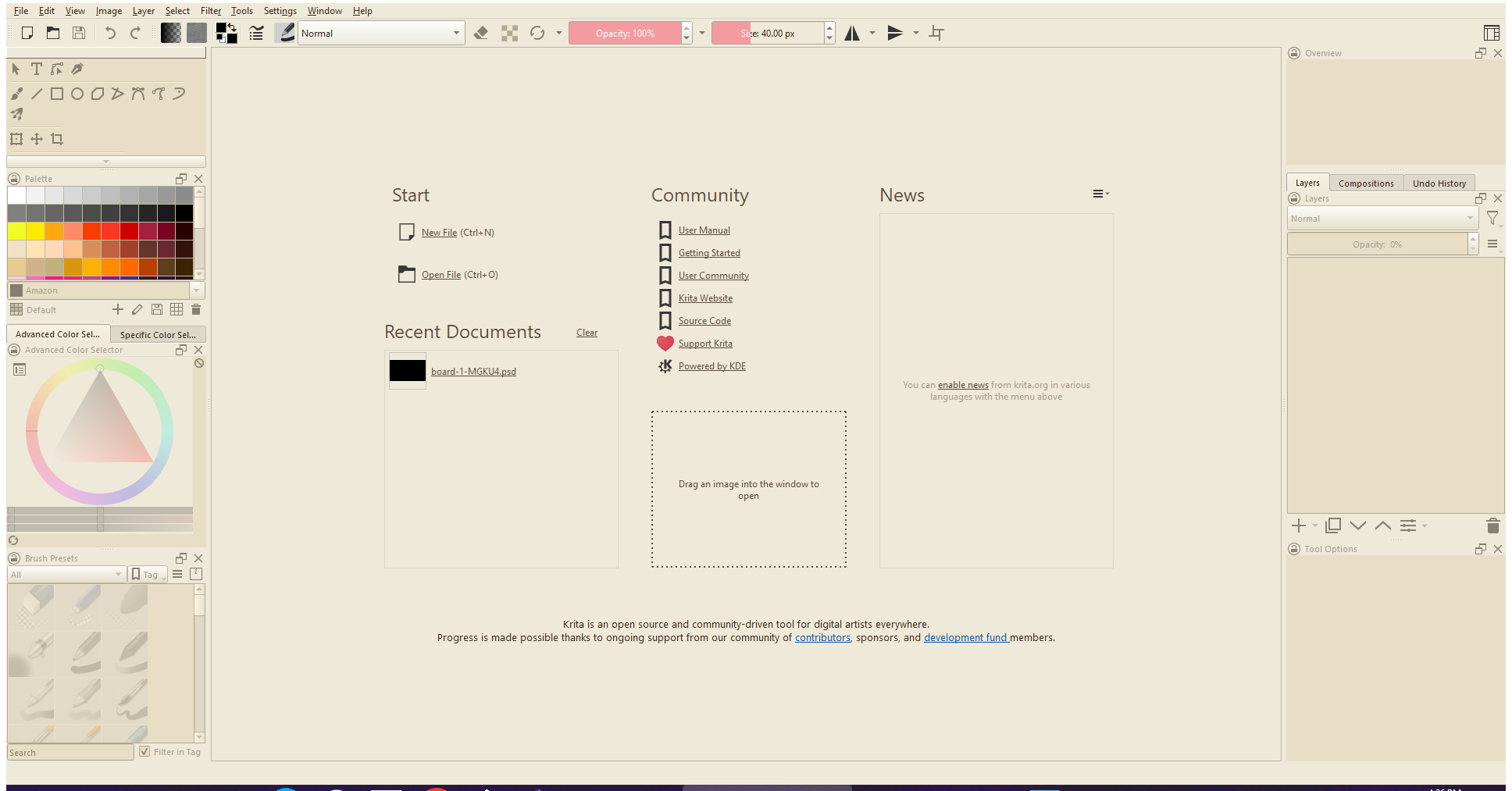
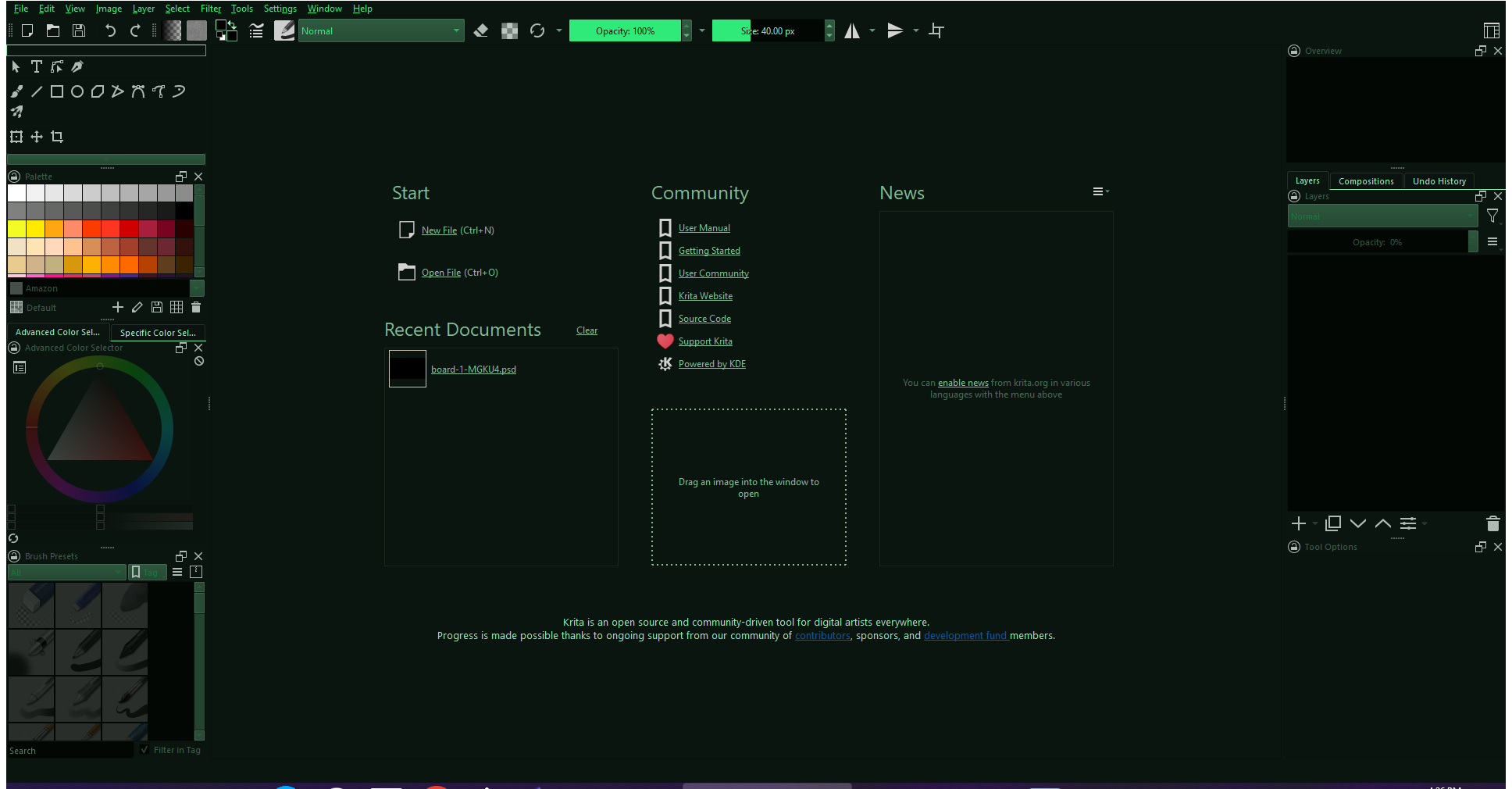
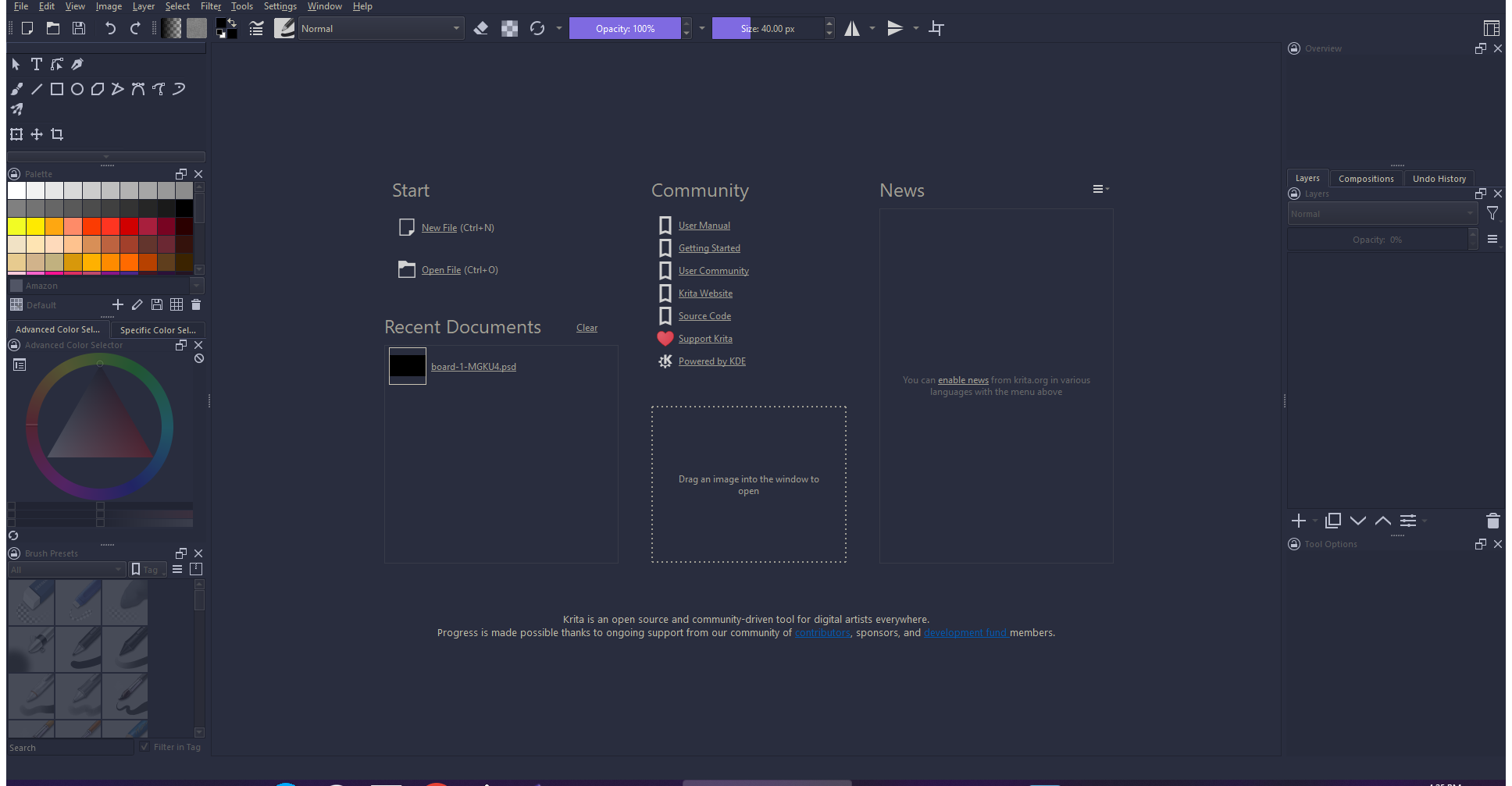
 If you don’t plan to, is there a semi-easy way to make a custom theme to add to your collection by chance?
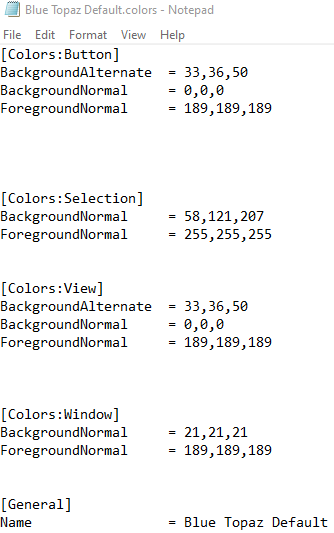
 I appreciate the credit as well! Let me know if there are other themes that you need help with!