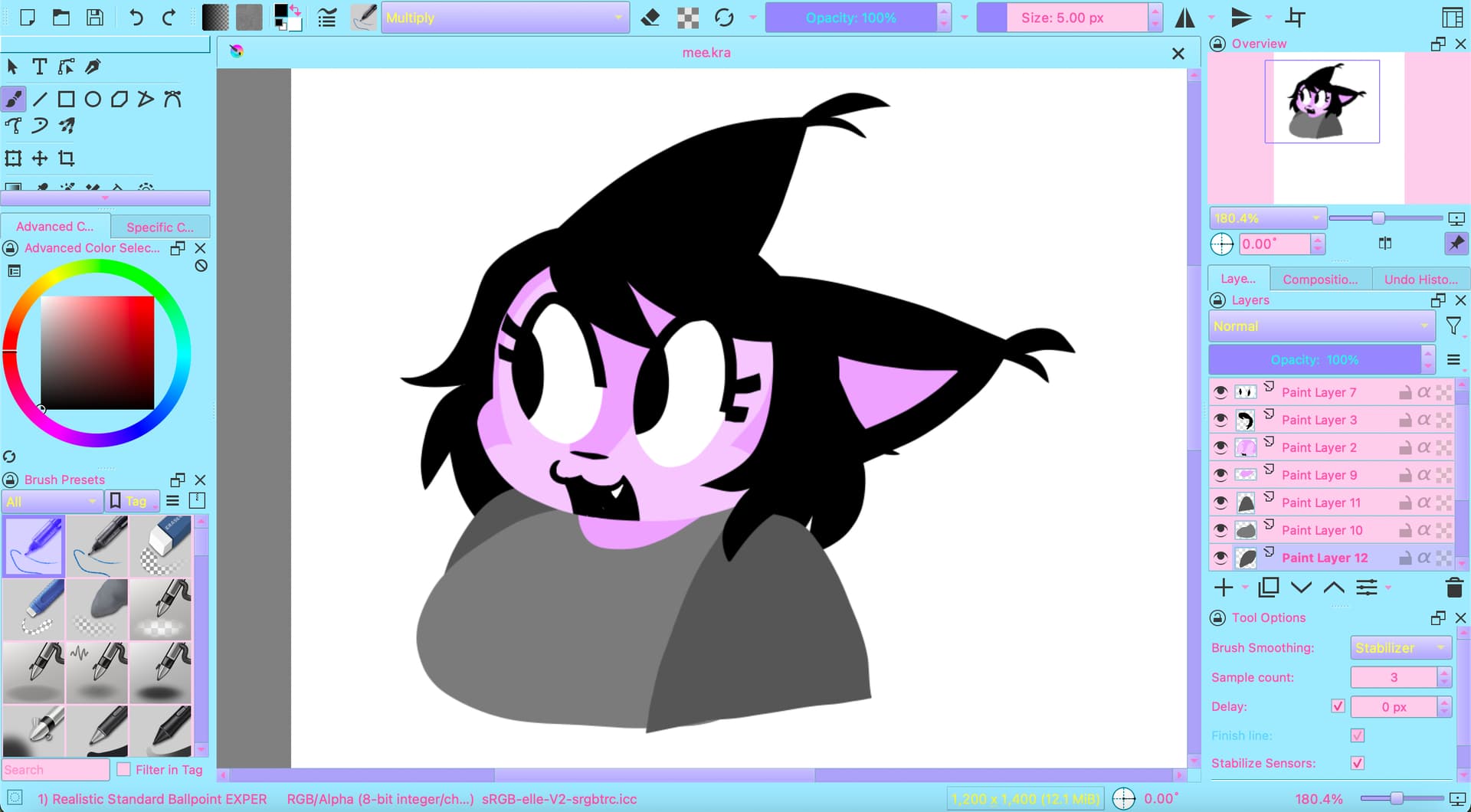
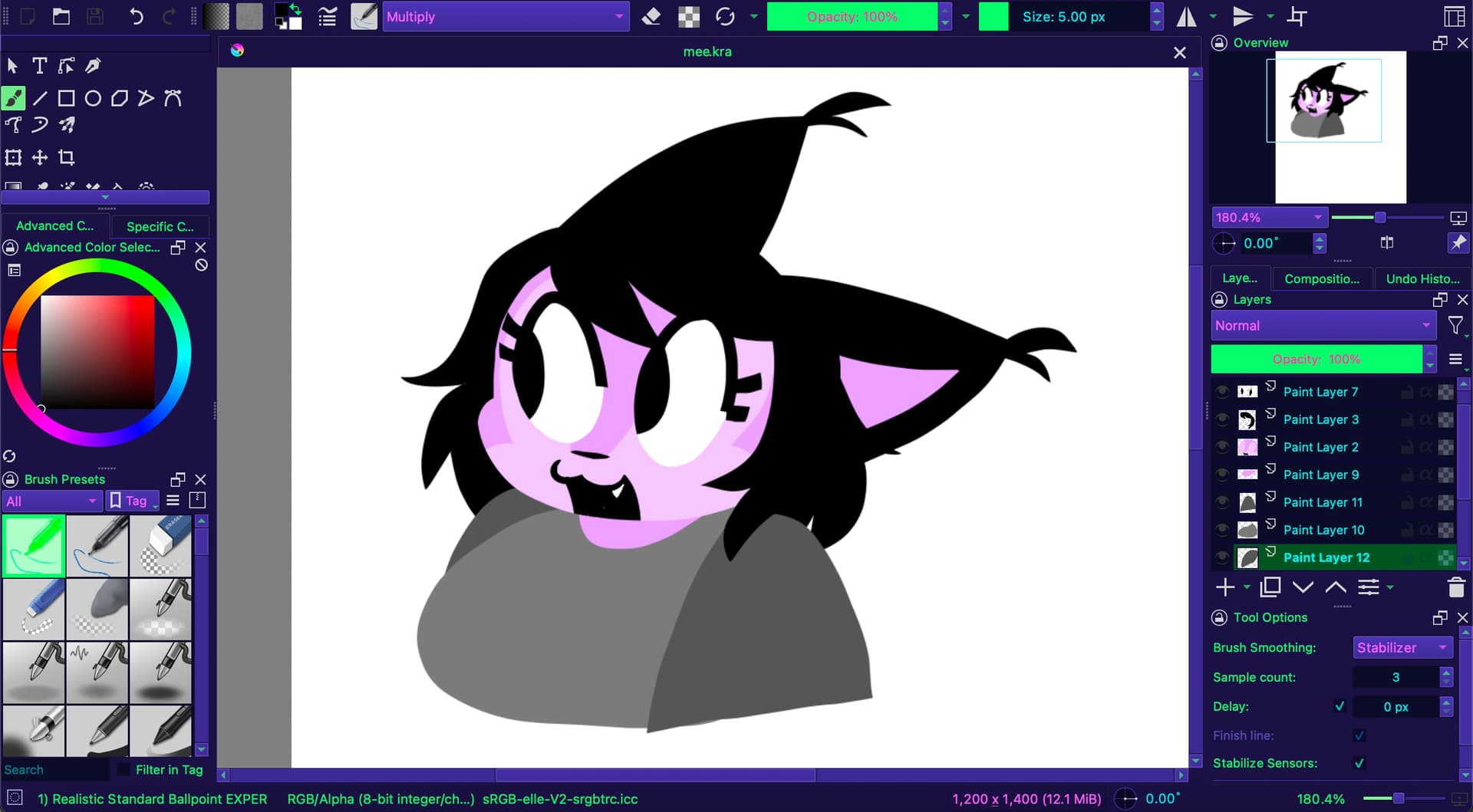
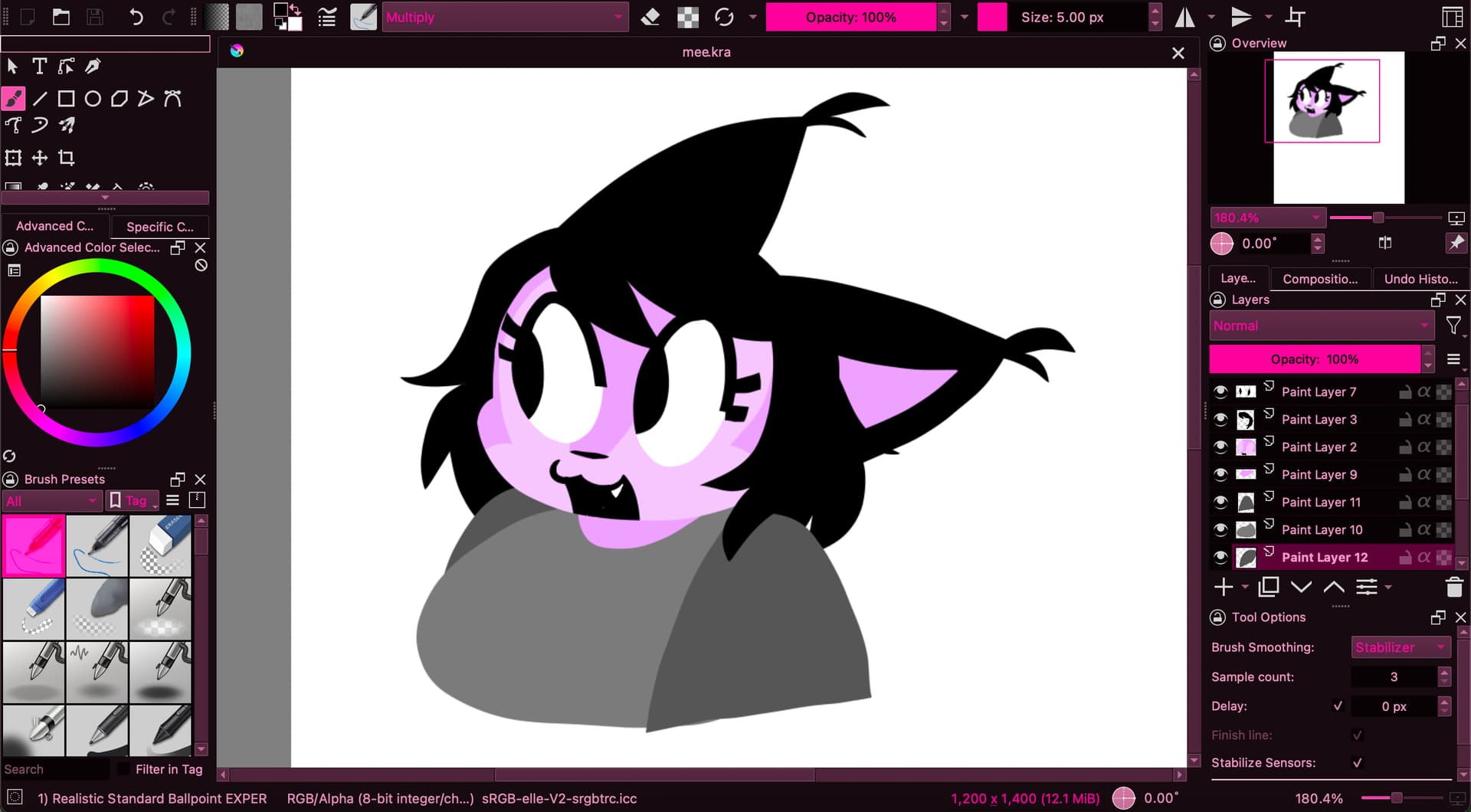
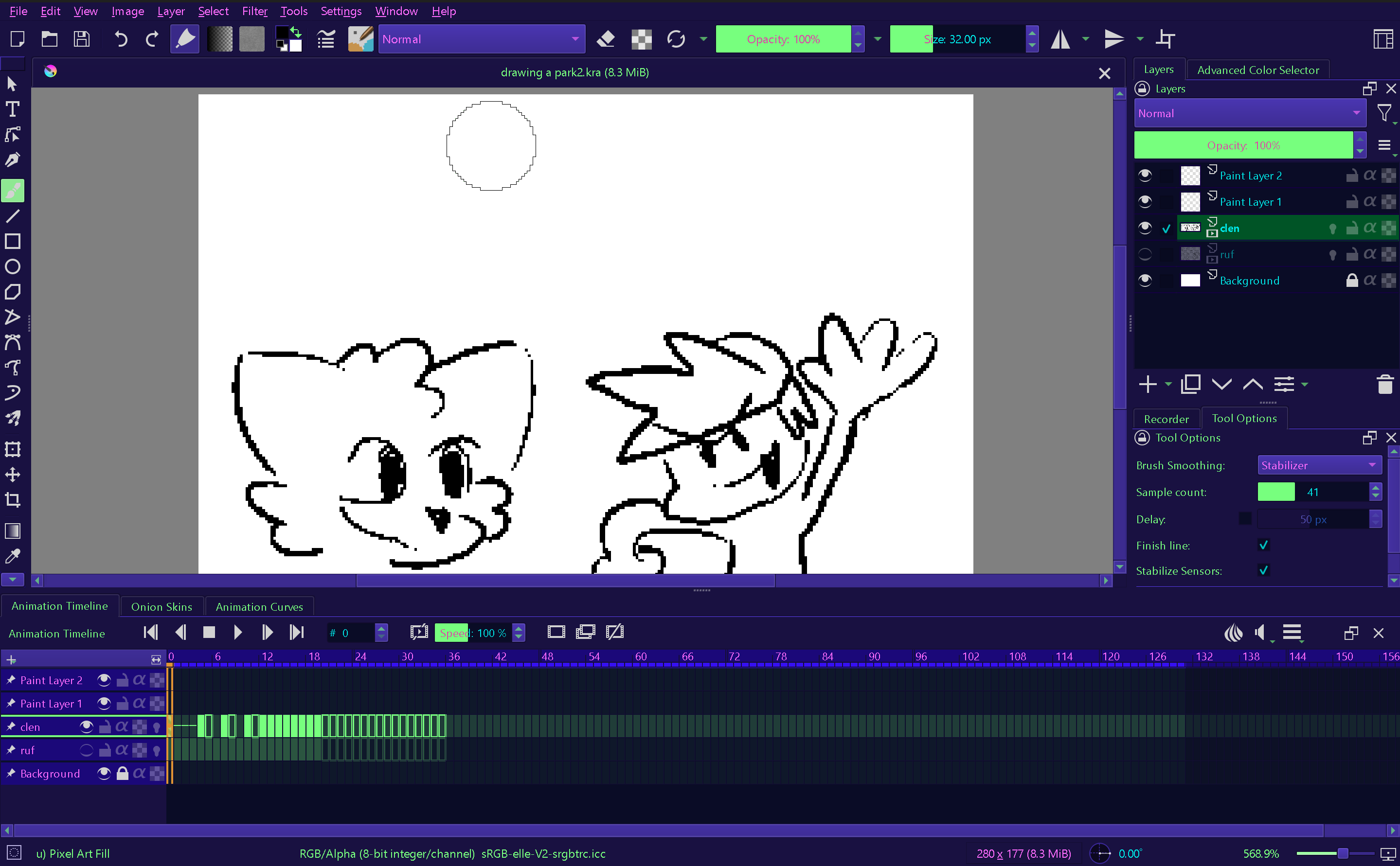
Yes, it is possible. You have to open Krita’s resource folder, and in that folder you have to open the folder color-schemes where you must copy your theme files into.
There are two ways to find and enter the resource folder. If you are lucky, you can enter it via ‘‘Settings’’ >> ‘‘Manage Resources…’’ >> ‘‘Open Resource Folder’’, if not, you must first look up the location of your resource folder in Krita’s settings via ‘‘Settings’’ >> ‘‘Configure Krita’’ >> ‘‘General’’ in the tab ‘‘Resources’’, where the path is written, then you must browse into that folder, open the color-schemes folder and copy your themes into it. After this you have to restart Krita and can select them then in ‘‘Settings’’ >> ‘‘Themes’’.


 Hello
Hello