Painting very thin lines will become dashed.
I know a bug where thin lines would become dashed under soft and gaussian masks was previously fixed.
Activate brush supersampling for all auto brushes smaller than 10 px (!1346) · Merge requests · Graphics / Krita · GitLab (kde.org)
This fix works, but doesn’t fix the bug where very thin lines (like 0.2px) become dashed. (Like the bug reported here.)
But this time the drawing is very thin and it will become a dotted line.
When the brush size is 4px, lightly drawing very thin lines will become dotted lines.
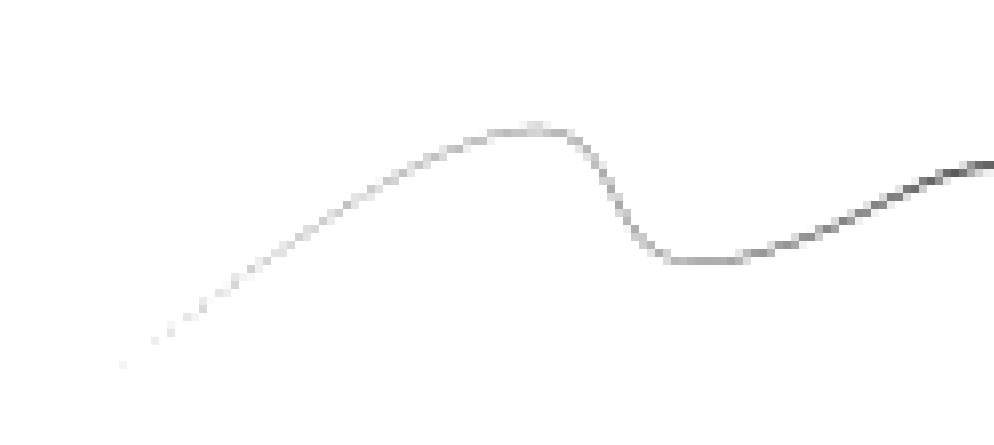
(Notice the thinner part to the left of the line.)
The image is at 800% size. Default, Soft, Gaussian Mask, all will be the same.
Later, I used the mouse (to eliminate interference) to draw a thin line with a size of 0.2px to test, the thin line will become a dotted line.

Brush settings:
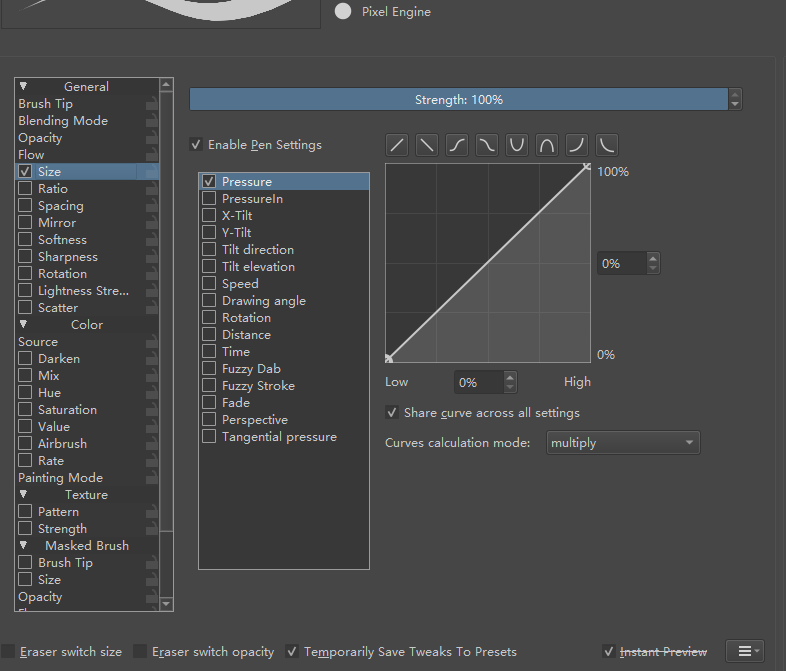
In addition to the size, I set different masks (default, soft, Gaussian) to test.
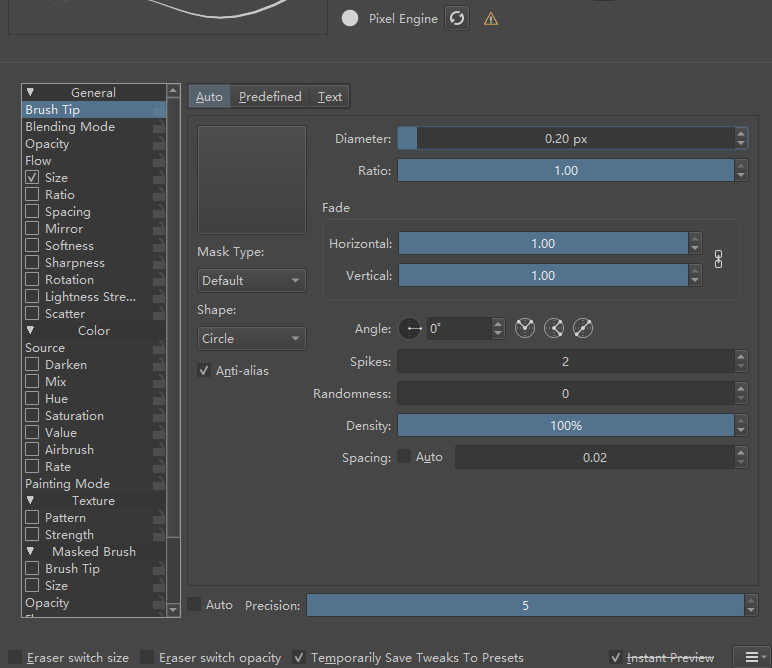
In addition, whether anti-aliasing is turned on or off, it will turn into dashed lines in very thin parts.
