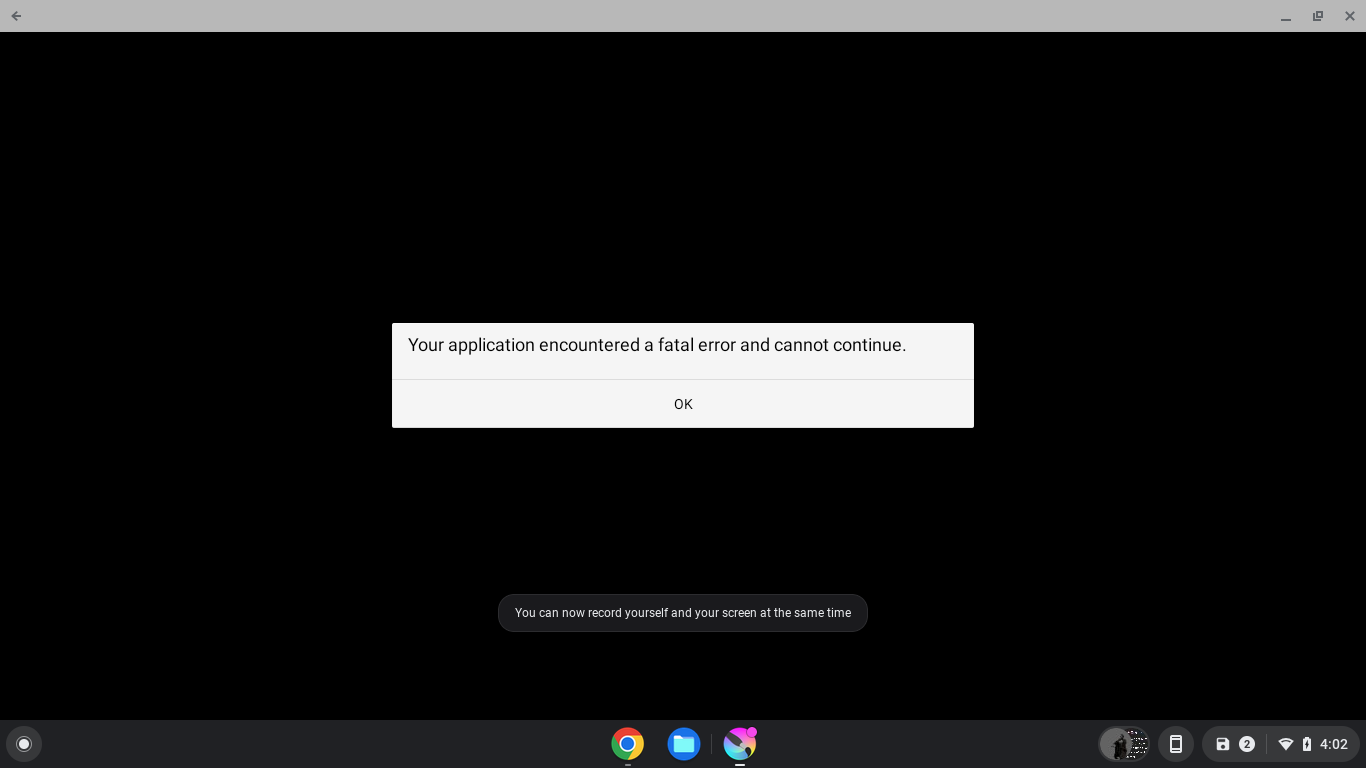
I’m not sure how to explain it, I updated to Krita 5.2.2 and now all that pops up is Fatal Error, no code or anything, and I’m not sure how it happened because I have never messed with internal files. This is on a chromebook, the Dell Chromebook 11 Model 3180.
1 Like
@Lucien Welcome to the forum.
Can you report exactly which Android 5.2.2 you installed?
(I added the version # to your title, hoping it will get the right attention faster.)
The playstore version
How did you get 5.2.2 from the Play Store? It’s still on 5.1.5 (on the North American Play Store).
It says 5.2.2 in the properties tags
Can you tell me which country you’re in? I’ve been tracking Krita on the Play Store and hadn’t seen anything above 5.1.5.
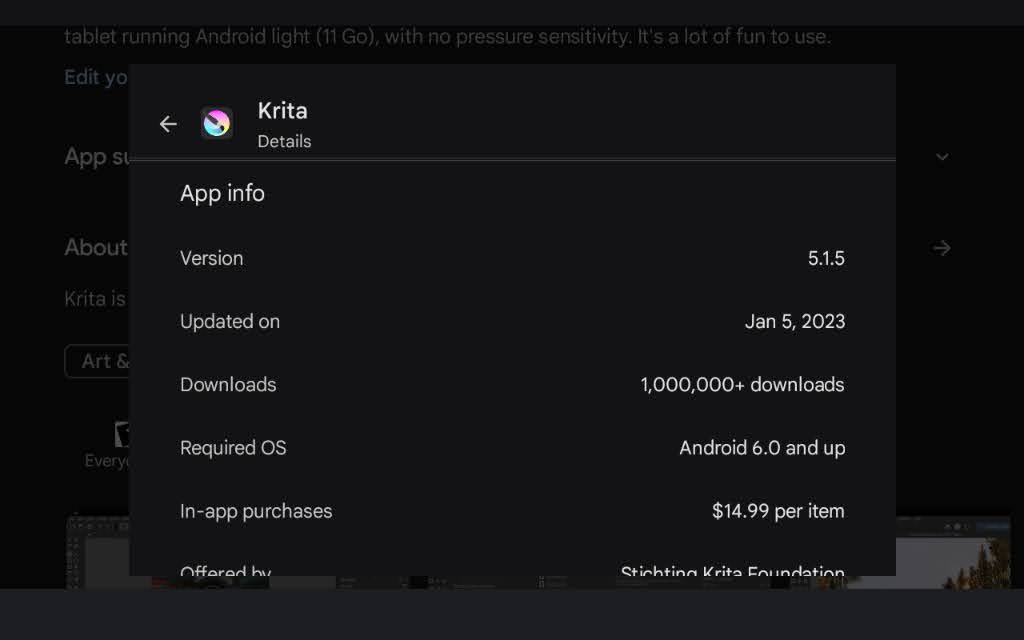
This is a snapshot taken just now from the PlayStore.
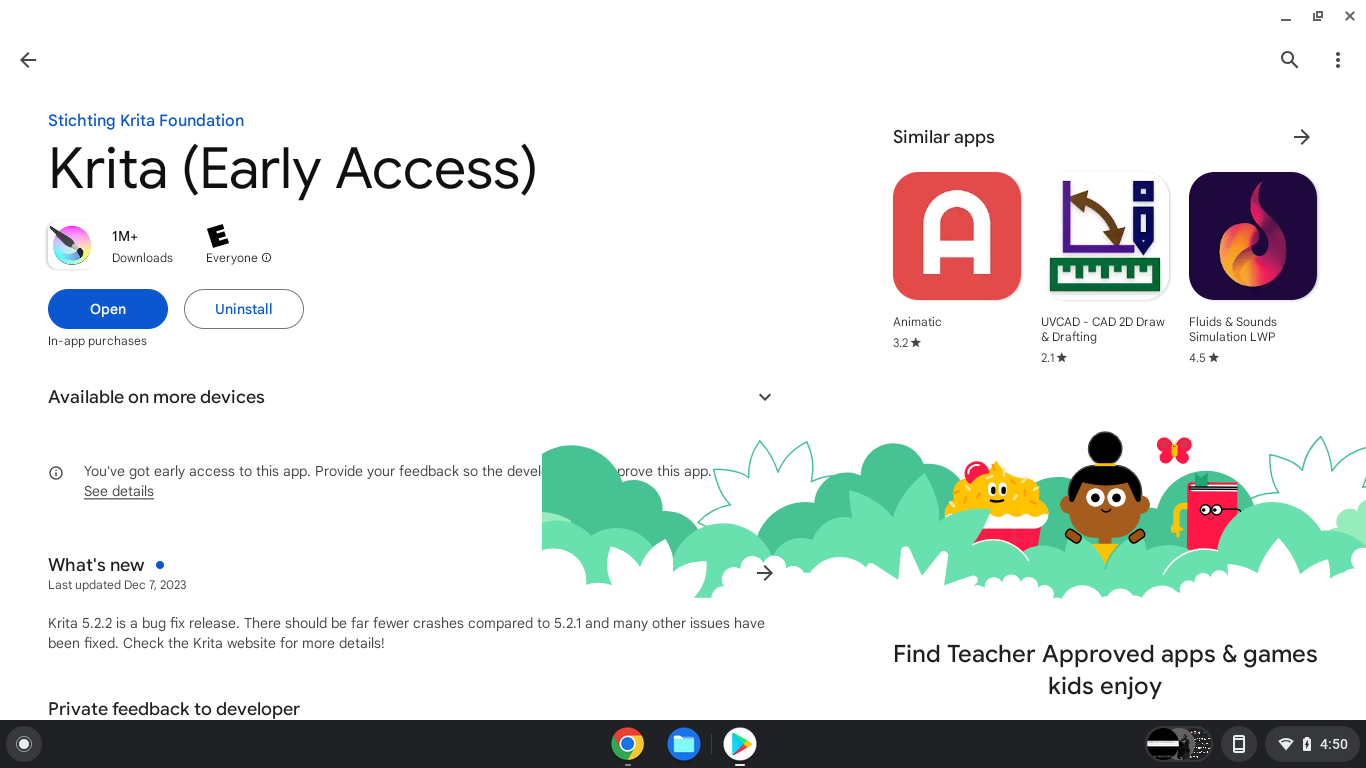
That’s good news. We never got 5.2, it’s still on 5.1.5 in Canada. Maybe it’s rolling out today.
Here is something you can try: rename the kritarc file (don’t delete it – if there are unexpected results you need to be able to return it to its original state). It will create a new kritarc file when you start Krita (if it starts).
The kritarc file is in org.krita/files/settings
where exactly would I find that? I can’t see files within the chromebook apps, or at least those in particular aren’t appearing
/storage/emulated/0/Android/data/org.krita
You may need to use an app like Total Commander if your native file manager won’t show you these folders/files.
1 Like

Go back to home on TC and do a search for kritarc. It must be that the Android files on your operating system are not set up the same way.
EDIT: Once you locate the org.krita folder, you can add a bookmark in TC to make it easier to find in the future.

there is nothing. it’s like Krita just doesn’t have any files. reinstalling does nothing to fix this either
Oh, wow. I’ve reached the end of my ideas and haven’t helped at all. Sorry about that. I didn’t know that chrome installations of the Android version would be so different.
all fine, maybe it’ll resolve itself after a few updates who knows. thanks for trying to help though!
1 Like
This is strange! Something like this could happen if you have a bad install somehow but Android should have prevented this from happening. Can you try to install the version from the website: Krita 5.2.2 Released! | Krita
(this is the same one as the Play Store version, based on your Chromebook, Android 64-bit intel should work)
1 Like
Chromebooks have a restriction on downloading apks unless you switch into Developer mode, but I’d like to preface I tried that as well, the install never completes for some reason, but I found another laptop so wish me luck I can install it on that!
1 Like
@Lucien As of Android 13 and any OS systems related to Google…restrictions have indeed been employed by Google. Basically, your file systems and anything placed in emulated storage have been made inacessable. New limitations have been placed on Devs as well where APKs can no longer contain items that give users the ability (and Devs) to have apps on the Playstore that include editable content. This was put into place for the protection of the devs and end users (sure it was… 
 ). Apparently, that includes important files that is on your own personal device. (Lord forbid that you “tamper” with your own files to make space) I have been unable to view my data files or even move them up until last night, due to these these restrictions. I am using an Android Tablet and it has been aggravating. There still isn’t an update for Krita 5.2.0 in the Playstore. I have already done 2 data dumps in an effort to get the update through the website. Thank goodness I save everything 2 or 3 times but have to do everything over again when that happens. There are workarounds though. The source of the problem lies with a hidden app known as “Files by Google”. I too got the Fatal Error message. Total Commander doesn’t work either. It has been “regulated”. What you will have to do is look for any sign of 'Files by Google" in your apps list. Again, it is hidden. If you are able click on disable or uninstall update. You will want to download these apps from the Playstore
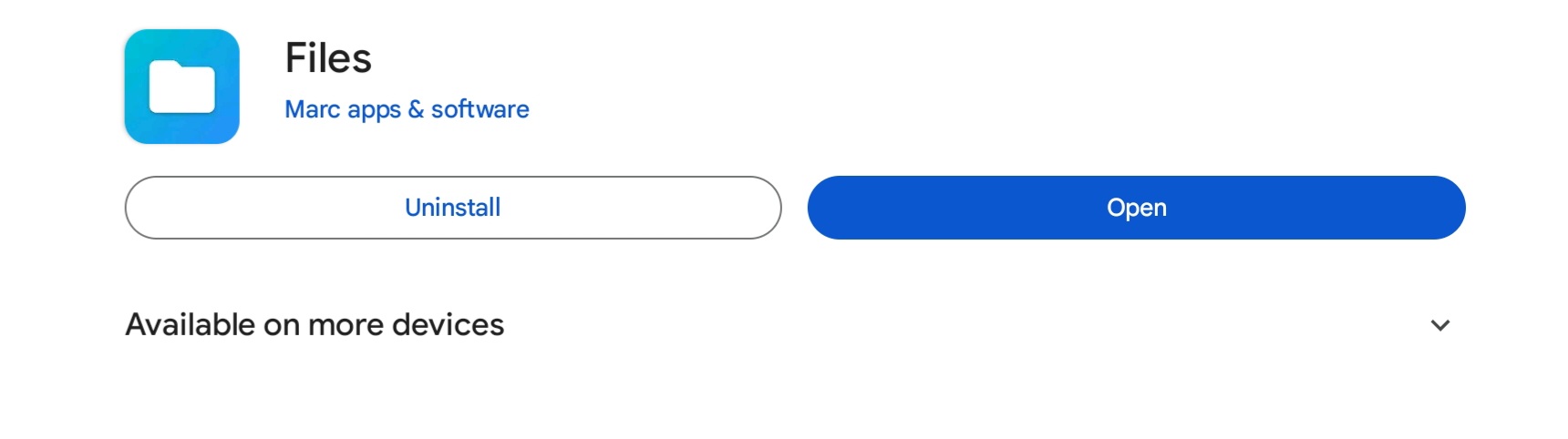
. Pay close attention to the developer on the “Files” app. There is a copycat one in there that doesn’t work. The FV file manager is a little weird to navigate and has been updated a few times, BUT seems to work in tandem with Files. Files is the app you will want to open first. You will want to give the necessary permissions to both. You should be able to view your data files for Krita and those on your external memory. I ran into the fatal error message when I changed the resource settings save designation in Krita away from emulated to external. You will have to uninstall and reinstall Krita and configure Krita the very first thing before you do anything else. I couldn’t find the the data on my device after this and that is because it all went to the external memory (which is what I wanted in the first place). There is one problem I have encountered after having done this…Krita is EXTREMELY slow to load. I am guessing that it wasn’t configured for Google’s new policies and that is possibly why the latest version has not been released into the U.S. Playstore. I definitely advise to doing a little research on those apps that I listed and don’t listen to the jerks that mention ease of use that are using Google Pixel devices because they aren’t as restricted as everybody elses are. I in fact, didn’t have FIle by Google on my device but had the issue. I had the generic preloaded Files (Samsung) That weren’t doing anything except occupying space. I hope this helps out. You may not even need the FV file manager. Will definitely be able to view and move your files around. You will want to make a folder for Krita to go into so that it has someplace to go when and if you reconfigure Krita.
2 Likes
This topic was automatically closed 30 days after the last reply. New replies are no longer allowed.