hello hello everyone!! to keep things short; i played around with the pixel brush engine in order to try and recreate/emulate the paint tool sai presets artist and designer NelNalium posted back in 2018, as seen below.
so lo and behold. after much trial and error: the “NalNel” Brush Pack! (hosted on filegarden because i don’t know how to share it through a drive without doxxing myself by mistake lol.)
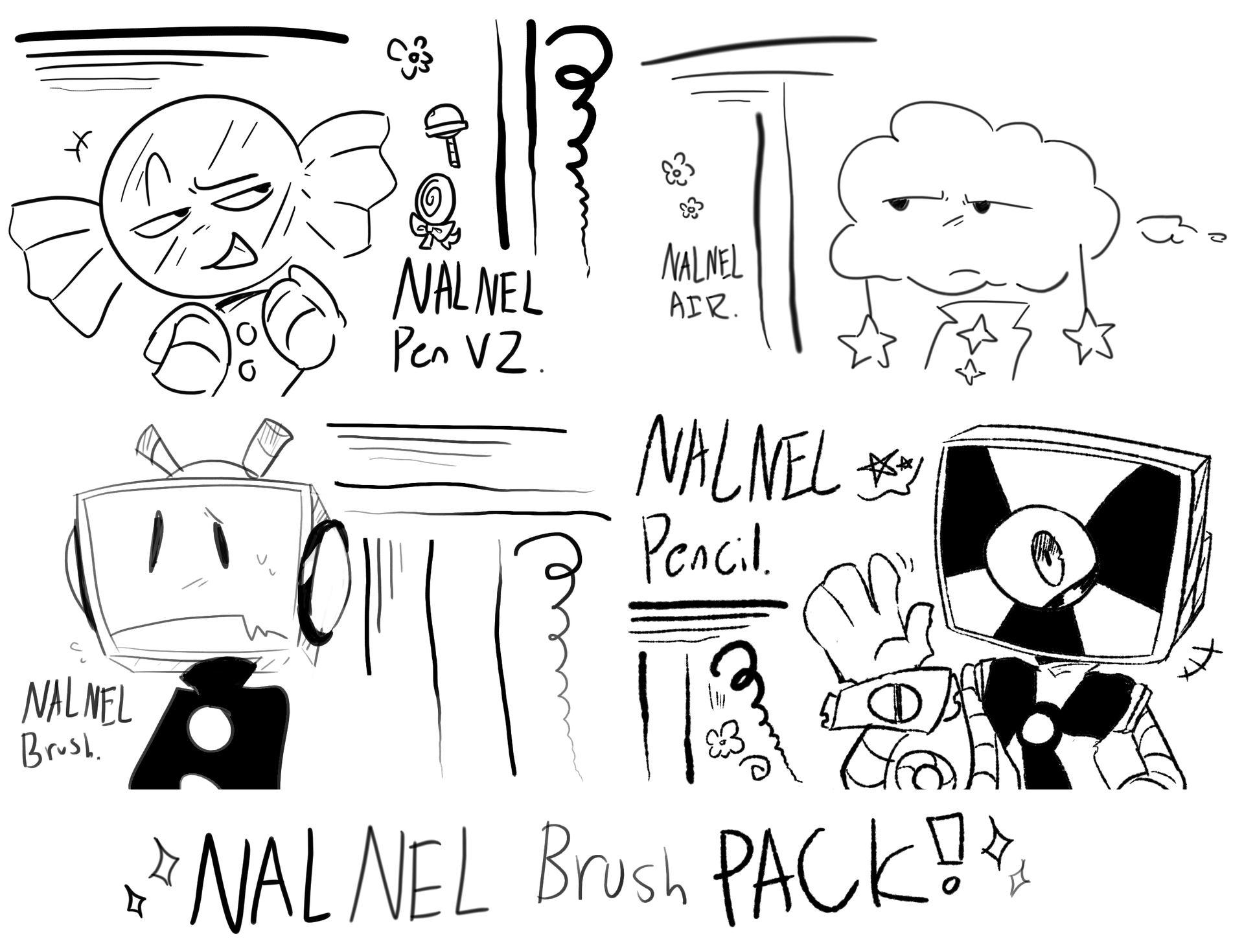
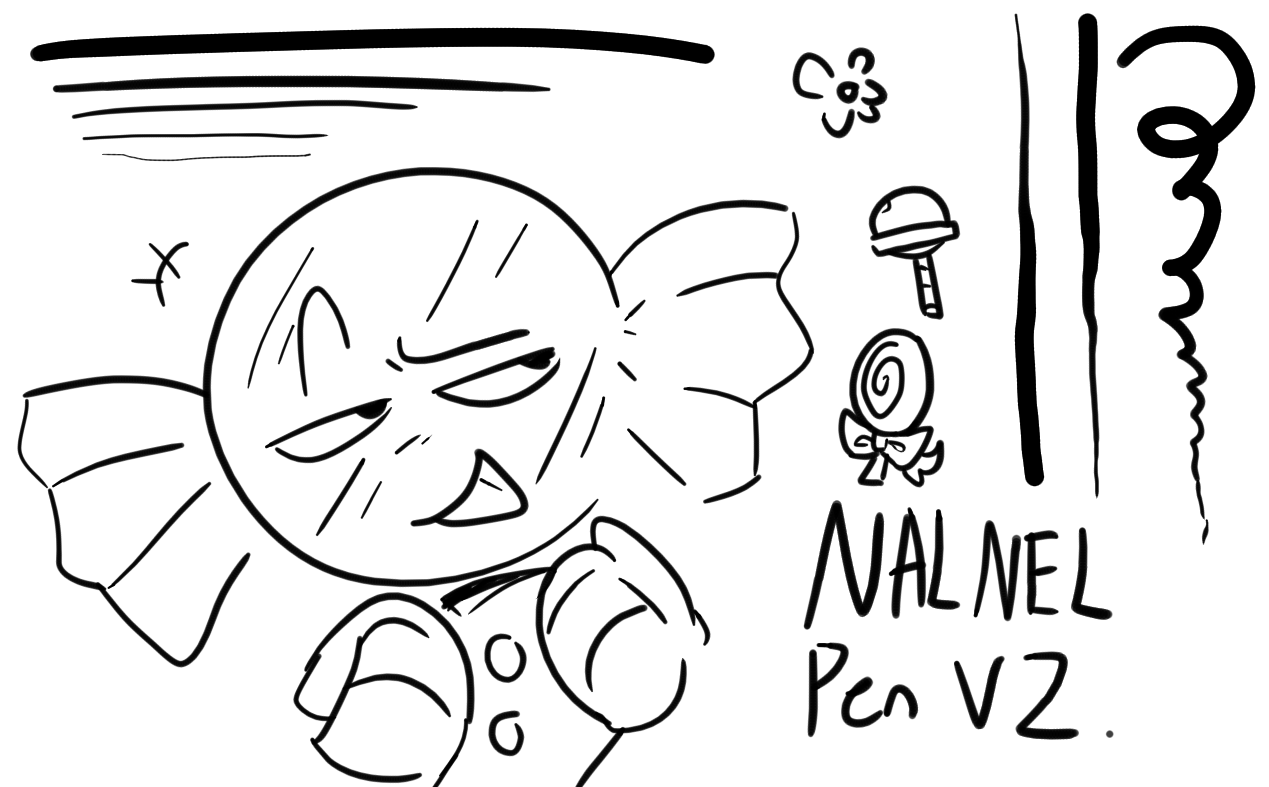
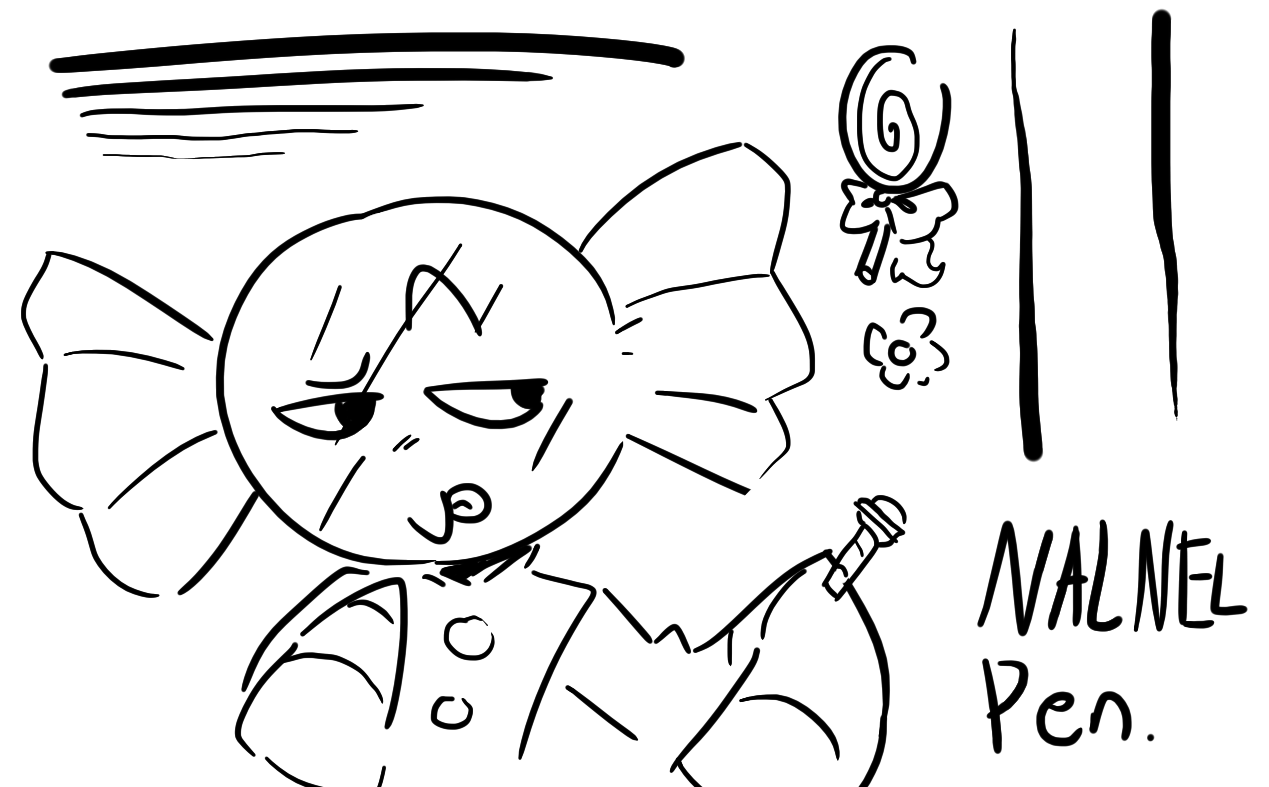
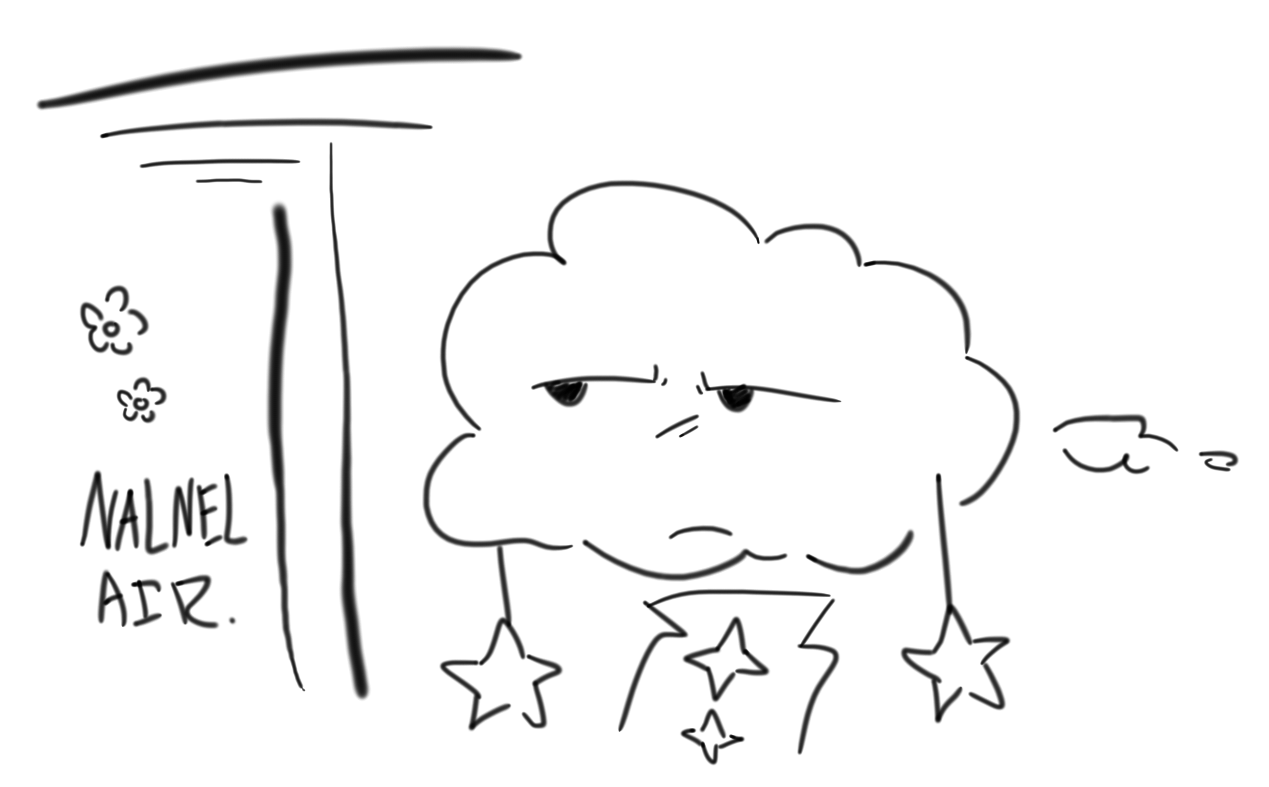
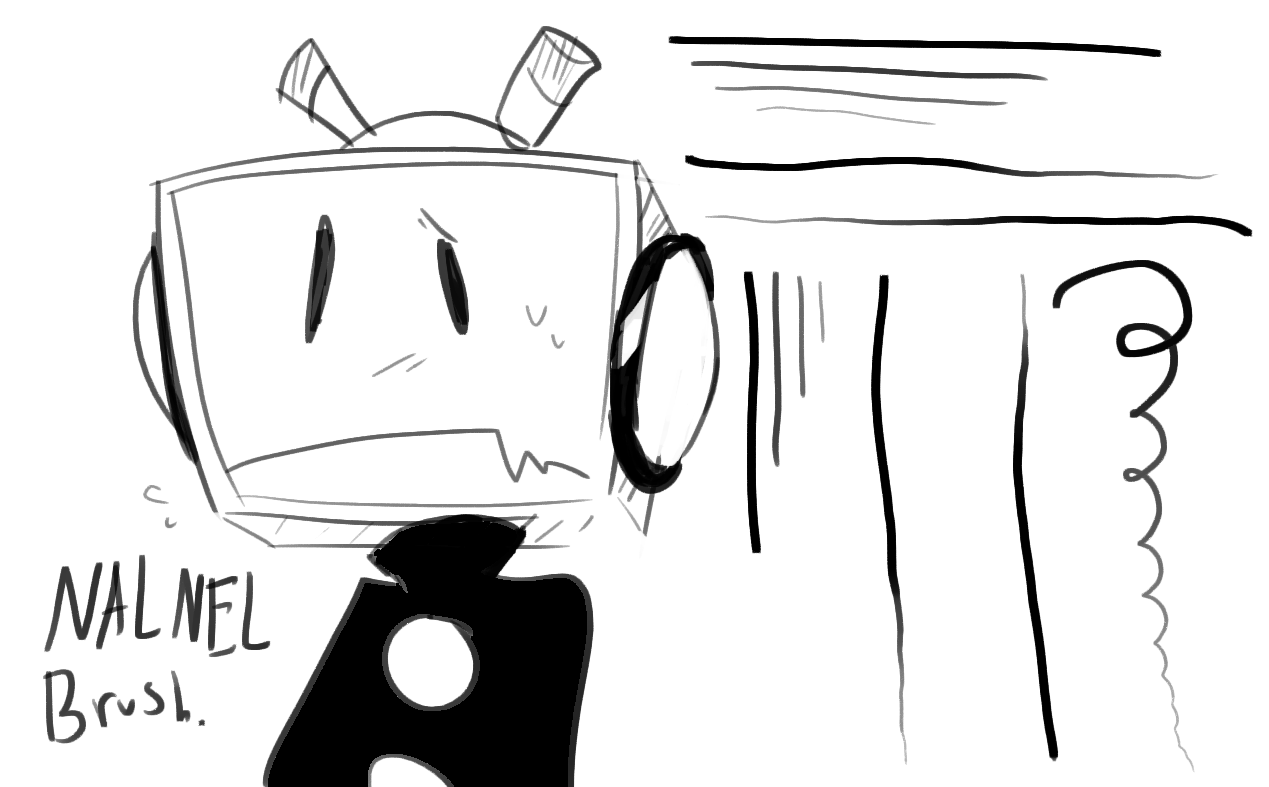
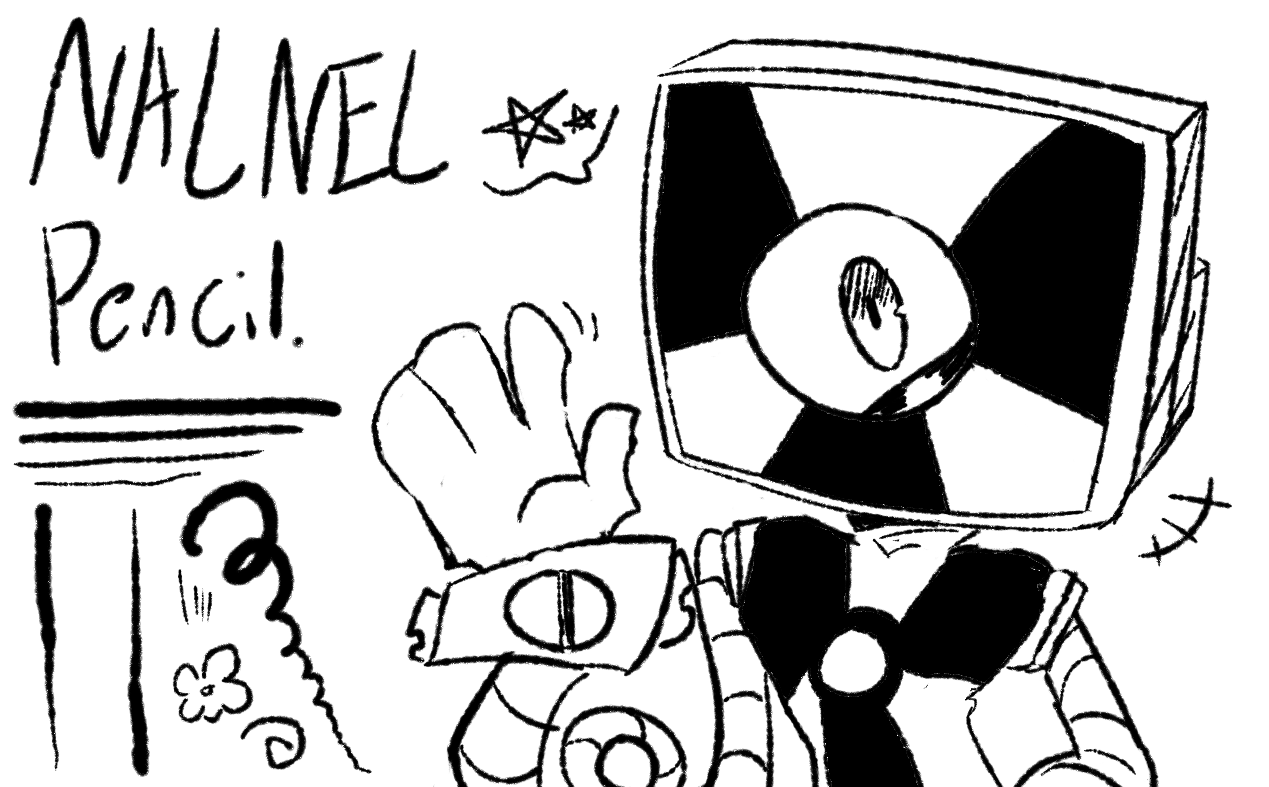
this pack contains 4 brushes; “NalNel Pen”, “NalNel Air”, “NalNel Brush” and “NalNel Pencil”. these are mostly intended for lineart, sketches or quick doodles, but with enough adaptation i’m sure ppl could do all sorts of crazy things with em haha
these are only pen tested and NOT mouse-tested. it’s recommended to use a drawing tablet or something with pen pressure to get the best results (i use a pressure of like… 3 on my wacom intuos, but other pressure settings might work nice as well?)
these also aren’t tilt-tested, though they weren’t really made with tilt as a function in mind and it shouldn’t hinder the drawing experience.
everything here made or at least modified using the brush engine in ~5.3.1, therefore the pack may or may not break in some older versions/6.0+.
IF YOU HAVE DOWNLOADED V1 IN THE PAST: if you want to install v2, PLEASE delete the older version from your resources before installing! otherwise, all the brushes will only show up if you have both bundles activated at once. unless you don’t mind that??
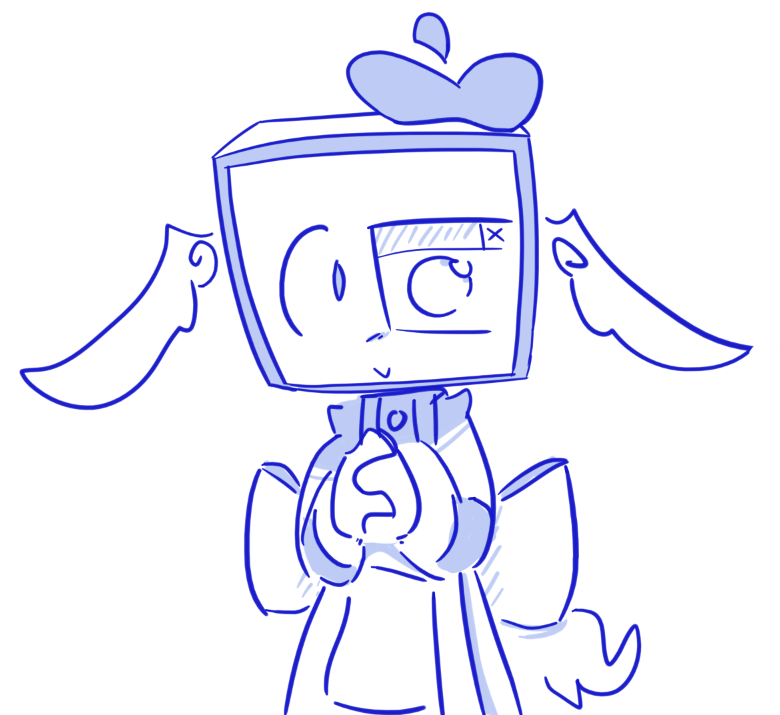
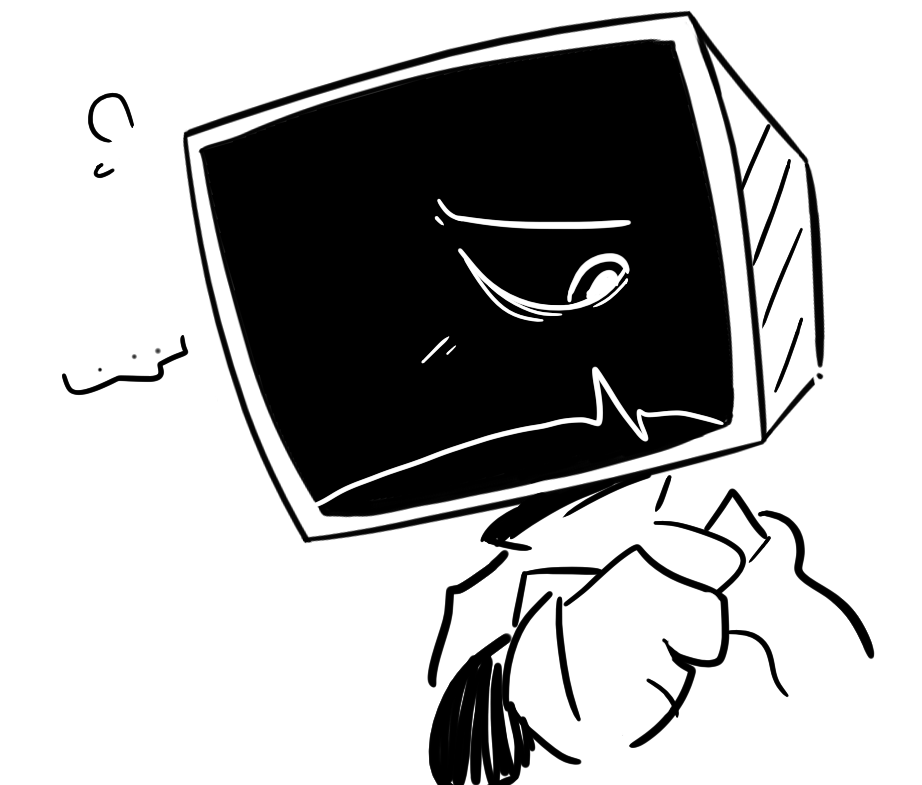
and uhhh that’s all i can rlly think about!!! enjoy your creation and let me know if there’s any problems. and maybe show what you make with these? here are my own examples
Heyo!! Comparable to the ibispaint one?? Not very sure which brushes you mean… I wouldn’t really know either way given I don’t use pen pressure on my ibispaint sadly ^^; if you told me which ibis brushes you’re talking about though I can probably try to answer
hey, everyone, thank you so much for the downloads so far!!! over 100 right now?? woah! ^v^ i’m glad these basic little brush recreations seemed to resonate with y’all!
as of now i’m not able to edit my main post… however, a V2 of this brush pack has been made by me! tweaked the “pen” brush a bit, and added a new one: “NalNel Pencil” ! this is a fuzzy and kinda pencily version of the main pen brush made to emulate the style of one found in some of nelnal’s arts… a bit hard given the chromatic abberation in some old stuff but ah well it’s as close as i’ll get XD (examples one and two)
v2 can be downloaded! (Scroll up to the top of this thread) the link will be added to the main post when i’m able to; [link moved by moderator ] don’t worry, v1 will still be available to download for those who prefer it ^^ and once more, happy drawing!
Thank you for the brushes. Is anyone else having an issue where you need to have both bundles active instead of just the V2 for all the brushes to be available?
hmmm?? I thought I had all the brushes packed in the v2 I’ll try to see if I can fix that when I’m home, for now if you have a screenshot of the issue that’d be great (and thank you for downloading the brushes anyway!!)
Then again it could very well have been me making an error when exporting everything as the v2… maybe it’s registering the brushes as already existing?? if anyone has a fix for this or at least a clue about what I did wrong please lmk ;w;
Alright guess it’s not a universal issue then… @KingCarnival maybe try uninstalling both (as in removing both bundles from the files) and reinstalling v2?
@KingCarnival: Also, do not forget to restart Krita two times after deleting both bundles from Krita’s resource folder. And then, after re-importing the v2 bundle, repeat this two times restart of Krita.
To delete the bundles you have to enter the resource folder via Settings > Manage Resources... where you have to click the button Open Resource Folder which will then open the resource folder, then search for the bundles at the end of the folder to delete the bundles.
hey, y’all! finally got the ability to edit my posts to the forum, updated this with some new images and a new title! also a preview of the updated “NalNel Pen” has been added. check it out!



 ] don’t worry, v1 will still be available to download for those who prefer it ^^ and once more, happy drawing!
 I’ll try to see if I can fix that when I’m home, for now if you have a screenshot of the issue that’d be great (and thank you for downloading the brushes anyway!!)