Krita 5.3 (d20c494) portable from krita.org, Win 11.
Issue with “edit bundle” function.
Situation - I have a:
- Krita resources folder
- and an additional storage folder for downloaded bundles (independent from Krita’s settings)
Starting Krita’s new “edit bundle” function:
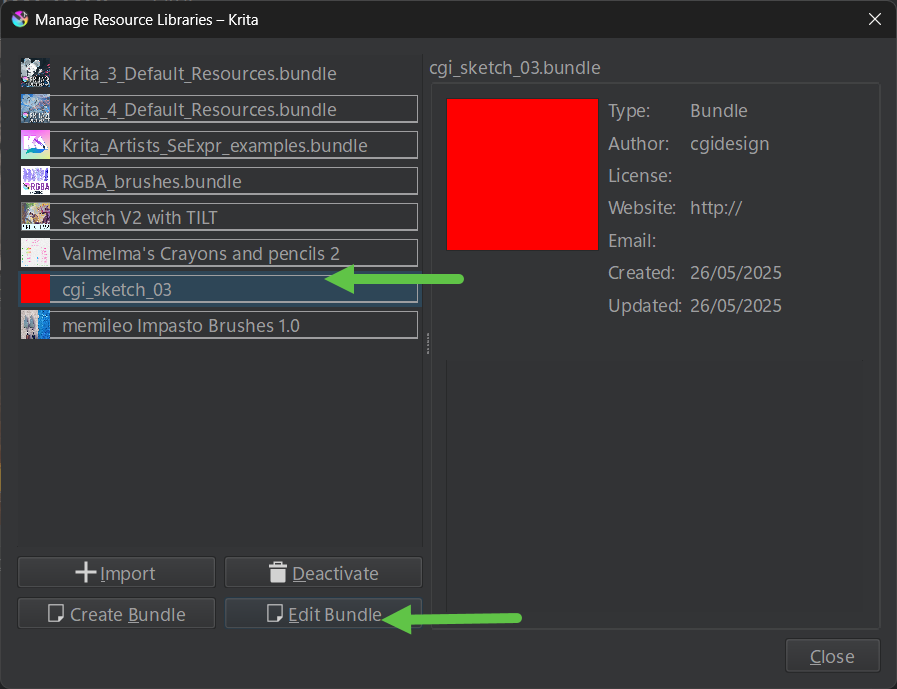
It does not automatically open the selected bundle within Krita’s resources folder. Instead it is asking for a location of my choice.
My assumption:
Cool feature - I can edit a bundle independently of whether it is a resource in Krita.
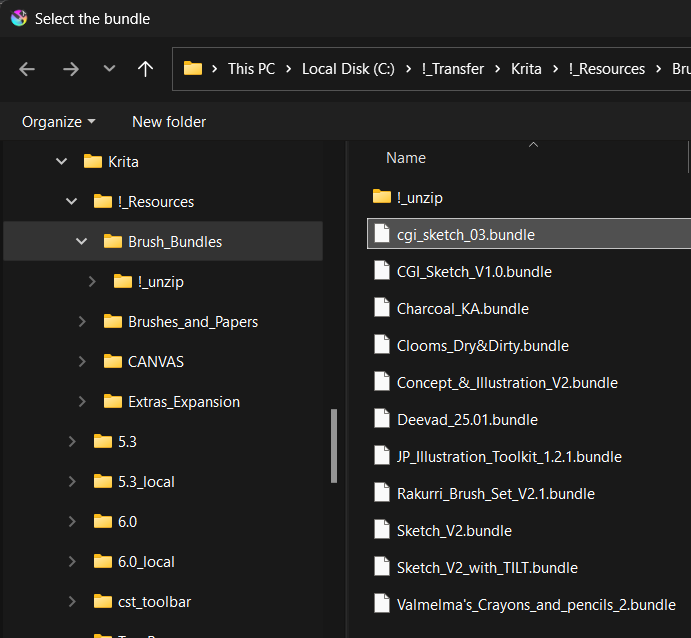
So, browsing to the storage folder instead of Krita’s resources folder:
This is my backup folder for downloaded bundles - I select the bundle in this folder:
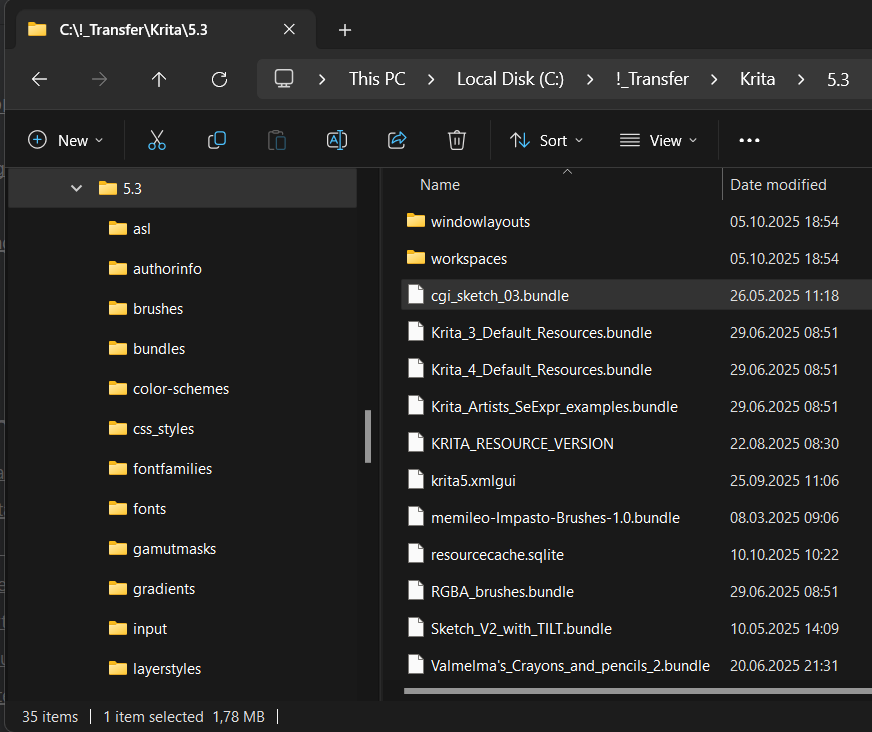
This is Krita’s resources folder - I am not selecting the bundle here:
The edit window opens → I am not changing anything and close the window.

Then closing Krita → opening Krita:
Result:
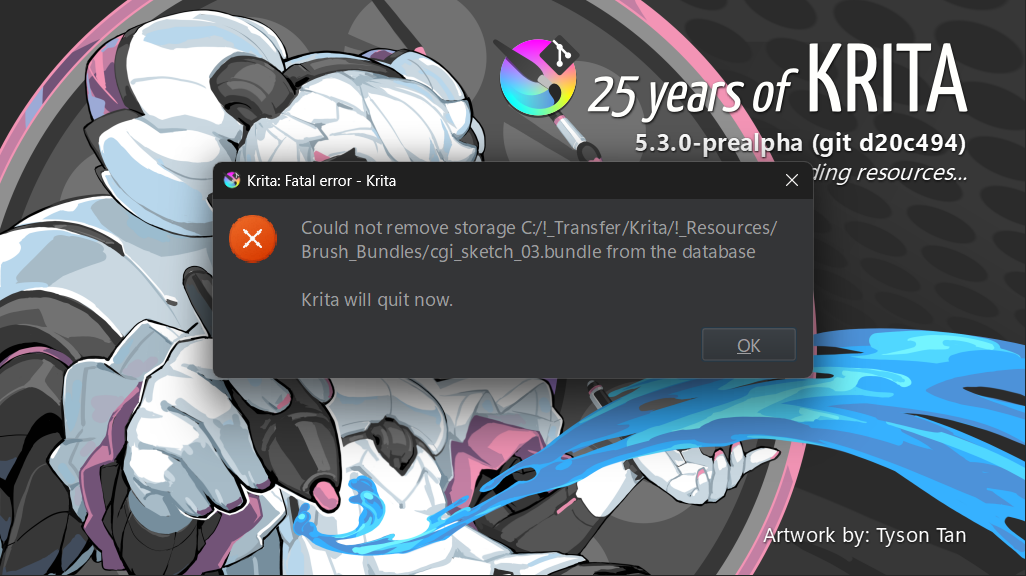
I now need to delete the resourcecache.sqlite because otherwise Krita won’t start anymore.
I understand what happened and that my assumption, that one can edit a bundle independently form it being an active ressource, was wrong.
UX wise this is confusing. I would expect:
- If I can browse to a bundle outside of Krita’s resources folder, I would expect that I can edit it.
- If it is not possible to edit a bundle outside of the resources folder, then I should not be allowed to browse freely.