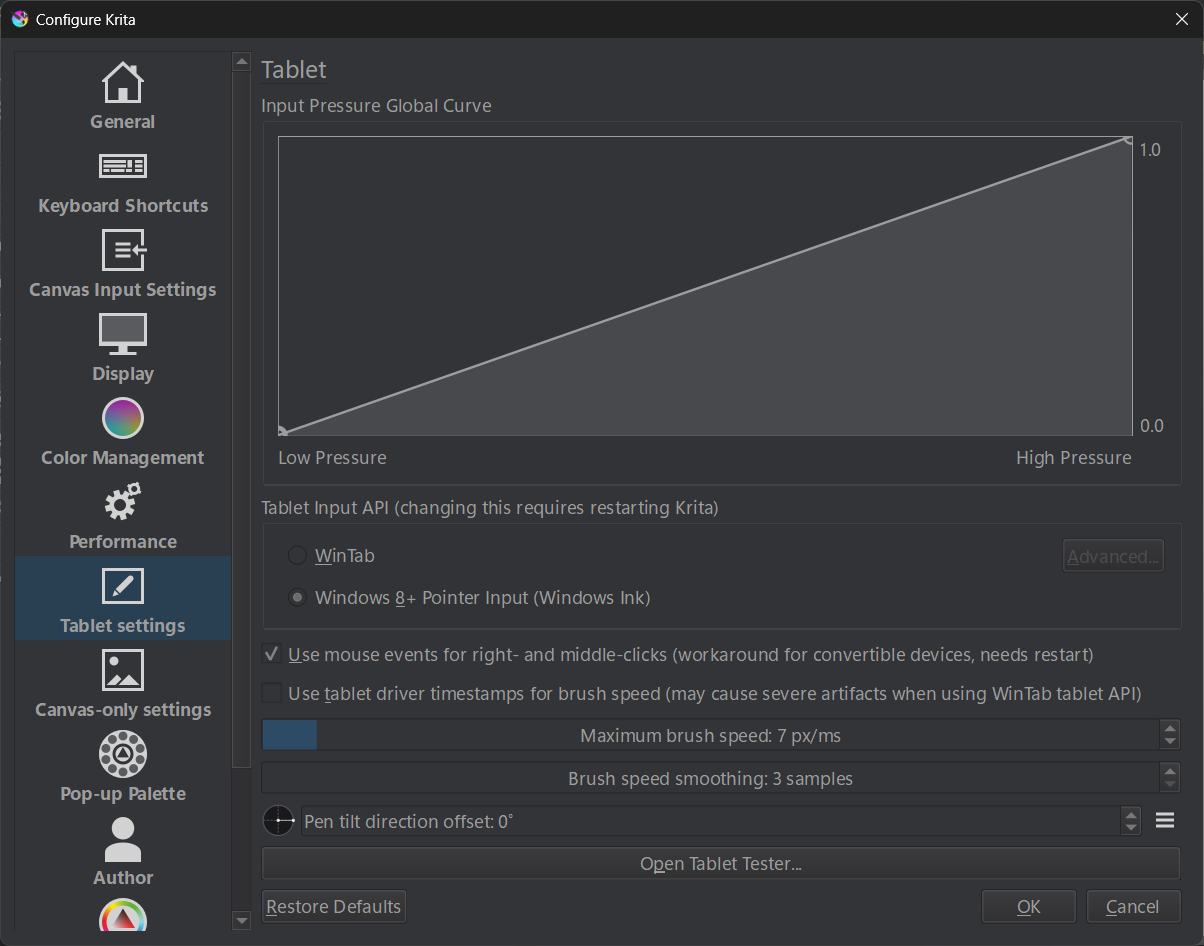
5.3 (d20c494) portable, Windows 11, pen API WinInk, Huion pen tablet.
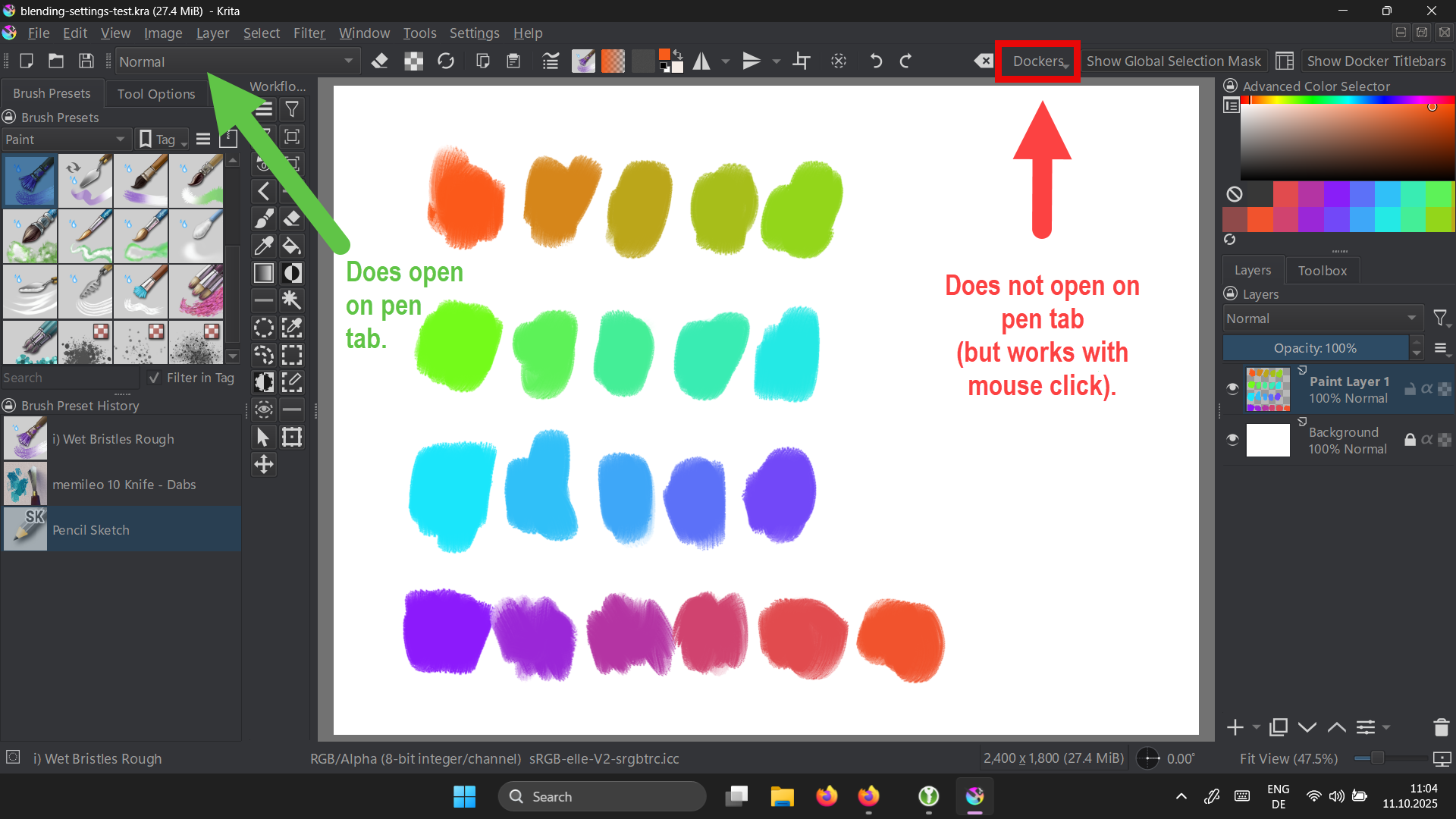
I have added the “dockers” dropdown button to the toolbar.
Unfortunately it does not open on pen tab (but works with mouse click). The “blend mode” dropdown button works though.
I have noticed, that the buttons seem to be of a different kind:
- the “blend mode” opens immediately on pen tab and mouse click
- the “dockers” button requires to click and hold the mouse button a second or two before it opens.
It works with pen api set to wintab but there are devices (Windows tablets) which do not support wintab.