Hello! I am a beginner Krita user, and I downloaded the brush bundle, but I can’t seem to find it when I go to draw. where do I find the brushes? thanks!
Not knowing what you downloaded from that link above, you just need to install the file Brushes_by_IkiW.bundle.
And because I don’t know if you know how to import a bundle into Krita:
A bundle is installed in Krita via the menu ‘‘Settings’’ where you have to select ‘‘Manage Resource Libraries…’’ and in the opening dialog you have to click the button + Import in the next dialog browse to the downloaded bundle Brushes_by_IkiW.bundle, select it and confirm the selection (click on the OK-Button). Now Krita imports that bundle, and you can use its content, so the brushes in case of this bundle.
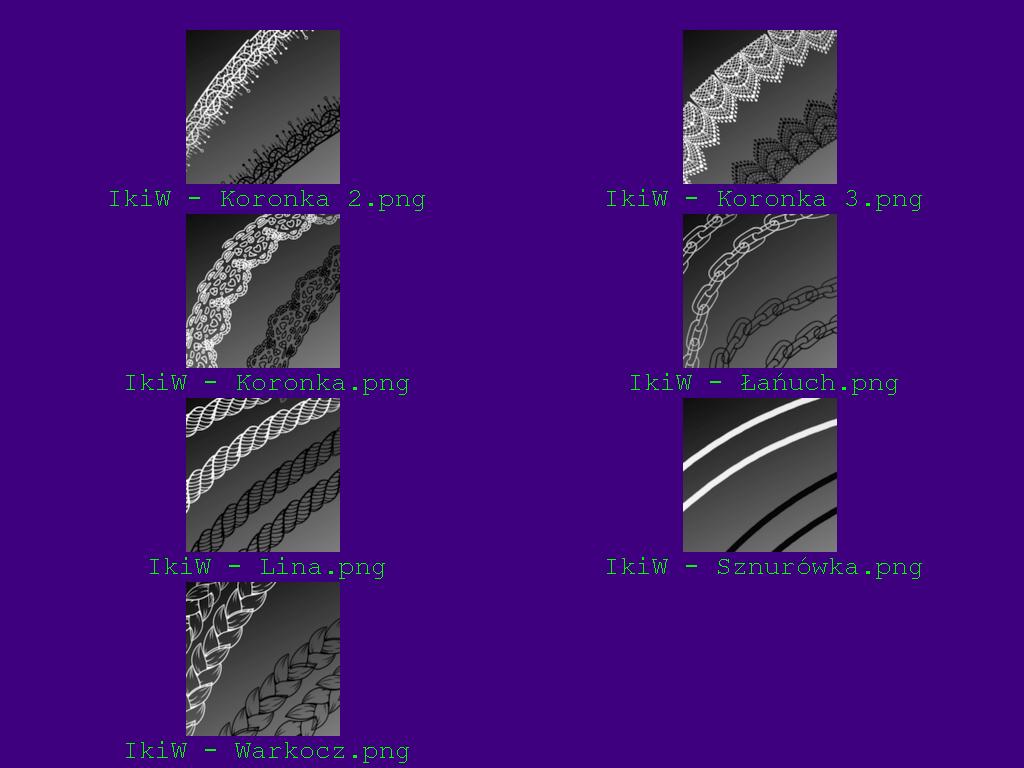
Here you see how the icons look like to identify them optically:
And if you let out the .png at the end, you’ll know their names and can search for them in Krita’s Brush Presets Docker.
By the way, for future bundles you may download:
In case a BUNDLE comes in an archive-file, like ZIP, 7Z or RAR for instance, then you have to unpack the archive to get the BUNDLE-File it contains, then you can proceed as described above.
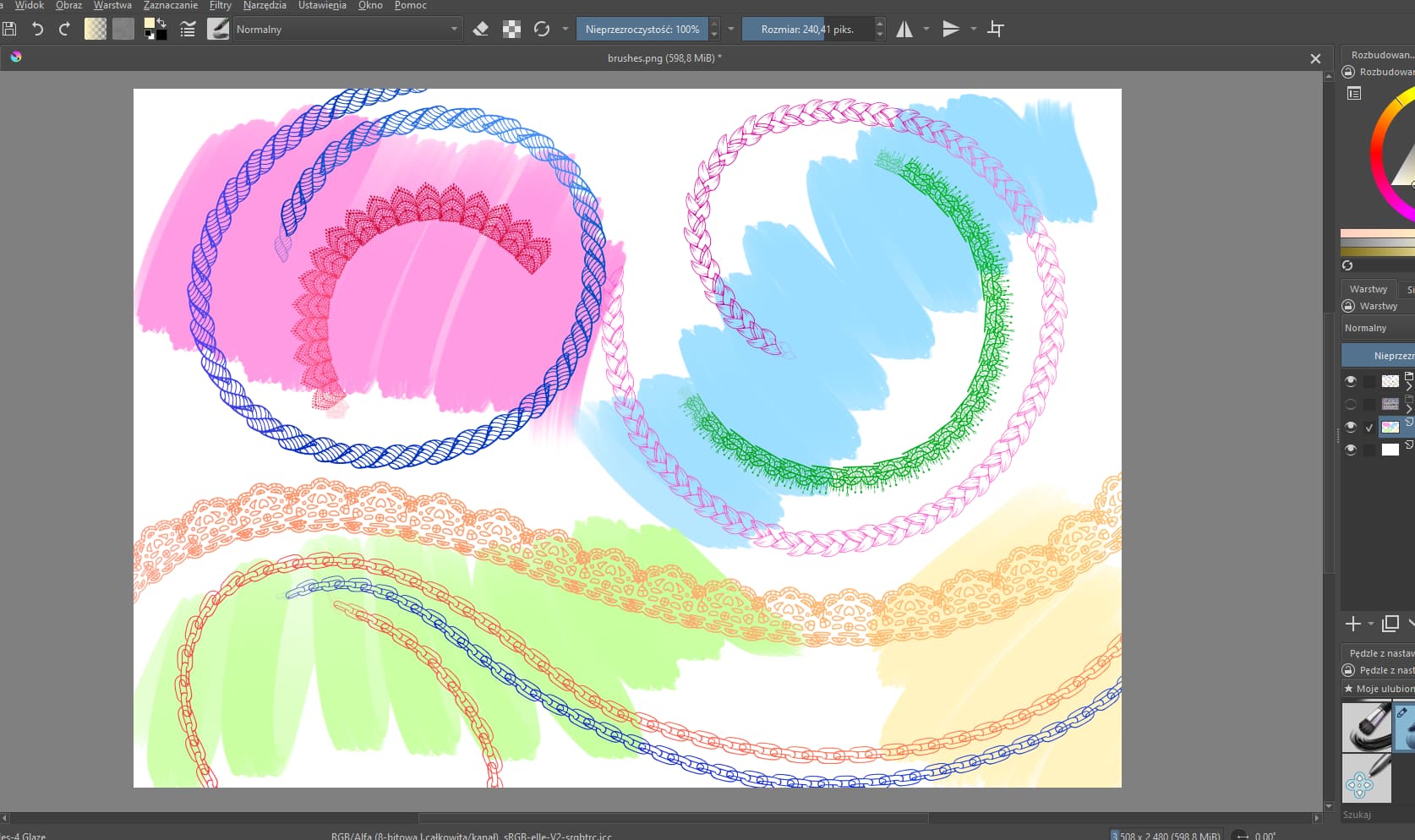
hey! So I downloaded the brush for braids and I’m still exploring how to edit brushes, but I can’t get the braid to be continuous when I make curved strokes like in your example. So I’d like to know what settings you have for the brush, if it’s not too much trouble!
 Hi!
Hi! 
 Hello
Hello