I have just released a tutorial, both in video form and as a written blog article titled “7 reasons why Krita is better than Photoshop”. I hope you find it helpful.
Here is the link to the video
And I published the article on my websites: Expose Academy and Krita Tutorials. But, unfortunately I can only put 1 link in a single post as a new user. The system says I can put 2 links, but keep rejecting and only accept 1 link.
It was ‘interesting’ to see how Photoshop deals with vectors. It’s similar to GIMP in some ways.
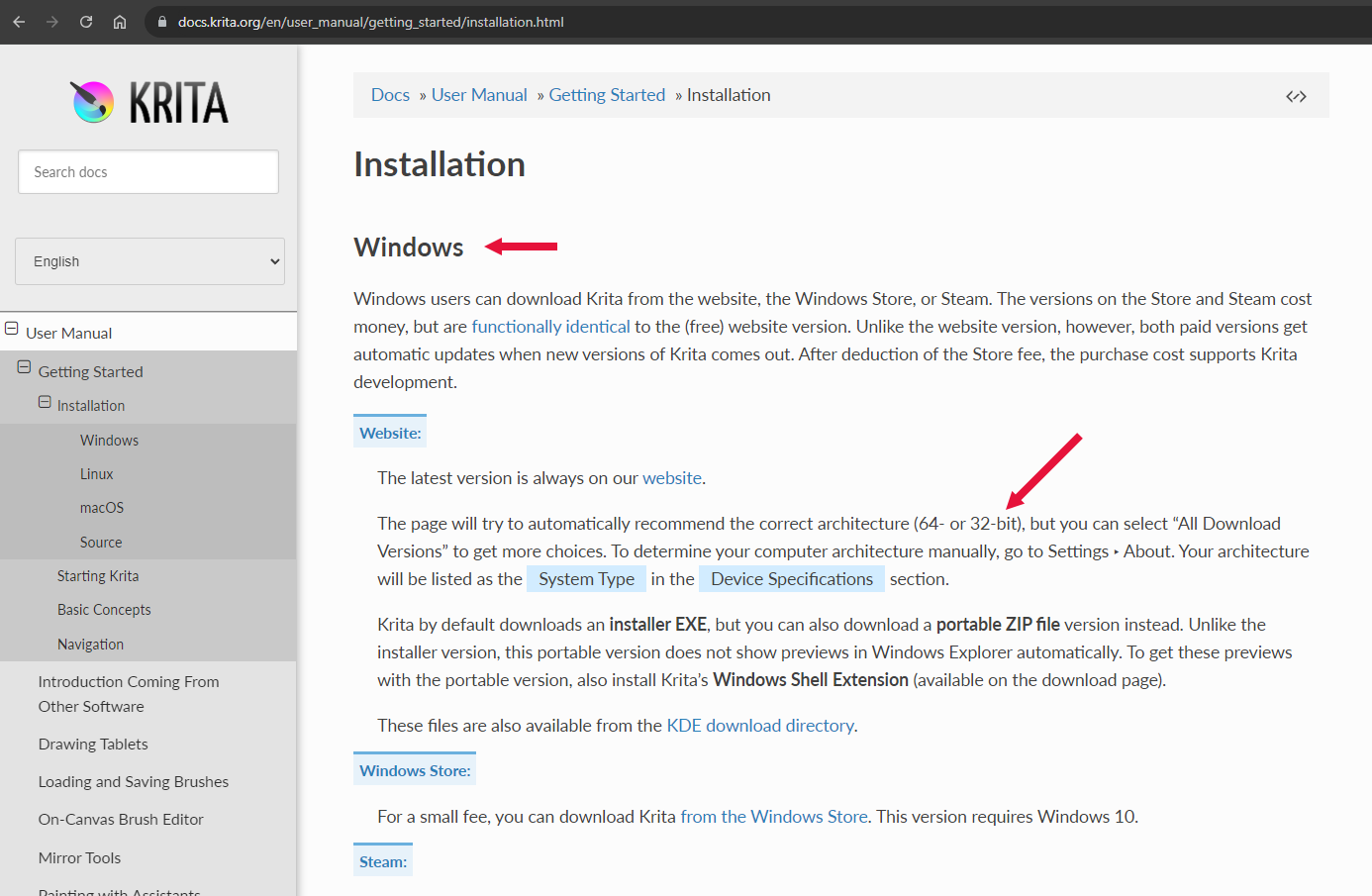
There is a small problem though: At 14:30 you say that krita runs on Windows 32-bit systems.
In fact, 32-bit versions have not been made for a long time.
As mentioned at the end of your video, it would be interesting to see a presentation of why people may want to choose Photoshop instead of krita.
Please create a topic here about that if you do make such a video.
Can’t agree about brush management. Personally PS’s brush management even with out-of-box more convenient: sort brushes with dragging, folder grouping, two click export, import and deleting brushes. This is more intuitive and easy for the beginners.
With “Magic squire” or “Brushbox” plugins you can tag, fav’s and easy search brushes. Also “Magic squire” allows to turn brush to eraser immediately. Fortunately, strong Krita’s community with their splendid enthusiasts provides bunch of free plugins. “Three slot brushes” allows make independent slots including “eraser”, and “Shortcut composer” allows extended grouping with ability to drag brushes.
Limited brush engine is easy to learn and understand – that is also better for beginners than digging in tree of tabs in Krita’s editor.
Photoshop in 2023 still lack of pressure curve.
Photoshop limits you in shortcut keybinding.
Photoshop had updates for drawing\painting one time per 8 years. Maybe Adobe will add something in 2026 version.
And a huge deal for beginners and reason №1 to Krita is community – open, friendly, have endurance to answer question you may easily find through google. And you can communicate with developers directly.
• Widhi Muttaqien - Hello, I was a student of your courses. I received an email from you with links to three videos (including the one in the thread). I just watched them a few hours ago, great content.
In fact, I like Krita better for drawing. As for Photoshop paths, the biggest use I had for them was for clipping masks in photo editing. I only occasionally used them in drawing…
Hi @Guerreiro64,
Thank you for purchasing one of my courses
Krita is a great software with a lot of potential to become the next “Blender”. Currently still underrated by many in the CG industry.
Just because a comparison site lists it as an alternative, doesn’t mean that that is what it is meant to be. Photoshop, like Gimp, focuses on image editing whereas Krita focuses on painting for example.
I keep stumbling over small things where Krita does things better than Photoshop. One that I think doesn’t get enough mention, but is a big deal for me is the automatic “grow” parameter for the fill and selection tools!
The fill tool in PS is absolutely useless to me. The one in Krita just works!
Another small thing is how the poly selection tool works in Krita vs. PS. In PS double-clicking closes the selection, and you often click too fast so you end up with a wrong selection and have to do that again! In Kirta that doesn’t happen!
Last but not least, the ability to draw shapes (circles, squares) with the selected brush is really handy sometimes, and also being able to draw straight lines, using the brush, with pressure. All things you can only dream of with PS afaik.
One thing where PS still beats Krita is performance though. Krita can get quite slow with bigger files. Although I’m talking really big files (I’m currently working on a 200x80cm thing @ 300dpi and until I had 4-5 layers it was ok, but now that I have more it’s getting really slow sometimes).
Still, wouldn’t go back to PS for drawing&painting, it’s just so much better in general!
Although it should be pointed out that stuff like zooming and panning generally is quite fluid and speedy. It’s certain operations like copy pasting stuff, merging layers, that can get quite sluggish above certain file sizes.

 Thank you for that informative video.