A better default theme for Krita 5

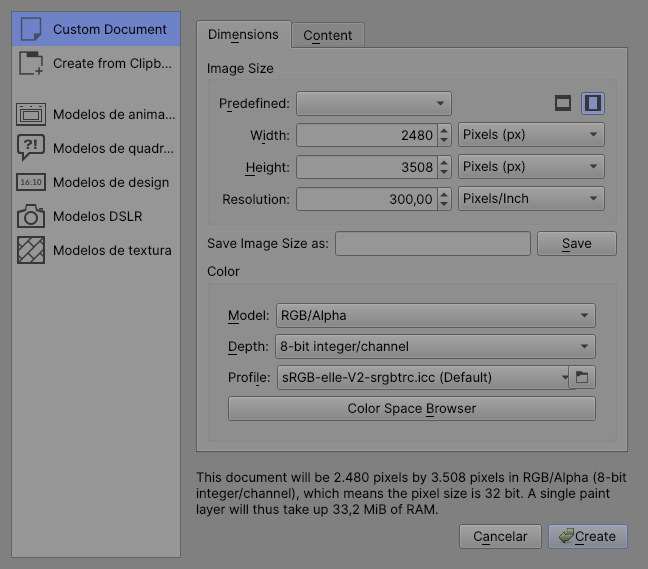
Hello there! Since Krita 5 is in the way to be released in some months, I want to make a suggestion about the default themes of Krita.

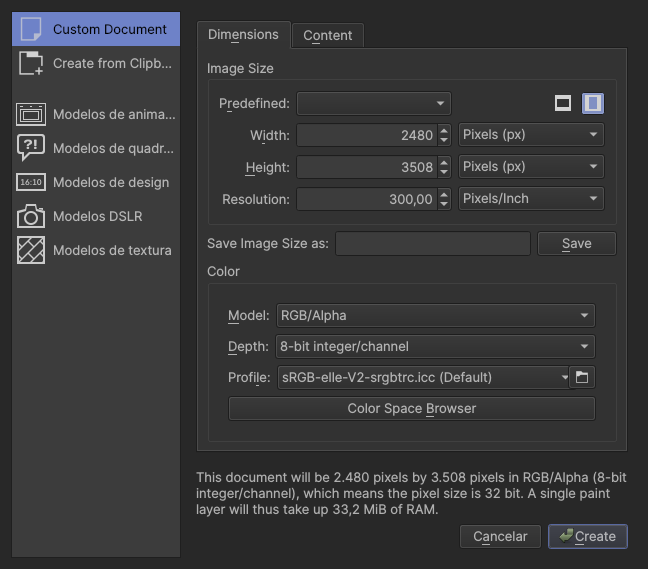
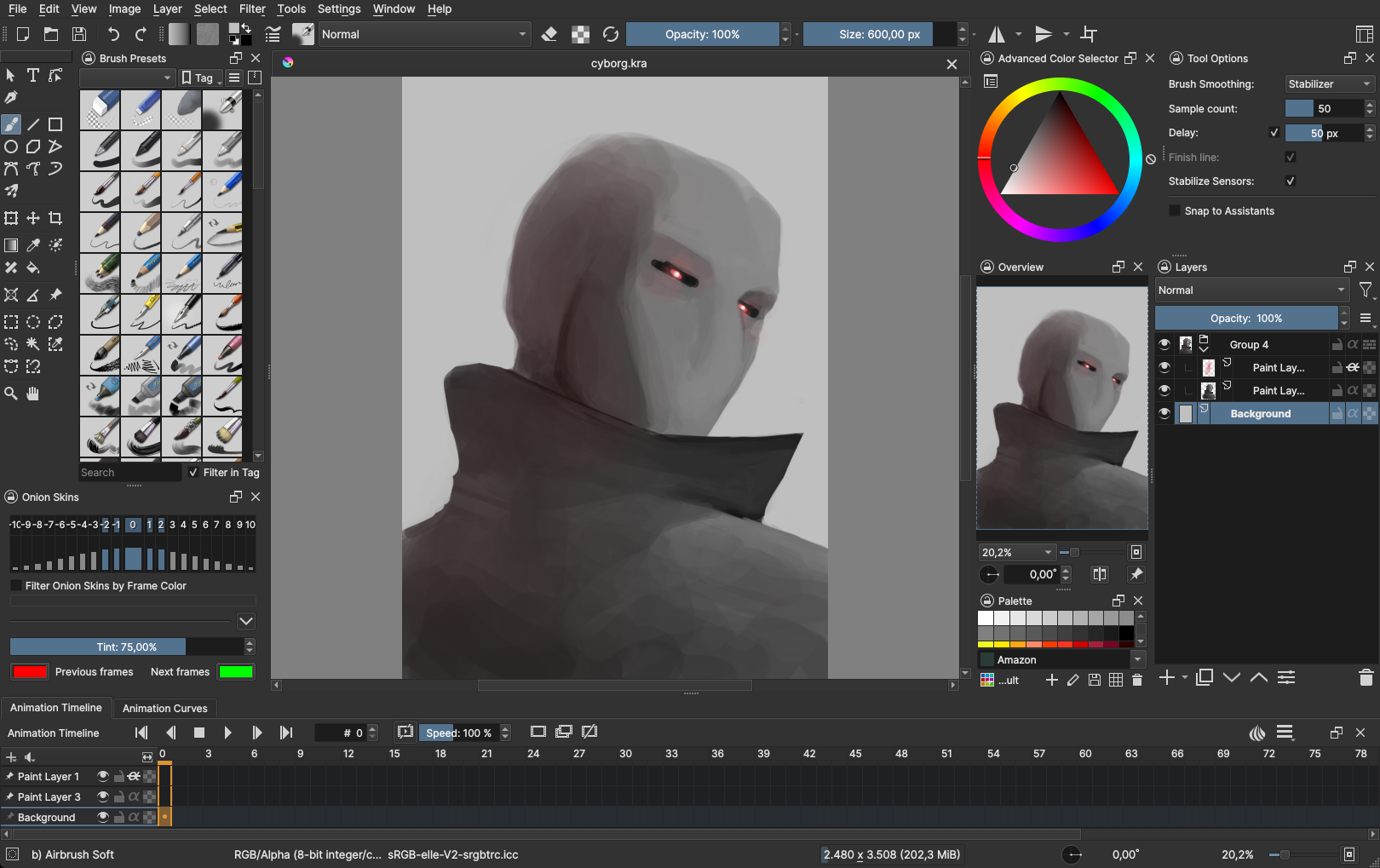
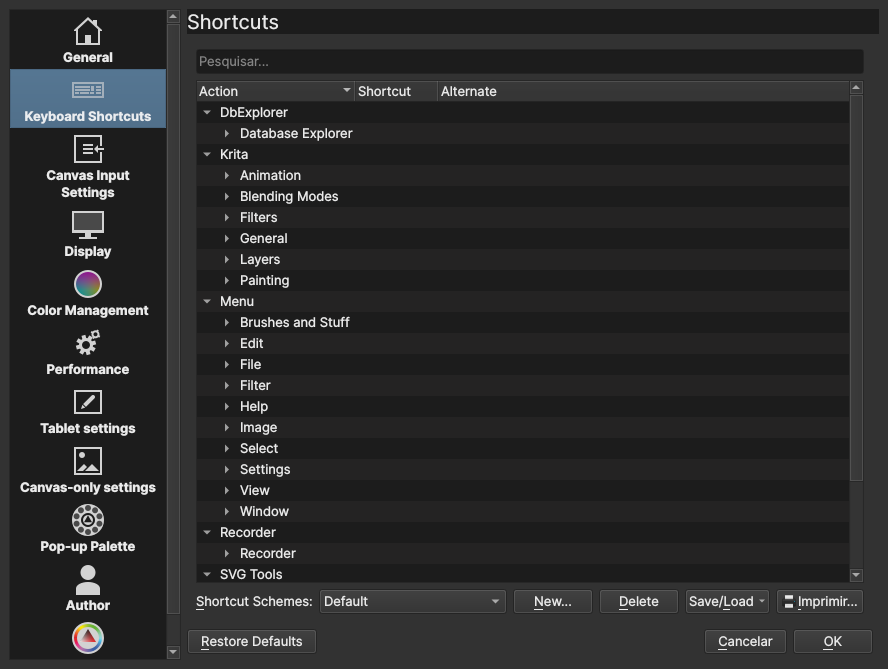
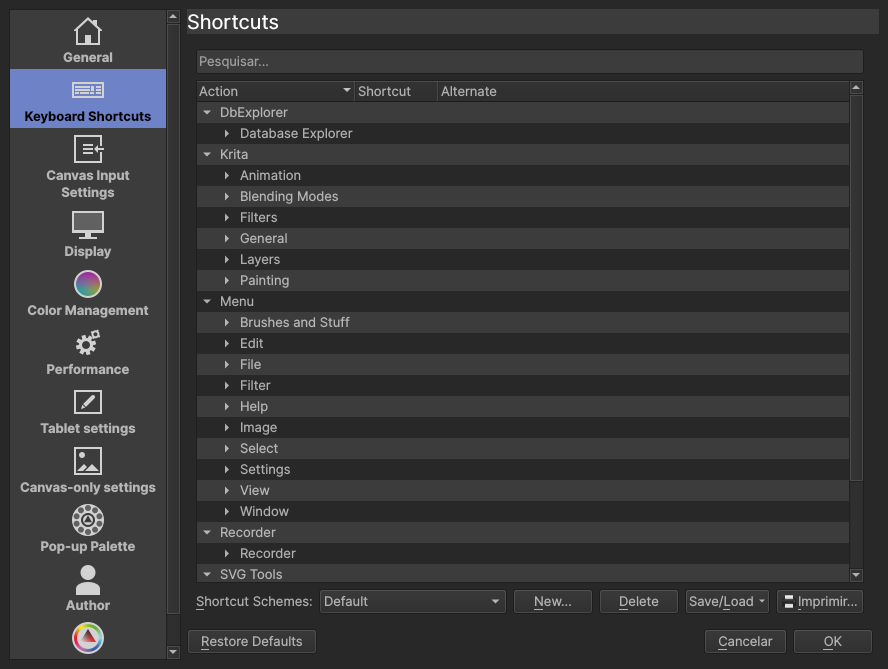
First, I’m suggesting these themes, but I WANT your feedback to improve it and if it’s good enough maybe the devs will accept those themes as the default ones :slightly_smiling_face:.

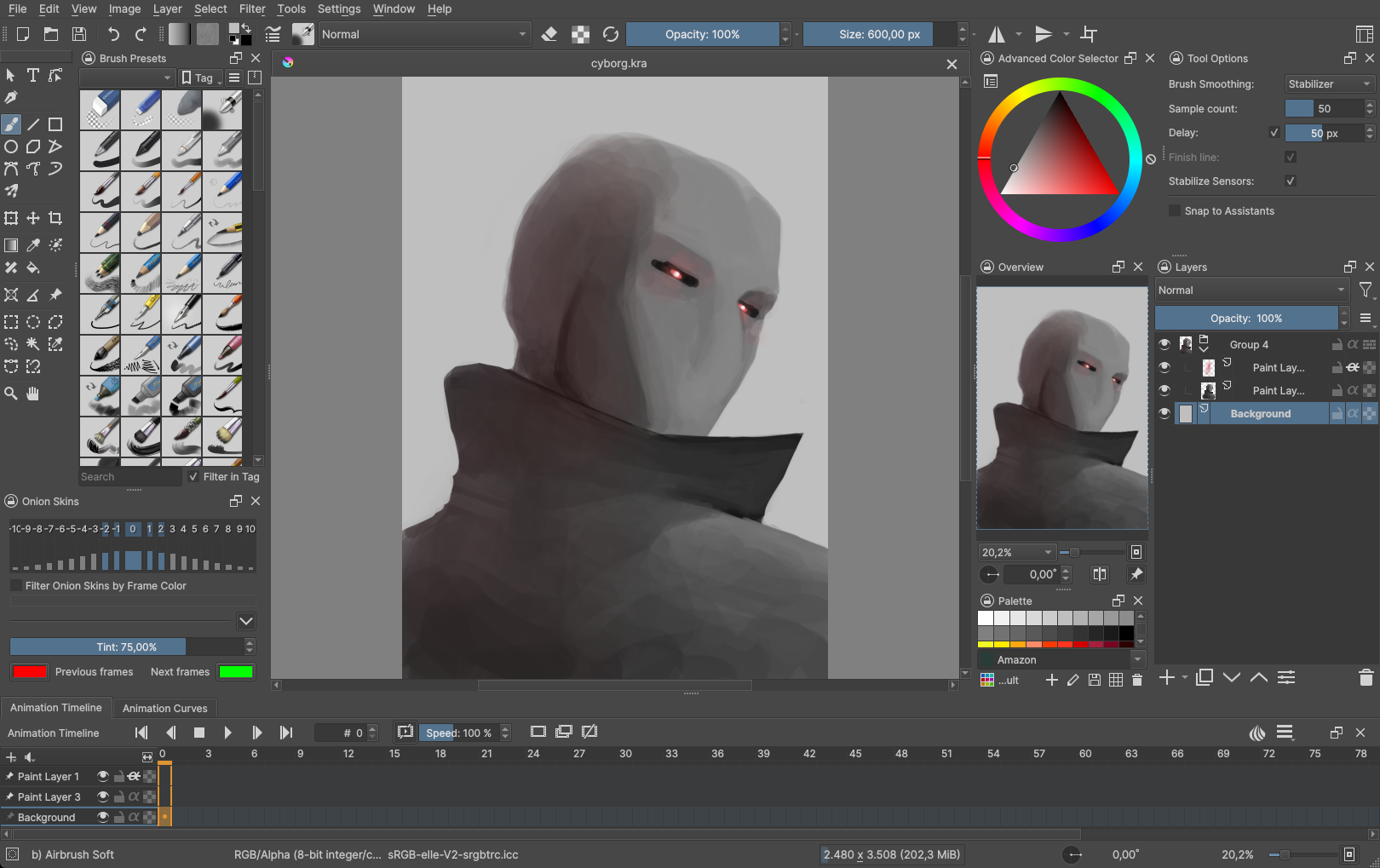
I used Krita 5 pre-alpha in the screenshots, so, let’s go:


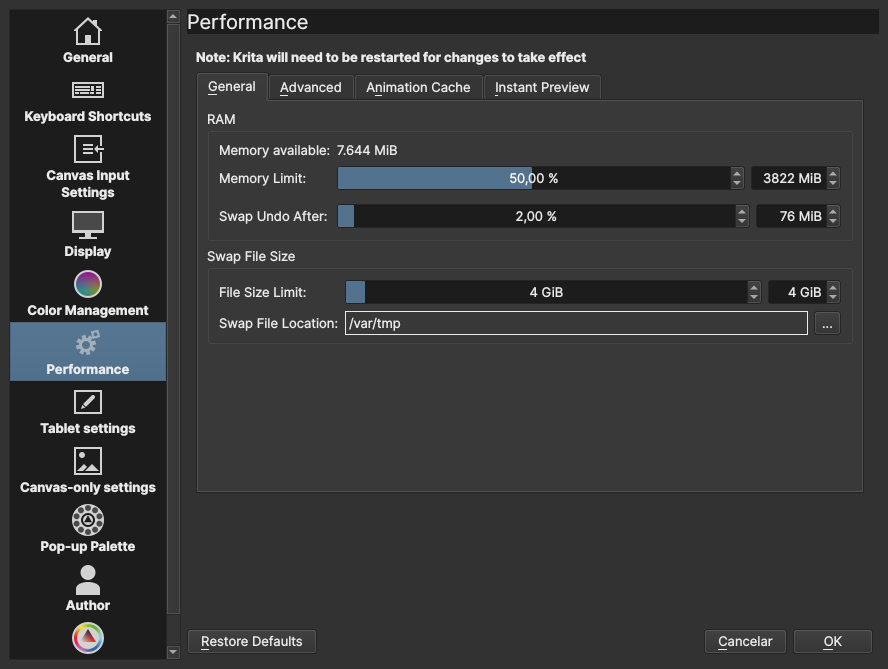
Krita Bright

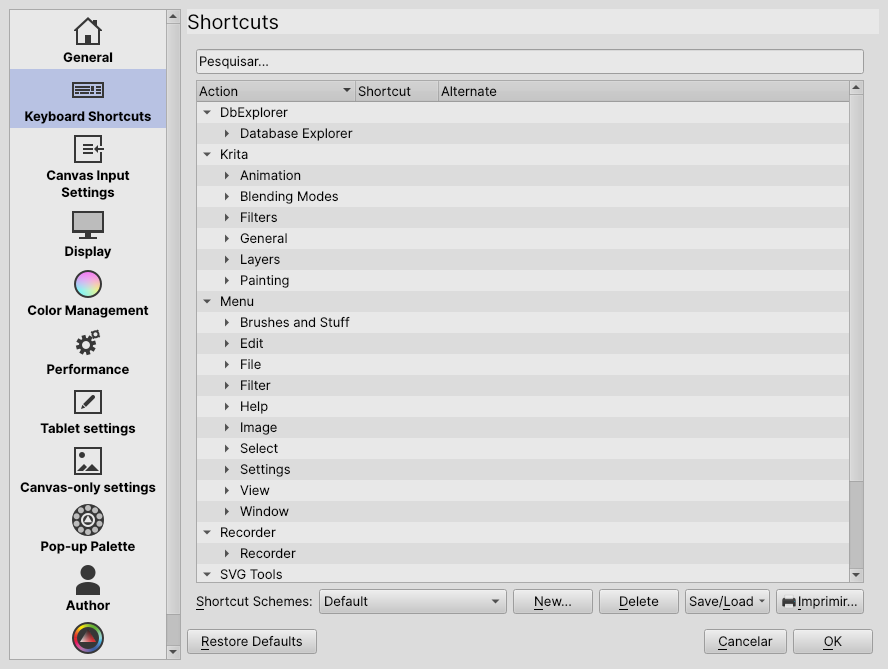
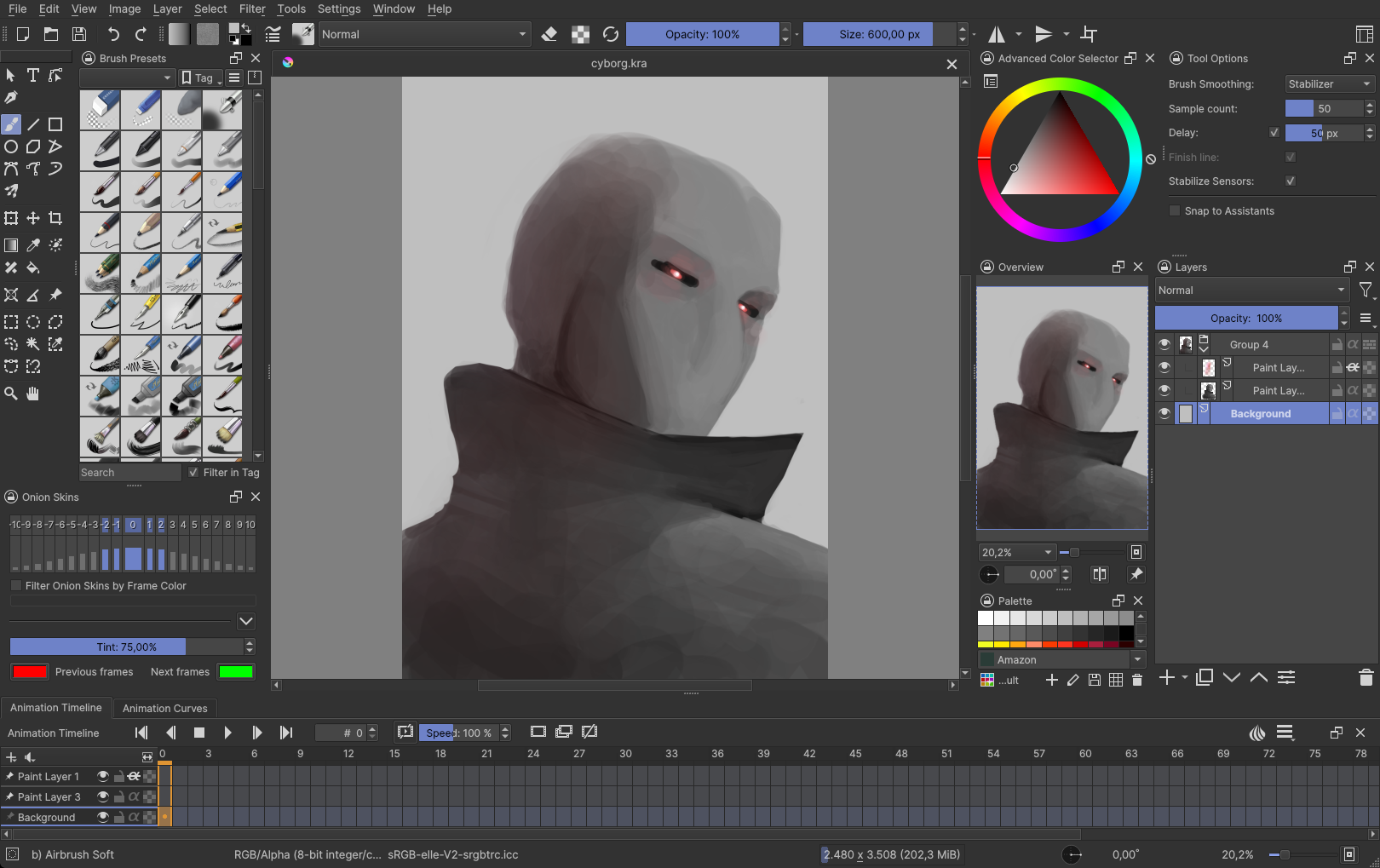
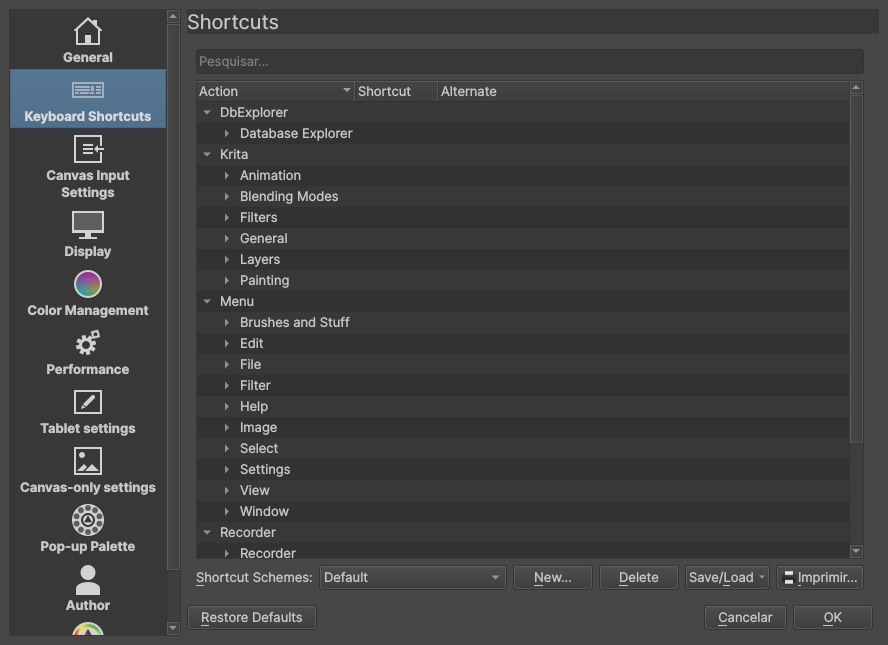
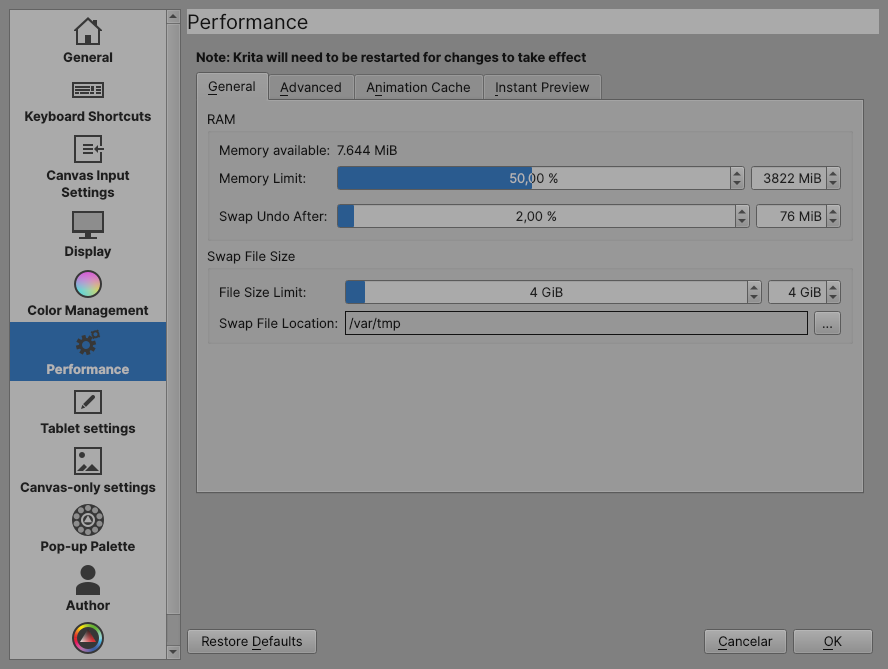
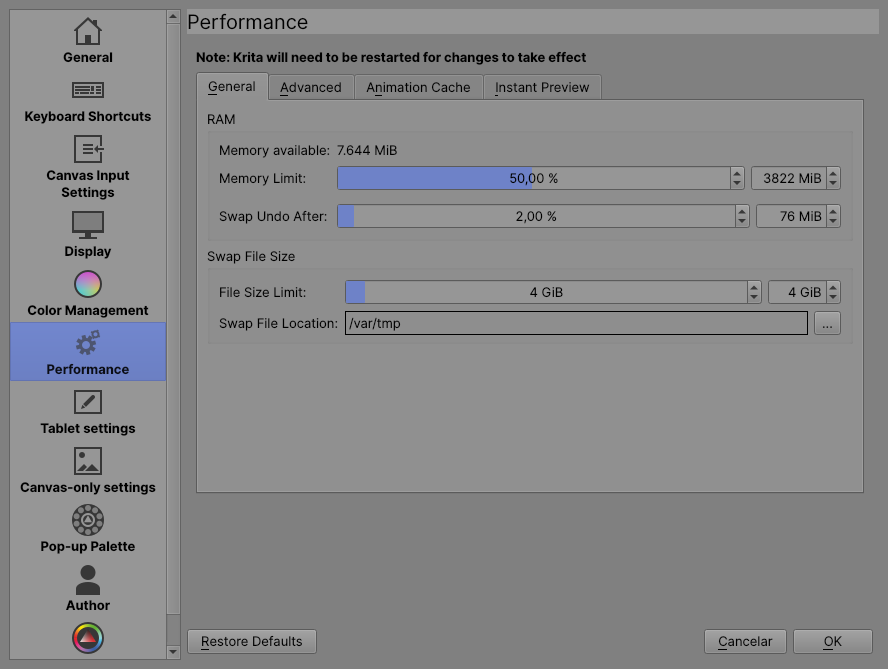
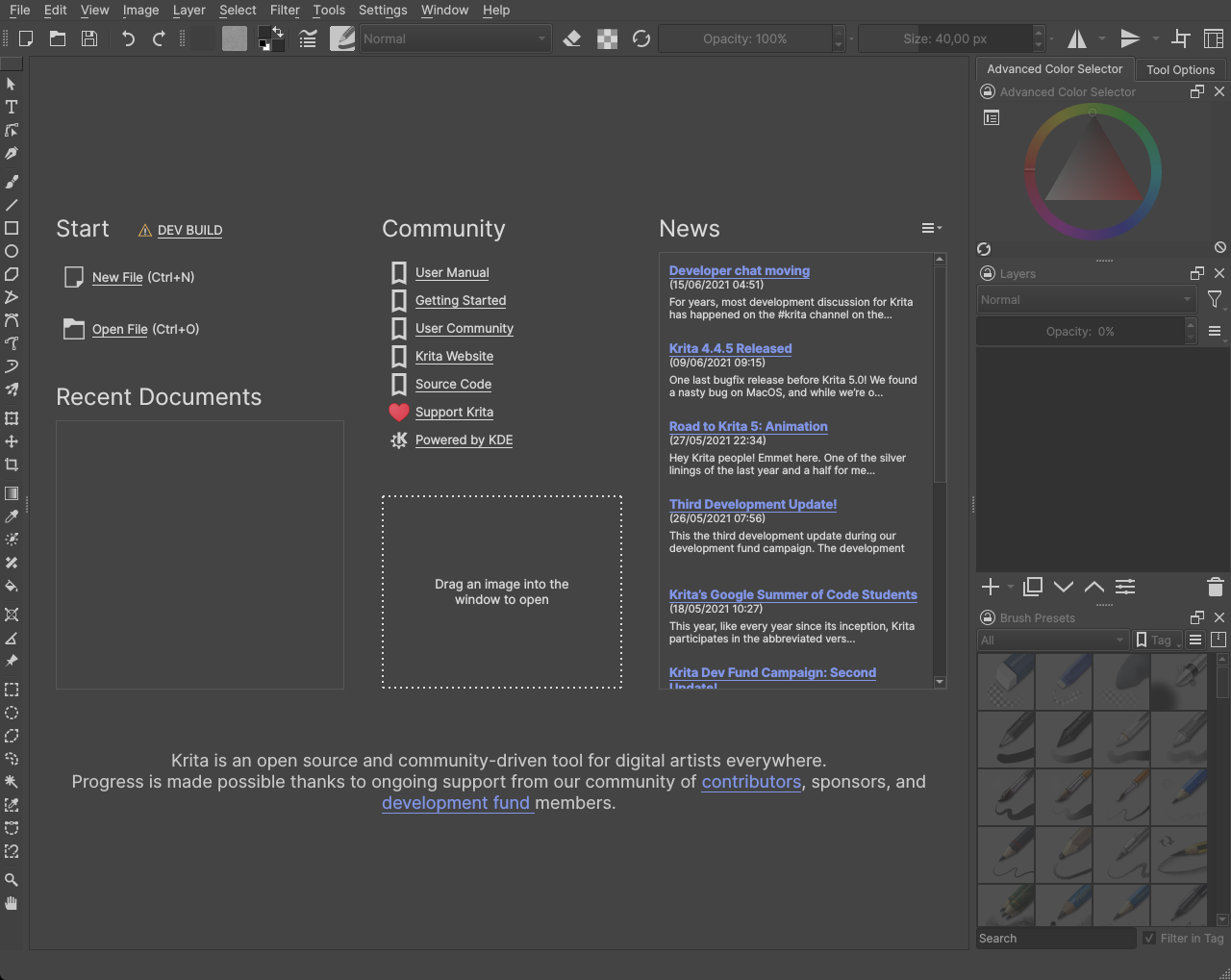
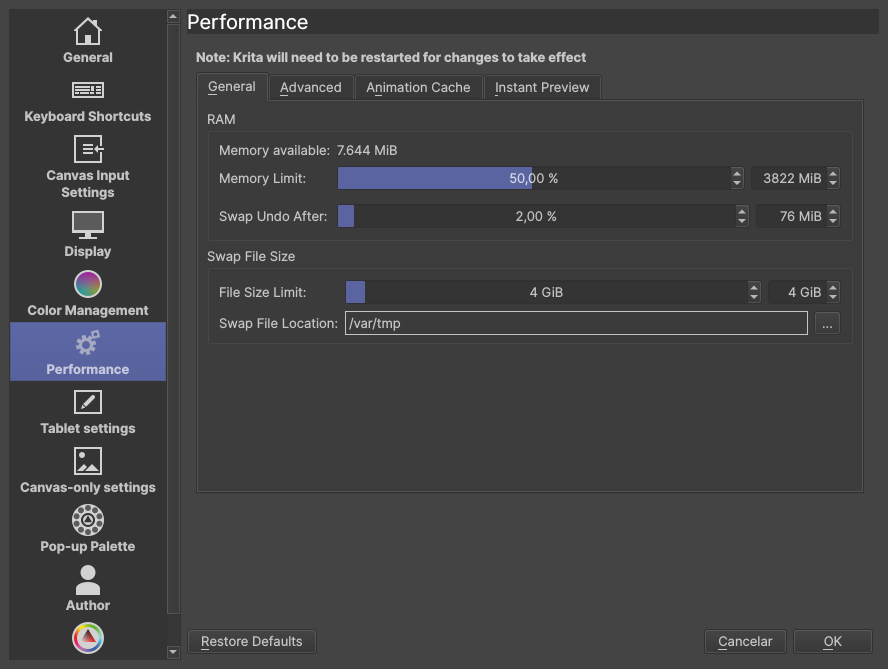
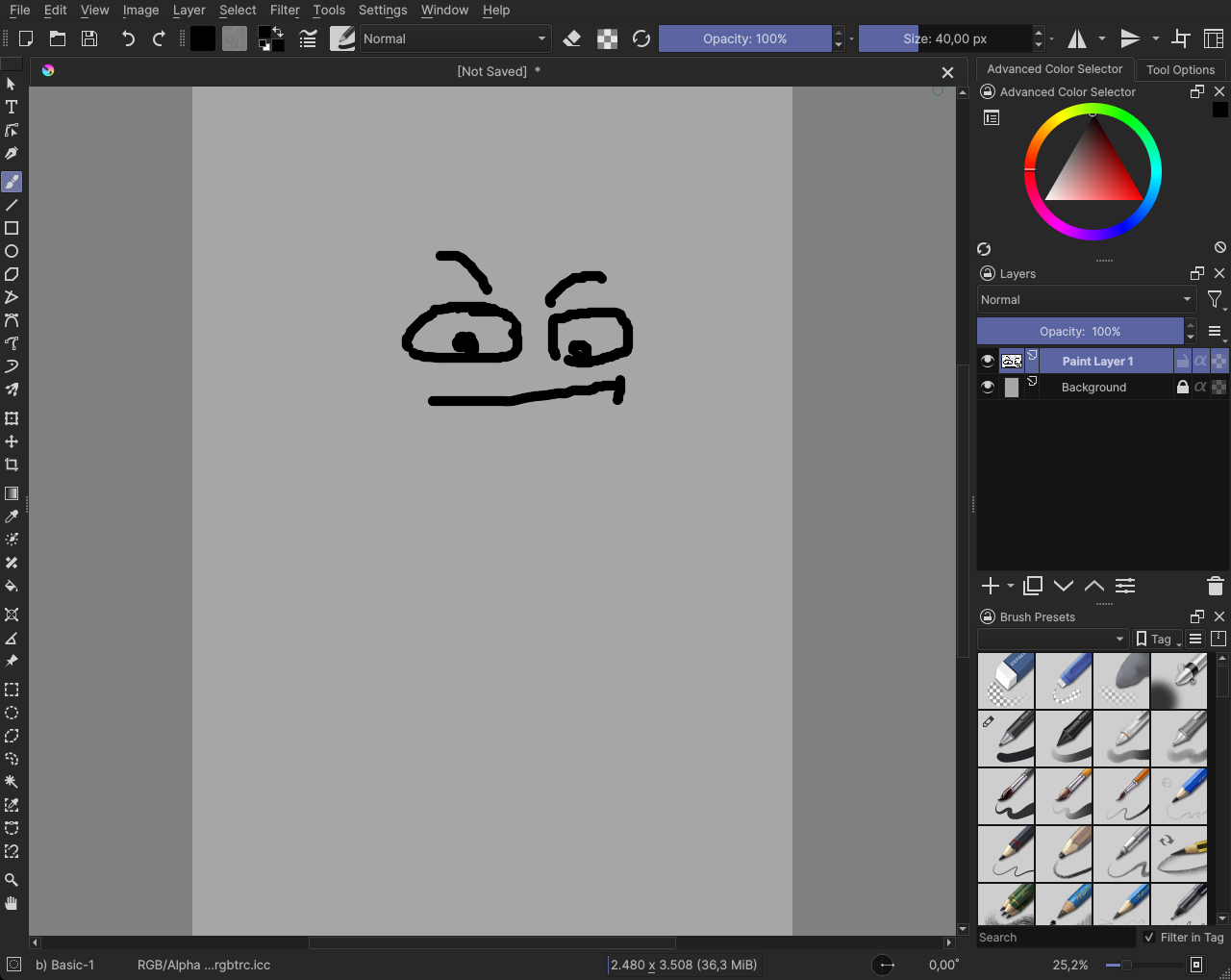
Original Bright Theme // My suggestion
Ok, now I will explain what I don’t like in the original bright theme.

  1. Too much contrast in dockers, I think that’s distracting to have so much contrast and I find it’s a little hard to look at dockers when they have such difference in brightness

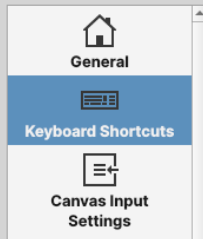
  2. The second thing I don’t like is the inconsistency with text color, some part it is white, some parts it is dark.

  3. The third thing is, I don’t like the “accent” color, it’s ugly IMO
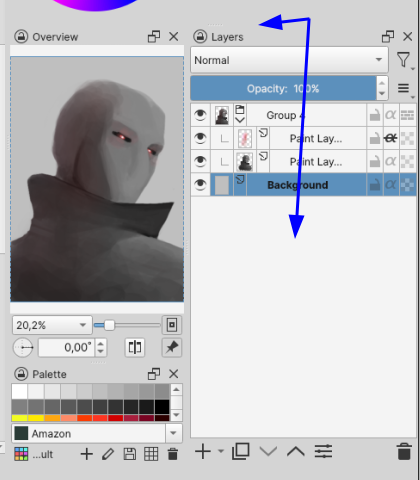

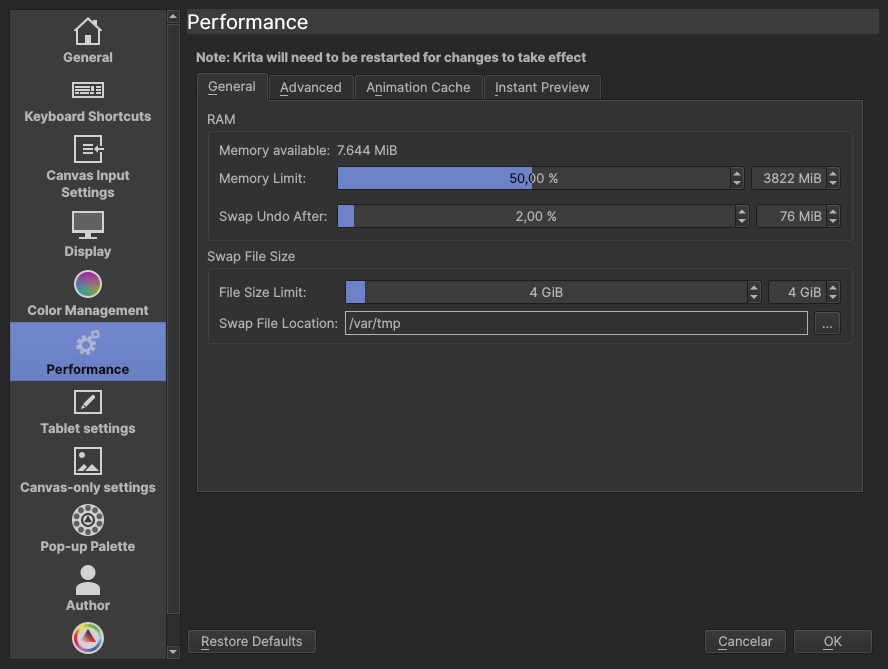
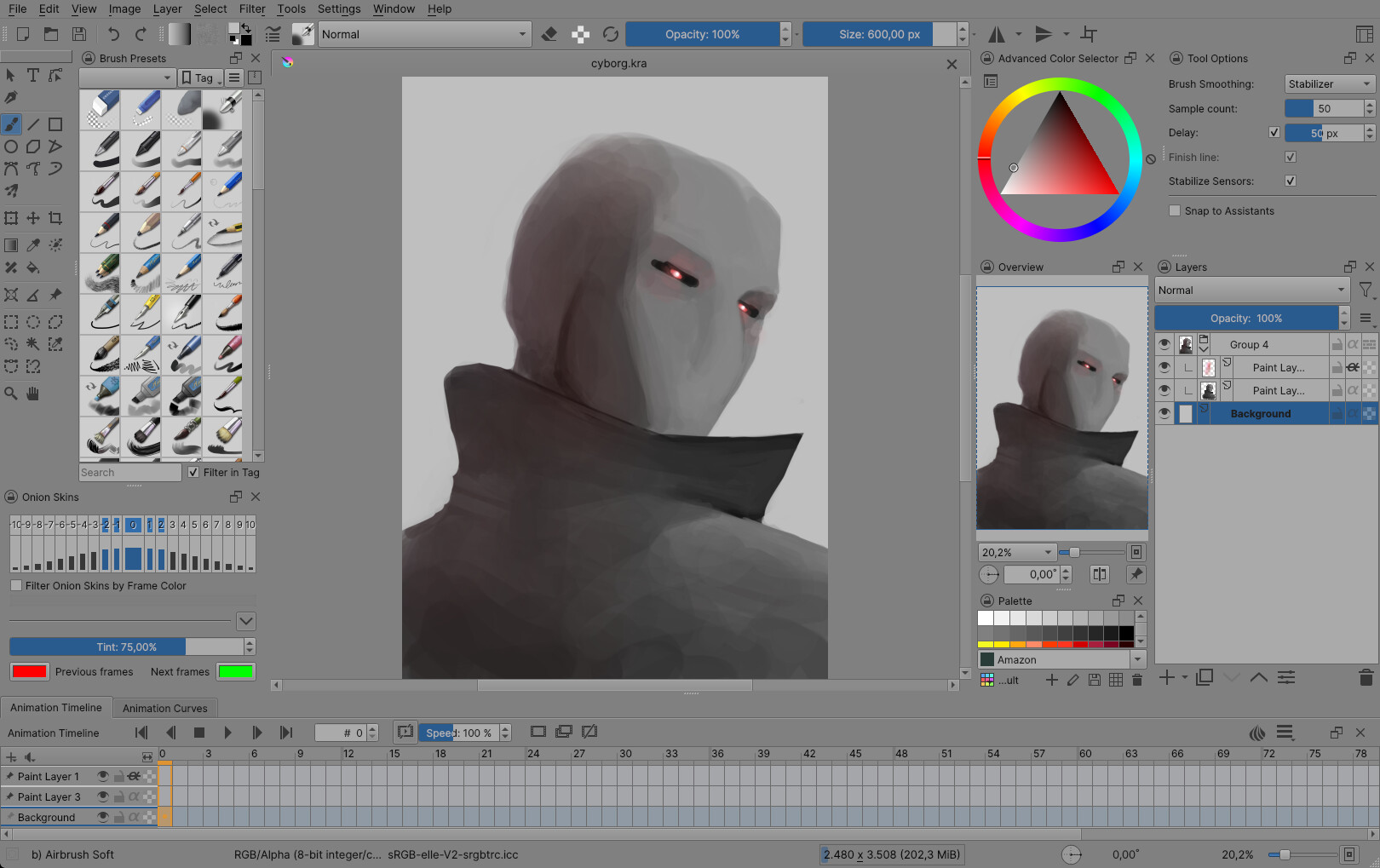
Krita Dark

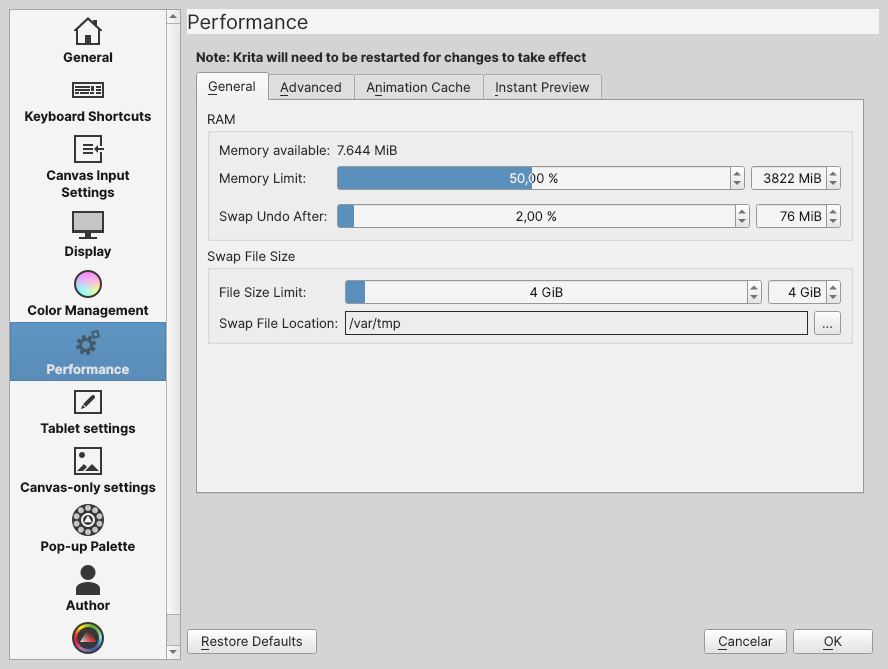
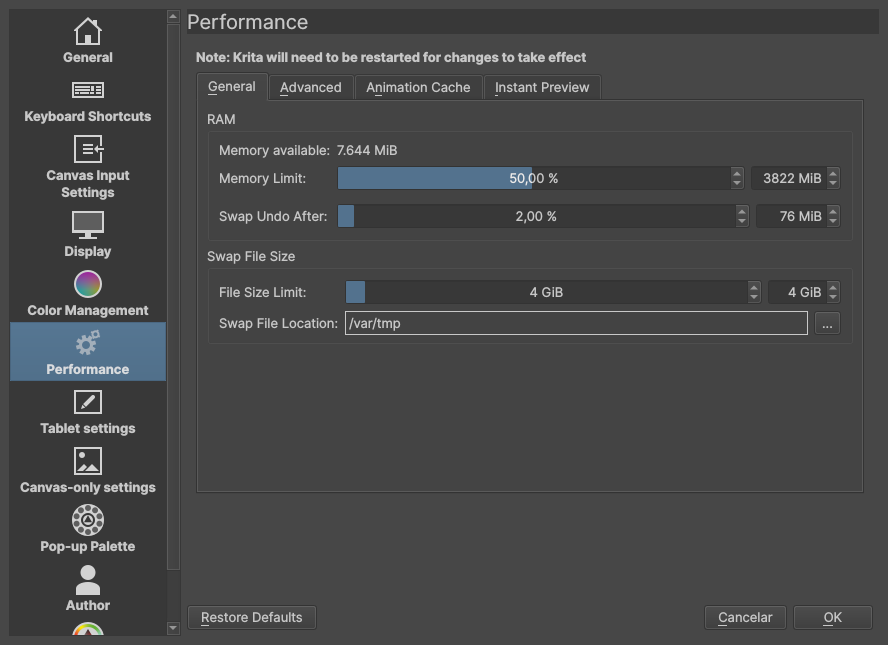
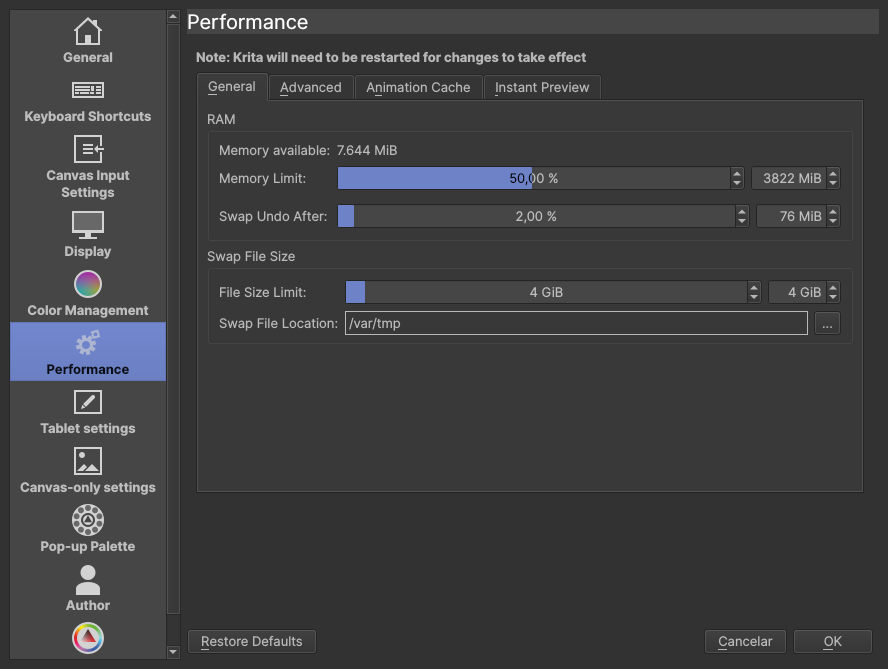
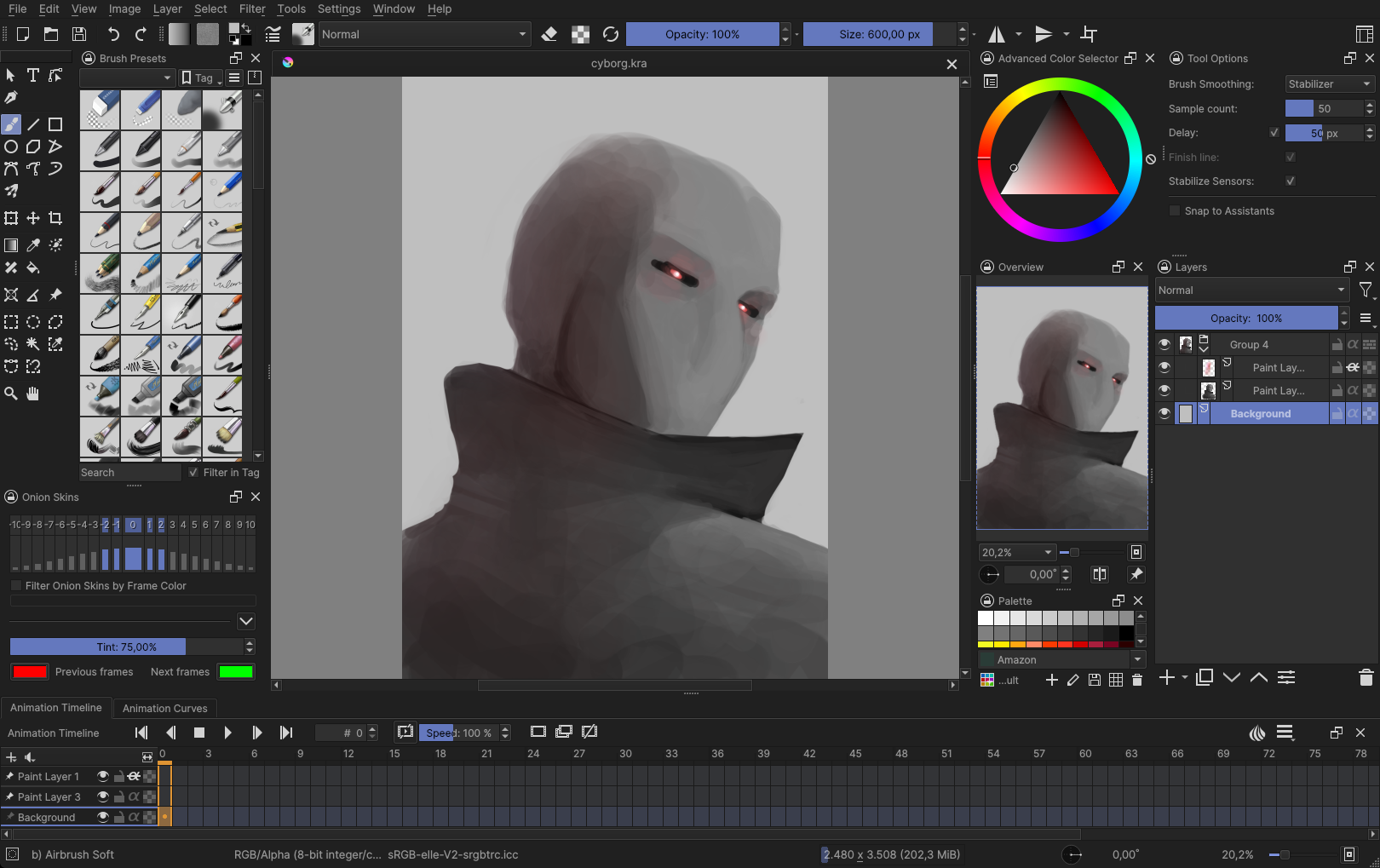
Original Krita Theme // My suggestion
What I don’t like in the original Dark Theme:

  1. Points 2 and 3 about the bright theme

  2. I think it should be a little darker

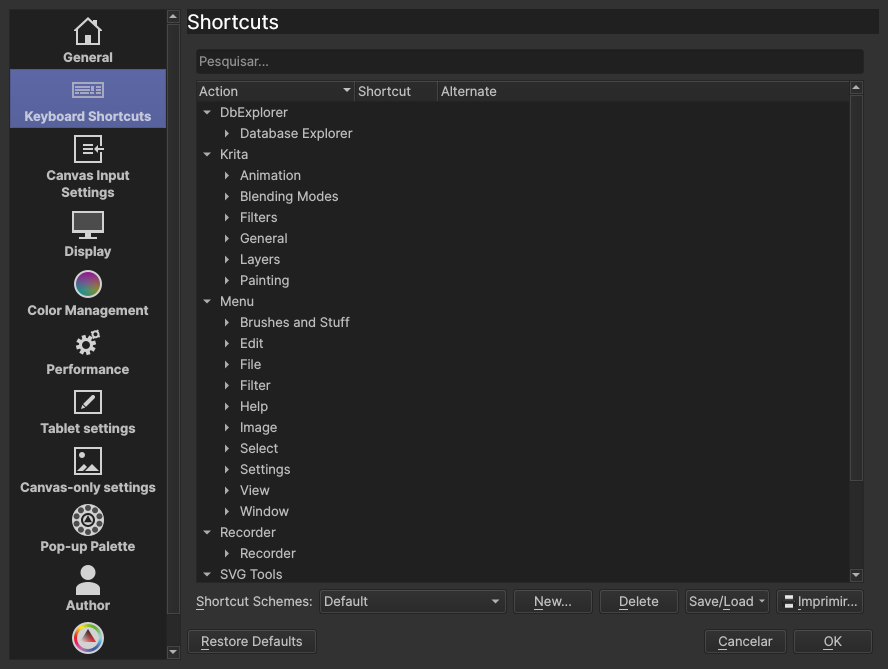
  3. The dockers have a darker color instead of a brighter color in the parts you interact with the UI. Bright things draw more attention than darker things, so, because these are the parts of UI we interact with, it’s the UI elements that should be brighter.
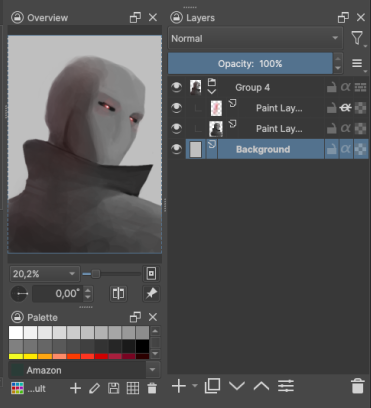
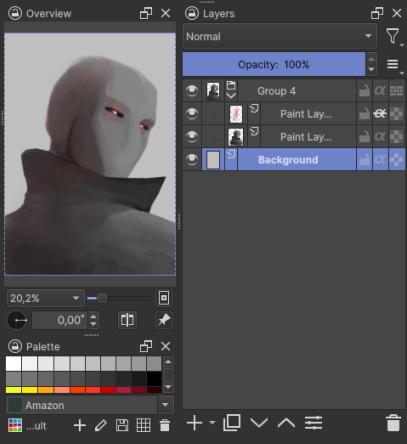
Maybe here the dockers and list view have too much contrast on my try here, please give me your opinion! :slight_smile:


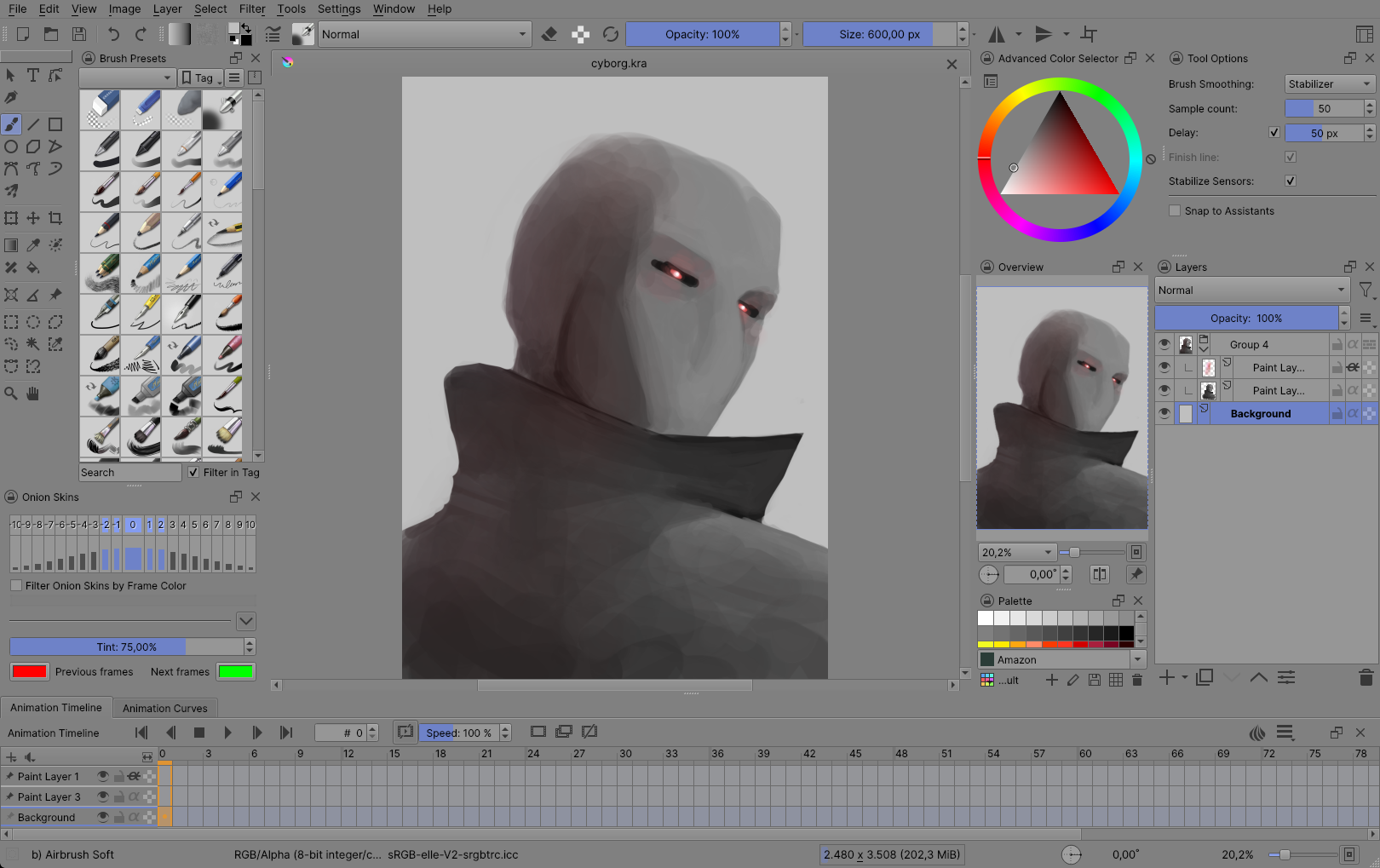
Krita Darker

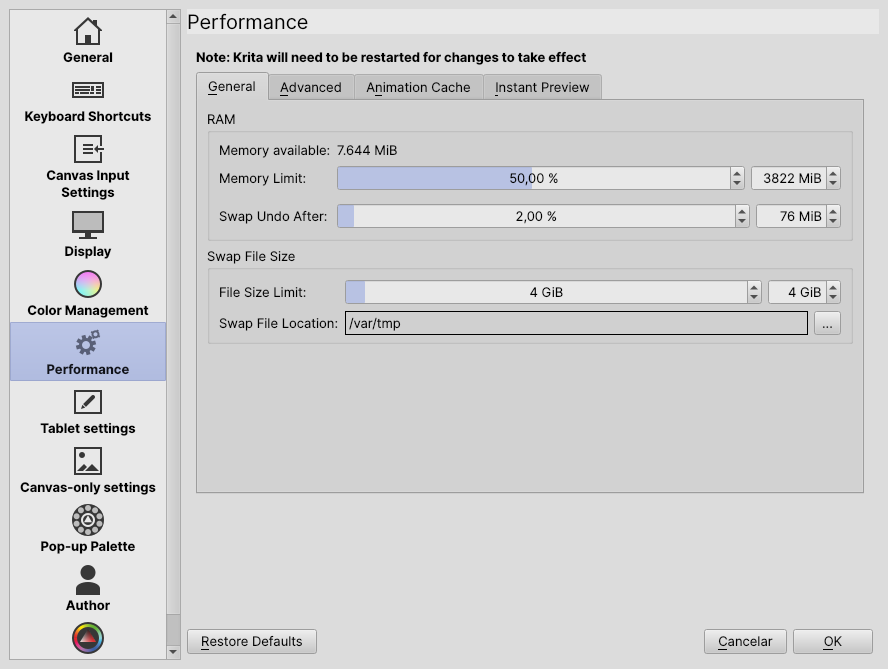
What I don’t like about the Darker Theme:

  1. Points 2 and 3 about the bright theme, points 2 and 3 about dark theme
  2. The point 3 in dark theme here is even worse, it’s just too dark.
  3. The font is in full white, it’s make the text so hard to read, specially on the darkest parts, it’s really, REALLY hard to read what is there

(If you have bad eyesight and my version is hard for you to read, then MAYBE, Krita should have an option to change the font brightness)


Krita Neutral
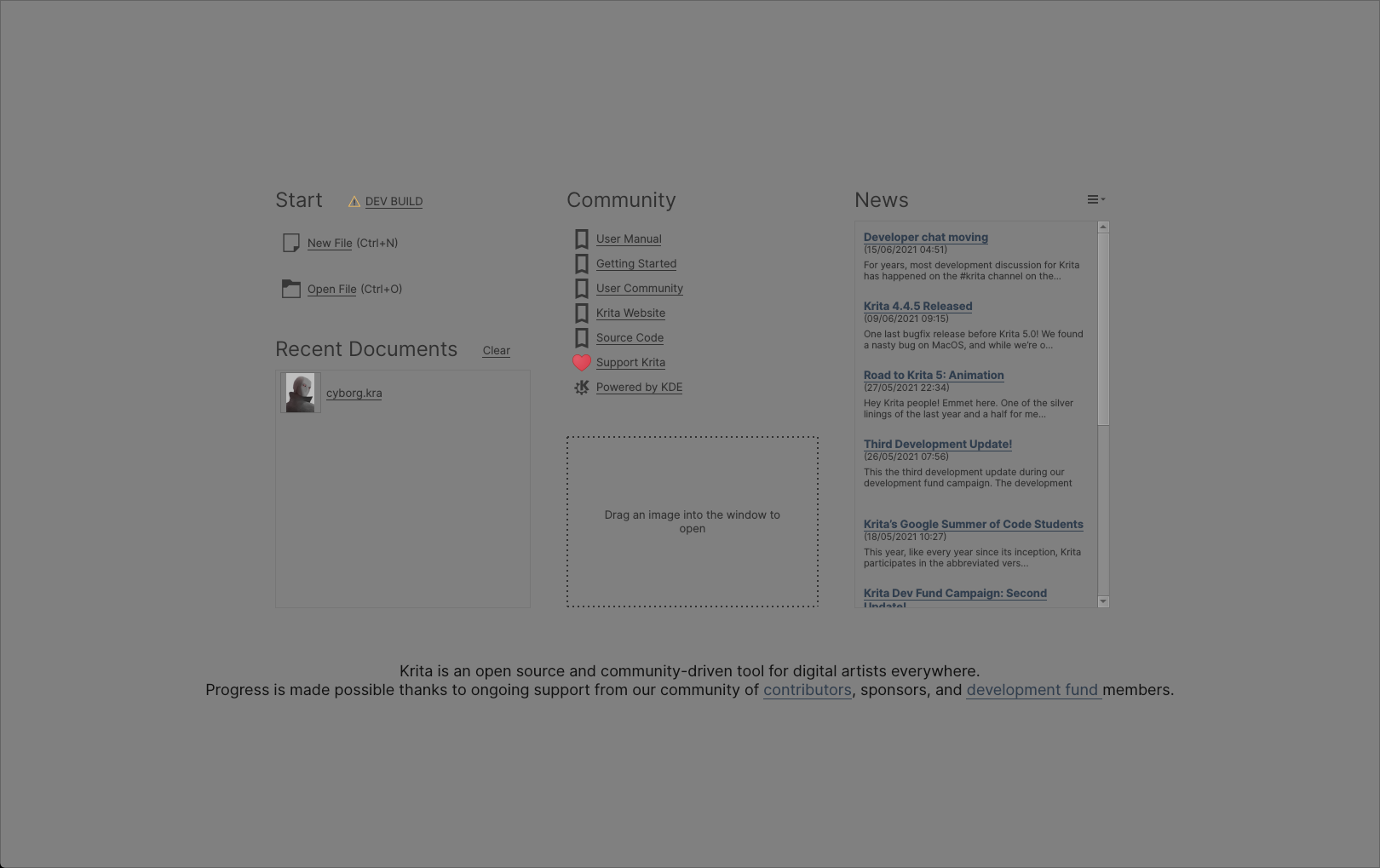
What I don’t like about neutral theme:

  1. Point 2 and 3 about bright theme
  2. It is a little bright for a neutral theme

Krita Ultra Dark

This is my suggestion to add a third dark theme for Krita
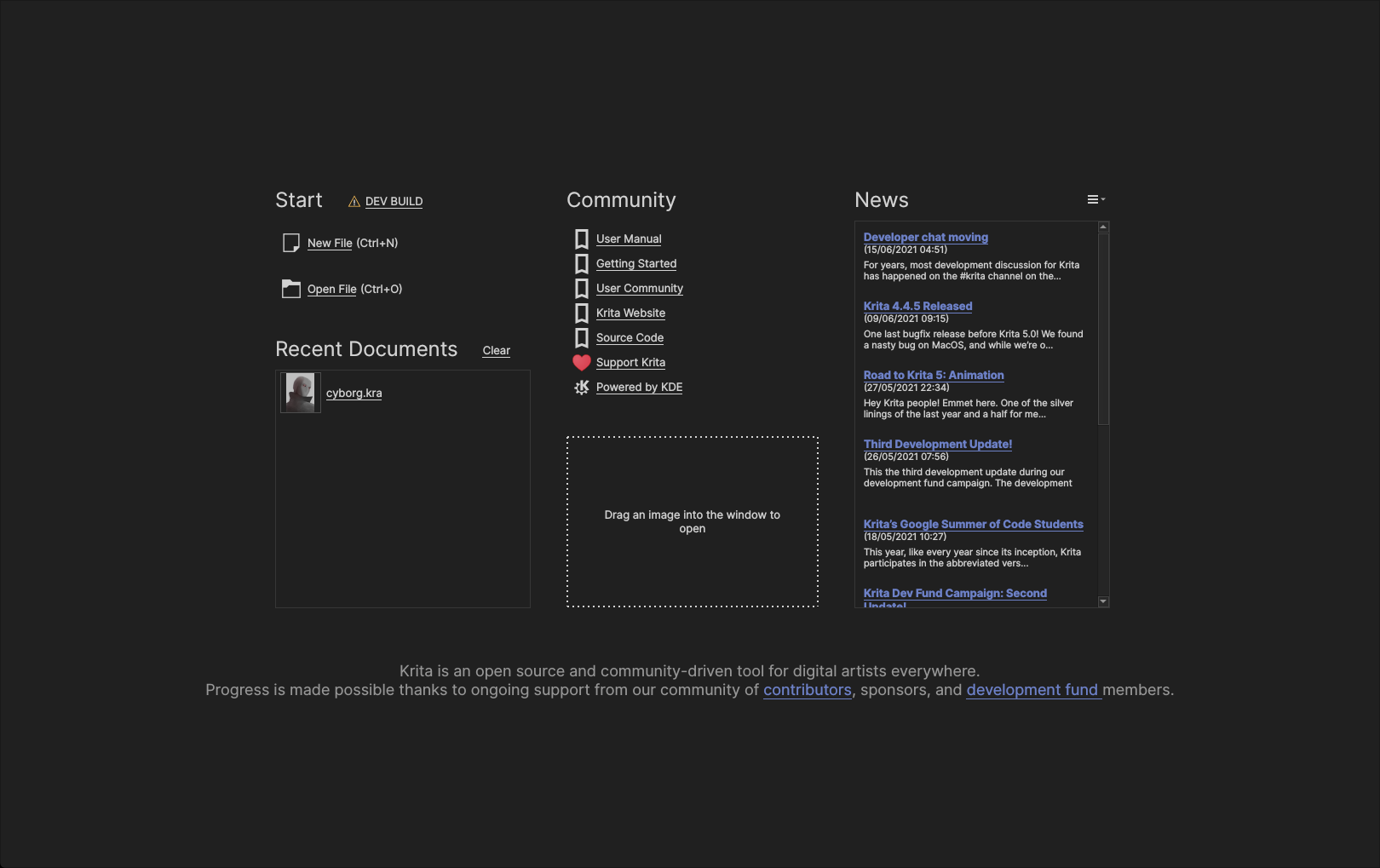


Please, give me your opinions/suggestions


So, now I want to suggest some changes to Krita team, these suggestions probably need some code (I guess?) but I believe is nothing too complex, so I will suggest and if you are a Krita Dev, let me know if it’s possible!

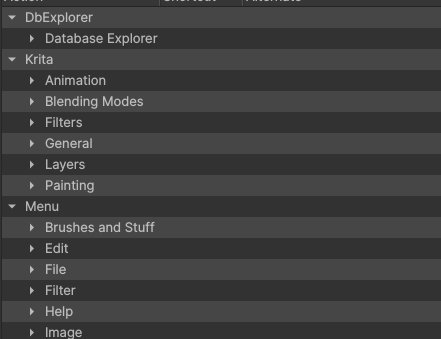
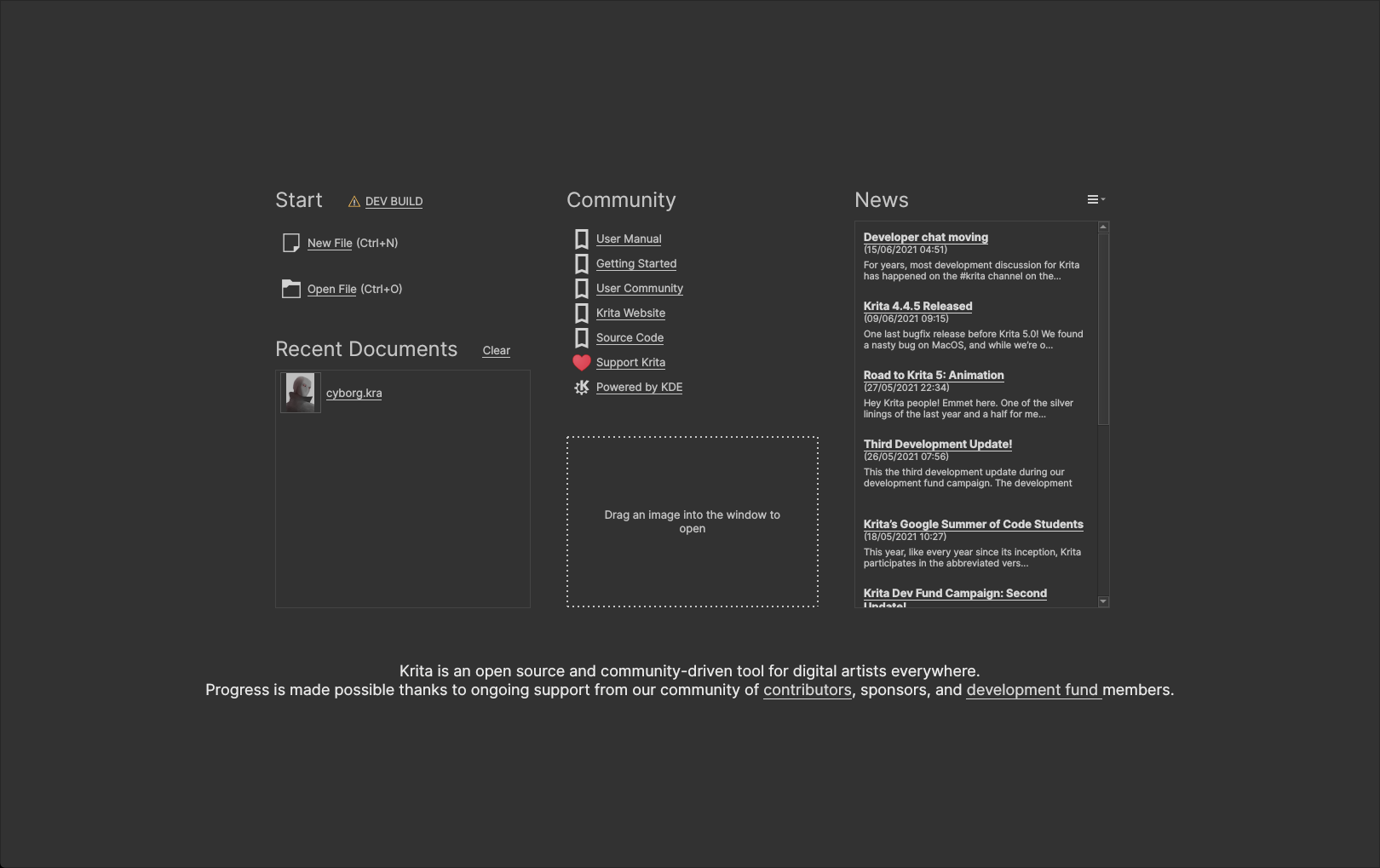
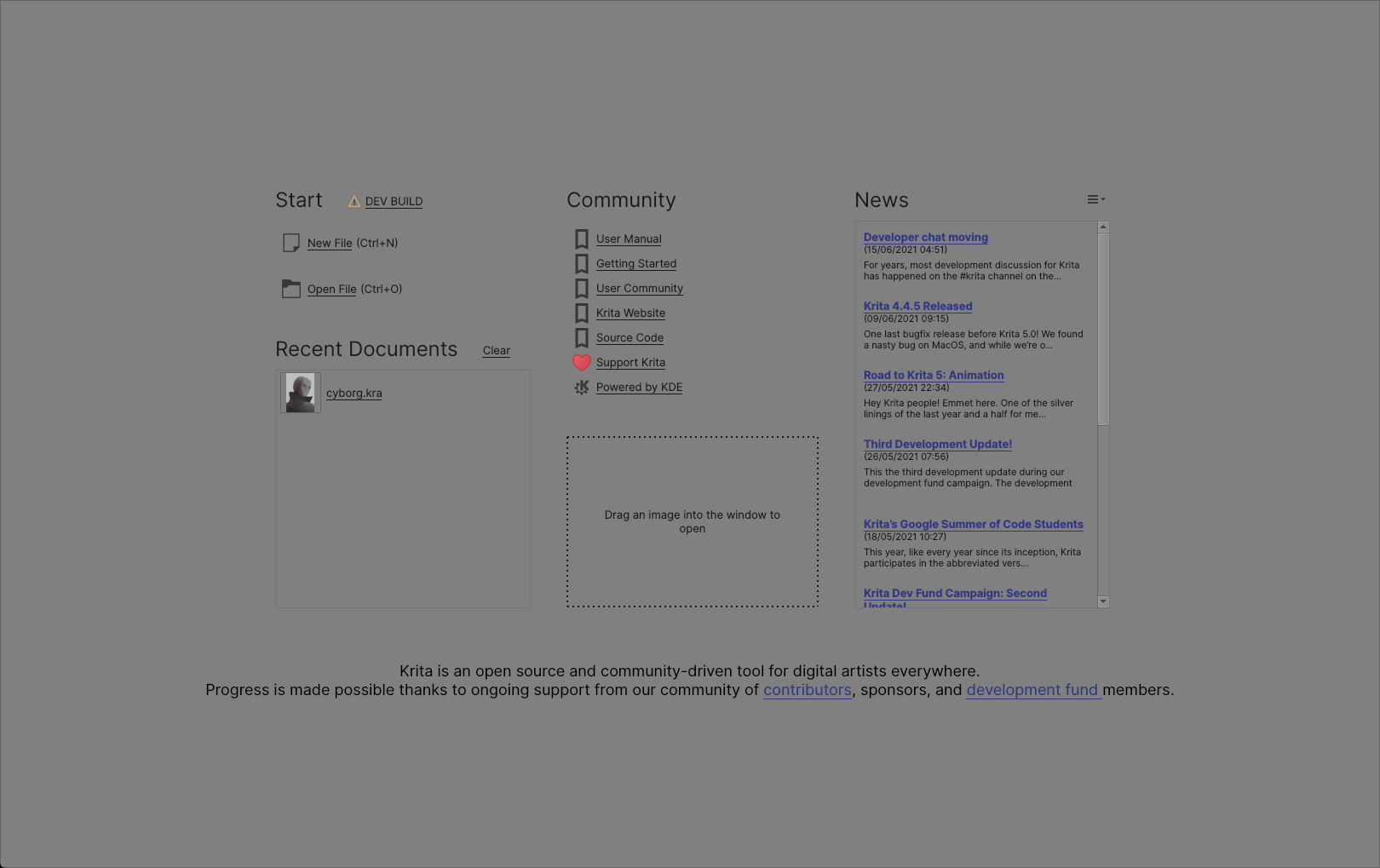
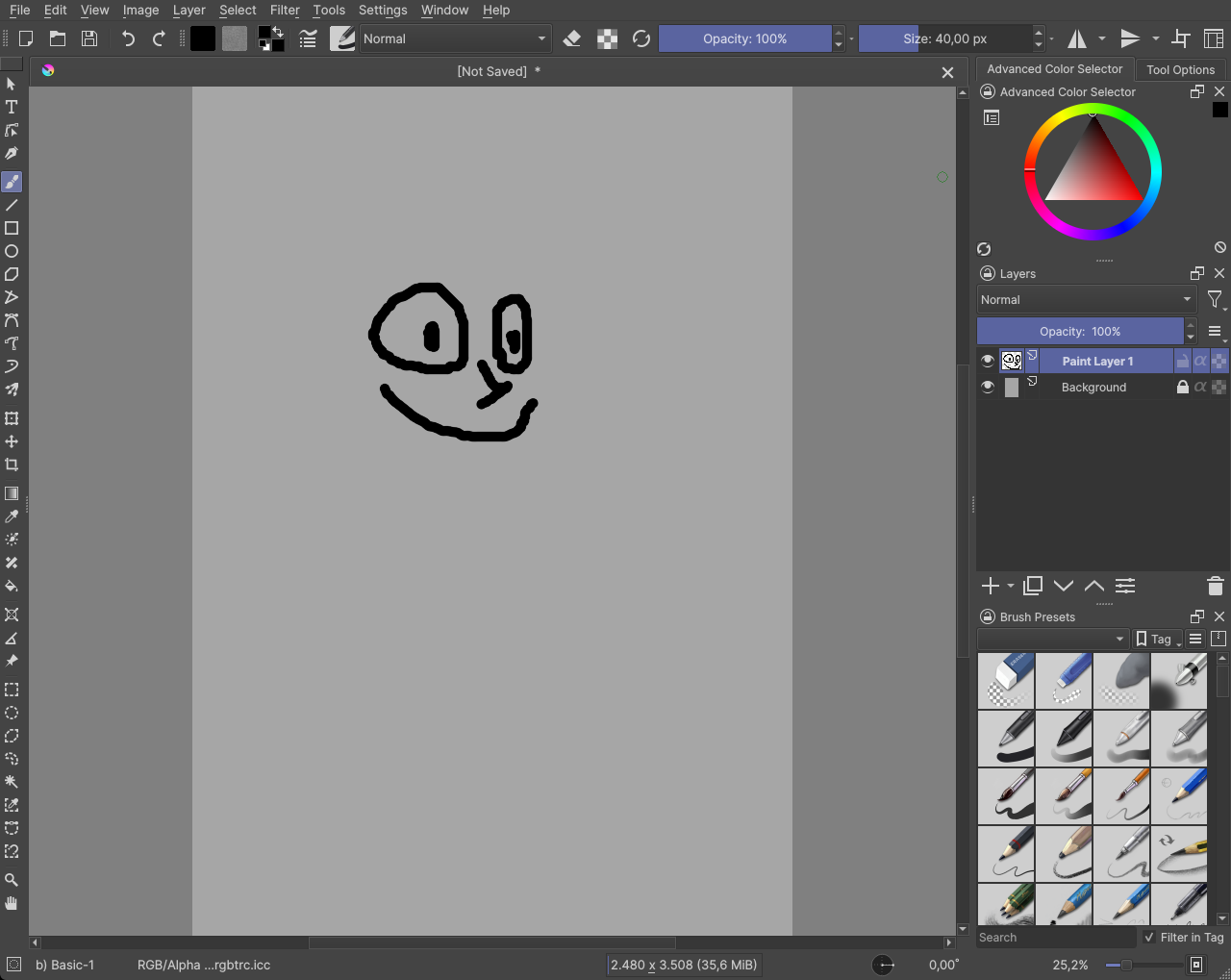
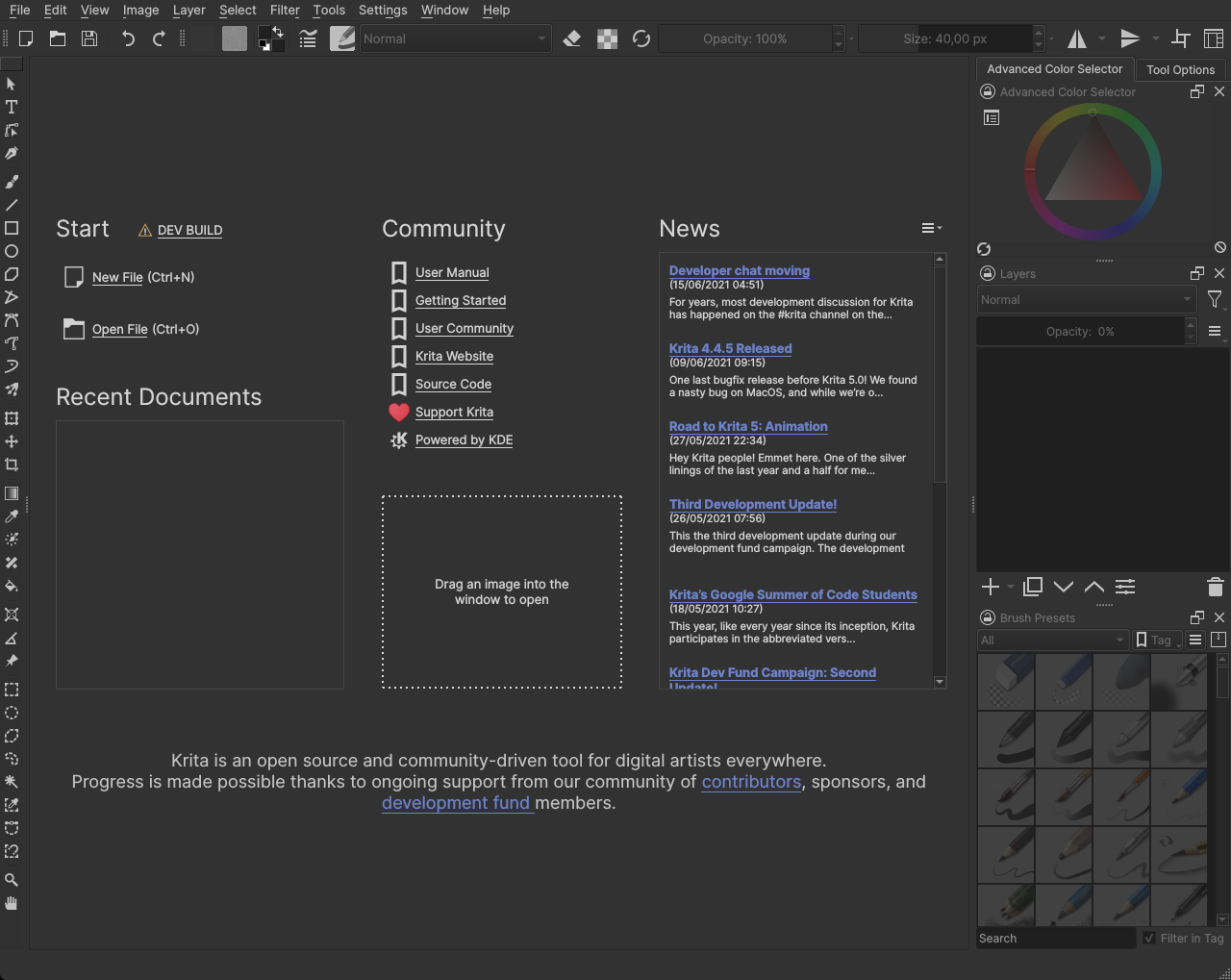
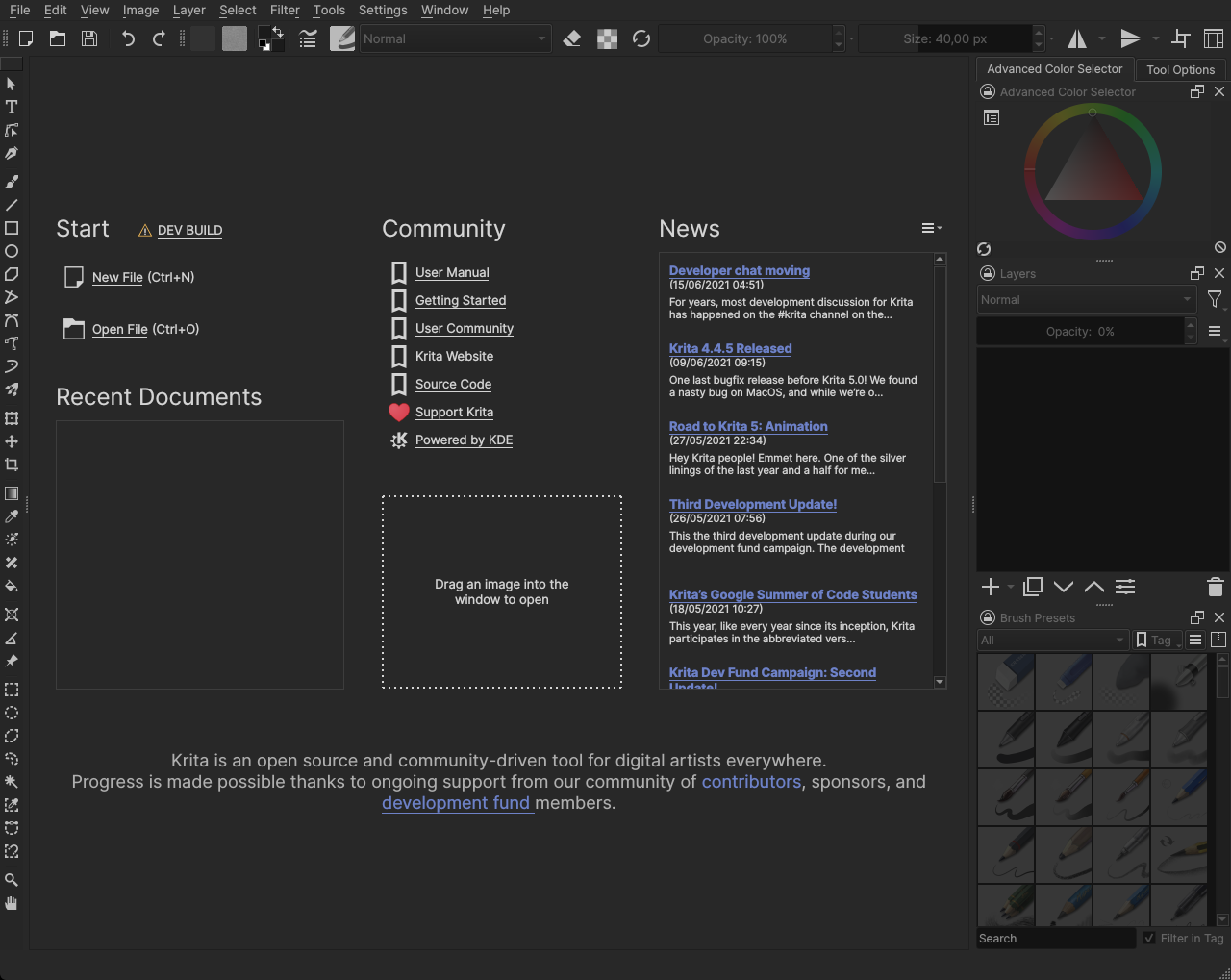
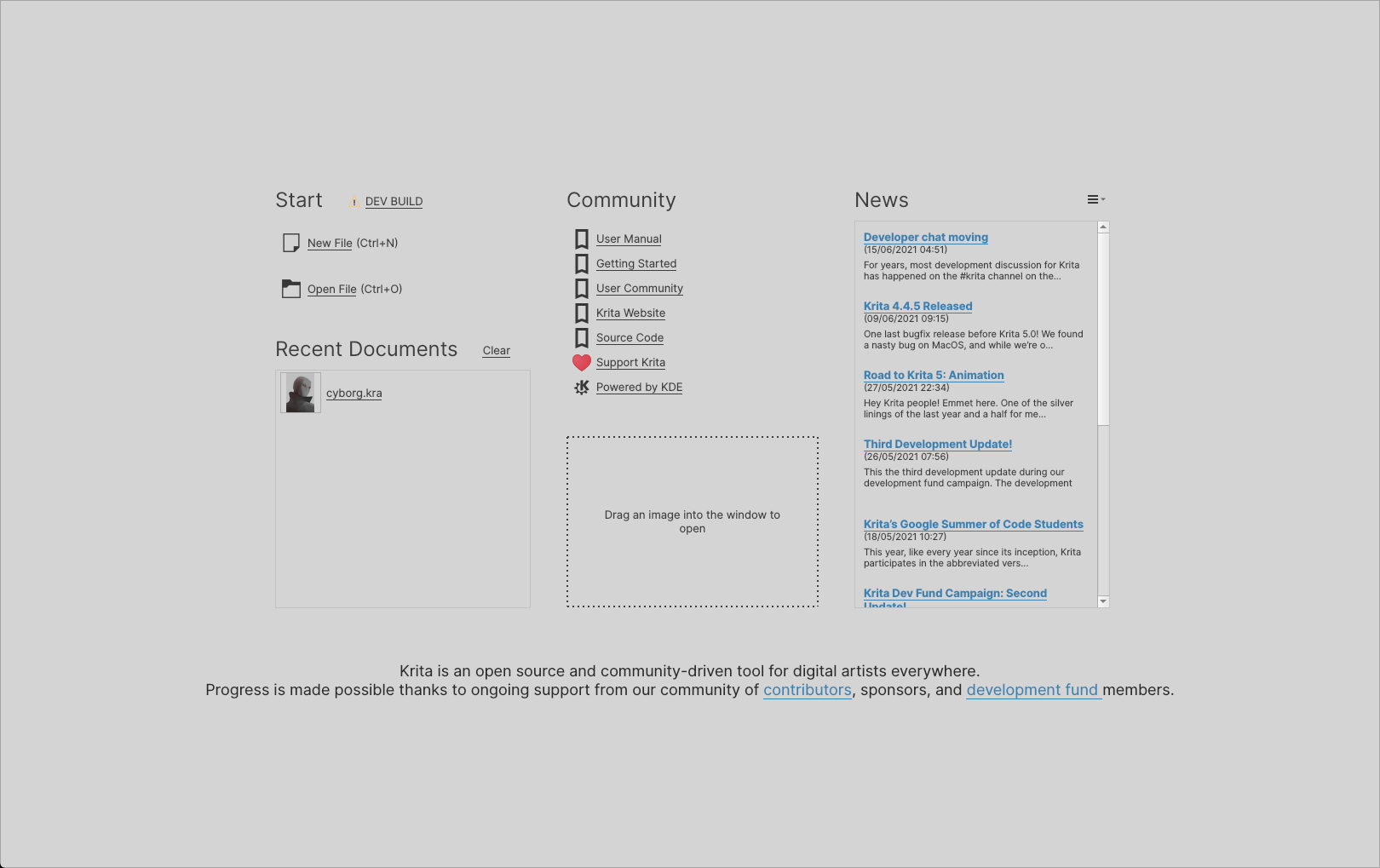
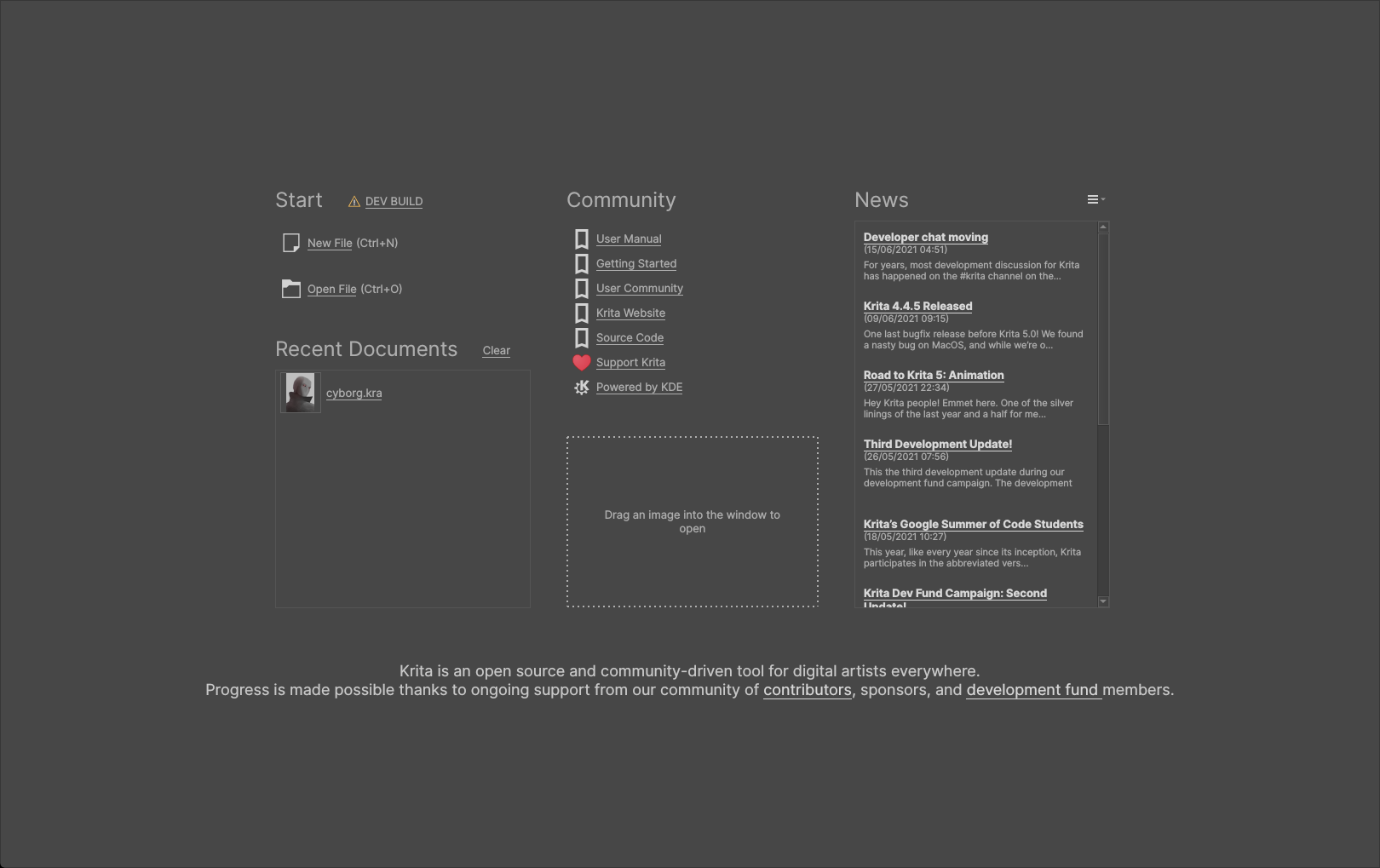
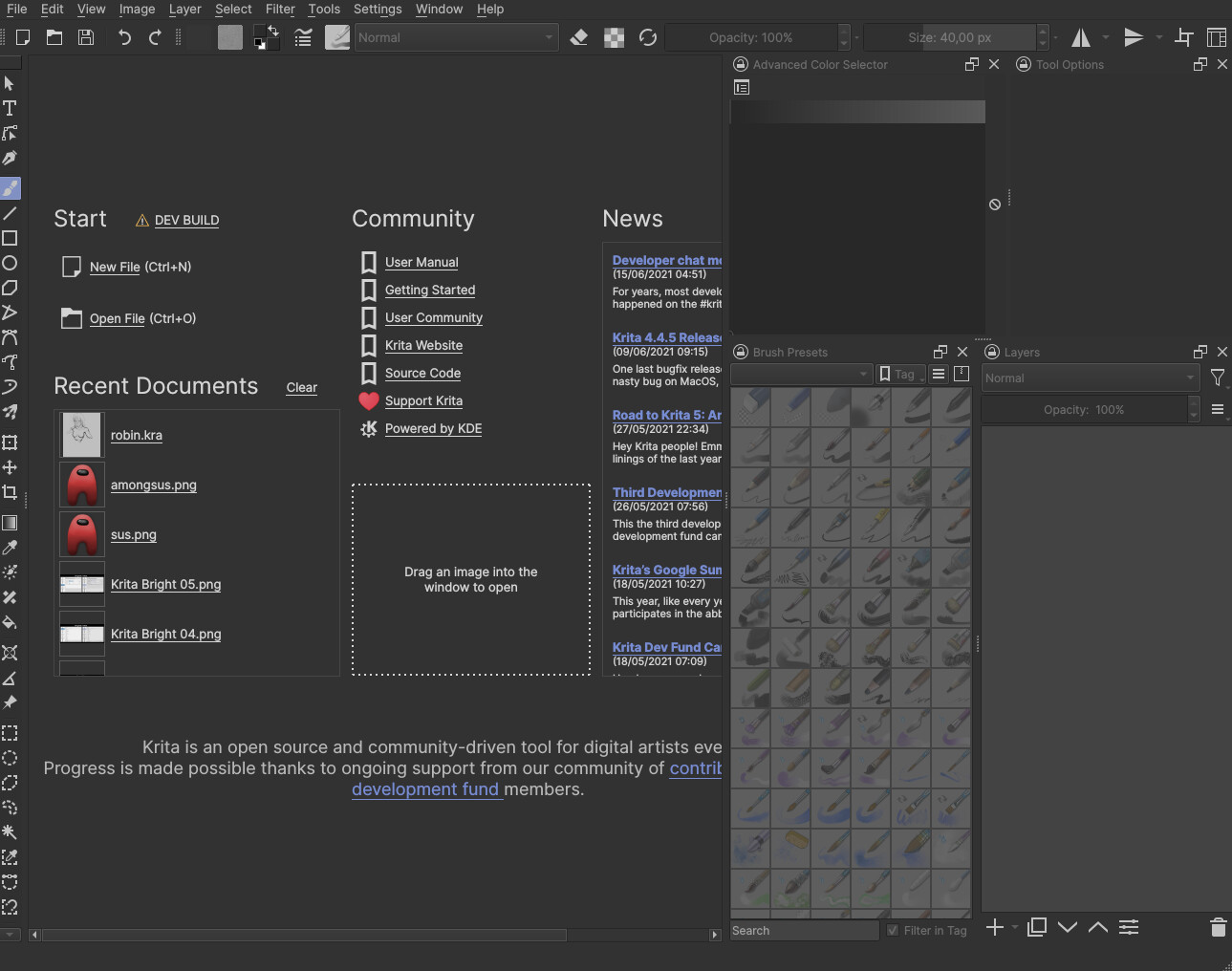
  • Hide dockers when we are in the welcome/initial page:


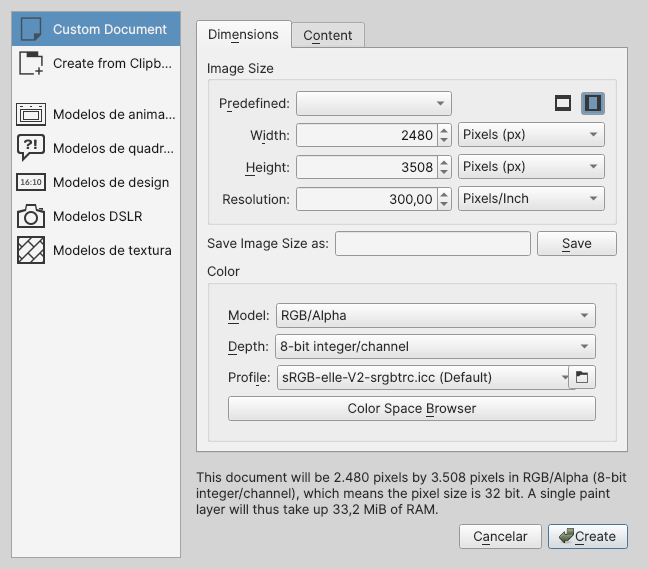
    Why do that? Because we can’t use the dockers, so why should they appear here? It can also cause some issues if the user has too many dockers or a small screen:

    This shouldn’t be hard to do, since it’s just hiding the dockers (here I just used the tab to hide everything beside the title bar and closed the document)

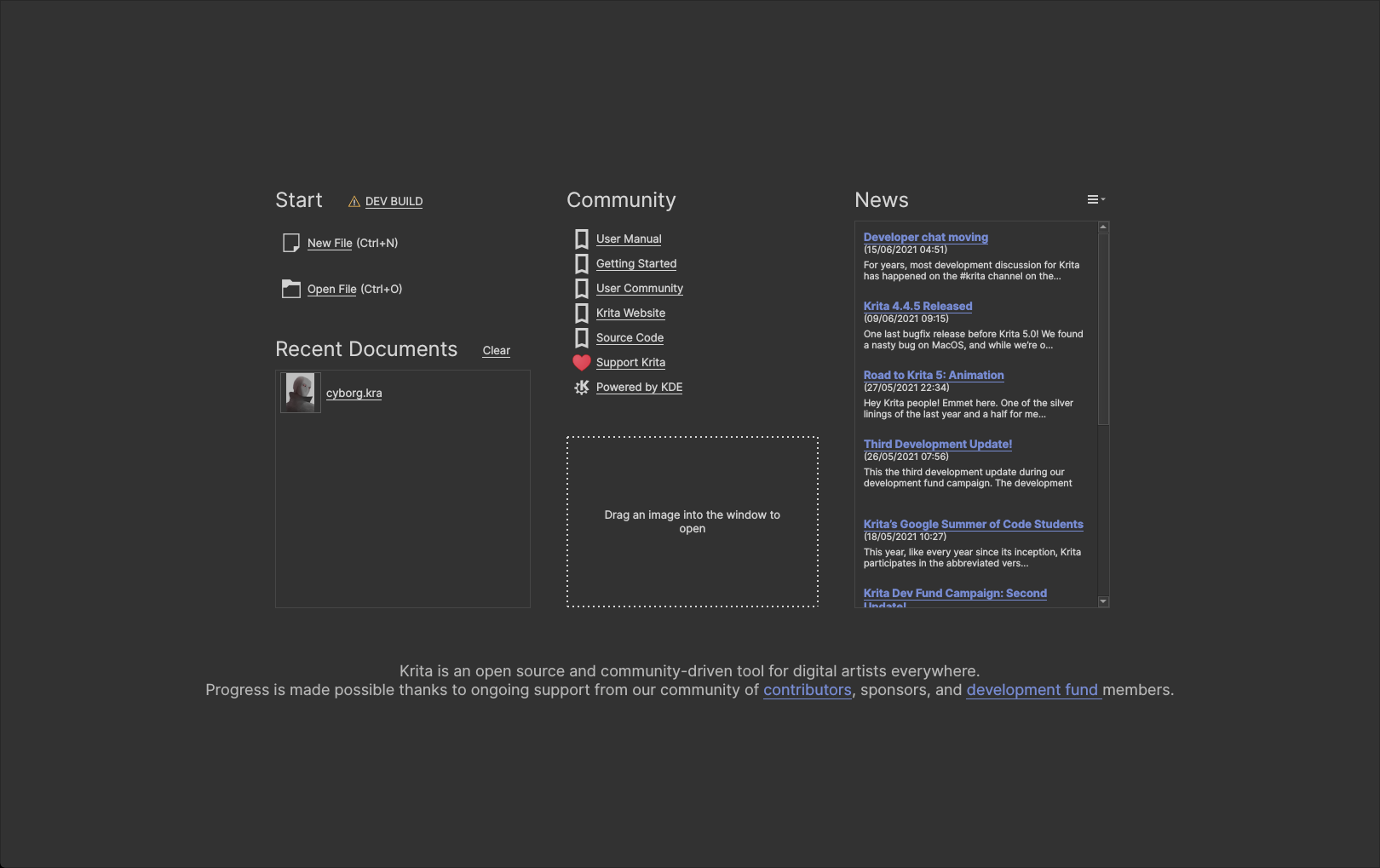
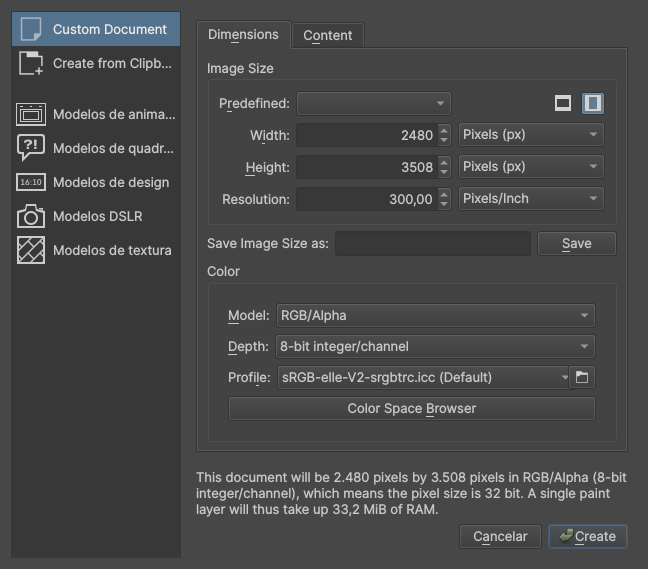
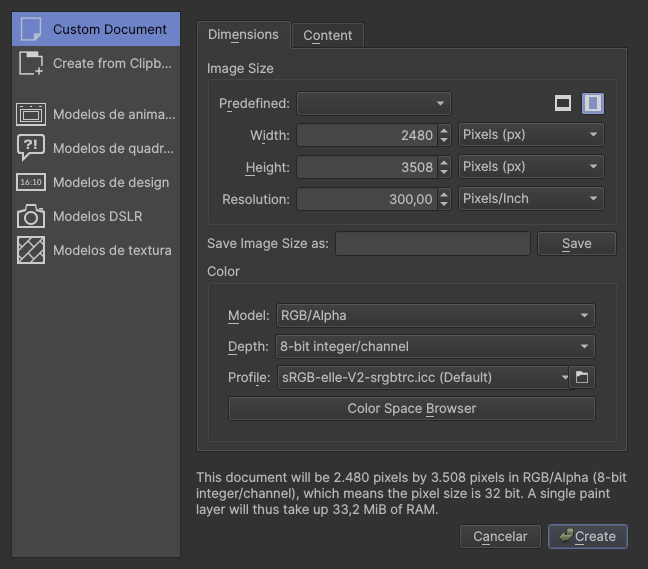
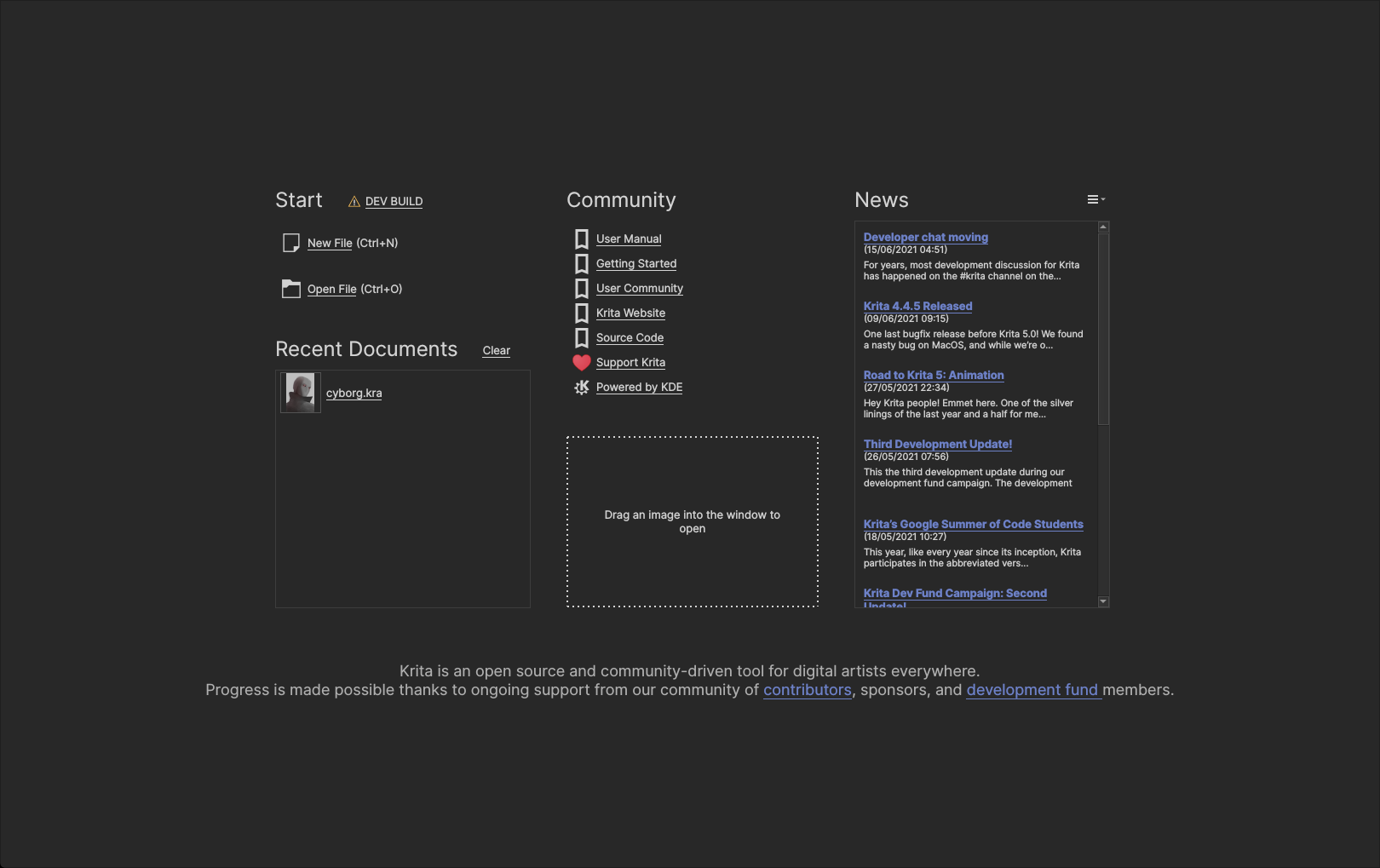
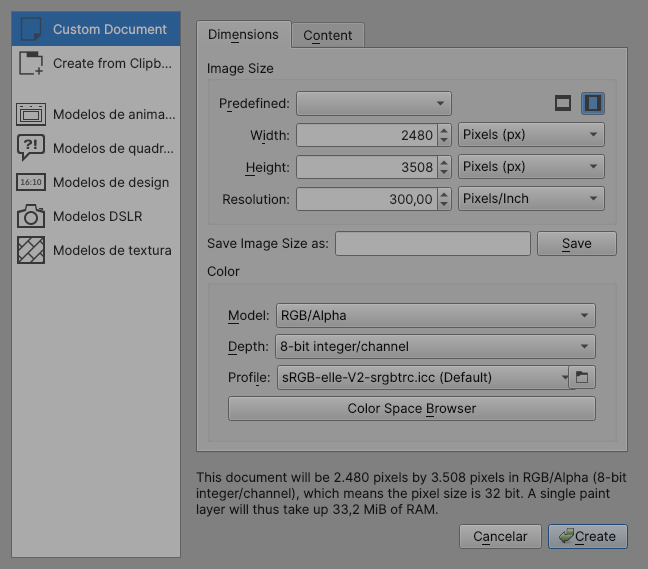
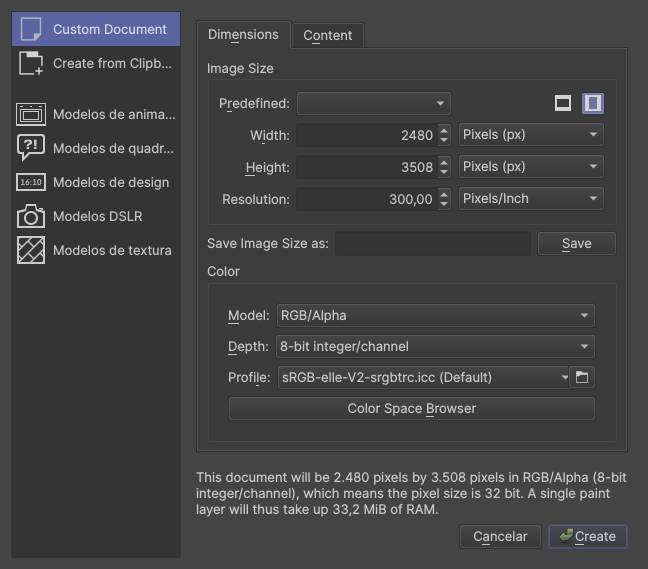
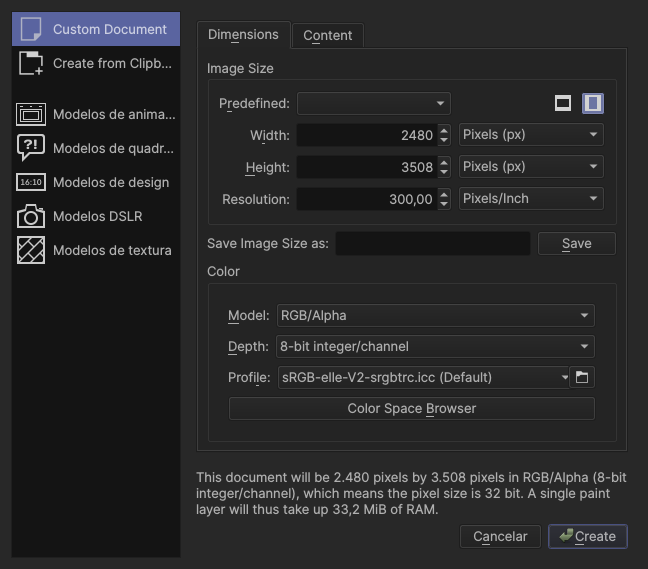
  • Remove this rectangular box and align the text


    Why? It will make the UI look more polish. That is it :man_shrugging:

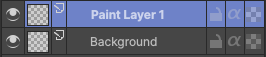
  • Adjustable font brightness. As I have said in the darker theme:
(If you have bad eyesight and my version is hard for you to read, then MAYBE, Krita should have an option to change the font brightness)

I don’t know if it is too hard to implement, it would need a place in the settings window, but beside that, it’s just a matter of changing the value in the .colors file and update the theme. It would also require a consideration about bright theme.

  • Accent colors, let’s say users would have 4 colors to pick as accent colors:
    This is basically as hard to implement as the font brightness, needs UI design, and a way to change the color value in the .colors file, also need consideration about how saturated and light/dark the color needs to be (most of it can be done changing the opacity of the color).

If you want to try the themes, here are the files:
Krita_Color_Schemes-new

To use it, go to:

Settings → Manage Resources → Open Resouces Folder

In resources folder, look for “color-schemes” extract the zip file in that folder, restart Krita and the themes will appear in:

Settings → Themes

As far as I know, it will be released next month. (Originally there would be a beta today, but it was delayed)

Since Krita 5 is recieving many features, new default themes would be a great signifier that Krita has changed a bit :wink: “new look, new me”

I like the new accent color. The original accent color is muted and a bit dull in my opinion.

The new neutral theme screenshots seems low in contrast. I think the black text + gray color is causing it. I don’t use neutral themes so more opinions from others would be helpful.

I haven’t check if Krita’s documentation has an article on changing themes, if it isn’t there already, it should be there along with a download of old themes.

I like the new accent color. The original accent color is muted and a bit dull in my opinion.

Thank you!,

The new neutral theme screenshots seems low in contrast. I think the black text + gray color is causing it. I don’t use neutral themes so more opinions from others would be helpful.

Maybe you are right, I don’t use neutral themes either, so I don’t know exactly what to do/what people who use neutral theme want from it :thinking:

The accent colour in the light version is subtle while in the darker version it is more pronounce. This is my personal opinion and preference, I find the bright saturated highlight colours too distracting, so I have a theme which has all colours in neutral grey. In your darker version it would be good to have more subtle highlight colour as you have it in the lighter version.

Also, when I saw the suggested colour, I thought it was SAI :slight_smile: was it inspired from it? May be because it is in the purple side it looks that way.
I am against this suggestion for SO many reasons:

  • Access to the windows Files and Configuration / Settings are negated if you don’t open a file…
  • not all dockers are locked at start up. The dockers I make are active on start up per example.
  • Most of the time I am making code for Krita in Python and I don’t open a File every time because I don’t have too. Sometimes I need to check were is my bug coming from in the configuration or just click once or twice to see if it is broken or not just to close Krita again.
  • if it feels cramped it is because of 3 factors here:
    • you have a small screen.
    • bad UI design (that is a real thing in Krita and one of the reasons for me opting to make dockers)
    • no tabs are being used in your case

Hey EyeOdin, thanks for your feedback!

About your points:

  • Access to the windows Files and Configuration / Settings are negated if you don’t open a file…

This is a thing I think should be in the initial page, I just reused the screenshot of one of the themes

  • not all dockers are locked at start up. The dockers I make are active on start up per example.
  • Most of the time I am making code for Krita in Python and I don’t open a File every time because I don’t have too. Sometimes I need to check were is my bug coming from in the configuration or just click once or twice to see if it is broken or not just to close Krita again.

Those are very good points, however, it’s more of a developer related issue, and most people using Krita aren’t developers, and I guess those people don’t use the dockers when they don’t have a document open (but that’s an assumption, and as I said, is a good point to think about)

if it feels cramped it is because of 3 factors here:

  • you have a small screen.

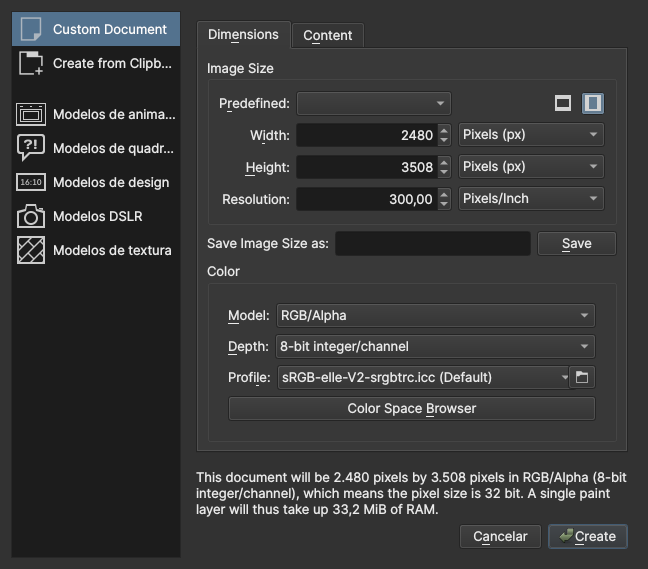
My screen is fine, it’s 1080, I just resized the window to make an example, I’m not sure if it’s correct but a considerable size of Krita users has small resolutions display, so it’s one more point to (at least by default) hide the dockers

  • bad UI design (that is a real thing in Krita and one of the reasons for me opting to make dockers)

I agree Krita doesn’t have the best UI/UX design

  • no tabs are being used in your case

What you mean by “tabs”?

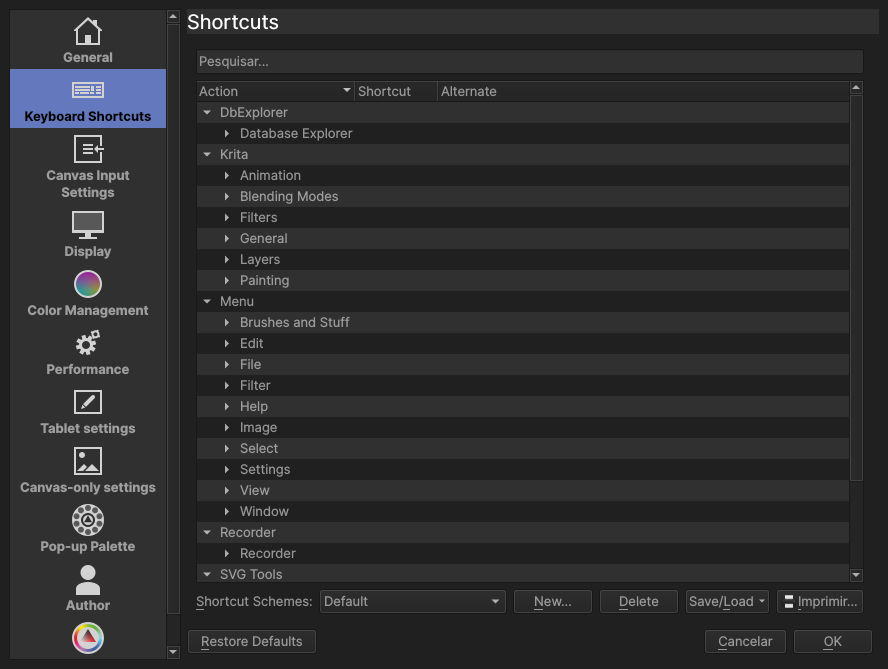
I don’t use other themes, only Krita Dark, but in Krita Dark I wouldn’t like those changes. Maybe as a new theme, but not as a replacement. I’m used to the old one, so for me changing what is lighter and what is darker is a big change. And the reason I like things like inside of the docker darker is that I kind of think they’re further away, kind of “inside” - imagine for example the Layers docker or Brush Presets docker as little drawers where you put things.

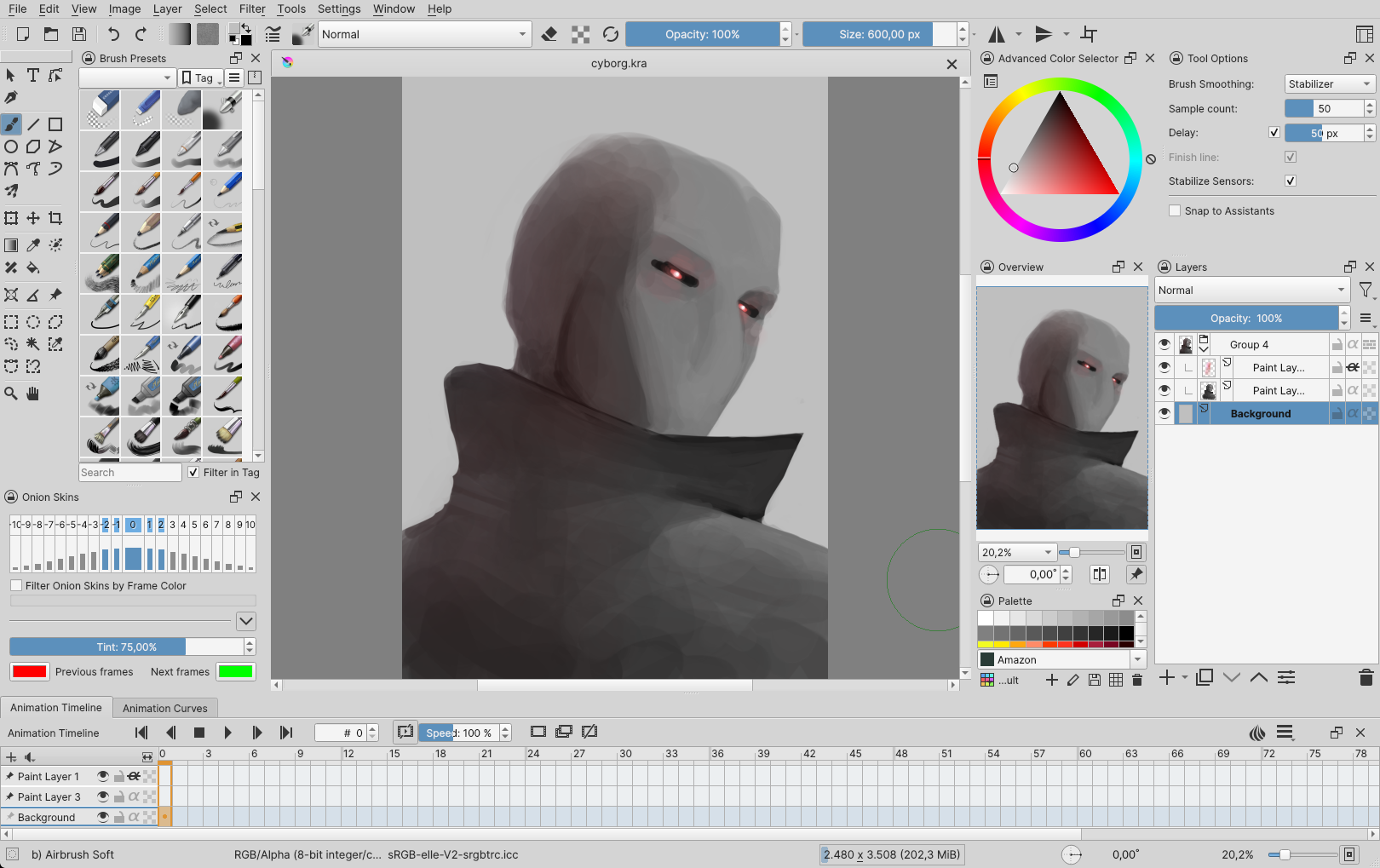
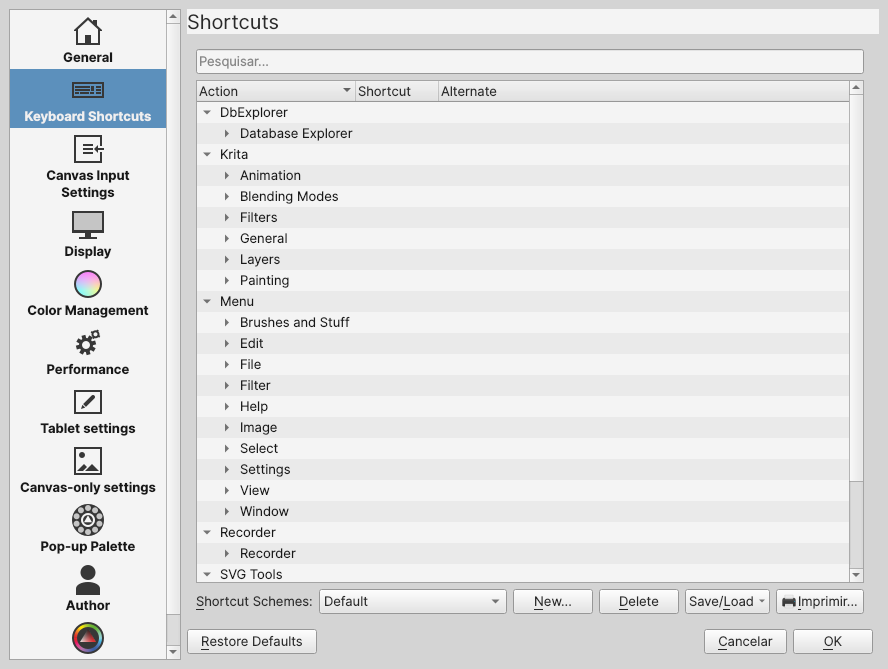
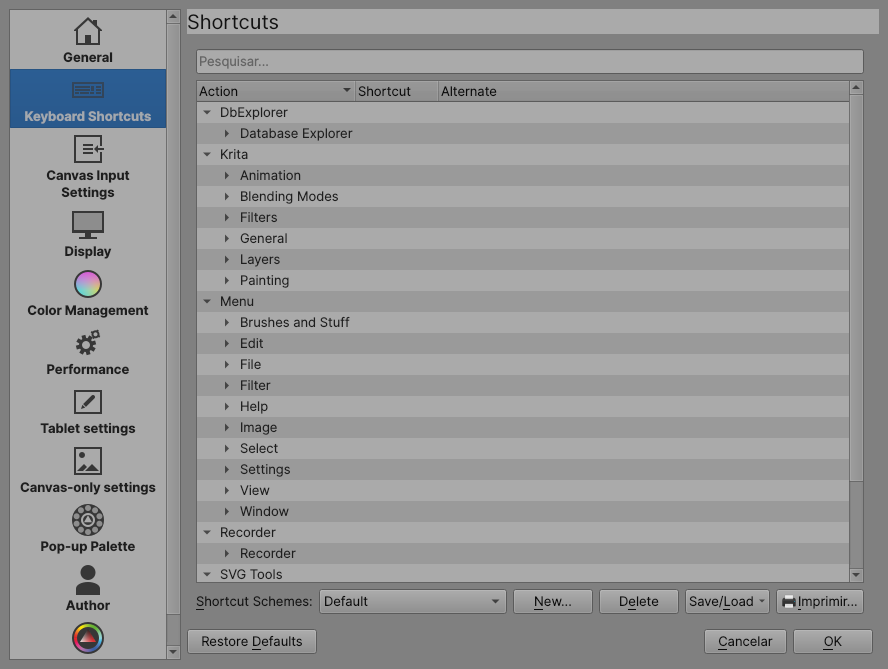
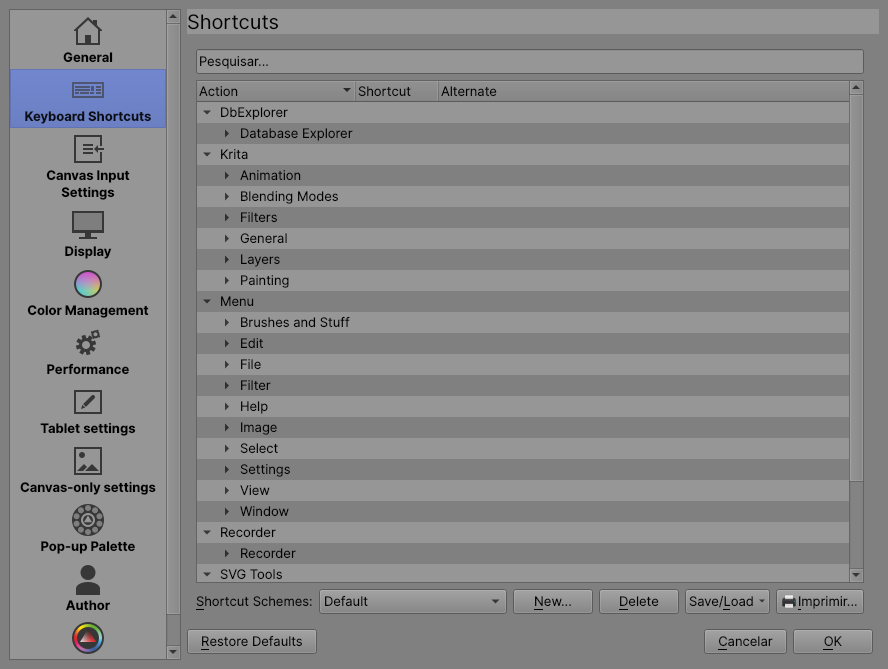
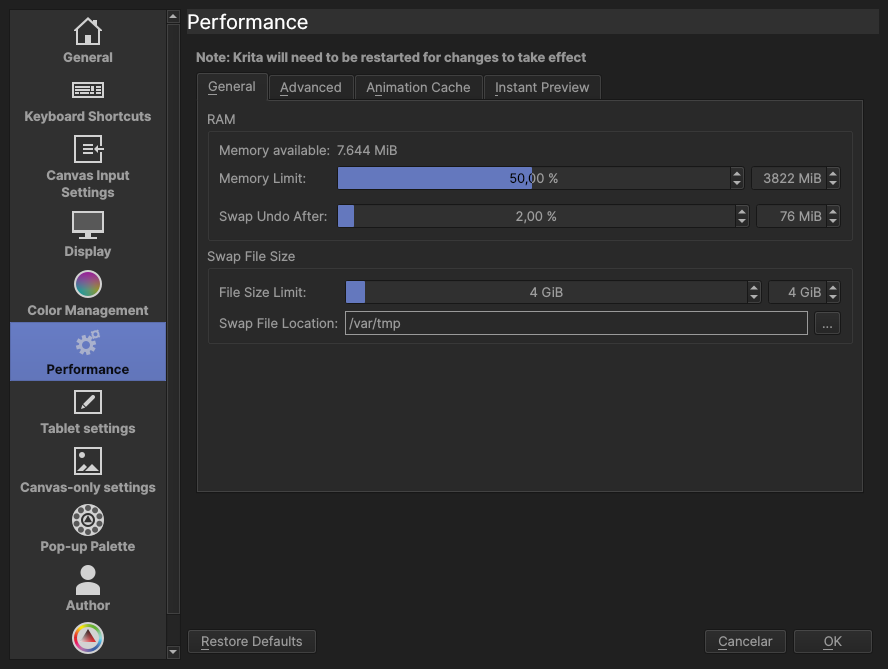
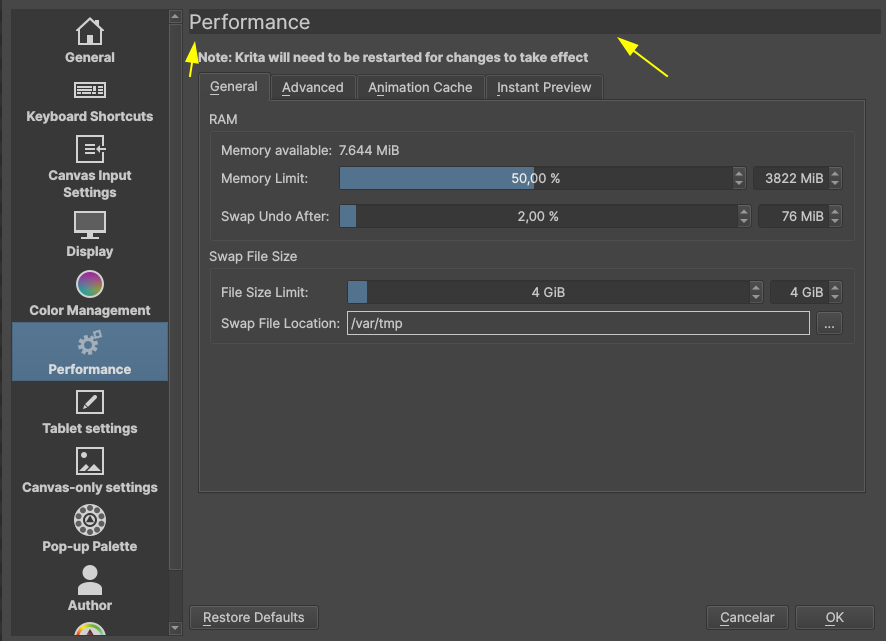
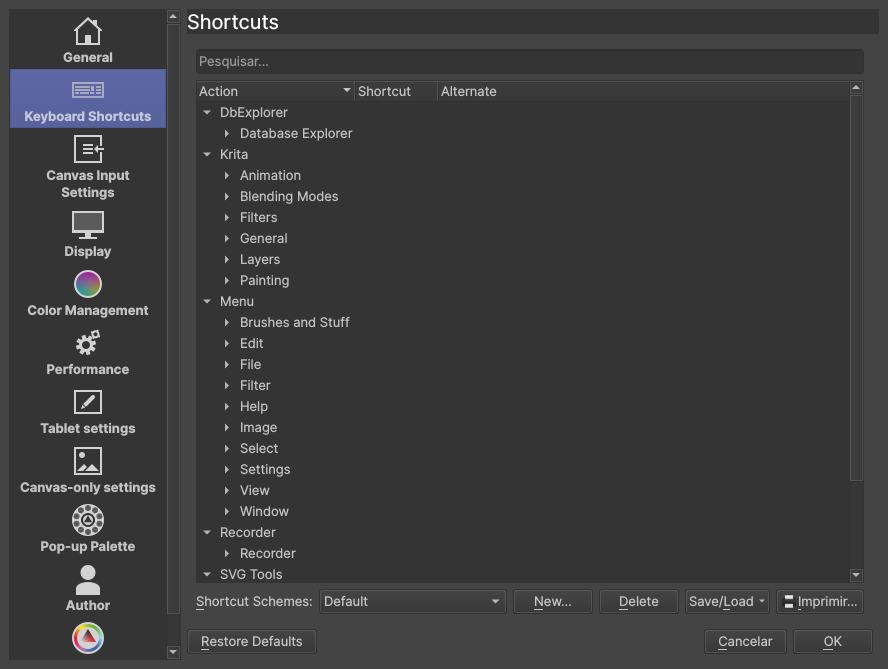
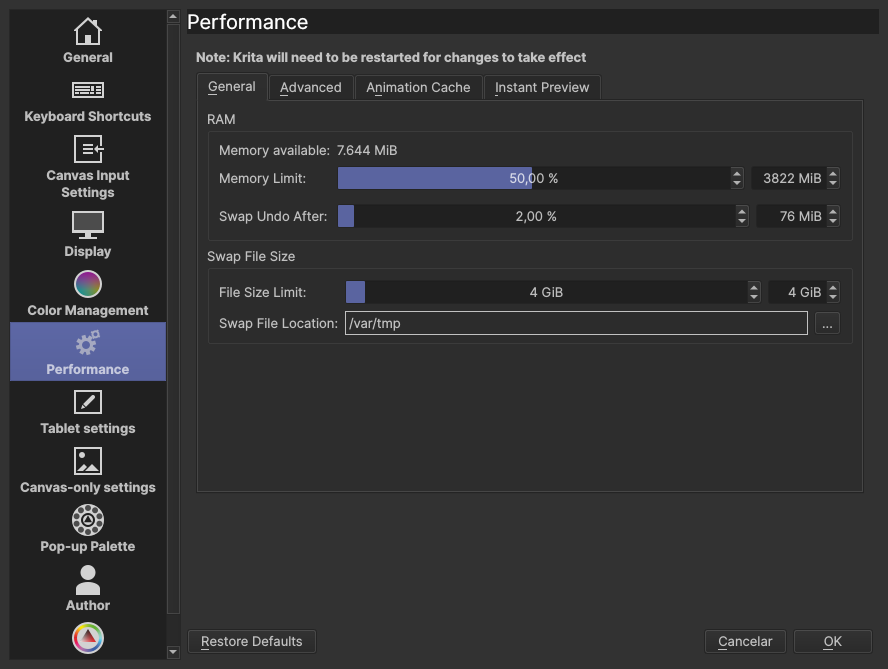
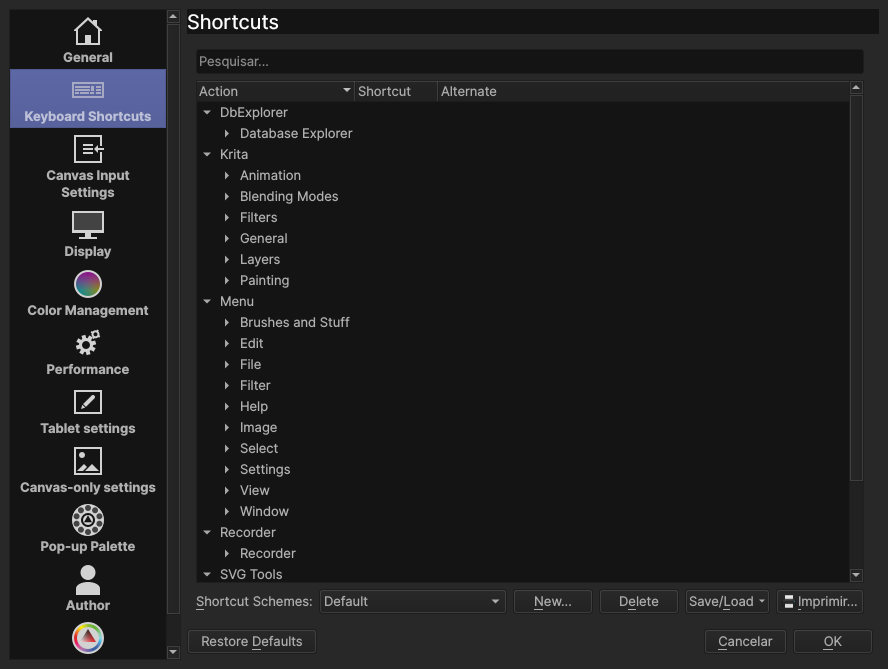
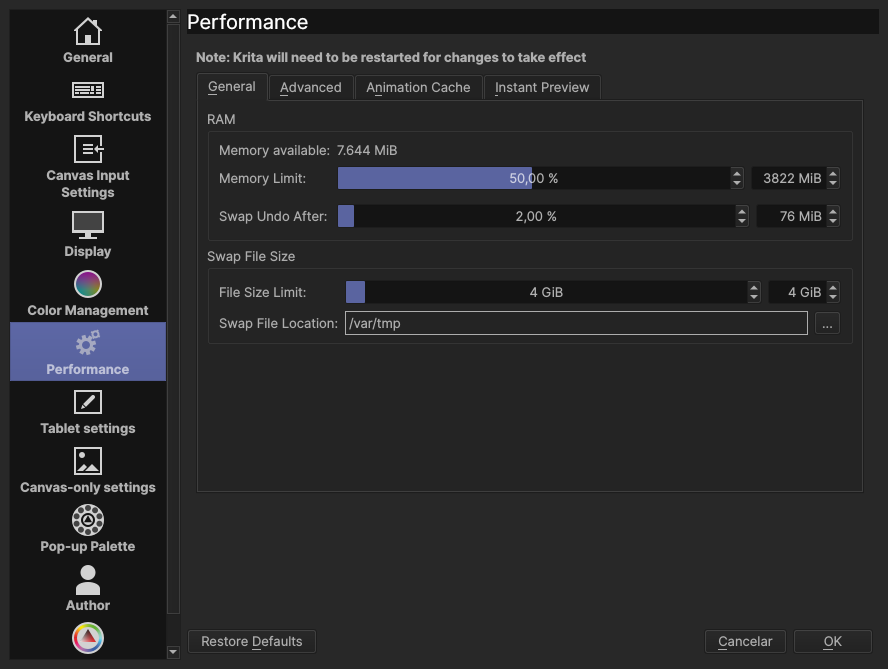
Also you said “Point 2 and 3 from bright theme applies”, but the point 2 is “The second thing I don’t like is the inconsistency with text color, some part it is white, some parts it is dark.”, and I see more inconsistences in your theme, actually, judging from the screenshots (Size, Opacity and all other “fillable” numeric sliders have black or white text depending what value it is, and the “Keyboard Shortcuts” selected in the Configure Krita screenshot is basically the same screenshot, just reversed, as what you showed in the bright theme as undesireable). I might be confused here but it seems like the situation is not fixed. (Btw: if your problem was with the icon over the Keyboard Shortcuts, it might be because Krita sometimes doesn’t switch themes completely; check if it works if you restart your Krita. I was planning to make a thorough theme-changing challenge, making sure the changes go to the deepest parts of Krita, but I haven’t been able to do so yet. So to make 100% sure you know what the theme looks like, you need to restart Krita It mostly works correctly but “mostly” is a key here when we’re judging themes for consistency).

The shortcuts dialog is pretty ugly in your version, which is probably not a huge problem, but I guess it might be the reason why the Layers docker and the Timeline have such strong contrast between the elements now (which I don’t really like, tbh).

Also why do you think that specific theme must be darker? There is Krita Darker theme; why wouldn’t you make your Krita Dark into Krita Darker, and your Krita Darker into, I dunno, Krita Darkest?
And then Ultra Dark, of course.

To sum up, I wouldn’t like that change. It would be different talk if it only changed the values slightly to make some kind of more aesthetic look, or maybe - which would be nice to have - make the contrast in the sliders (on the canvas area) a bit higher, but now, I’m not really a fan.

I would not go as far to call myself a developer though. I use krita like any other user has access too, Python is open to all users and has the same bounds of someone that just draws. You just use the system.

1080 is small and very small for krita UI but it is not that bad considering Qt they are just too big in size. And what I mean about tabs is just putting the dockers over each other to make them nested so you can have more on screen in less space.

By the way considering testing. Would it not be a cool thing to have like a docker panel that would apply a set of colors to the theme like a dynamic thing? Then maybe you could press a button and generate a theme file. Or it only changes on startup? This idea has been on my head for a while.

Hello Tiar, thanks for your feedback!

About your points:

I understand why you like the “inside” of a docker to be darker than the “outside”, my problem with it is, for me, it makes the text on it harder to read (probably because I have astigmatism) in dark theme this is not a big issue because it’s not that dark, but in darker theme it is basically unusable for me. And yes, I can just use the themes I did, but I’m pointing it out because probably some people have the same issue I have with it.

But let me be clear, while I think this parts been lighter make Krita more beauty, change the font opacity/lightness and make it not so dark, can have the same effect on readability (at least for me).

I made it that way to have better contrast with the “accent” color, but I can make it white too, probably just need to low down the brightness of accent color :thinking: But, there are some parts where the “selected element” don’t change the text color, like in layers and in toolbox.
image image

I will admit that when I posted the screenshot here I noticed that it had too much contrast, but I was a little tired to change it :sweat_smile:

I know this and yes, I had restarted Krita every time I changed the themes to take the screenshot. (I double-checked it while write and I can confirm it doesn’t change)

For me the layers and timeline, as you mentioned, have more contrast makes it better for me to distinguish the frames and layers than the original, but I also don’t like it, and I’m not sure if I have a way to change the contrast in it manually (I’ll take a look)

Tbh I just think it’s looks and work better for me being darker than it is now, but it if you don’t think it makes sense I can adapt it to be the same as the dark themes are

About the sliders, you mean, those?


If so, I need to look what value changes this part (I normally hide the sliders, so I actually never looked it.) To finish, I can make a less aggressive theme if you want.

I’m not a native English speaker, so if you didn’t understand something, or I misunderstood something you have said, please tell me :slight_smile:

I mean, I know, but the majority of users will not write a single line of code, then I guess they would be the priority IMO

I disagree, 1080p is the standard resolution for monitors right now (we are slowly moving to 4k, but 1080p still the most common resolution)

I see, is just some people don’t like to use the dockers like that, but I guess if they have a small resolution monitor, they will have to deal with it anyways, so it’s a fair point

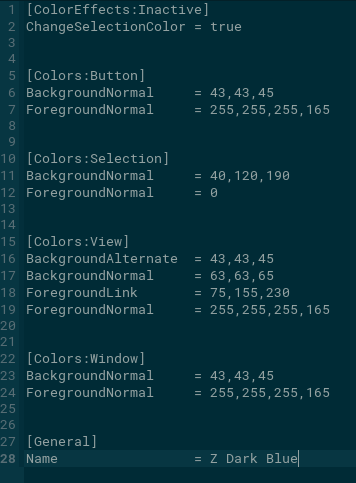
I think it’s totally possible, here is an example of a .colors file, I have removed all lines of code that Krita don’t use for it’s theme, so it is very simple:

All values are basically a RGBA values and you can update the themes just selecting it on the theme list, but as Tiar have said, to Krita change everything you need to restart Krita

Even ignoring that wrong logic, I am sure you can speak for everyone also.
Making the UI worse for no reason is not good…

I don’t have much to contribute, but I still quite like the design of Krita 5 so far, but maybe I’m just too old for changes. :thinking:
Running your suggestions as themes that everyone can choose according to their taste would be okay with me, overall the reasoning of @tiar and @EyeOdin feels better to me. A bigger contrast of the sliders at the edge of the canvas would be appreciated, if you find the value to set that contrast, I would add it to my theme right away.

Michelist

That is fixable in the code, it just needs someone to do it. Maybe I’ll do it after Krita 5 release, but if anyone else wants to do it before that (we still have a little time before beta), it’s easy to do, just requires checking everything and finding things that don’t work.

Overall, I would really like such solution (a docker or better a dialog that can create new themes and test it quickly, without restarting or writing the theme file). It shouldn’t be difficult to do or take too much time. I can add it to my Beginner Tasks, even. It should be possible to do in Python as well, I think.

Ok, I have made some changes, tried to address the issues, what do you people think? Also, is there anything in the themes that you liked? And what about the neutral theme? I don’t use the neutral theme, so I don’t really know if it is good or not


Dark


Darker


Ultra Dark

Hello @Zoldyako!

If anything, Ultra Dark. I use an even darker theme and will probably adopt the blue tone :+1: in the theme I use, I really like it.

Michelist

Dark and ultra dark looks good.