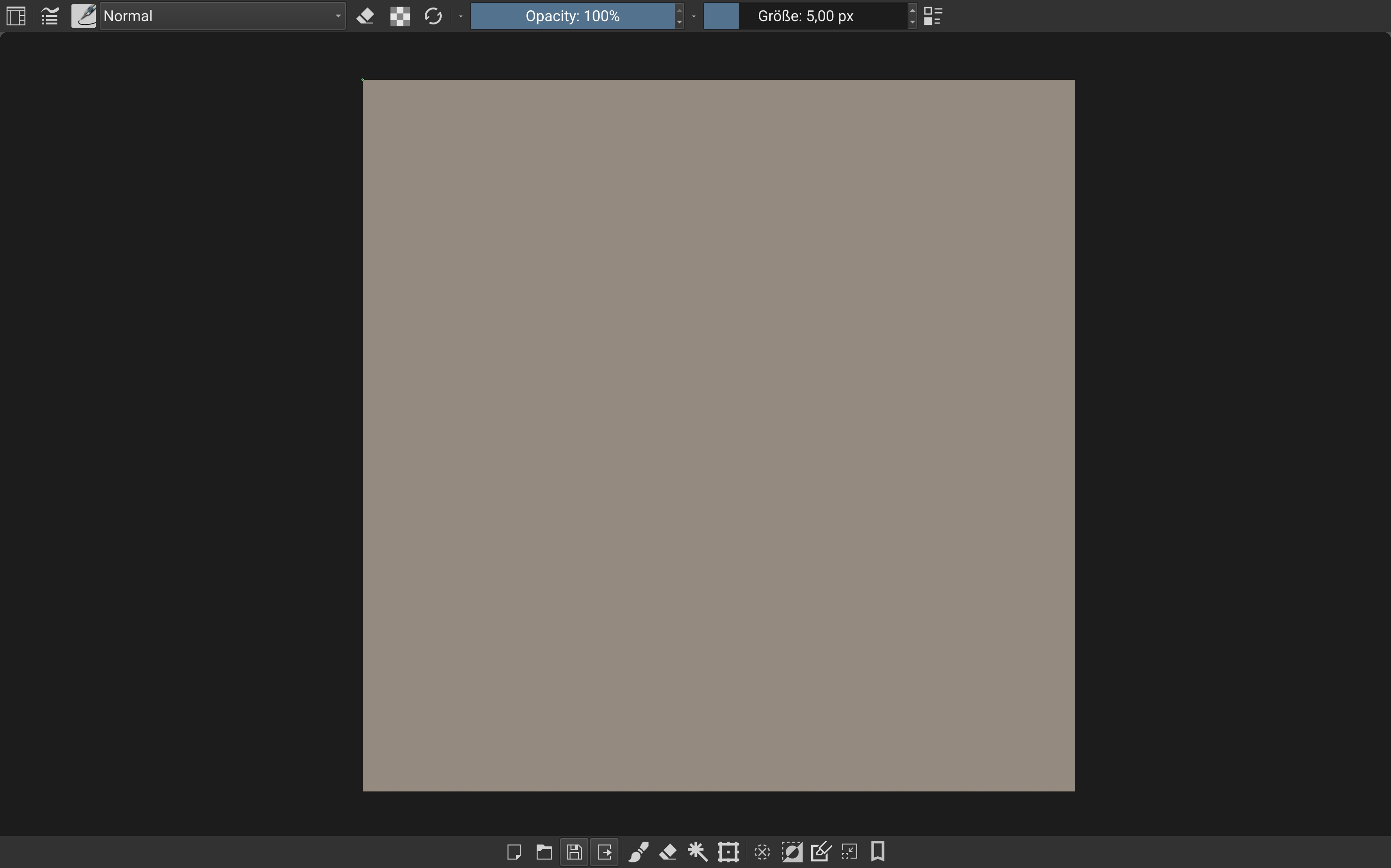
I heard that UI simplification is currently underway to make Krita more suitable for running on Android mobile devices.
However, I have a request.
Samsung’s Galaxy S Android phones and tablets feature a DeX Extended Monitor mode that allows you to connect a separate monitor via USB-C (with DP-Alt functionality) and use the device like a desktop PC. This DeX mode was recognized for its usefulness by Google and has been incorporated as a standard feature of the Android OS. (Since it requires a USB-C port that supports DP-Alt, not all Android devices can use it yet, but more and more devices will support it in the future.) If you connect a USB hub that supplies external power to an android device, connect a monitor and a Wacom graphics tablet to that hub, and add a Bluetooth keyboard and mouse, you essentially achieve a graphics work environment identical to that of a desktop PC. I absolutely love using this silent, low-power environment.
However, almost all mobile painting apps are designed with only users who use small touchscreens and stylus pens that make direct contact with the touchscreen in mind. For this reason, the vast majority of painting apps are practically unable to use this Android extended monitor mode; paradoxically, however, only KRITA—which brought the desktop app’s UI directly to the mobile UI—functions properly! (The mouse cursor on the monitor is crucial, especially when operating a screenless Wacom tablet with a stylus pen. Krita’s painting cursor is designed to work under these conditions and can replace Android’s blunt arrowhead-shaped system cursor, whereas other painting apps do not take this situation into consideration at all. The same goes for the shortcut key system well-suited for keyboard use with graphic tablets.)
Therefore, I fear that once the UI is simplified for mobile, compatibility with DeX mode will be destroyed. I implore the KRITA development team: even once the UI for Android mobile is finalized, please allow us to freely select and use the current desktop UI within the app. I want to use the mobile UI when using only a tablet PC, but I want to use the desktop UI when using a monitor via DeX mode.