Hi. The plugin works great for me. Thanks again. I have set many actions for myself. I realized that if I add some more buttons, this bar will be too long. I wonder if we can divide it into 2-3 parts. Or do you have a solution for this? @yetanotherpainter
I’m very curious about your plugin and am looking into buying it!
I would just like to know before hand if I could make these sequences of actions and if I can map them on a keyboard shortcut.
I would like to make an acction with a shortcut for adding and deleting a layer, without having to click in the layer tab.
Also, I would like to make so that horizontal and vertical flipping during a transformation is set as a sequence and on a keyboard shortcut again.
Hi, I have one question: can the Actuator sequence be called via the command line with a set of parameters (for batch processing)? Thank you for your reply!
At this point sequence of actions is internal for the plugin itself. I have not put any functionality for external use. Can you elaborate more on “command line” use?
Is it difficult to add script execution functionality to it?
Scripting is also a part of automation functionality (although it is more difficult for the general public). Currently, I use ‘Ten Scripts’ for management. It’s a bit troublesome, I need to remember the shortcut keys.
I think using these scripts as a button is appropriate
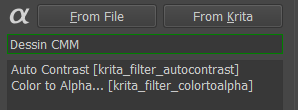
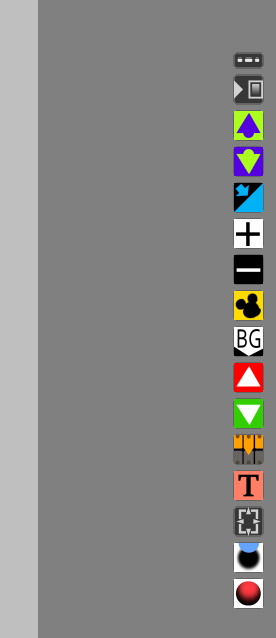

 wow
wow