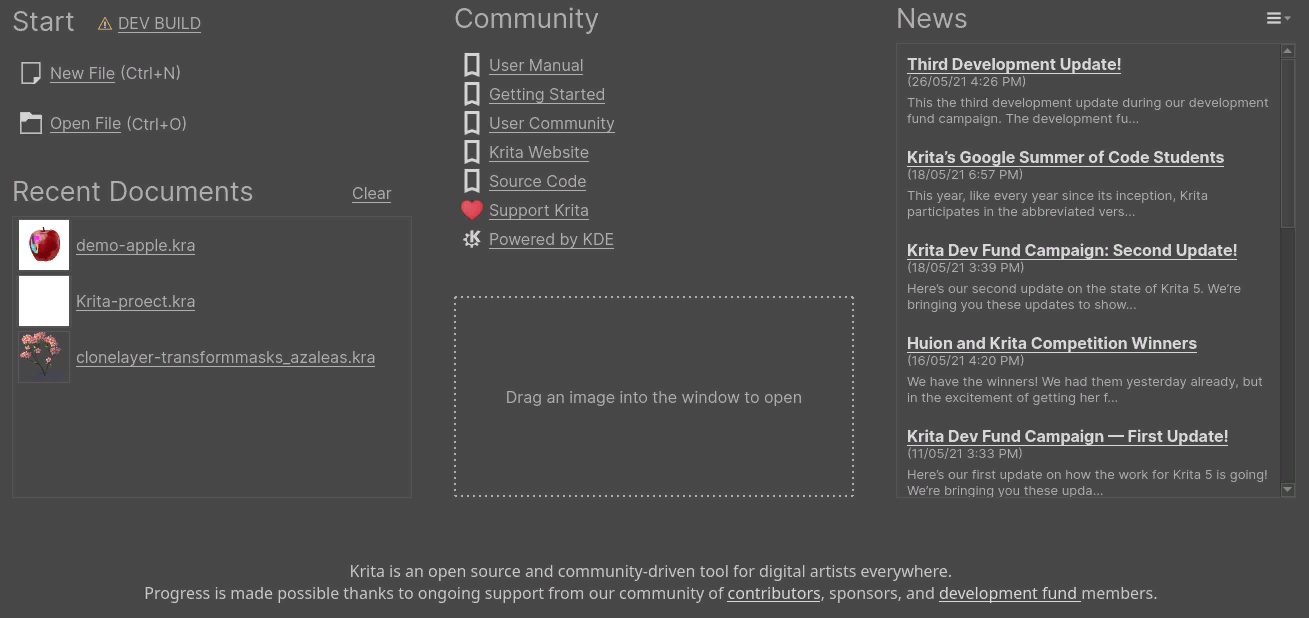
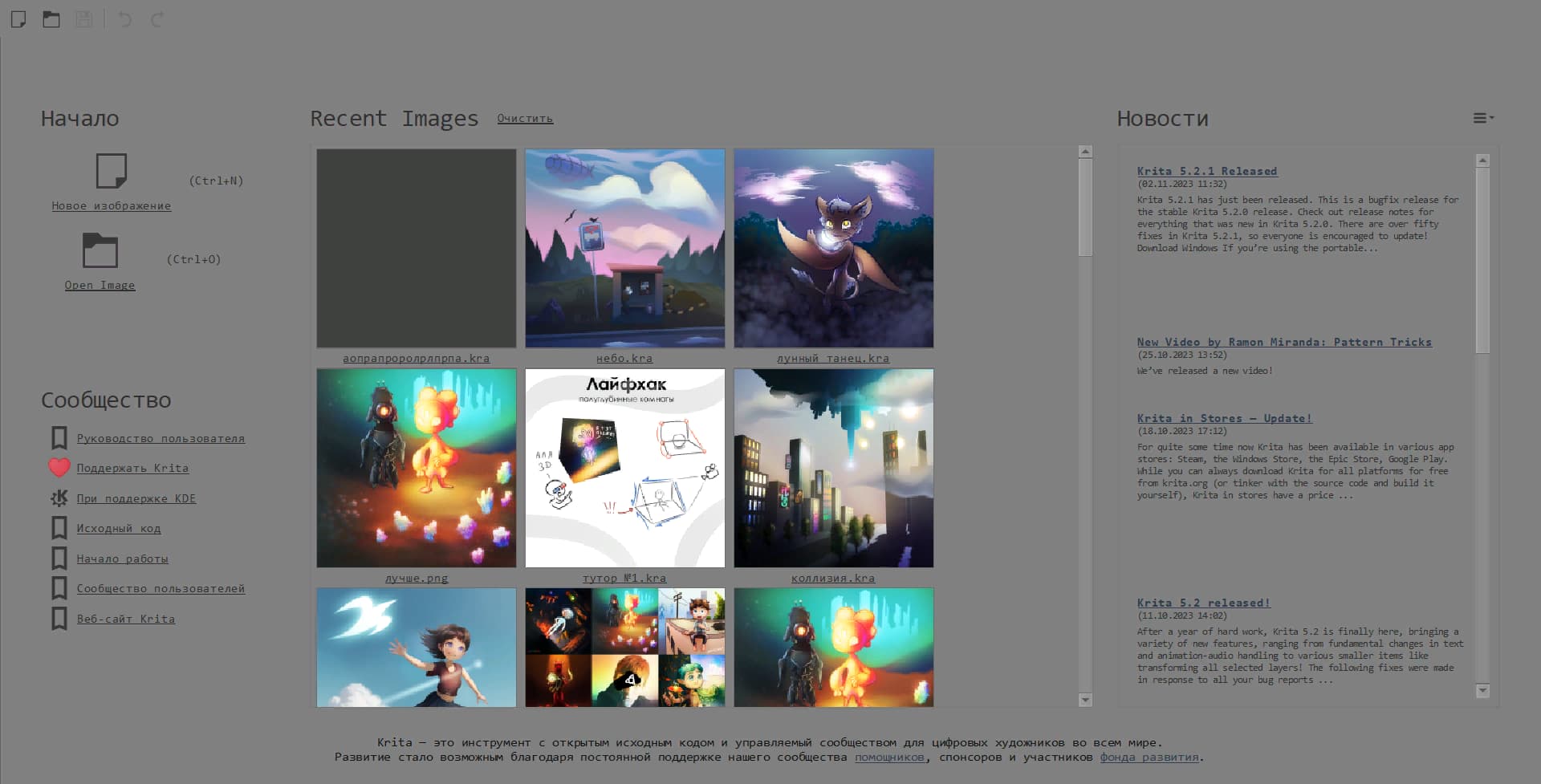
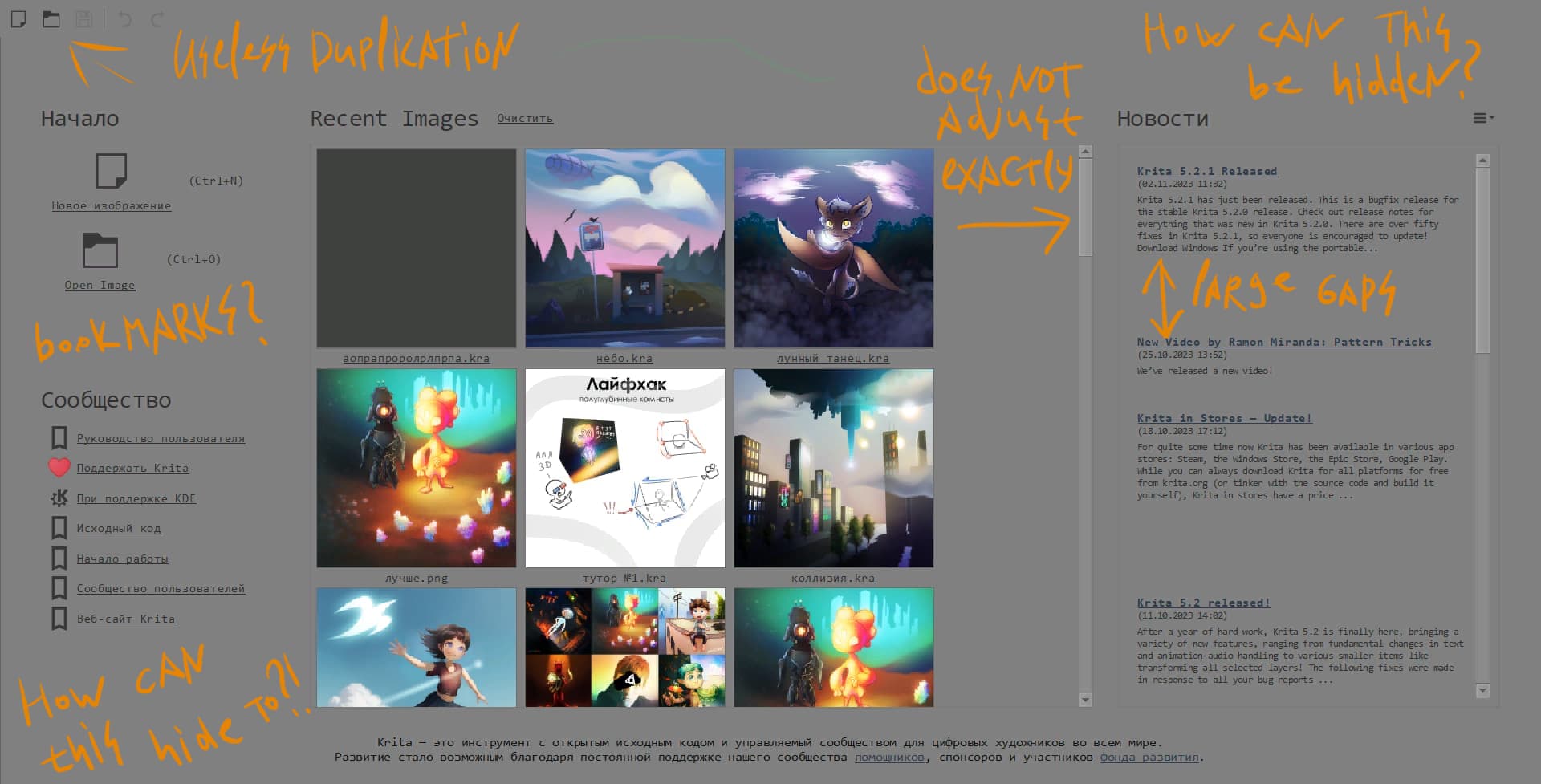
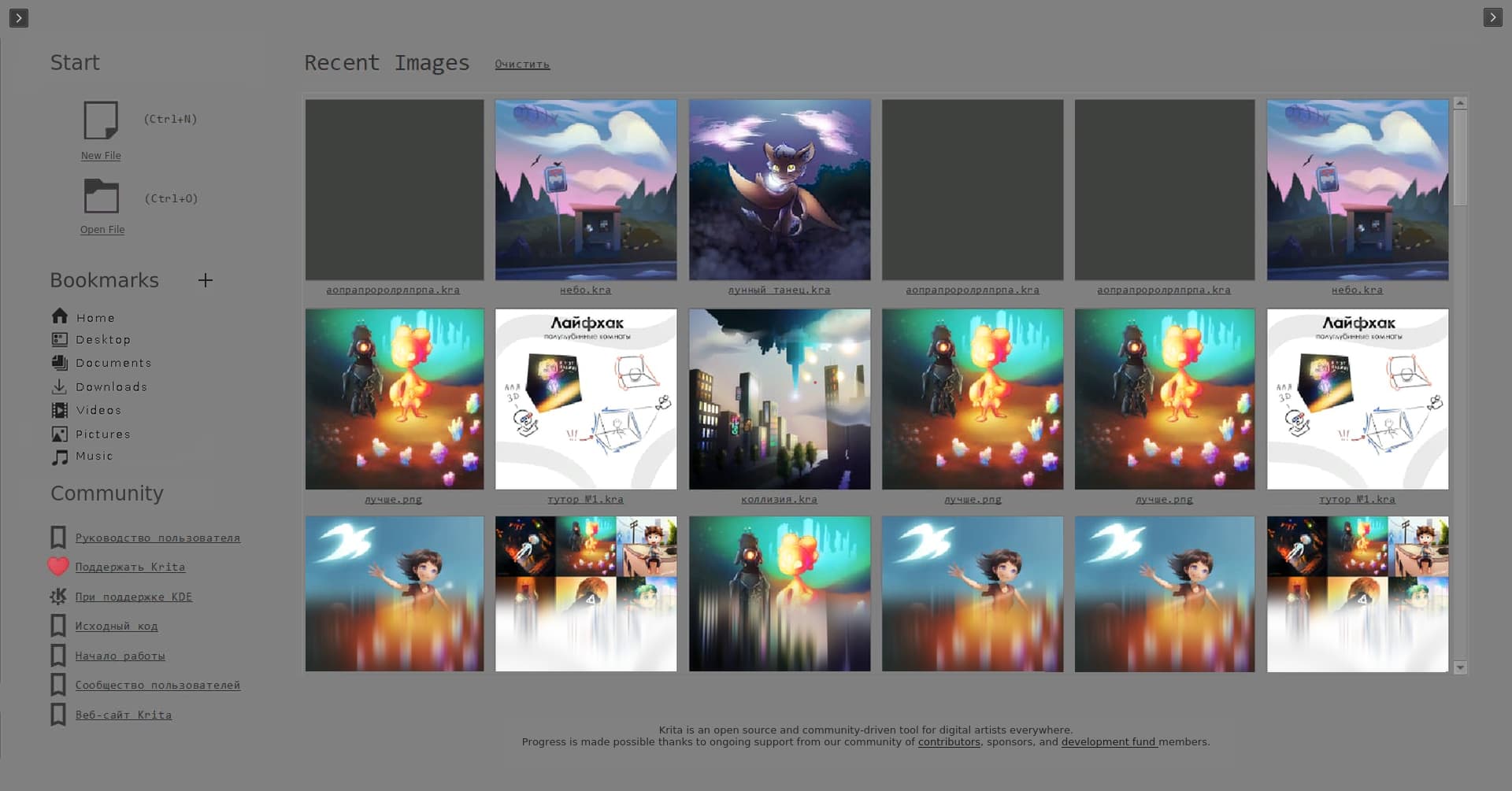
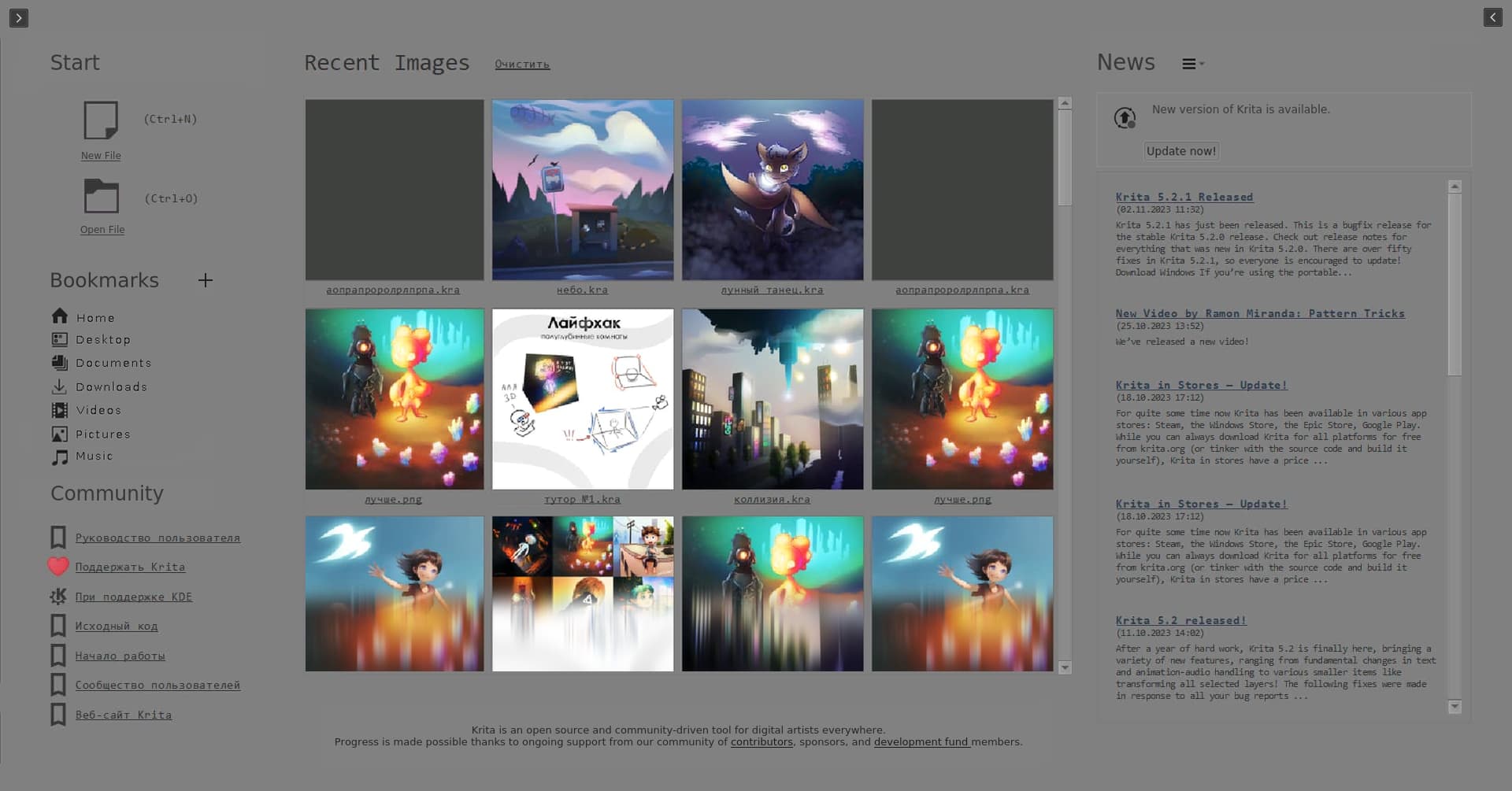
I find the new welcome screen uncomfortable, its elements are a bit large for its size, also it resets my workspace…
Add an option to bring back the old welcome screen design and hide all workspace elements in the welcome screen stage…
Please
(I’m not asking to remove it, I just want to be able to at least customize it…)
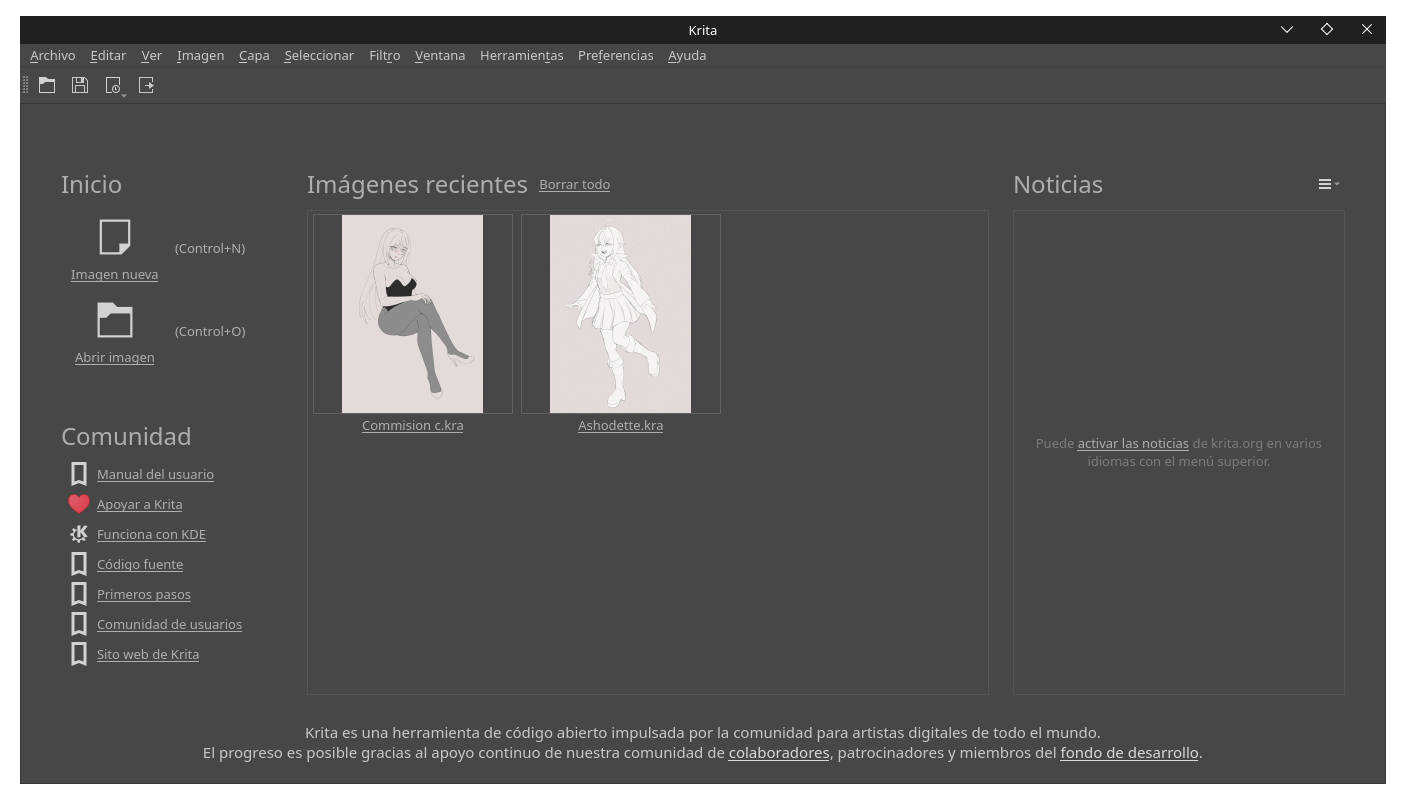
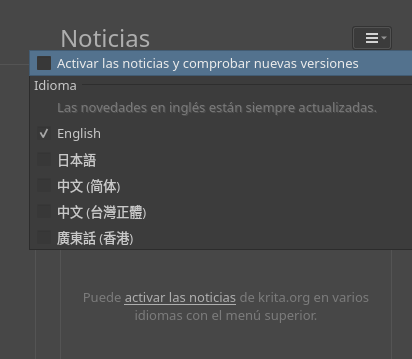
I really like how it looks currently. If you deactivate the news and delete the recent files that you don’t use, it not only looks very good but you focus only on what you are working on.
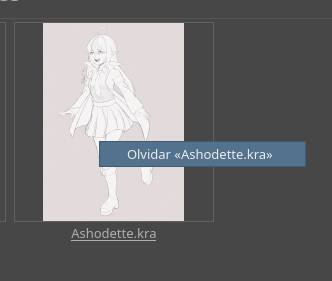
If you right click on any file you can delete it (from the welcome screen, it doesn’t really delete it, I’ll clarify just in case) and you have a cleaner way of working.
Why would you need bookmarks in the welcome screen? I think that is unnecessary as the open dialog already has it. It may be good to add bookmarks to project folders of the users and not the bookmarks like videos documents etc.
Standard bookmarks just taken for example. It is assumed an bookmark will open project; clicking on a bookmark will trigger a standard open dialog (or integrated instead of the latest images)