Hi,
I finished my painting. I decided I need a canvas texture on the finished painting. Can I do that, if so how.
Thanks
Sydney
Maybe there are better ways, but I usually download a texture from the net and paste it into the image.
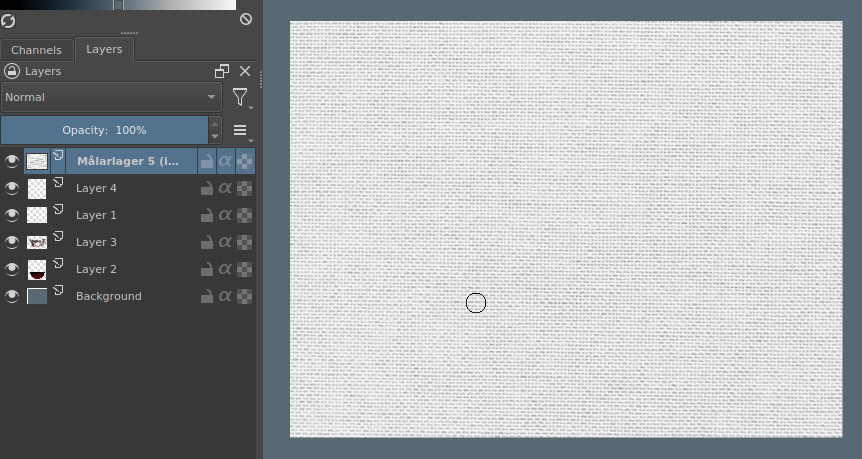
Then I play around with layer modes and opacity.
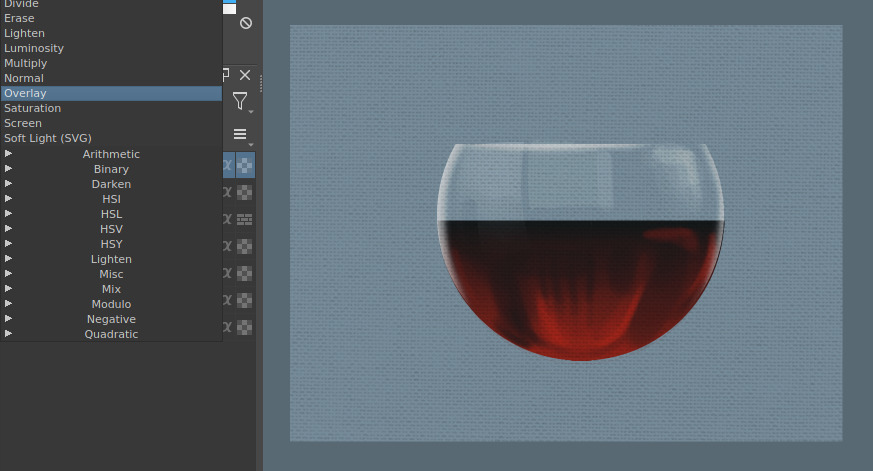
2 Likes
There are also canvas/paper patterns in the Patterns Docker that you could use.
2 Likes
Didn’t know about that one. Kind of clunky interface though, isn’t it? Took me 15 minutes of mucking around with the bucket fill tool, tried to drag textures into the image and finally I gave in and read the manual where it says Edit –> Fill with Pattern near the bottom of the page.
2 Likes
I use the Fill Tool and adjust the Scale value to get different effects and keep on doing it until I get something I like.
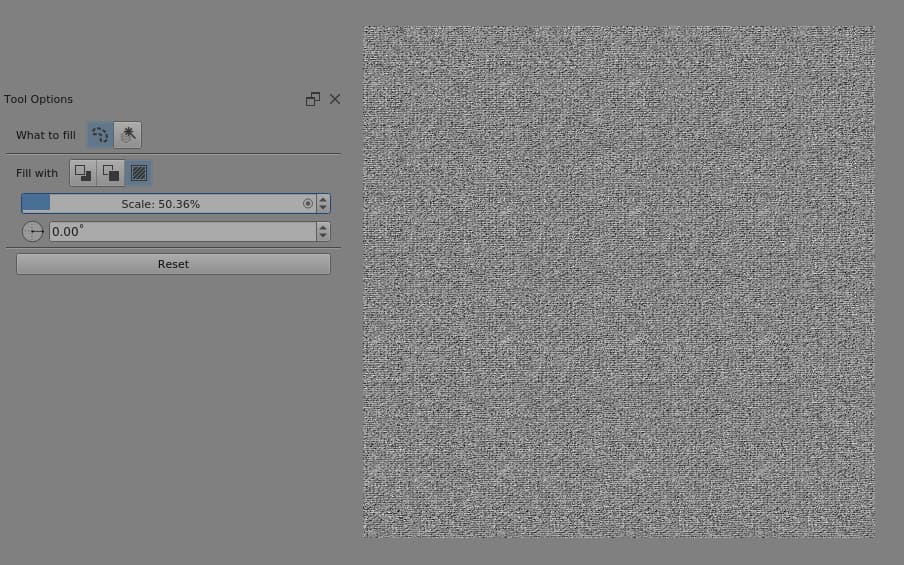
The problem with patterns is that you can often see tiling join effects.
There have been topics where people post links to paper/canvas collections so it may be worthwhile to search for those. Then there’s always the internet and Google searches.
Ah, you can do it with the fill tool! I totally missed the “use pattern” checkbox in the tool options.
1 Like
Hi,
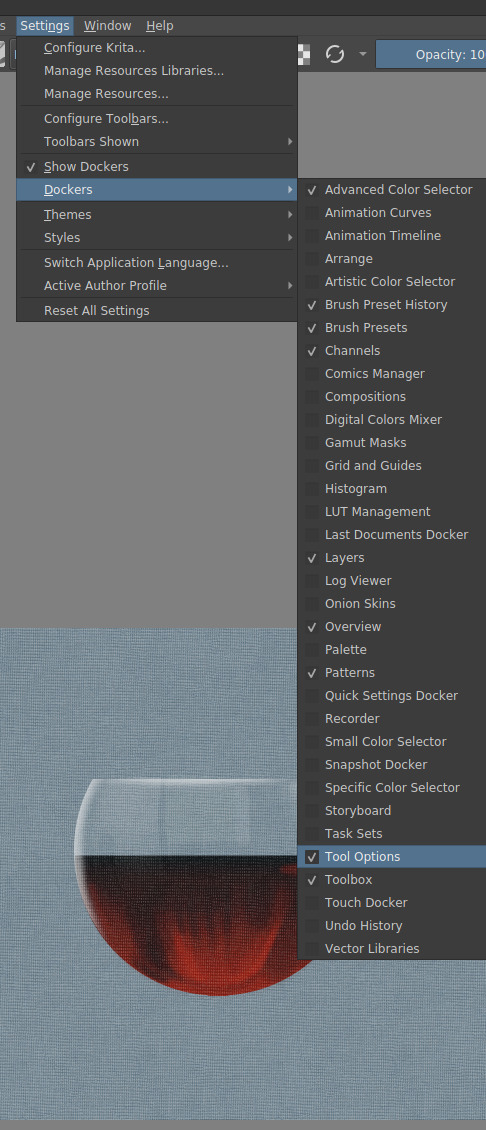
Can you explain, how do I get to the place that is in your photo “Tools option”.
Thanks
Sydney
I tend to drag more than one image from Windows Explorer to Krita with no problem… as long as those images are in a format that the program accepts (like jpg and png, for example). If your texture file is in these formats it will also accept it.
But if the texture file is in pat format, you will need to install it in Krita to use it. See this post for more details.
Yes, that works for me too. I was talking about the Patterns docker.
Thanks anyway! 
This topic was automatically closed 15 days after the last reply. New replies are no longer allowed.