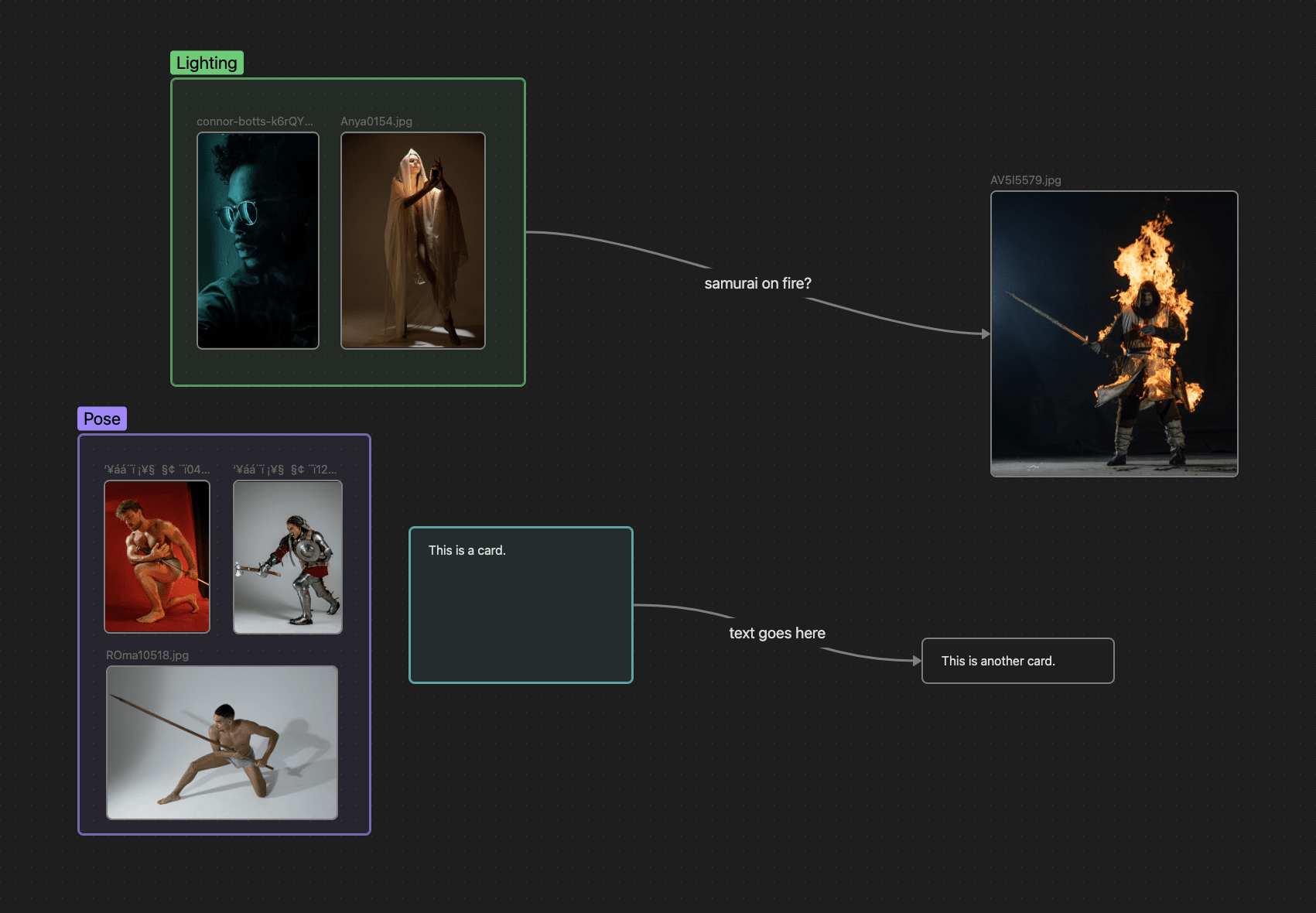
Mood-Board exported as PNG
For those that don’t know, Obsidian is a free and cross-platform advanced notetaking app. Its interface is very customizable via CSS, and I have been using it to research and organize my knowledge. You can get it here: https://obsidian.md
I personally have not heard of mood boarding before and only got familiar with this concept recently. It crossed my mind today that Obsidian can be used for mood boarding. My main Obsidian database is for general research and theological studies. It would be messy to insert mood boarding into the mix, so what I do is open my main folder (TS-REF for example) that have all the photo references, the same folder that XnViewMP uses to access all my photo. I open that main folder as a Vault in Obsidian.
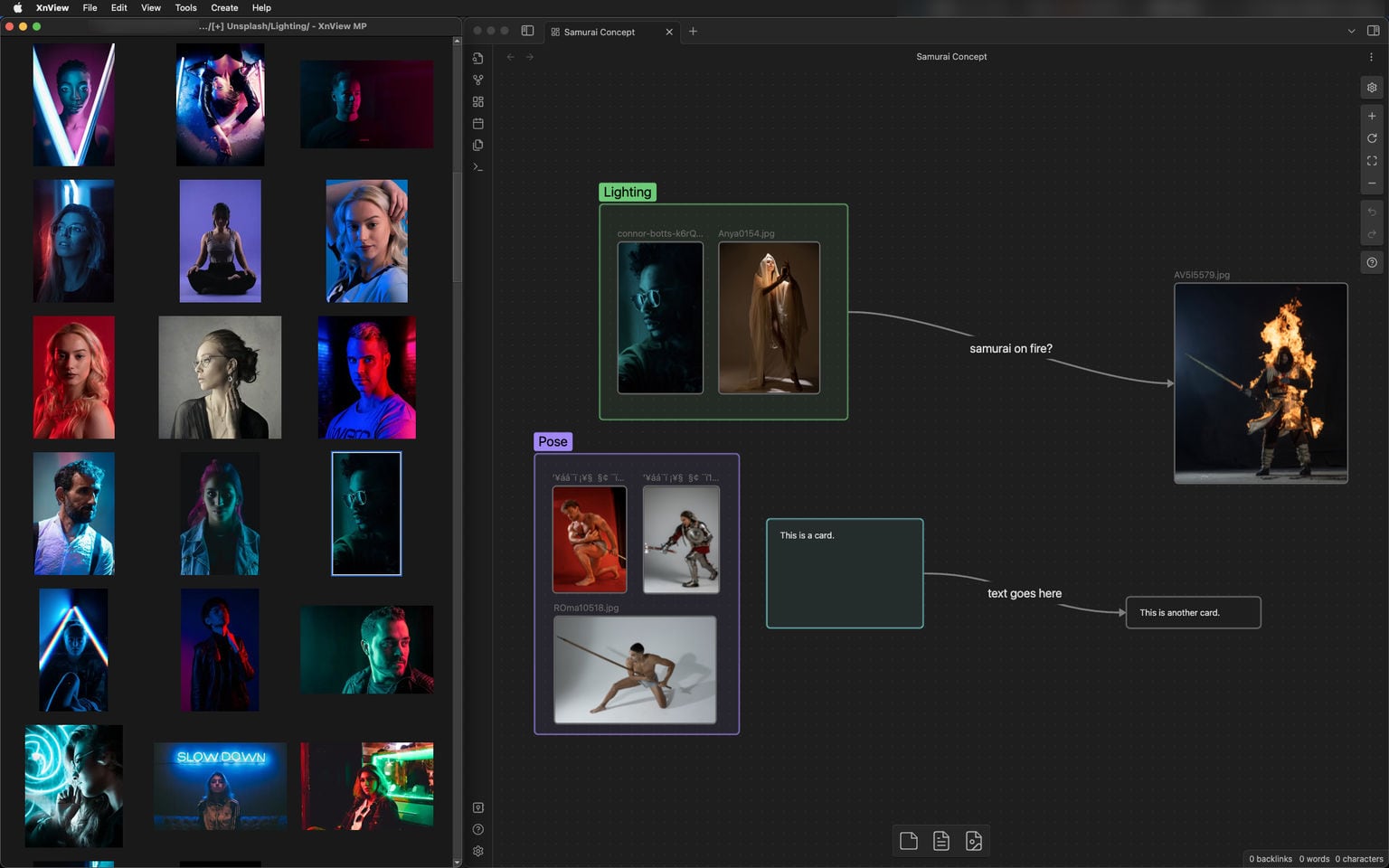
Obsidian itself is very flexible. What I’m showing here is just a quick example. You can create note card, full and complete notes, group, color, link etc… even webpage!
Since both XnViewMP and Obsidian uses the same folder, there won’t be any duplicated image when you drag/drop files from XnViewMP to Obsidian. Each Canvas you create in Obsidian for mood boarding will just be a text file so it won’t take up much space.