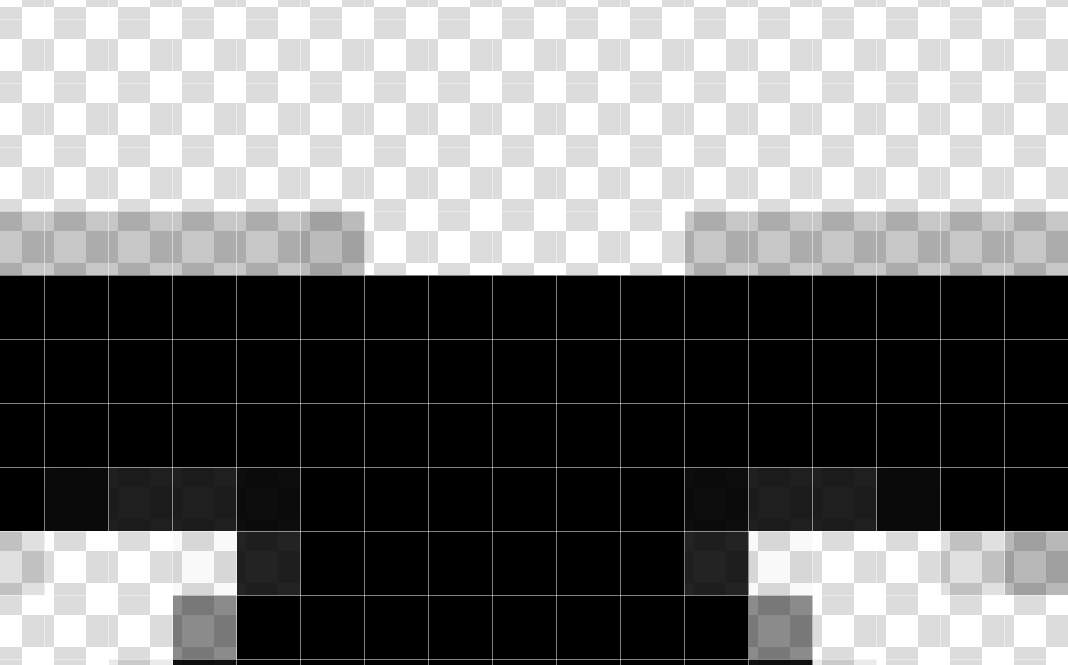
I want to fill in the missing semi-transparent pixels at the top. Sampling the semi-transparent pixels I want to draw with selects the colour but since (intentionally) brush colours do not have an alpha component, I’m required to fiddle with the brush transparency until it looks right. It’s an annoying shortcoming that requires workarounds like copypasting and scaling/deleting excess if you didn’t get it right etc.
I understand and accept the underlying technical constraint, but there is nothing that stops the eyedropper tool settings from having a tickbox that allows the picker tool to set the opacity for the brush. And since we already have a discriminant for sampling the current layer or all active layers, deriving the appropriate alpha value and setting the brush’s opacity automatically should be fairly straightforward.
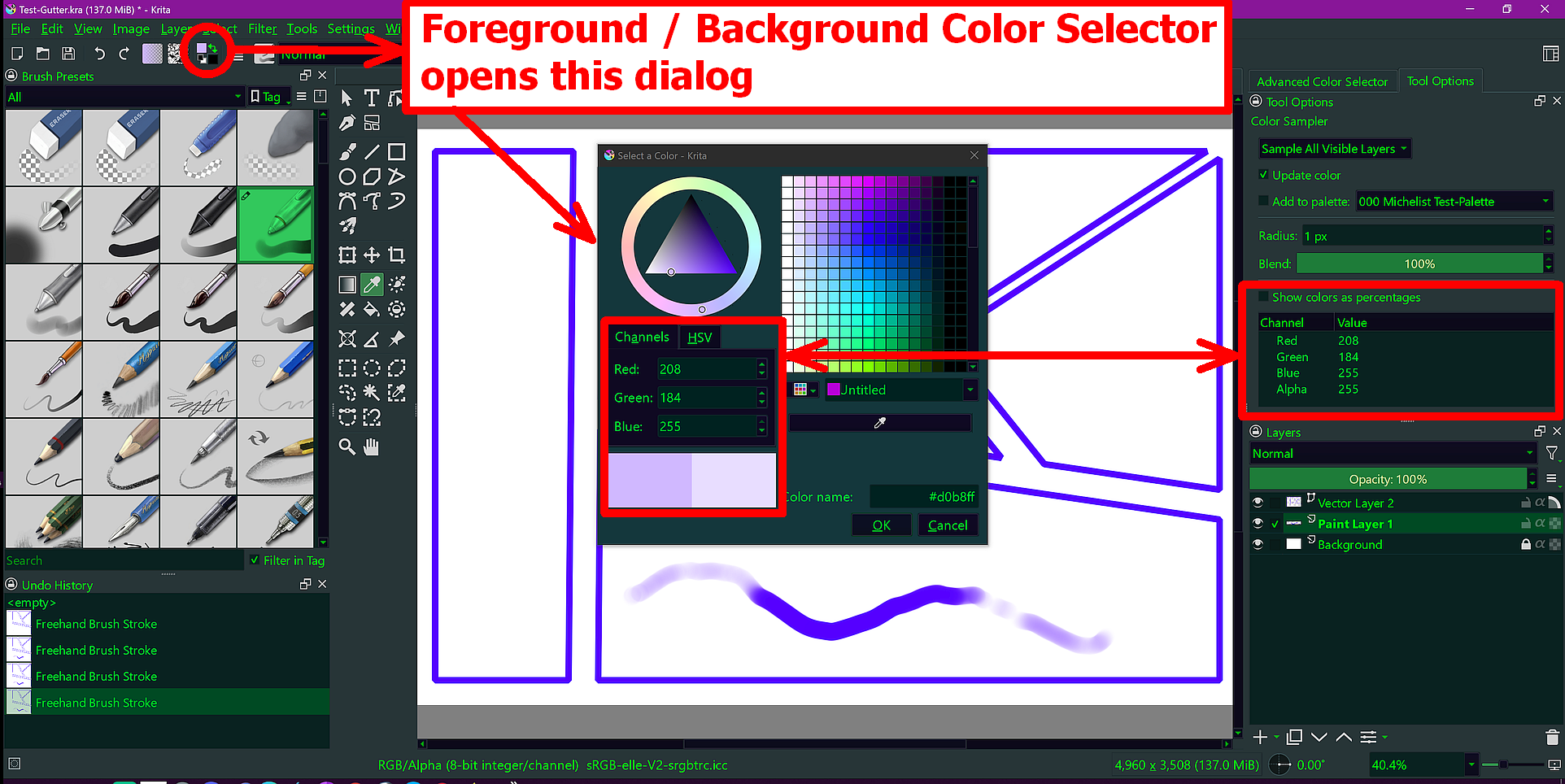
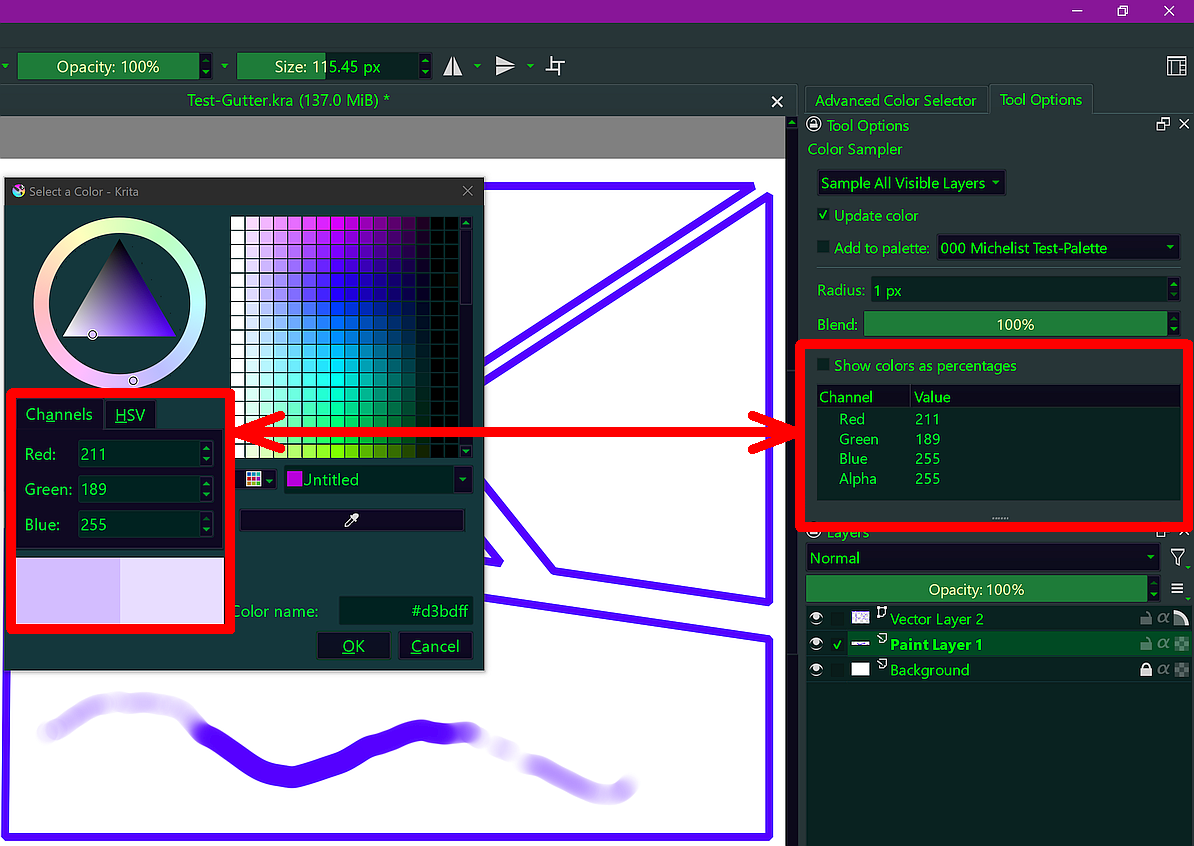
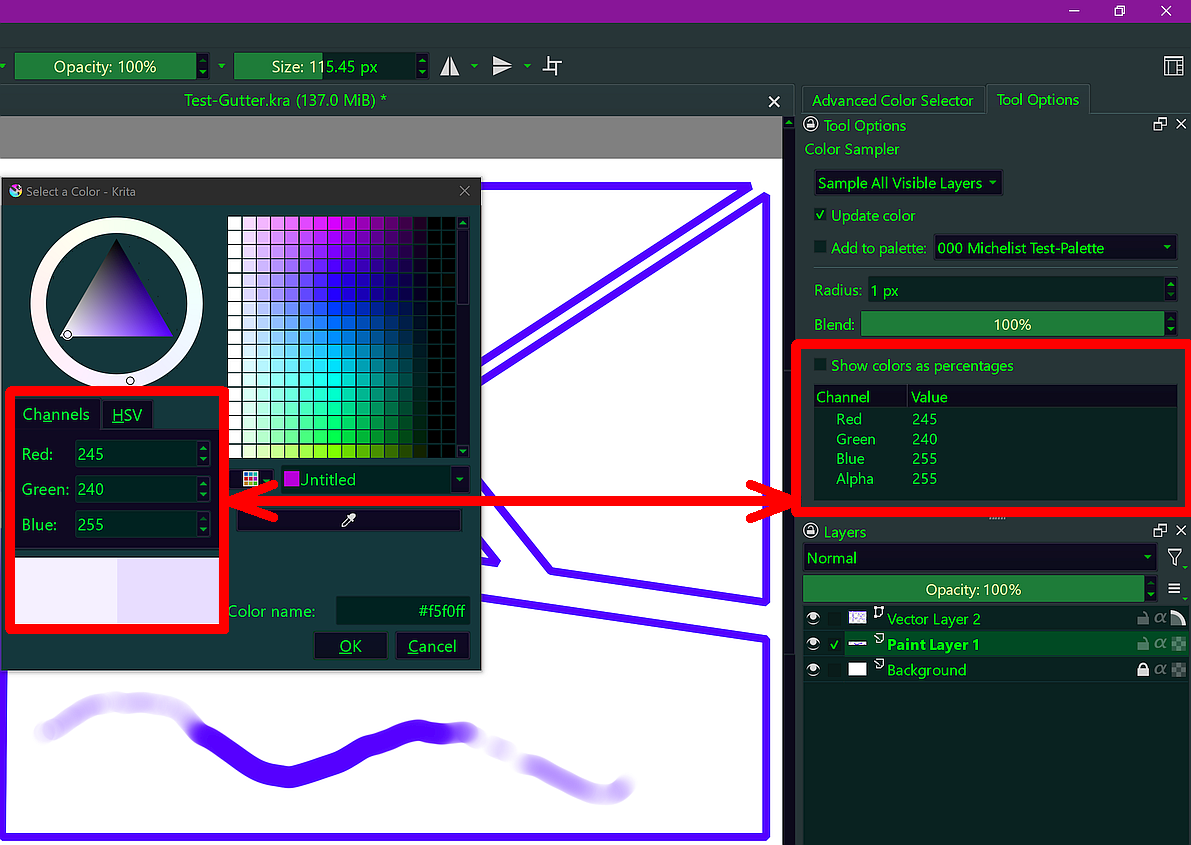
It would be nice if that were possible, but it seems you misinterpreted the eyedroppers way of working. Lay down a stroke in any color you like using a brush like b) Basic-3 Flow or any other brush which varies the opacity via pressure, tilt or any other condition, to get a stroke with varying amount of color applied. Now open the Foreground (or Background) Color selector from the Toolbar, and you will see that it does not matter where you sample a color on that stroke, the Alpha-Value is always set to 255, only the color parts RGB are sampled on the respective probing points as you can see if you compare the values shown in the tool options docker, because I have selected the Eyedropper Tool in Krita’s Toolbox:
Is it though? Color sampler does not only work with brushes. The transparency of the brush might not even be determined by the transparency setting but other things like flow, speed or pressure.
This topic perhaps has a solution that is good enough if you don’t need absolute accuracy:
If you need the exact same transparency, I had good success using the clone brush (clone engine). It should clone the pixels exactly as they are, with the same transparency. You can make yourself a clone brush that samples from one and the same pixel.