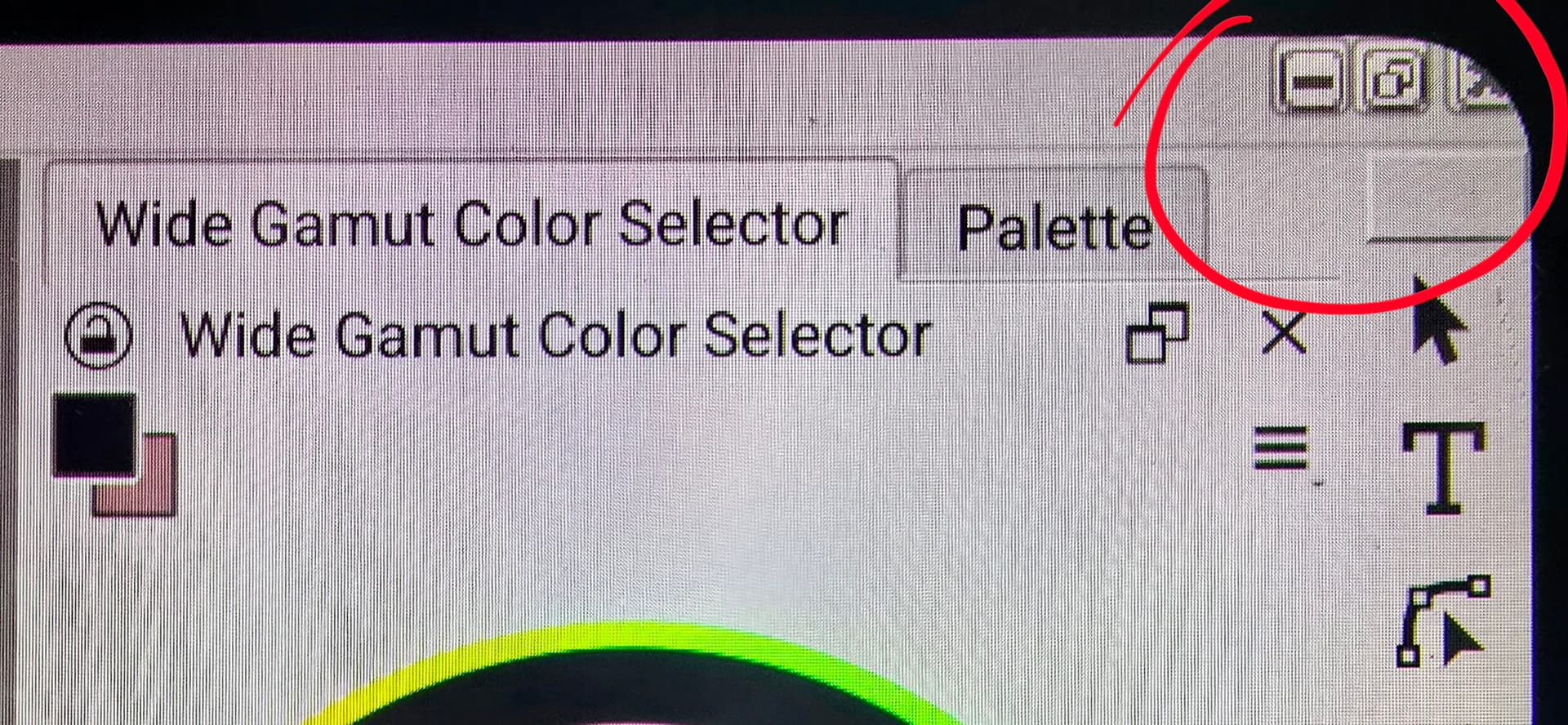
When using sub window mode over tab mode (Since tab mode adds a bar that takes up screen space), the sub window mode adds 3 buttons to the menu bar instead, but they aren’t very clear and on a screen with curved edges, part of the close button is cut off.
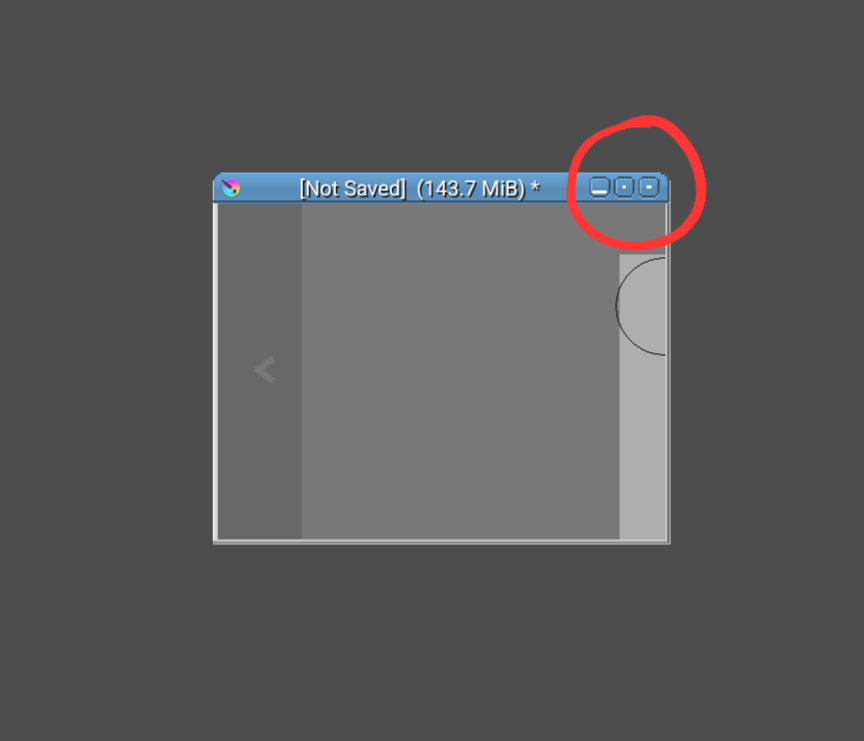
When minimized as seen in the 2nd image, itˋs not very clear which button is which, it is also very small and easy to click the wrong one.
 But since it’s in the same position as all existing programs in Windows, it’s intuitive and you know what each one does.