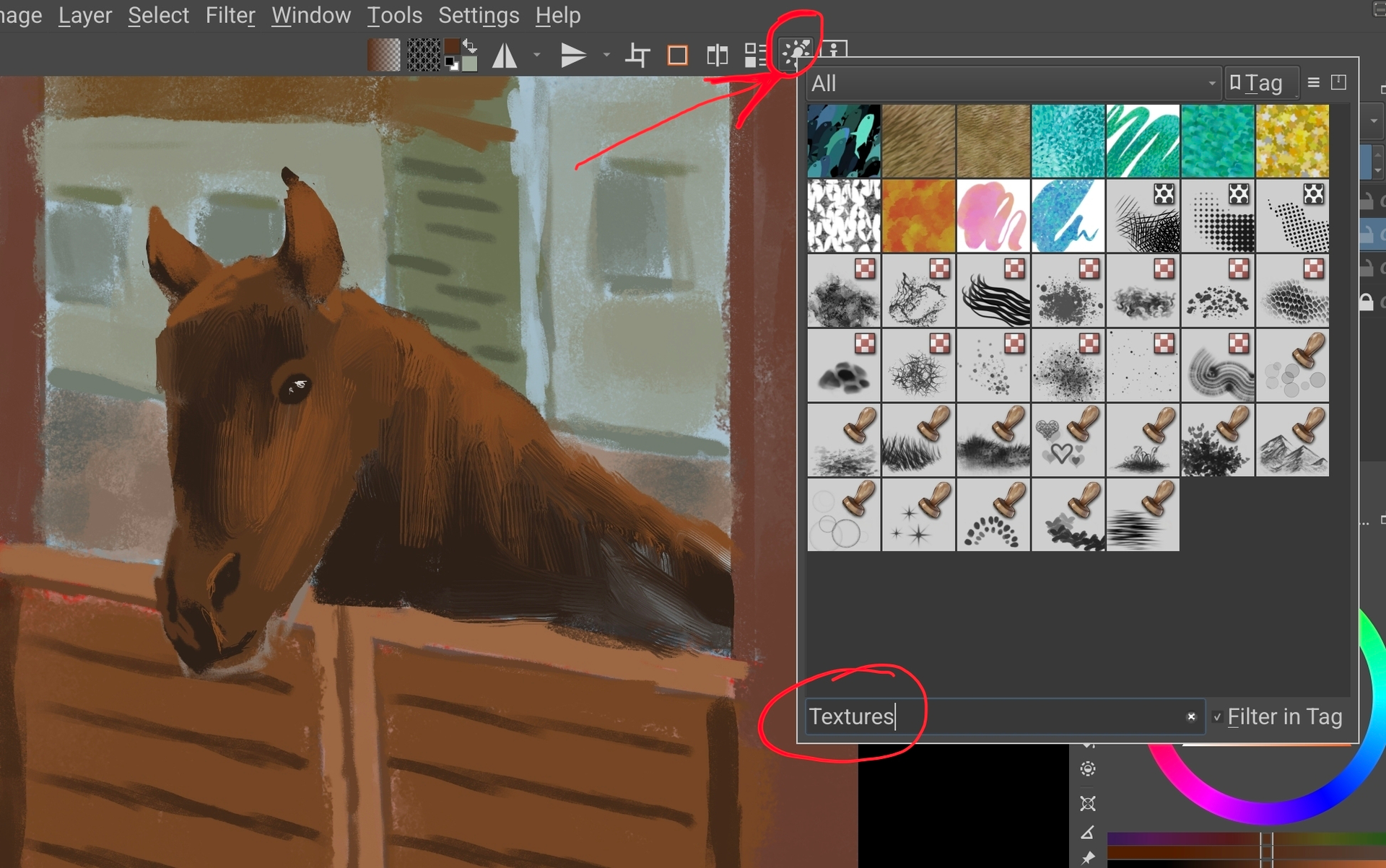
I’m trying to make my android workspace match my desktop workspace.
On my desktop workspace, with the “10 Brush Presets” script, I can add a trio of buttons to my custom toolbar to select my favorite ink, pencil, and eraser presets. Unfortunately, I can’t recreate this on my android tablet because the android build doesn’t seem to support scripts.
Is there a workaround? I found the “Select Brush Preset” and “Toggle Eraser Preset” and while convenient they only switch back to my most recently selected brush and eraser presets, not specifically defined presets.