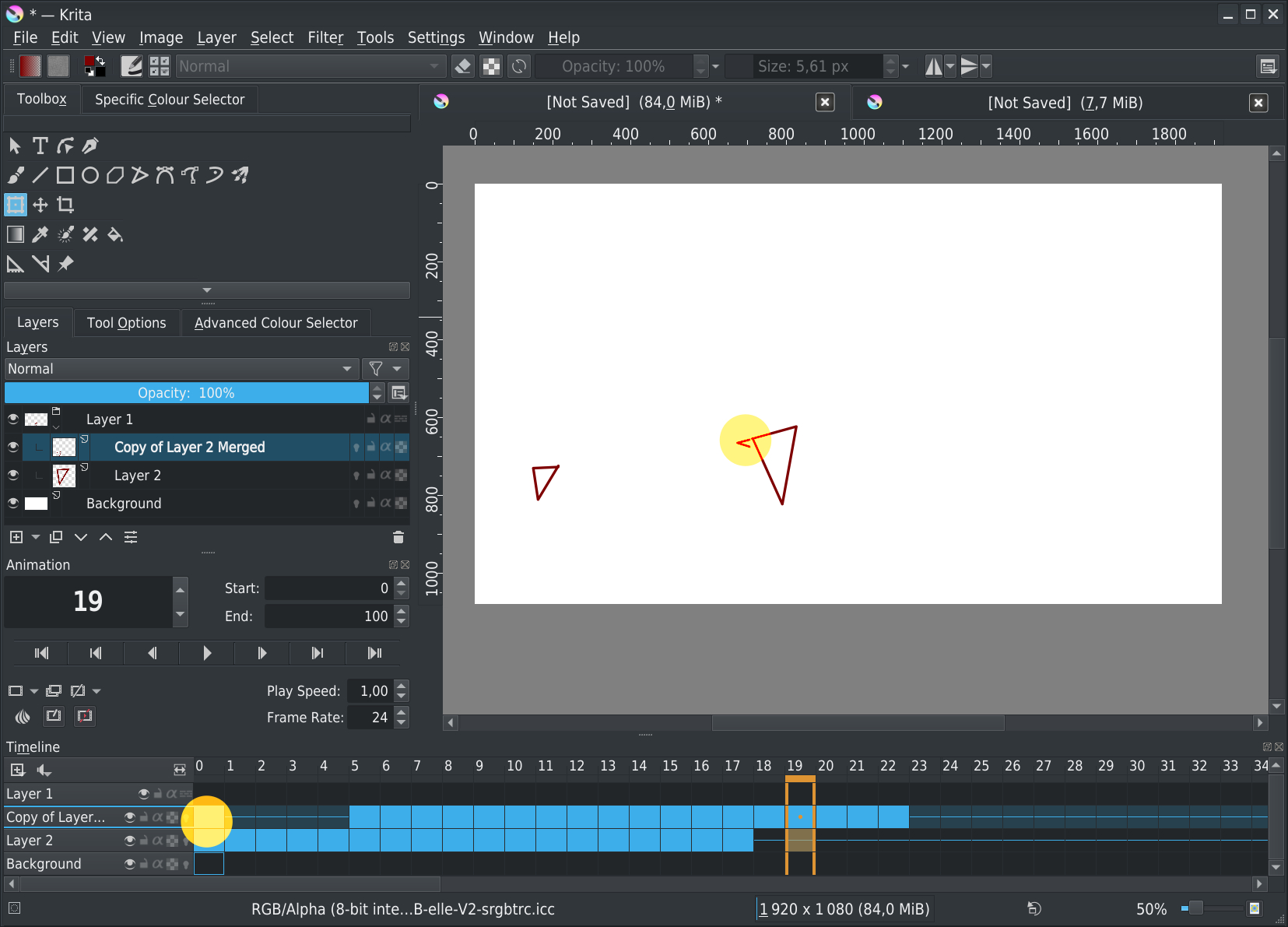
Hi
I’m still working on animation to test current functionalities, and I was wondering about how to do some actions.
Maybe it’s not possible, I don’t know, but in doubt, I prefer to ask, maybe someone has a solution.
-
Is it possible to create keyframes on transform layers?
Like I do with non animated drawings, I tried to use group layers and transform layers.
But it seems it’s not possible de create keyframe for this kind of layers.
Is it a bug, an un-existing functionality, or just me that have missed something? -
Not possible to transform (or move) content of multiples frames at once
First step in my animation is to create a fast draft animation, to ensure that timing, positions and expressions are correct. I redraw each frame after on it with final and expected rendered style.
But, to be faster in this process, I have 24-48 frames I re-use frequently with small modifications (particulary for a character moving)
I can select all frames for which I’m interested for in the layer, and do a copy/past. But pasted frames are placed at the same position than original frames content (that’s normal).
I want to move (move tool) all the frame content to the new place, but currently I have to move frames content one by one.
Is there a possibility to select N frames and move (made a translation of X,Y pixels) for all selected frame in one operation? -
I’m looking for a viewport or something like this
My animation will be rendered in FullHD (1920x1080) but background is currently a 3840x5760 image that I scroll in X,Y axis.
I want to see all the background image to have an overview of where I am, but:
– rather than moving the background, I think it will be easier to move/rotate the viewport
– when I render the animation, I currently have to crop animation to viewport before making the rendering
There is something like this, somewhere?
Thanks.
Grum999

 )
)